Document Software Compared: 7 Tools, Prices and Limits

- 1
 NotionTeams whose documents are living, linked pagesVisit
- 2
 Google WorkspaceTeams that live in the browser and co-edit constantlyVisit
- 3
 PandaDocProposals, quotes, and contracts that require signaturesVisit
- 4
 Apple PagesBeautiful documents in Apple-only teamsVisit
- 5
 Zoho WriterFree word processing with business automation built inVisit
- Top of the list is Notion, which targets teams whose documents are living, linked pages.
- One limit worth knowing about Google Workspace: offline work is weaker than desktop suites.
- For firms that want a full office suite for $0, LibreOffice is worth a look.
- Free plans exist at 5 of 7 tools (Notion, PandaDoc, Apple Pages, Zoho Writer, LibreOffice).
- Google Workspace has the lowest monthly starting price in this list: $7 per user/month.
Direct answer
If you need teams whose documents are living, linked pages, Notion is the first tool to look at here. Look at Google Workspace for teams that live in the browser and co-edit constantly, and at PandaDoc for proposals, quotes, and contracts that require signatures. All 7 tools are compared below on price, free plan and limits.
Quick comparison
| Product | Ideal for | Price from | Free version | |
|---|---|---|---|---|
| Notion | Teams whose documents are living, linked pages | $10 per user/month (billed yearly) | Yes | Visit |
| Google Workspace | Teams that live in the browser and co-edit constantly | $7 per user/month (billed annually) | Free trial (14 days) | Visit |
| PandaDoc | Proposals, quotes, and contracts that require signatures | $19 per user/month (billed yearly) | Yes | Visit |
| Apple Pages | Beautiful documents in Apple-only teams | Free | Yes | Visit |
| Zoho Writer | Free word processing with business automation built in | Free (business plans via Zoho WorkDrive) | Yes | Visit |
 Microsoft 365 | Companies standardized on Word, Excel, and Outlook | $7 per user/month (billed annually) | Free trial | Visit |
 LibreOffice | Firms that want a full office suite for $0 | Free | Yes | Visit |
The best document software
If you are comparing document software, this page covers 7 tools in one place: what each is best for, what it costs to start, whether it has a free plan, and the main limit to know about.
Notion
Ideal for: Teams whose documents are living, linked pages
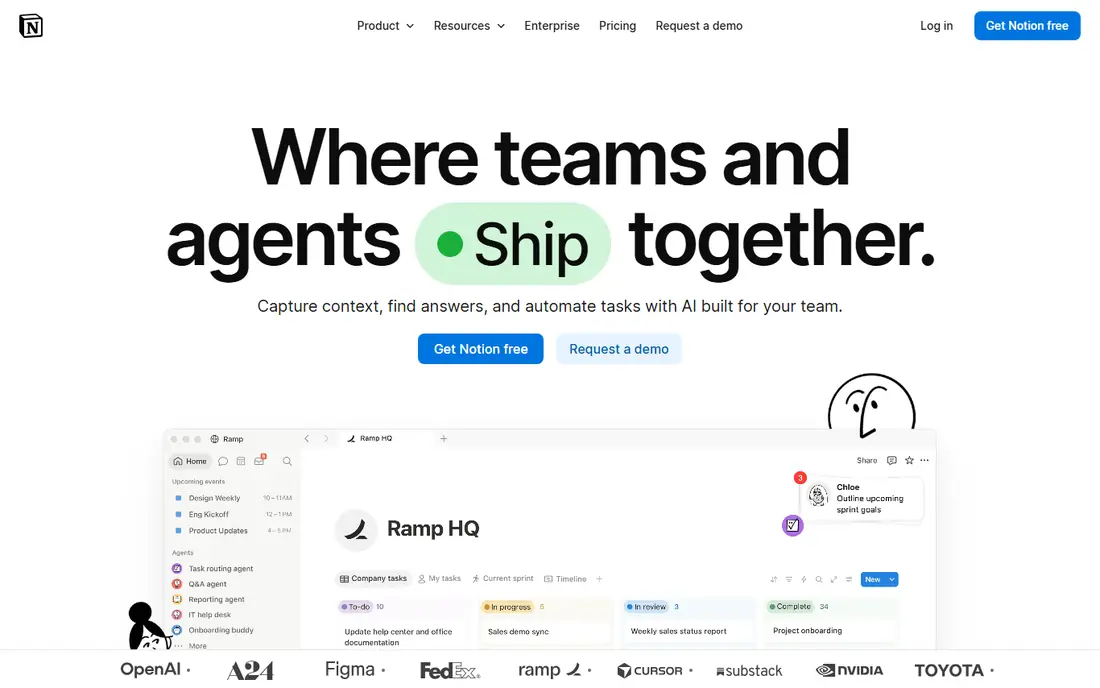
Notion targets teams whose documents are living, linked pages. Notion rethinks the document as a living page rather than a file. Beyond that, page-layout control is minimal,.docx export is rough, and anything you send to a client will need rebuilding elsewhere.
Honest limits: Printing and exporting to Word are weak.
More specifically, for internal documentation, SOPs, and team wikis, it replaces both the shared drive and half the email threads. As for the details, the Plus plan is $10 per user a month, and the free plan goes surprisingly far. It is a poor Word replacement, and that is the honest catch. What you pay to start with Notion: $10 per user/month. Notion has a free plan.
- Ample template gallery
- Databases in one searchable workspace
- Not a real word processor
Google Workspace
Ideal for: Teams that live in the browser and co-edit constantly
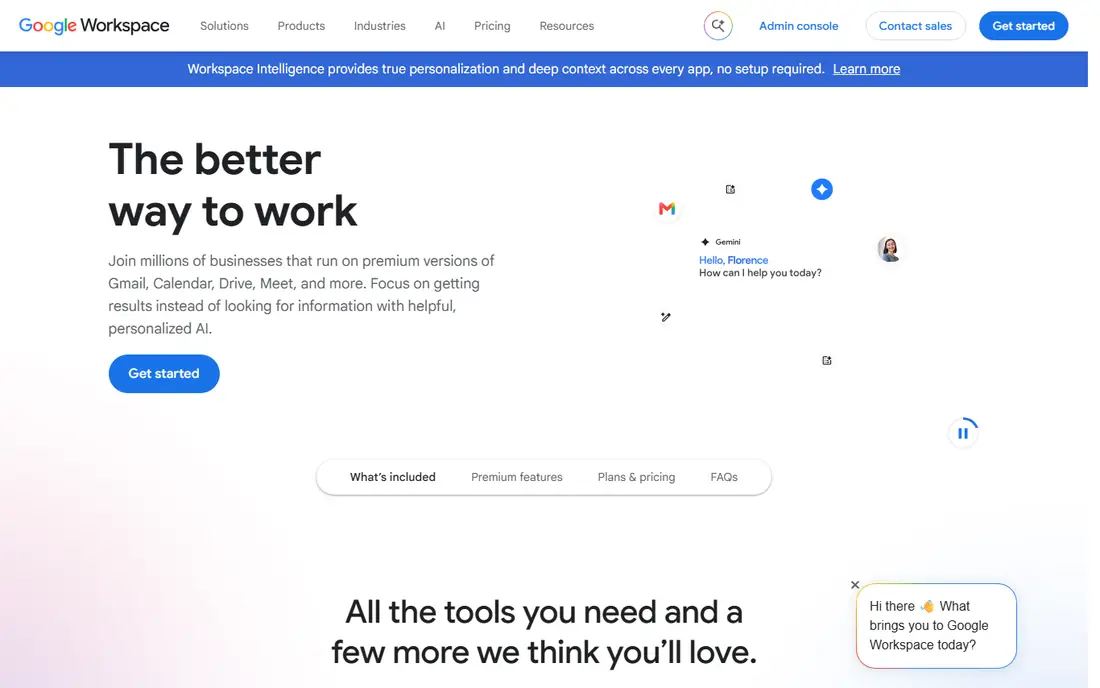
Google Workspace is aimed squarely at teams that live in the browser and co-edit constantly. Google Docs changed what people expect from document software: several cursors in one document, comment threads that resolve, and version history that just works. More specifically, complicated Word formatting breaks on import, mail merge needs extras, and working offline needs setup that desktop users never think about.
Limits to weigh: Advanced formatting lags behind Word.
More specifically, Workspace bundles Docs with Gmail, Drive, Meet, and Calendar at $7 per user a month for Starter, and the 14-day free trial is enough to migrate a real project. In daily use, pick Google Workspace when your team writes together in live and lives in Chrome. Pick Microsoft when the documents you exchange with clients must look pixel-perfect. Google Workspace pricing: $7 per user/month. Free plan details: Free trial (14 days).
- Custom business email included
- Everything autosaves to Drive
- Offline work is weaker than desktop suites
PandaDoc
Ideal for: Proposals, quotes, and contracts that require signatures
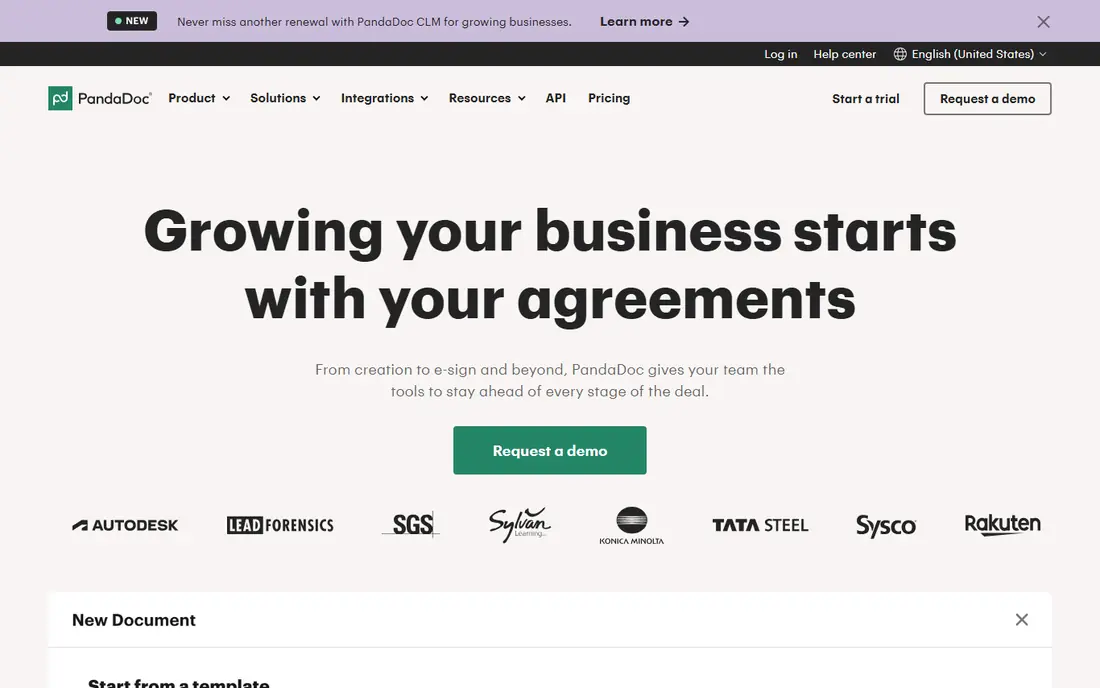
For proposals, quotes, and contracts that require signatures, PandaDoc is a natural candidate. PandaDoc is document software for the moment a document becomes a deal: proposals with pricing tables, contracts with approval workflows, and forms that collect legally binding e-signatures. For everyday use, templates, content libraries, and CRM integrations mean a sales rep can create an accurate quote without retyping client details.
From a buyer's view, nobody writes a memo in PandaDoc, and that is the point. It is a specialist tool for revenue documents, priced accordingly, with the genuinely handy features like approval workflows and bulk send sitting on the $49 Business level. Starting cost for PandaDoc: $19 per user/month. PandaDoc includes a free tier.
Downsides: The handy automation sits on the $49 Business level.
- Unlimited e-signatures on premium plans
- CRM integrations pull client data into documents
- Overkill for everyday writing
Apple Pages
Ideal for: Beautiful documents in Apple-only teams
Apple Pages targets beautiful documents in Apple-only teams. On Windows there is only the iCloud web version, and exporting complex layouts to Word at times breaks formatting in ways that embarrass you in front of clients.
Honest limits: Windows users get a restricted web version.
It is also a word processor, not an office suite; spreadsheets and presentations need Numbers and Keynote. What you pay to start with Apple Pages: Free. Apple Pages has a free plan.
- Live collaboration including with PC users via iCloud
- 90+ refined templates
- Word export can mangle complicated layouts
Zoho Writer
Ideal for: Free word processing with business automation built in
Zoho Writer is a good fit for free word processing with business automation built in. Zoho Writer is that rare thing: a genuinely free, full-featured online word processor with no catch for individual use. It takes care of live co-editing, tracked changes, offline mode, and publishing to WordPress, then goes further with fillable forms, document automation workflows, and signature collection built into the editor.
Honest limits: Best inside the Zoho ecosystem.
Beyond that, pick Zoho Writer if you already run on Zoho, or if you want more than a word processor without paying for one. The trade-off is ecosystem gravity. In practice, standalone, it is still a solid free Word alternative, but heavy document automation consumes credits that cost additional. Zoho Writer cost at the entry level: Free. Zoho Writer includes a free tier.
- Desktop apps for Windows, Mac, Linux
- Free word processor with live collaboration
- Document automation credits cost additional at scale
Microsoft 365
Ideal for: Companies standardized on Word, Excel, and Outlook
Microsoft 365 was built for companies standardized on Word, Excel, and Outlook. Word is still the document format the business world runs on, and Microsoft 365 is how small companies get it legally and kept up to date. On top of that, the honest calculation is compatibility compared with cost.
Drawbacks to consider: Real document power needs the pricier Standard level with desktop apps.
As for the details, for the full desktop applications, the Standard level with Copilot runs $23.50 per user a month. Choose Microsoft 365 when document fidelity with the outside world matters more than saving a handful of dollars a seat. In practice, if your clients, accountants, and lawyers all send.docx files with tracked changes, nothing else opens them quite as faithfully. But a ten-person team on Standard pays close to $2,800 per year, and Microsoft keeps nudging prices upward. Microsoft 365 pricing: $7 per user/month. Trial and free access: Free trial.
- Desktop apps work completely offline
- 1 TB OneDrive storage per user included
- Per-seat costs add up as teams grow
LibreOffice
Ideal for: Firms that want a full office suite for $0
LibreOffice works best for firms that want a full office suite for $0. Choose LibreOffice when the budget is zero and documents stay largely inside the company. From a buyer's view, the interface looks like Office from 2010, complicated Word documents can reflow on import, and there is no built-in cloud collaboration.
Sharing means files in a shared folder. In daily use, support comes from community forums instead of a help desk. In practice, LibreOffice is the open-source office suite that has quietly served companies for over a decade: Writer for documents, Calc for spreadsheets, Impress for presentations, plus drawing, database, and formula tools. It costs nothing, collects no data, and opens.docx,.xlsx, and.pptx files well enough for most daily work. On cost, LibreOffice starts like this: Free. A free plan is available with LibreOffice.
Honest limits: Microsoft-format compatibility is decent but not perfect. Best features of LibreOffice: or subscriptions.
- Fully free with no accounts, ads
- Impress handle the full suite
- Interface feels dated
What went into this list
The comparison looks at four things: starting price, free access, how well the feature set matches document software, and the main limit of each tool. Treat prices as a snapshot: vendors change plans often, so check the vendor site for the figure that applies today. The ranking is editorial: typical fit first, then clear pricing, then free access. If your needs are unusual, read the profiles rather than relying on position.
Pre-purchase checklist
- Confirm the entry price on the vendor page: Google Workspace starts at $7 per user/month, but seat counts and billing terms change the total.
- Check what the free option really includes: Notion, PandaDoc, Apple Pages and others offer a free plan, and usage caps differ.
- Run a trial of Google Workspace and Microsoft 365 with real work before paying for a year; your own workflow is the best test.
- Before choosing Notion, weigh its main limit: not a real word processor.
- Check the support hours and onboarding help Google Workspace offers; smaller vendors vary a lot here.
- Run a one or two week pilot of PandaDoc with the people who will use it every day.
Frequently asked questions
Can I try these options before paying?
Often, yes. Notion, PandaDoc, Apple Pages and others have a free plan and Google Workspace and Microsoft 365 offer a free trial. Use your own data and a real task during the test, and check what the free tier or trial limits before you rely on it.
How are the tools for document software ordered?
The order follows typical fit for document software, with Notion first and LibreOffice last, then price clarity and free access. It is editorial judgement, not a score, so another team could rank the tools differently.
What is the best free document software for business?
Notion is the pick this page puts first, mainly for teams whose documents are living, linked pages. If your situation differs, Google Workspace suits teams that live in the browser and co-edit constantly, and PandaDoc suits proposals, quotes, and contracts that require signatures. Compare price and limits before you decide.
What is the cheapest option for document software in this list?
On published monthly entry prices, Google Workspace is the lowest here at $7 per user/month. Entry price is only part of the cost, because seats, add-ons and billing terms can change the total.
Is Notion the right pick for everyone comparing document software?
No single tool suits every team. Notion comes first because it fits teams whose documents are living, linked pages, while Google Workspace suits teams that live in the browser and co-edit constantly and PandaDoc suits proposals, quotes, and contracts that need signatures. Match the tool to your own size, budget and workflow before deciding.