6 Drag and Drop App Builders, Compared by Cost and Features

- 1
 AppSheetField and operational apps for Google Workspace teamsVisit
- 2
 AdaloPublishing true native iOS and Android appsVisit
- 3
 SoftrClient portals and internal tools on Airtable or Google SheetsVisit
- 4
 Microsoft Power AppsFirms already running on Microsoft 365Visit
- 5
 ThunkableBeginners shipping native mobile appsVisit
- Number one here is AppSheet, a fit for field and operational apps for Google Workspace teams.
- For the cheapest start, look at AppSheet: $5 per user/month.
- For full-stack web apps without code, Bubble is worth a look.
- Check the limits for Softr before you commit: web-only apps, no native mobile publishing.
Direct answer
AppSheet leads the list, best for field and operational apps for Google Workspace teams. Adalo is the stronger choice for publishing true native iOS and Android apps, while Softr suits client portals and internal tools on Airtable or Google Sheets. Prices, free plans and limits for all 6 tools follow.
Quick comparison
| Product | Ideal for | Price from | Free version | |
|---|---|---|---|---|
| AppSheet | Field and operational apps for Google Workspace teams | $5 per user/month (Starter) | Yes | Visit |
| Adalo | Publishing true native iOS and Android apps | $36 a month (billed yearly) | Yes | Visit |
| Softr | Client portals and internal tools on Airtable or Google Sheets | $19 a month (billed annually, Basic) | Yes | Visit |
| Microsoft Power Apps | Firms already running on Microsoft 365 | $20 per user/month (Premium) | Yes | Visit |
| Thunkable | Beginners shipping native mobile apps | From $37 a month (billed annually, Builder) | Yes | Visit |
 Bubble | Full-stack web apps without code | $32 a month (billed yearly, web) | Yes | Visit |
Drag and Drop App Builder profiles
Choosing drag and drop app builder usually comes down to price, fit and limits. This Ainotely guide sets 6 tools side by side on those three points, with the facts kept short and checkable.
AppSheet
Ideal for: Field and operational apps for Google Workspace teams
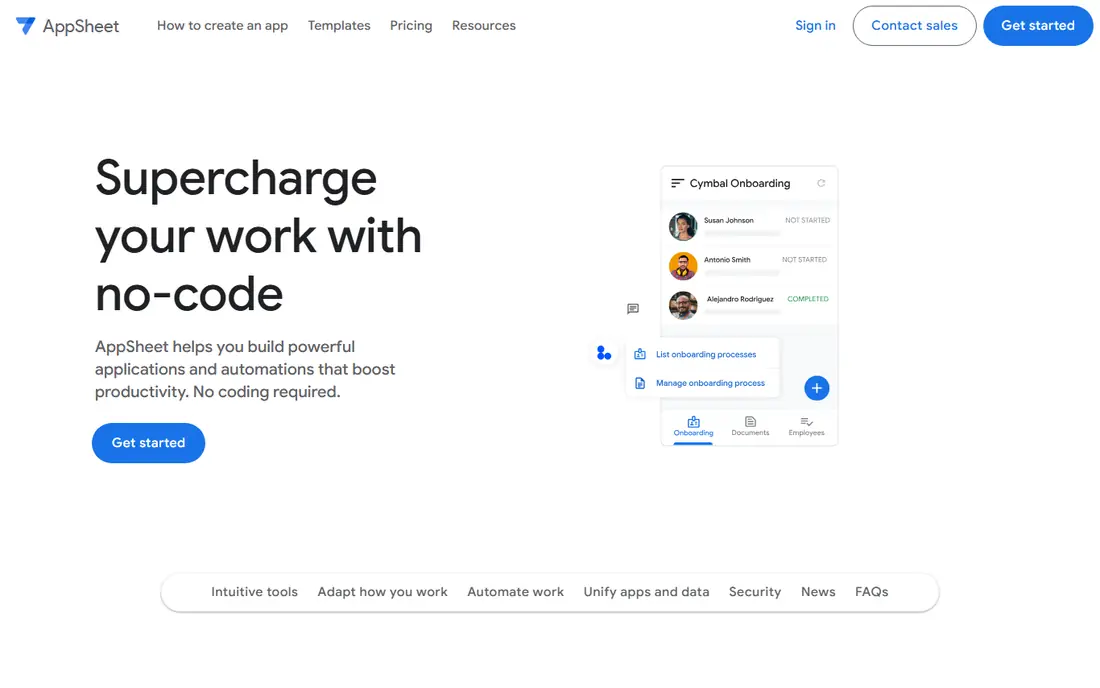
Think of AppSheet for field and operational apps for Google Workspace teams. If your operation already runs on Google Sheets, you can produce a working mobile app from that sheet, add forms, barcode scanning, maps, and offline sync, and hand it to a field team. It is not a design tool, and nobody will mistake an AppSheet app for a consumer product.
What to check first: Complicated logic uses spreadsheet-style expressions that get intricate.
Where AppSheet stands out: Capable offline support for field work. But for inspections, inventory counts, service reports, and team task tracking, it solves the actual problem at a price almost any small business can accept. The free level lets you prototype before spending anything. On cost, AppSheet starts like this: $5 per user/month. AppSheet offers a free plan.
- Builds apps straight from Google Sheets and other cloud spreadsheets
- Budget-friendly per-user pricing
- Premium deployment is managed through Google account billing
Adalo
Ideal for: Publishing true native iOS and Android apps
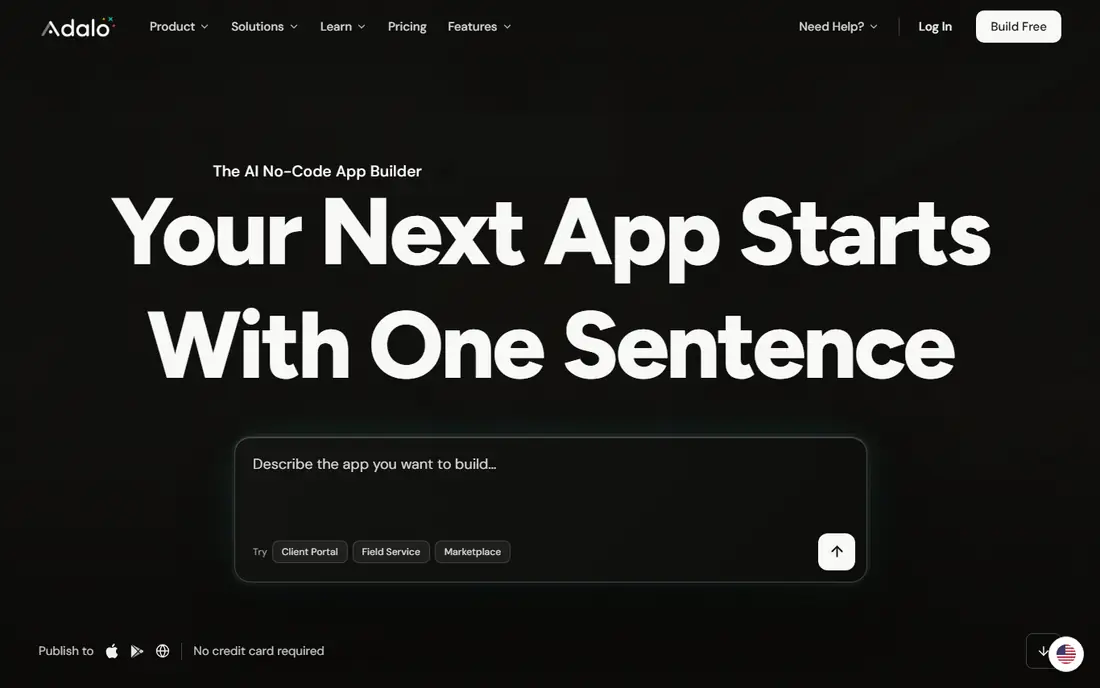
Adalo is designed for publishing true native iOS and Android apps. Adalo pairs AI app generation with a visual multi-screen canvas, which is a combination that matters for non-technical builders. For everyday use, the free plan bundles 500 database records with no time limit.
Best features of Adalo: Produces true native iOS (IPA) and Android (AAB) builds.
Points against: Component library can feel constrained for unusual designs. So you can build and test a real app before paying anything. In daily use, the flat $36 monthly pricing with no per-user or usage charges is unusually honest in this space. In practice, you describe the app and get screens, database, and navigation, then refine everything visually. Starting cost for Adalo: $36 per month. You can start on Adalo without paying.
- Not web wrappers
- Hosted Postgres database included with no setup
- Very large apps can hit performance limits
Softr
Ideal for: Client portals and internal tools on Airtable or Google Sheets
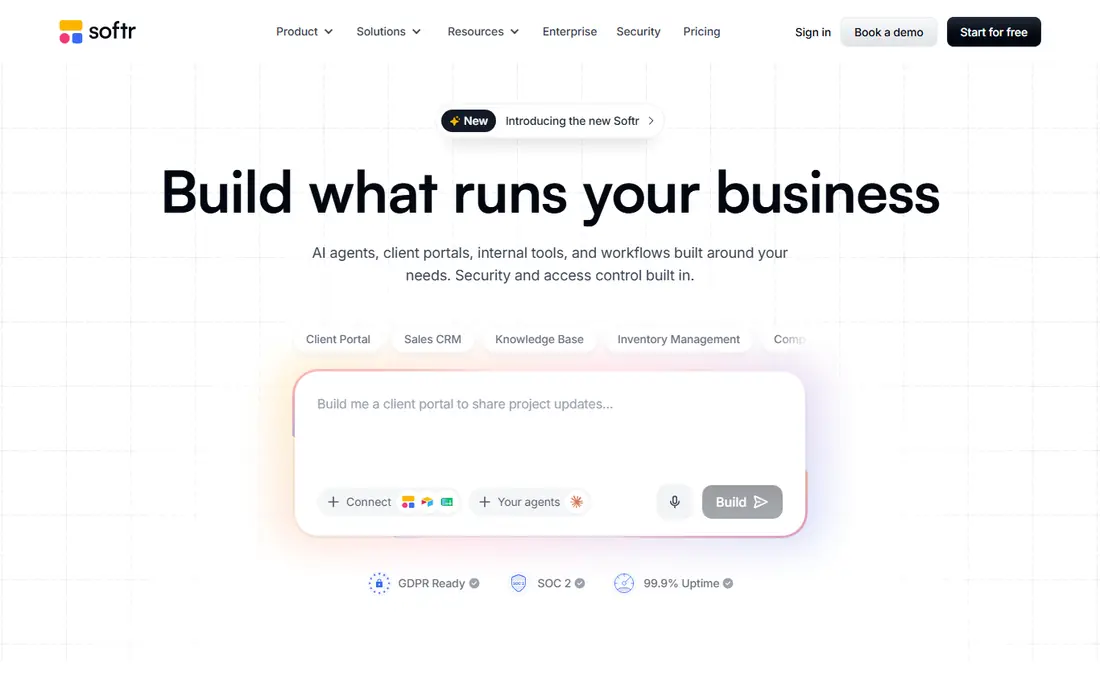
In short, Softr is for client portals and internal tools on Airtable or Google Sheets. Charging per app user rather than per seat means a portal for hundreds of clients does not get punishingly costly the way per-seat tools can.
Points against: Design customization works inside guardrails; Web-only apps.
The honest limit is that Softr builds web apps. Beyond that, the AI Co-Builder assembles the database, pages, user roles, and workflows from a description, and everything stays editable through visual controls afterward. Entry price for Softr: $19 per month. Free access exists with Softr.
- Not per seat, which scales predictably
- User groups and permissions control who sees what
- No native mobile publishing
Microsoft Power Apps
Ideal for: Firms already running on Microsoft 365
Microsoft Power Apps was built for businesses already running on Microsoft 365. Microsoft also sells less expensive paths bundled into certain 365 licenses, so check what your current plan already contains before buying Premium seats.
Where it is weaker: Per-user licensing gets pricey across a large workforce.
On cost, Microsoft Power Apps starts like this: $20 per user/month. You can start on Microsoft Power Apps without paying.
- Compliance built in
- Deep integration with Microsoft 365, Teams, Dataverse
- Dataverse storage can add costs
Thunkable
Ideal for: Beginners shipping native mobile apps
Thunkable makes the most sense for beginners shipping native mobile apps. Thunkable has rebuilt itself around the idea that anyone should be able to publish a native mobile app.
Limits to weigh: Design and logic depth trail the more technical tools.
Power users should know the ceiling. What you pay to start with Thunkable: From $37 per month. Thunkable has a free plan.
- Publishes native apps to the App Store and Google Play
- AI-assisted building from plain-language prompts
- Past pricing changes have caught some users off guard
Bubble
Ideal for: Full-stack web apps without code
Bubble is built with full-stack web apps without code in mind. Bubble is the closest thing this category has to a full development stack without code.
What to check first: Usage-based workload charges raise costs as apps scale.
You design pages with drag-and-drop, then build logic with workflows and conditionals that go far beyond what most app builders allow. Entry price for Bubble: $32 per month. Bubble includes a free tier. What works well: Large plugin library and API connector for integrations.
- Database in one place
- Visual programming manages front end, workflows
- Native mobile is newer and less mature than its web side
Selection criteria
The comparison looks at four things: starting price, free access, how well the feature set matches drag and drop app builder, and the main limit of each tool. Where a vendor does not publish a price, the entry says quote. Where a price depends on seats or billing term, the entry says so. The order reflects how well each tool fits the most common buying scenario for drag and drop app builder, then price clarity, then free plan access. It is a starting point, not a verdict.
What to check before you buy
- Confirm the entry price on the vendor page: AppSheet starts at $5 per user/month, but seat counts and billing terms change the total.
- Look at free plan limits closely: AppSheet, Adalo, Softr and others have one, and the caps decide whether it is usable for real work.
- Before choosing AppSheet, weigh its main limit: visual design options are restricted.
- Compare total cost, not headline price: for AppSheet, add extra seats, add-ons and any usage-based charges.
- Confirm the exact Bubble plan that includes your must-have features.
Frequently asked questions
How much does it cost to build an app with a drag-and-drop builder?
The real cost relies on the pricing model: per-user plans multiply with your team, usage-based plans rise with traffic, and flat-rate plans stay predictable. Most builders let you validate the idea on a free plan first.
Can I try these tools before paying?
Often, yes. AppSheet, Adalo, Softr and others have a free plan. Use your own data and a real task during the test, and check what the free tier or trial limits before you rely on it.
Which options for drag and drop app builder have a free plan?
On this list, 6 of 6 tools include a free plan, among them AppSheet, Adalo, Softr and Microsoft Power Apps. Caps on seats, usage or features are common, so test the free plan against your real workload.
Do these tools publish their prices?
Yes. Every tool from AppSheet to Bubble shows a starting price, though seats, add-ons and billing terms still change the final cost.
What is the cheapest option for drag and drop app builder in this list?
On published monthly entry prices, AppSheet is the lowest here at $5 per user/month. Entry price is only part of the cost, because seats, add-ons and billing terms can change the total.