Best E Mail Marketing Software

- 1
 MailchimpBest known all rounderVisit
- 2
 BrevoCheapest entry pointVisit
- 3
 MailerLiteSimplest tool for small listsVisit
- 4
 KitCreators who sell contentVisit
- 5
 Constant ContactSmall business newslettersVisit
- Brevo is the cheapest entry point here at $9 per month, with a free plan that allows 300 emails a day.
- Mailchimp is the best known option, with an Essentials plan at $13 per month for 500 contacts and a free plan for 250 contacts.
- MailerLite is the simplest tool for a small list, with a Growing Business plan at $10 per month.
- Kit suits creators who sell content and courses, with a Creator plan at $29 per month for 1,000 subscribers.
- ActiveCampaign has the strongest automation in this list, with a Starter plan at $15 per month on annual billing.
Quick comparison
| Product | Ideal for | Price from | Free version | |
|---|---|---|---|---|
| Mailchimp | Best known all rounder | $13 per month | Yes | Visit |
| Brevo | Cheapest entry point | $9 per month | Yes | Visit |
| MailerLite | Simplest tool for small lists | $10 per month | Yes | Visit |
| Kit | Creators who sell content | $29 per month | Yes | Visit |
| Constant Contact | Small business newsletters | $12 per month | Free trial (30 days) | Visit |
 GetResponse | Webinars plus email in one tool | $19 per month | Yes | Visit |
 ActiveCampaign | Strongest automation | $15 per month (billed annually) | Free trial (14 days) | Visit |
 Omnisend | Ecommerce email and SMS | $16 per month | Yes | Visit |
The best e mail marketing software
Mailchimp
Ideal for: Best known all rounder
Mailchimp is the best known email marketing tool in this list, and it is the easiest starting point for a small business. The Essentials plan costs $13 per month for 500 contacts, and it includes email templates, basic automation, A/B testing and a landing page builder. The audience tools make it simple to tag contacts, build segments and send a different message to each group, and the reporting shows opens, clicks and revenue per campaign. For a business that wants a proven tool with plenty of guides and support, Mailchimp is a safe pick.
The catch is how the price grows. Mailchimp charges by contact count, so a list that grows from 500 to 5,000 contacts moves through several price bands, and the bill can double or triple in a year. The free plan is also small, with a cap of 250 contacts and 500 sends per month. Mailchimp suits a small business with a modest list that wants a reliable tool and a large template library, and it is an expensive pick for a business whose list grows fast.
- Largest template library in this list
- Easy audience tools with tagging and segments
- Price rises fast as contacts grow
- Free plan caps at 250 contacts and 500 sends per month
Brevo
Ideal for: Cheapest entry point
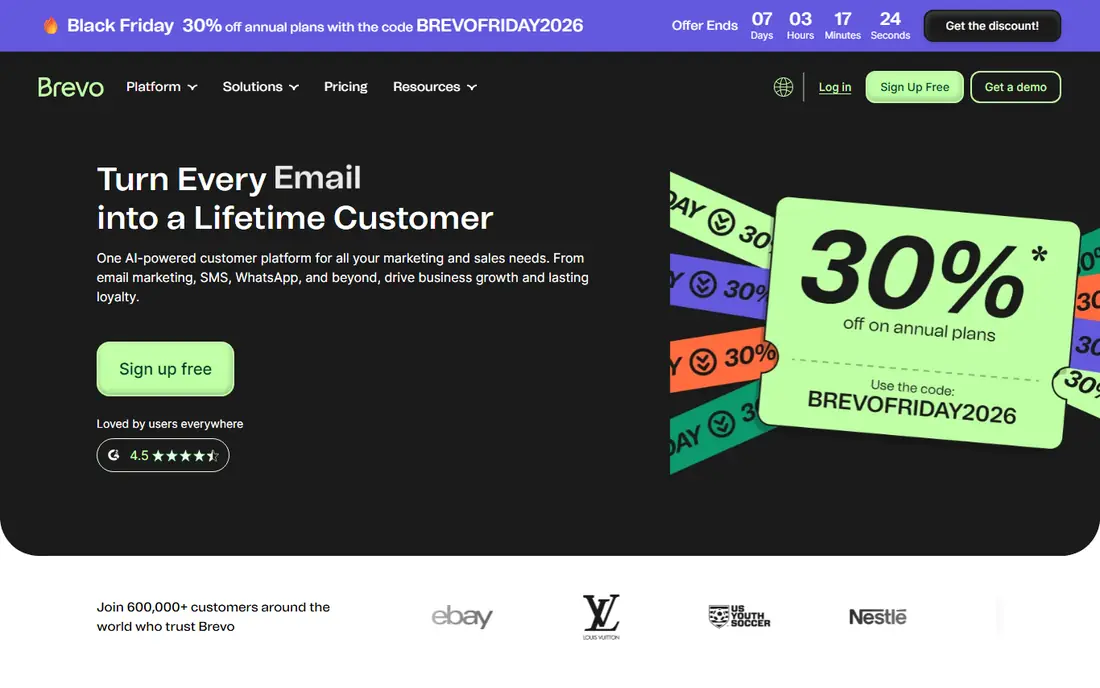
Brevo is the cheapest tool in this list, with a Starter plan at $9 per month, or $8.08 per month on annual billing, for 5,000 emails. Its biggest advantage is the pricing model. Brevo charges by the number of emails sent, not by the number of contacts, so a business with a large list that emails rarely pays far less than it would on Mailchimp. The platform also includes SMS, WhatsApp and a CRM, so a team can run email and chat from one account. For a business with a big list and a low sending frequency, Brevo is the best value here.
The limit is the free plan. It allows 300 emails a day, which is enough to test the tool but not enough to run a real campaign, and the interface feels less polished than Mailchimp or MailerLite. The Starter plan is also light on advanced automation, so a team that wants complex journeys will need a higher tier. Brevo suits a business with a large contact list that sends a few campaigns a month and wants the lowest bill, and it is a weaker pick for a team that sends daily and needs deep automation.
- Starter plan costs $9 per month
- Charges by emails sent, not by contact count
- Daily sending limit on the free plan is 300 emails
- Interface is less polished than Mailchimp
MailerLite
Ideal for: Simplest tool for small lists
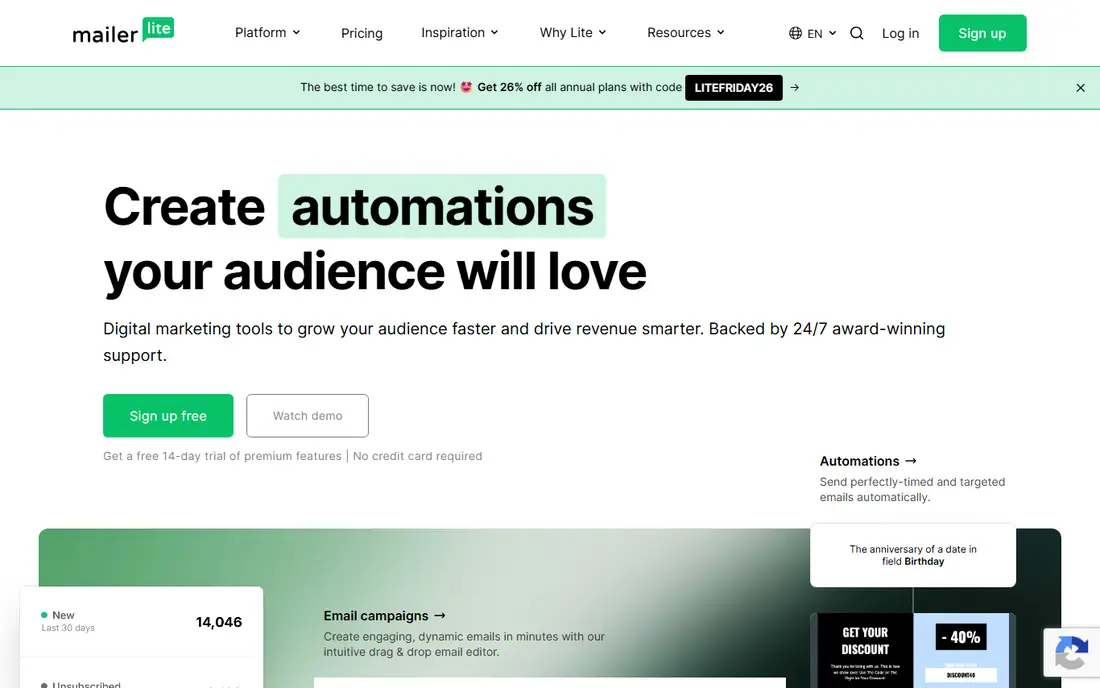
MailerLite is the simplest tool in this list, and it is built for small businesses and creators who want email marketing without a learning curve. The Growing Business plan costs $10 per month, or $9 per month on annual billing, and it includes unlimited emails, automation, landing pages and a website builder. The drag and drop editor is clean, the automation builder is easy to follow, and the approval process for new accounts keeps deliverability high. For a small business sending a weekly newsletter, MailerLite does the job with the least fuss.
The catch is the free plan. It was cut to 250 subscribers in July 2026, so a list that grows past that point must move to a higher tier quickly, and older sources that quote 500 subscribers are out of date. MailerLite also has fewer advanced features than ActiveCampaign, such as deep CRM automation and lead scoring. MailerLite suits a small business or creator with a modest list that wants a simple, clean tool at a low price, and it is a weaker pick for a team that needs advanced automation or a large free tier.
- Growing Business plan costs $10 per month
- Clean editor that beginners learn fast
- Free plan cap was cut to 250 subscribers in July 2026
- Fewer advanced features than ActiveCampaign
Kit
Ideal for: Creators who sell content
Kit, formerly ConvertKit, is built for creators who sell newsletters, courses and digital products. The Creator plan costs $29 per month for 1,000 subscribers, and it includes visual automation, landing pages, a commerce tool for selling products and a way to sell premium newsletter subscriptions. The automation builder lets a creator tag a subscriber, send a welcome series and offer a product based on what the subscriber clicked, all without code. For a creator whose business is content, Kit is the most focused tool here.
The price is the main drawback. At $29 per month for 1,000 subscribers, Kit costs more than twice as much as Mailchimp or MailerLite at a similar list size, and the free plan subscriber cap is disputed, with sources quoting 1,000 and 10,000. Kit also has fewer design templates than Mailchimp, since it is built for plain text creator emails rather than polished marketing design. Kit suits a creator who sells content and wants automation tied to sales, and it is a poor fit for a business that wants the cheapest email tool for a simple newsletter.
- Built for creators who sell courses and newsletters
- Visual automation builder is easy to use
- Creator plan costs $29 per month for 1,000 subscribers
- Free plan subscriber cap is disputed
Constant Contact
Ideal for: Small business newsletters
Constant Contact is a long running email tool aimed at small businesses, nonprofits and event organisers. The Lite plan costs $12 per month for up to 500 contacts, and it includes email templates, a drag and drop editor, list tools and reporting. The platform also includes event registration and survey tools, which suit a business that runs events and wants invites, reminders and follow ups in the same place as its newsletter. For a small business that sends a regular newsletter and runs the odd event, Constant Contact is a steady, simple pick.
The limit is automation. Constant Contact covers basic welcome emails and birthday messages, but it lacks the deep automation of ActiveCampaign or Kit, such as behaviour based journeys and lead scoring. There is also no free plan, only a trial, with recent sources quoting 30 days and older sources quoting 14 or 60 days. Constant Contact suits a small business that wants a simple newsletter tool with event features at a low price, and it is a weaker pick for a team that needs advanced automation or a free tier to start on.
- Lite plan costs $12 per month for 500 contacts
- Strong event and survey tools included
- No free plan, only a trial
- Automation is basic next to ActiveCampaign
GetResponse
Ideal for: Webinars plus email in one tool
GetResponse combines email marketing with webinars, landing pages and a basic CRM, and that combination is its main strength. The Starter plan costs $19 per month, or $15.58 per month on annual billing, for 1,000 contacts, and it includes email templates, automation, landing pages and webinar hosting. A business that runs webinars to win customers can host the webinar, collect the signups and send the follow up emails from one tool, instead of paying for a separate webinar platform. For a team that uses webinars as its main lead source, GetResponse can replace two subscriptions.
The catch is the free plan. Most sources say a permanent free plan exists for 500 contacts and 2,500 emails a month, but at least one 2026 source says it was dropped, so a buyer should check the pricing page before relying on it. The interface also has more menus than MailerLite or Brevo, so it takes longer to learn. GetResponse suits a business that runs webinars and wants email in the same platform, and it is a weaker pick for a team that only needs email and wants the simplest tool.
- Webinar tool included in the same platform
- Starter plan costs $19 per month for 1,000 contacts
- Free plan status is disputed in recent sources
- Interface has more menus than simpler rivals
ActiveCampaign
Ideal for: Strongest automation
ActiveCampaign has the strongest automation in this list, and it pairs email with a built in CRM. The Starter plan costs $15 per month on annual billing, or $19 per month billed monthly, for 1,000 contacts, and it includes automation, email templates, list tools and a CRM with lead scoring and deal tracking. A team can build a journey that tags a contact when they open an email, scores them when they visit a pricing page and alerts a salesperson when the score passes a threshold, all without another tool. For a business that sells through a pipeline, ActiveCampaign is the most capable pick here.
The trade off is complexity. The learning curve is the steepest in this list, and a team should budget a week to learn the automation builder and set up its first journeys. There is also no free plan, only a 14 day trial, so a team must commit quickly or lose access to its test setup. ActiveCampaign suits a business with a sales pipeline that wants deep automation and a CRM in one place, and it is a poor fit for a team that wants a simple newsletter tool it can learn in an afternoon.
- Deepest automation in this list
- CRM built in with lead scoring and deal tracking
- No free plan, only a 14 day trial
- Learning curve is the steepest here
Omnisend
Ideal for: Ecommerce email and SMS
Omnisend is built for ecommerce, and it combines email, SMS and push messages in one platform for online stores. The Standard plan costs $16 per month for 500 contacts, and it includes cart recovery emails, product recommendations, discount codes and integrations with Shopify, WooCommerce and BigCommerce. A store can send a cart recovery email, follow it with an SMS if the customer does not open it, and track the revenue from each message, all from one dashboard. For an online store, Omnisend is the most focused tool in this list.
The limit is scope. Omnisend is built for stores, so a business that does not sell online will find its features aimed at a different kind of customer, and the free plan is small, with a cap of 250 contacts and 500 emails per month. The Standard plan also prices by contact count, so a growing store will see the bill rise with its list. Omnisend suits an online store that wants email and SMS in one tool with cart recovery, and it is a weaker pick for a service business that does not sell products online.
- Built for online stores with cart recovery
- Standard plan costs $16 per month for 500 contacts
- Free plan caps at 250 contacts and 500 emails per month
- Less suited to non ecommerce businesses
Which tool fits your list size
| Contacts | Best pick | Why | | Under 250 | Brevo | Free plan allows 300 emails a day, Starter from $9 per month | | 250 to 1,000 | MailerLite | Growing Business at $10 per month, simplest editor | | 1,000 to 5,000 | Brevo | Charges by emails sent, so a large list costs less | | Creators selling content | Kit | Commerce and premium newsletters built in | | Stores selling online | Omnisend | Cart recovery plus email and SMS in one place | | Sales teams with a pipeline | ActiveCampaign | Automation plus CRM with lead scoring |
How we chose
We compared the vendor pricing pages, product docs and feature lists for eight email marketing tools, checking the starting price, the free plan or trial, the contact limits and the automation features. We looked at whether the tool charges by contacts or by emails sent, and whether it suits newsletters, creators, stores or sales teams. We did not run live campaigns, and we did not claim hands on results. Prices are from the vendor pricing pages checked on 2026-11-11, and quote only means the vendor does not publish a price.
What to check before you buy
Check whether the price is based on contacts or on emails sent, since the two models give very different bills as a list grows. Ask what happens to contacts who never open an email, and whether the tool charges for them. Test the automation builder with a real journey before you buy, since a tool that looks simple can turn complex fast. Confirm the deliverability tools, such as double opt in and list cleaning, and read the data terms to see where subscriber data is stored. Finally, check the export options, so you can take your list with you if you leave.
Frequently asked questions
How much does email marketing software cost per month?
A small list can start free on Brevo, Mailchimp or MailerLite, and a low volume plan costs $9 to $16 per month for 500 to 1,000 contacts. A list of 5,000 contacts usually costs $30 to $80 per month, depending on whether the tool charges by contacts or by emails sent. The cheapest model for a large list that emails rarely is Brevo, since it charges by sends rather than by contacts.
Which email tool is best for a small business?
MailerLite is the simplest pick for a small business that sends a weekly newsletter, with a Growing Business plan at $10 per month and a clean editor. Brevo is the cheapest, at $9 per month, and it suits a business with a large list that emails rarely. Mailchimp is the best known option, with the largest template library, but its price rises fast as the list grows, so check the next price band before you commit.
Do I need automation, or is a simple newsletter enough?
A simple newsletter is enough if you send the same message to everyone once a week. Automation matters when you want a welcome series for new subscribers, a reminder for a customer who left a cart, or a different message for a lead who visited your pricing page. If your list is under 500 and your message is the same for all, start simple and add automation when you can name a journey you actually need.
How do I move my list from one email tool to another?
Export your contacts as a CSV file from the old tool, including tags and custom fields, then import the file into the new tool. Check that the new tool keeps the tags and the consent status, and send a test campaign to a small segment before you mail the whole list. Keep the old account open for a month, so you can go back if the import misses data or the formatting breaks.
Will my emails land in the inbox or in spam?
It depends on your sender reputation, your list quality and your content. Use a custom sending domain, enable SPF, DKIM and DMARC, and only mail people who opted in. Remove contacts who never open your emails, since a low open rate hurts deliverability, and avoid spam trigger words in subject lines. Most tools in this list include a deliverability check, but no tool can fix a list built from bought contacts.