Dropbox Sign leads the list, best for simple sending and managing signatures. Listed starting prices: Dropbox Sign from $15 USD / mo. OneSpan Sign is better for identity assurance and secure workflows, and Adobe Acrobat Sign is better for teams already using Adobe PDF tools. The full list of 5 tools follows, with prices and free plan facts.
This Ainotely guide covers 5 E-Signature software for government contractors. Each profile lists a starting price, free plan details, strengths and drawbacks, so you can drop poor fits quickly.
Key takeaways
This list starts with Dropbox Sign, which is built for straightforward sending and managing signatures.
UES Sign is the one to check for general e-signature needs.
OneSpan Sign, Adobe Acrobat Sign, DocuSign eSignature and UES Sign: pricing is by quote only, so plan time for a sales conversation.
OneSpan Sign comes with a trade-off: may be complicated for entry-level signing.
Dropbox Sign, UES Sign and the 3 others all need a premium plan or a trial, since no free plan is listed.
Best for: Straightforward sending and managing signatures
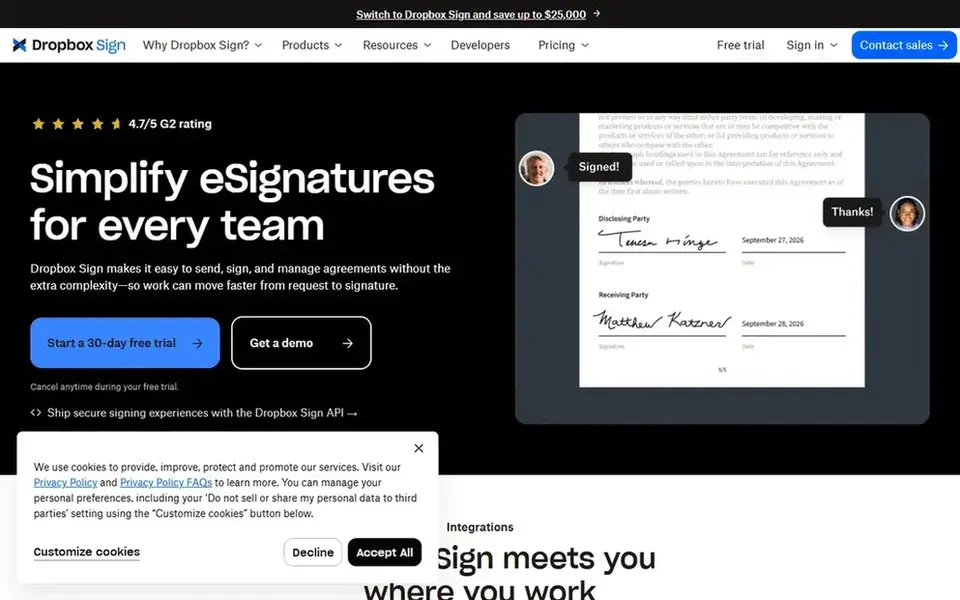
Where Dropbox Sign fits: straightforward sending and managing signatures. Dropbox Sign, formerly HelloSign, is an e-signature tool for sending, receiving, and managing legally binding signatures.
What to check first: May lack deep government-specific workflows.
It may not offer the depth of identity assurance or automation that some contractors need. Entry price for Dropbox Sign: $15 USD / mo. As for free access: Free trial.
In short, OneSpan Sign is for identity assurance and secure workflows. OneSpan Sign is an e-signature system designed for customer agreements with secure eSignatures, identity assurance, automation, and smart forms.
What to check first: Needs setup for advanced features.
The product supports integrations and aims to simplify digital agreement workflows. OneSpan Sign does not show a starting price in this comparison, so check the vendor site for current pricing. As for free access: Not stated.
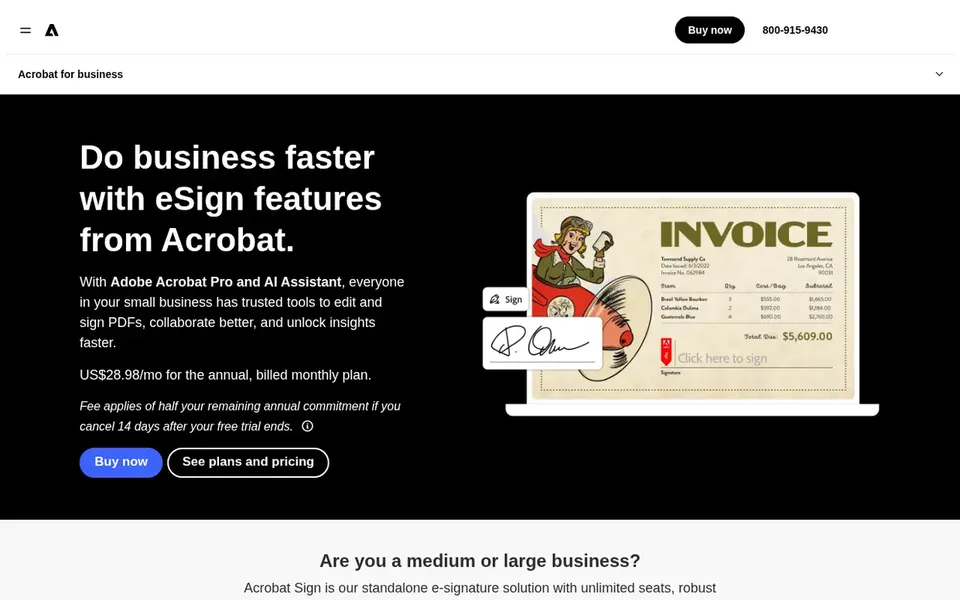
Think of Adobe Acrobat Sign for teams already using Adobe PDF tools. Adobe Acrobat Sign is an e-signature service that lets users send documents, collect signatures, and accept electronic signatures on websites.
More specifically, organizations outside the Adobe ecosystem may find less advantage, and some advanced capabilities need configuration. The system also supports digital payments alongside signing. Check the vendor site for Adobe Acrobat Sign pricing; none is listed in this comparison. As for free access: Not stated.
The main drawbacks: Advanced features may need setup.
Best for: Wide integrations and established workflows
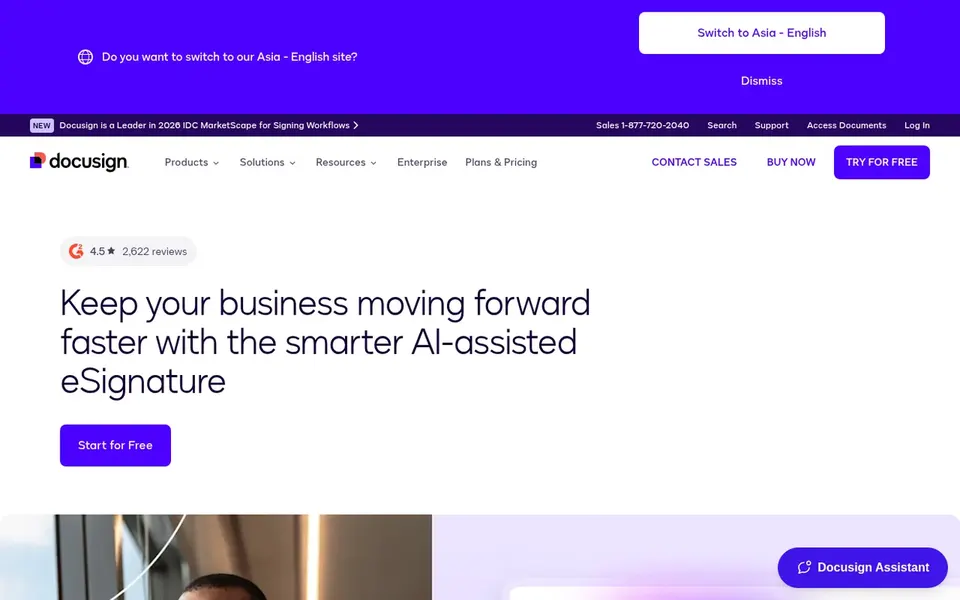
For wide integrations and established workflows, DocuSign eSignature is a natural candidate. DocuSign eSignature is a widely used electronic signature option for sending and signing agreements.
It suits government contractors that require a dependable, well-integrated product for routine and complicated documents. DocuSign eSignature does not show a starting price in this comparison, so check the vendor site for current pricing. Trial and free access: Not stated.
Where it is weaker: Can need configuration for advanced needs.
UES Sign is a good fit for general e-signature needs. UES Sign is an e-signature service offered by UES, a company that supplies digital transaction management tools.
The product supports electronic signatures and related workflows for organizations. Public information about specific features is restricted, so buyers should verify capabilities straight with the vendor. UES Sign shows no starting price here, so confirm the cost on the vendor site. Trial and free access: Not stated.
Limits to weigh: May lack specialized government features.
Ask OneSpan Sign, Adobe Acrobat Sign, DocuSign eSignature and UES Sign for a written quote, since no starting price is shown.
Take the trial from Dropbox Sign and push a live task through it before you pay.
Before choosing Dropbox Sign, weigh its main limit: restricted advanced compliance features.
Test the integrations you rely on with Adobe Acrobat Sign before committing; some connectors sit on upper tiers.
Look at the help docs and support options for OneSpan Sign before you commit.
How we picked
Selection started from tools commonly considered for E-Signature software for government contractors, then narrowed to 5 that have clear pricing information or a clear quote process. Plan names, prices and limits change often. Treat the figures here as a starting point and verify them with the vendor. Tools are placed by general fit for E-Signature software for government contractors, with price clarity and free access as tie-breakers. A different team can reasonably rank them differently.
Every price and plan detail on this page comes from the vendors’ own websites. We did not run hands-on tests unless the text says so, and we do not publish star ratings or review scores. See how we score and our disclosure.
Keep your shortlist in one place
Paste prices, trial dates and notes from this guide into Ainotely, our AI note app. It files them into a topic and pulls out tasks like “cancel trial by Friday”. Free 7-day trial, no card needed.
Not all of them. OneSpan Sign, Adobe Acrobat Sign, DocuSign eSignature and UES Sign publish no starting price, so expect a quote request for those. The rest, Dropbox Sign included, show a starting price, though seats and billing terms still change the final cost.
Is Dropbox Sign the right pick for everyone comparing E-Signature software for government contractors?
No single tool suits every team. Dropbox Sign comes first because it fits simple sending and managing signatures, while OneSpan Sign suits identity assurance and secure workflows and Adobe Acrobat Sign suits teams already using Adobe PDF tools. Match the tool to your own size, budget and workflow before deciding.
Can I try these tools before paying?
Often, yes. Dropbox Sign offers a free trial. Use your own data and a real task during the test, and check what the free tier or trial limits before you rely on it. The 5 tool cards above repeat this per product for E-Signature software for government contractors, with the listed price or "pricing on request".
How do I choose between straightforward and advanced e-signature tools?
Assess the complexity of your contracts and the level of identity assurance required. Straightforward tools like Dropbox Sign suit straightforward signing, whereas advanced systems like OneSpan Sign offer more security features.
How are the tools for E-Signature software for government contractors ordered?
Dropbox Sign sits first and UES Sign last because the order follows typical fit for E-Signature software for government contractors, then price clarity and free access. It is a judgement call, so read each profile for fit and limits.