Top 6 E Signature Software for 2026, Compared

- 1
 PandaDocSales teams that produce proposals, quotes, and contracts before signingVisit
- 2
 Dropbox SignTeams already using Dropbox for storage and sharingVisit
- 3
 Zoho SignSmall companies already using Zoho CRMVisit
- 4
 DocuSignFirms whose clients expect the market-standard signature toolVisit
- 5
 SignWellFreelancers and small teams that want plain, low-cost signingVisit
- The list opens with PandaDoc, aimed at sales teams that produce proposals, quotes, and contracts before signing.
- Signeasy is the one to check for field and mobile teams that sign on the go and store contracts.
- Zoho Sign is the lowest-priced starter here at $10 per user per month.
- One limit worth knowing about Dropbox Sign: best value inside Dropbox.
Direct answer
PandaDoc comes first here, mainly for sales teams that produce proposals, quotes, and contracts before signing. Dropbox Sign fits teams already using Dropbox for storage and sharing; Zoho Sign fits small firms already using Zoho CRM, Books, or other Zoho apps. Details, prices and limits for the rest of the 6 tools are below.
Quick comparison
| Product | Ideal for | Price from | Free version | |
|---|---|---|---|---|
| PandaDoc | Sales teams that produce proposals, quotes, and contracts before signing | $19 per user a month | Yes | Visit |
| Dropbox Sign | Teams already using Dropbox for storage and sharing | $15 per user a month | Yes | Visit |
| Zoho Sign | Small companies already using Zoho CRM | $10 per user a month | Yes | Visit |
| DocuSign | Firms whose clients expect the market-standard signature tool | $11 per month | Free trial | Visit |
| SignWell | Freelancers and small teams that want plain, low-cost signing | $10 per month | Yes | Visit |
 Signeasy | Field and mobile teams | $10 per user per month | Free trial | Visit |
Every option for e signature software explained
Ainotely compared 6 tools for e signature software. The goal is a practical shortlist: published prices, free plan facts, best-fit use cases and honest limits for every entry.
PandaDoc
Ideal for: Sales teams that produce proposals, quotes, and contracts before signing
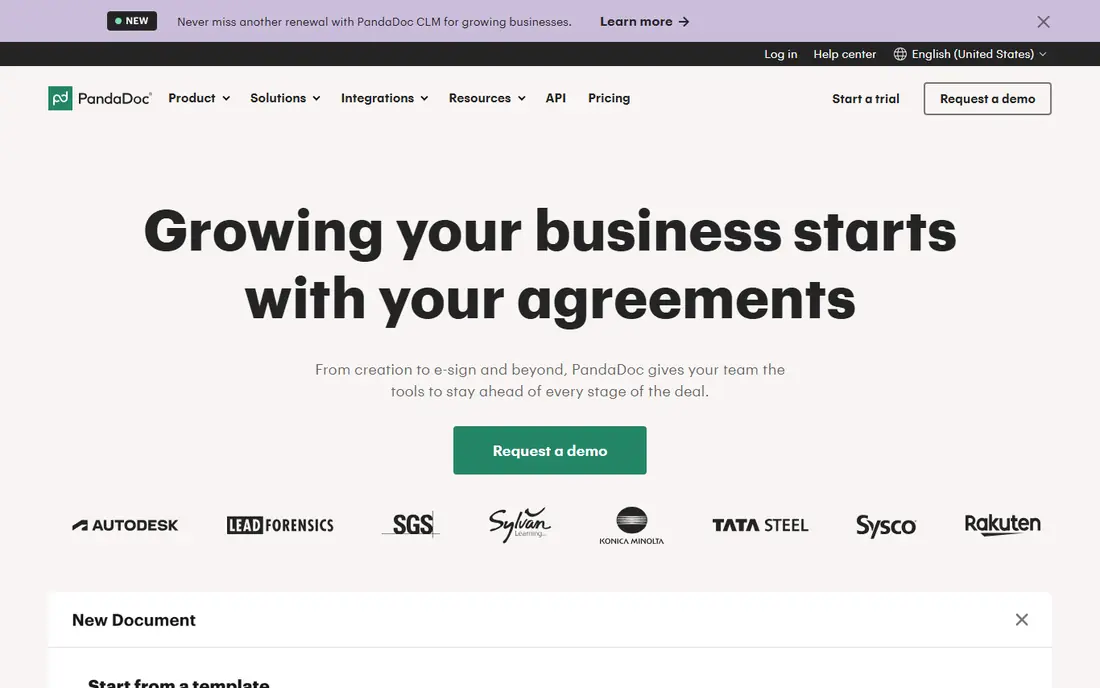
PandaDoc serves sales teams that produce proposals, quotes, and contracts before signing. PandaDoc differs from the pure signing tools here since you build the document inside it, not just upload a finished PDF. On top of that, proposal templates, pricing tables, and payment collection sit next to the signature.
So a sales team can send a quote, see what the prospect read, and collect payment from the same document. Its free plan handles 60 documents a year, which is five a month, enough for numerous small teams to run without paying. Beyond that, choose a more straightforward tool when you only have to sign finished PDFs. From a buyer's view, the Starter plan at $19 per user a month removes the sending cap and opens the full template library. PandaDoc starts at: $19 per user per month. PandaDoc has a free plan.
Drawbacks to consider: More tool than needed for straightforward signing.
- Free plan includes 60 documents a year
- Pricing tables, payments
- Premium plans are per seat
Dropbox Sign
Ideal for: Teams already using Dropbox for storage and sharing

Choose Dropbox Sign for teams already using Dropbox for storage and sharing. Dropbox Sign, formerly HelloSign, keeps signing deliberately simple. Dropbox Sign is the natural pick if your files already live in Dropbox, since signed documents land in the same storage.
The free plan spans three sends a month, so it fits occasional senders instead of a sales team. Templates include typical forms for example NDAs and tax documents, automatic reminders chase slow signers, and mobile-friendly signing lets clients sign from a phone without an account. Its API is also well regarded for embedding signing into your own product. Price to start with Dropbox Sign: $15 per user per month. Free access exists with Dropbox Sign.
Drawbacks to consider: Fewer enterprise features than DocuSign.
- Solid API for embedding signing
- Unlimited signature requests on premium plans
- Best value inside Dropbox
Zoho Sign
Ideal for: Small companies already using Zoho CRM
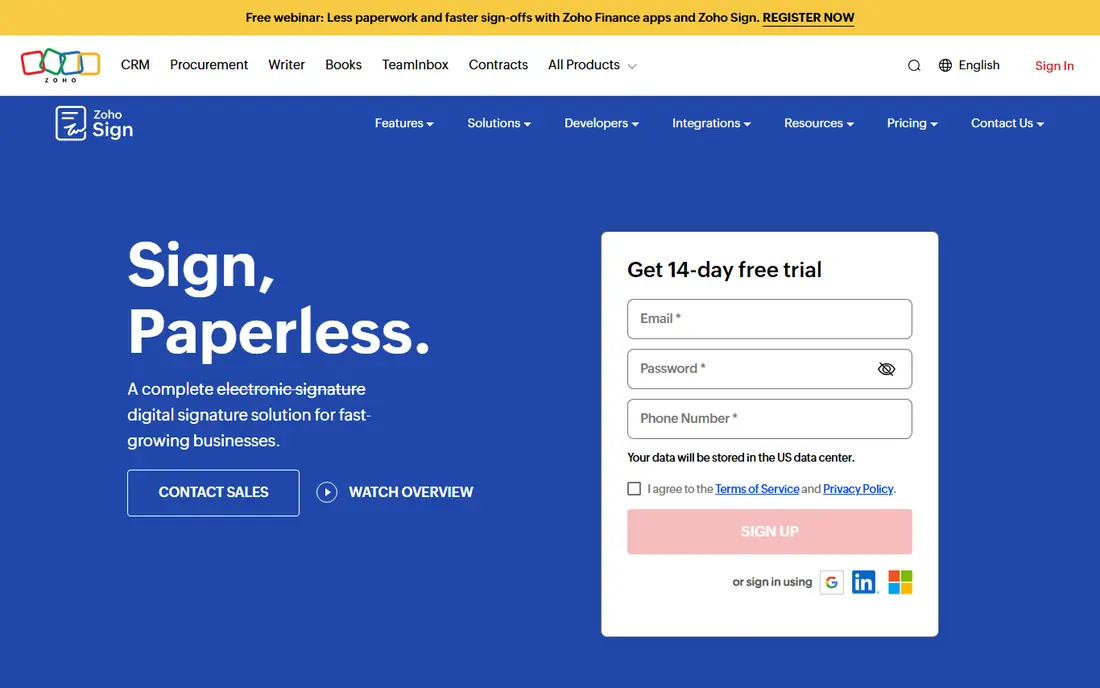
Think of Zoho Sign for small firms already using Zoho CRM, Books, or other Zoho apps. Inside Zoho, signing plugs into CRM, Books, and other apps, so a contract can move from a CRM record to a signed document without exporting files. On top of that, a team on Google Workspace or Microsoft 365 will find similar integrations elsewhere.
Watch-outs: API pricing is per document on some plans.
The interface feels utilitarian next to PandaDoc. For everyday use, outside Zoho, the advantage fades. In daily use, choose Zoho Sign when your business already runs on Zoho and you want signing at the lowest total cost. Entry price for Zoho Sign: $10 per user per month. Free access exists with Zoho Sign.
- Certificate-based and qualified signatures on higher levels
- Deep Zoho app integrations
- Interface is less refined than DocuSign
DocuSign
Ideal for: Firms whose clients expect the market-standard signature tool
DocuSign makes the most sense for businesses whose clients expect the market-standard signature tool. DocuSign is worth the premium when signatures must be beyond question or clients demand it. Also, the newer agreement management tools extend that beyond signing into storage, analysis, and renewals.
The Personal plan at $11 per month handles only a handful of envelopes. So a team sending dozens of documents monthly will need a higher tier rapidly. From a buyer's view, the cost is the catch. The starting price for DocuSign: $11 per month. Free access: Free trial.
Where it falls short: Agreement management features add cost.
- Large integration library
- Widely recognized by clients and legal teams
- Price rises steeply on higher levels
SignWell
Ideal for: Freelancers and small teams that want plain, low-cost signing
SignWell is built with freelancers and small teams that want plain, budget-friendly signing in mind. SignWell does one job well: send a document, get it signed, and keep a proper record. Its free plan handles three documents a month, and premium plans from $10 a month add templates, workflows with signing order and conditional logic, and an API for embedding signing.
Trade-offs to know: premium plans rise with team features.
Worth adding: for a freelancer or small team sending a handful of contracts monthly, that simplicity is a strength, not a weakness. SignWell integrates natively with a smaller set of apps than DocuSign, relying on Zapier for the rest. It lacks the agreement management depth of DocuSign or PandaDoc. What you pay to start with SignWell: $10 per month. A free plan is available with SignWell.
- Free plan for three documents a month
- Clear audit trails with timestamps and IP records
- Smaller integration library than DocuSign
Signeasy
Ideal for: Field and mobile teams
Signeasy is a good fit for field and mobile teams that sign on the go and store contracts. Brand recognition also lags DocuSign, so a cautious client may ask what Signeasy is. For everyday use, Signeasy positions itself as contract management, not just signing, with a repository, renewal reminders, and AI insights on higher levels.
Choose Signeasy when mobile signing and contract storage matter together, and choose DocuSign when client recognition is the deciding factor. More specifically, the entry Personal plan at $10 per user a month billed yearly is competitive. But there is no free-forever level, only a trial. On cost, Signeasy starts like this: $10 per user per month. As for free access: Free trial.
Watch-outs: No free-forever plan.
- Contract repository with renewal reminders
- Capable mobile signing experience
- Smaller brand recognition than DocuSign
What went into this list
For each of the 6 tools we noted price, free plan or trial, fit for e signature software and the main limit, using vendor pages and documentation. Where a vendor does not publish a price, the entry says quote. Where a price depends on seats or billing term, the entry says so. The ranking is editorial: typical fit first, then clear pricing, then free access. If your needs are unusual, read the profiles rather than relying on position.
Before you commit
- Confirm the entry price on the vendor page: Zoho Sign starts at $10 per user per month, but seat counts and billing terms change the total.
- Check what the free option really includes: PandaDoc, Dropbox Sign, Zoho Sign and SignWell offer a free plan, and usage caps differ.
- Run a trial of DocuSign and Signeasy with real work before paying for a year; your own workflow is the best test.
- Before choosing PandaDoc, weigh its main limit: free plan lets only two recipients per document.
- Before you load data into Signeasy, check what an export looks like and who can run it.
- Confirm the exact SignWell plan that includes your must-have features.
Frequently asked questions
Do these tools publish their prices?
Yes. Every tool from PandaDoc to Signeasy shows a starting price, though seats, add-ons and billing terms still change the final cost.
What is the cheapest option for e signature software in this list?
On published monthly entry prices, Zoho Sign is the lowest here at $10 per user per month. Entry price is only part of the cost, because seats, add-ons and billing terms can change the total.
Can I try these options before paying?
Often, yes. PandaDoc, Dropbox Sign, Zoho Sign and SignWell have a free plan and DocuSign and Signeasy offer a free trial. Use your own data and a real task during the test, and check what the free tier or trial limits before you rely on it.
Are electronic signatures legally binding in the US?
Yes, for most business documents, under the federal ESIGN Act and state UETA laws, provided the signer consents and the process keeps an audit trail.
How do I store signed documents safely?
Keep signed PDFs and their audit trails in the same system, with access controls and backups, instead of scattered across email inboxes. From a buyer's view, export a copy to your own storage each quarter, so you keep records even if you switch vendors later.
What is the difference between an electronic signature and a digital signature?
An electronic signature is a wide term for any mark showing agreement, including a typed name or drawn signature. A digital signature uses cryptographic certificates to prove identity and detect changes after signing.