Best Ebook Creator Software in 2026: 7 Tools Compared

- Kotobee is the best dedicated ebook creator, with interactive EPUB tools, a reader, and cloud libraries for schools and publishers.
- FlipHTML5 suits visual flipbooks and magazines, turning PDFs into shareable page-turning books with stats and selling tools.
- Visme and Adobe Express are the best choices if you want design freedom and templates without learning publishing software.
- Sqribble suits marketers who want fast lead magnet ebooks from templates, though it is a paid tool with a dated interface.
- Decide your output first. EPUB matters for bookstores and reading apps, PDF matters for lead magnets, and flipbooks matter for browser reading.
Quick comparison
| Product | Ideal for | Price from | Free version | |
|---|---|---|---|---|
 Kotobee | Interactive EPUB ebooks | See website | Free trial | Visit |
 FlipHTML5 | Visual flipbooks from PDFs | Free | Yes | Visit |
 Visme | Designed documents and ebooks | Free | Yes | Visit |
 Adobe Express | Fast template-based design | Free | Yes | Visit |
 Sqribble | Quick lead magnet ebooks | See website | No | Visit |
 Canva | Easy templates for everyone | Free | Yes | Visit |
 Designrr | Turning content into ebooks | See website | Free trial | Visit |
The best ebook creator software
We compared official feature pages, pricing pages, app store listings, and public reviews for the tools below. Our pick for most people is Kotobee, because it is built for ebooks from the ground up, with interactive EPUB creation, a reader, and publishing options that general design tools do not match.
Kotobee
Ideal for: Interactive EPUB ebooks
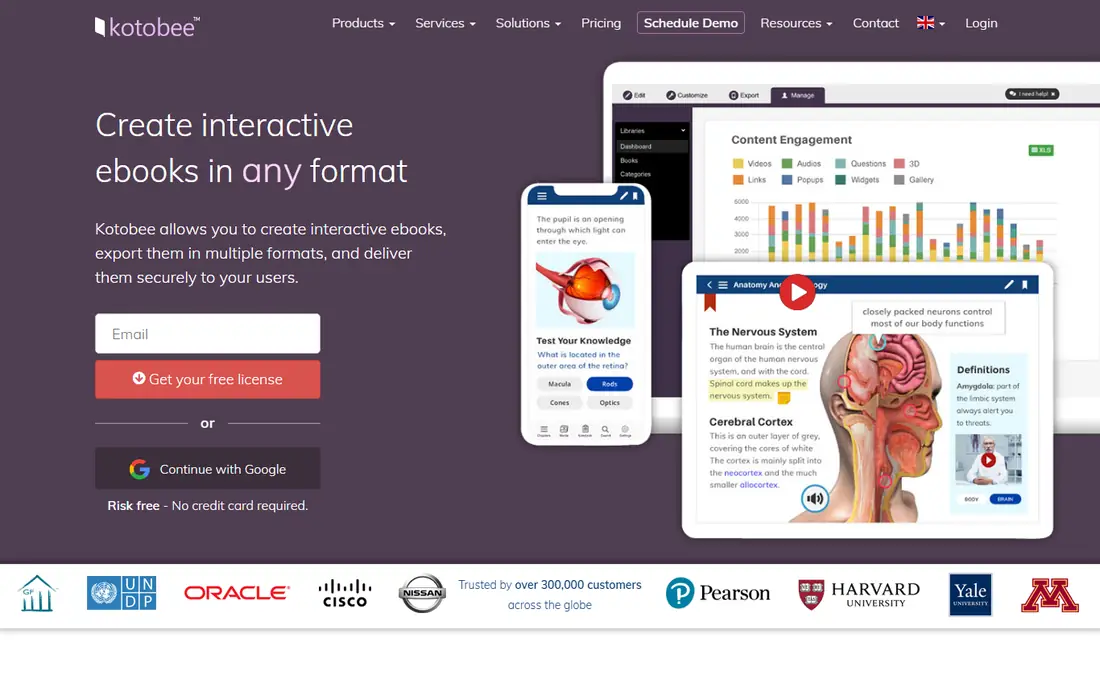
Kotobee Author creates interactive ebooks with quizzes, video, audio, and widgets, then exports them as EPUB files that work in reading apps. Kotobee Reader gives your audience reading tools like notes and highlighting, and Kotobee Cloud connects books to user access control and libraries. That full chain suits educators, publishers, and training teams.
The trade-off is complexity. Kotobee is publishing software, not a drag-and-drop poster maker, so first projects take longer. For a serious ebook with interactive content or controlled distribution, it is the strongest tool on this list.
- Dedicated EPUB authoring with interactive elements
- Reader apps and cloud libraries
- Tools for schools, publishers, and training teams
- Learning curve is steeper than template tools
- Pricing is plan-based and varies by use
- Design freedom is less than Canva
FlipHTML5
Ideal for: Visual flipbooks from PDFs
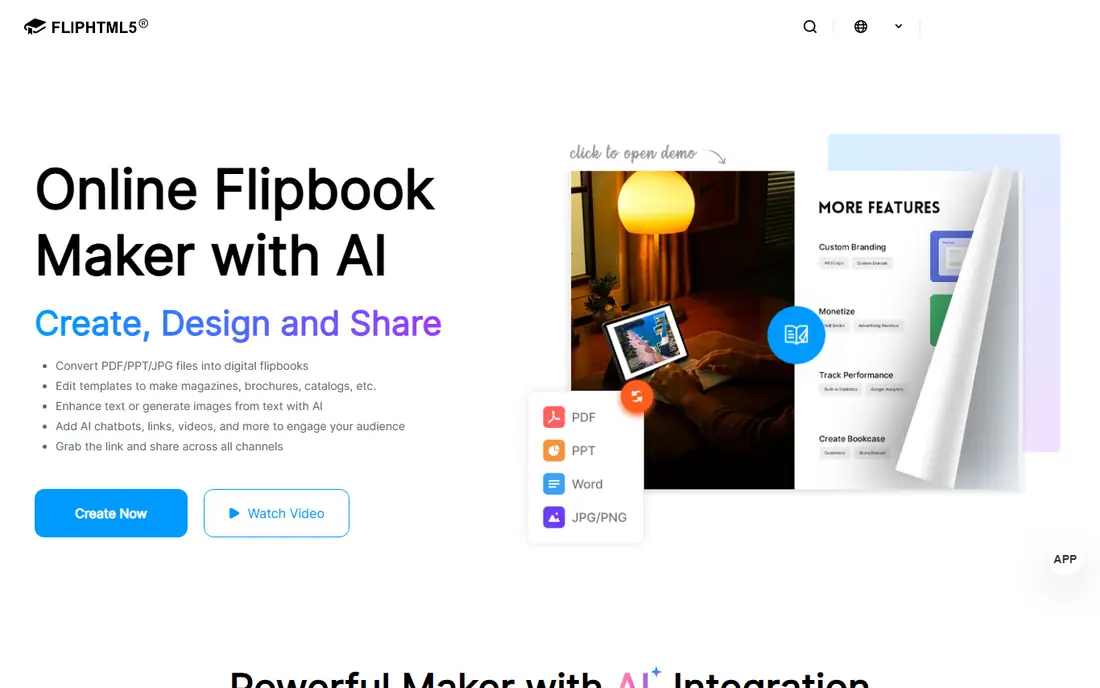
FlipHTML5 starts from a PDF, Word file, or template and turns it into a flipbook with page-turn animation that readers open in a browser. You can share it as a link or QR code, embed it on a site, display collections on a virtual bookcase, and track views with built-in stats and analytics integration.
It is not a bookstore EPUB tool. If you need Amazon or Apple Books distribution, Kotobee or Pressbooks-style tools fit better. For catalogs, magazines, brochures, and lead magnets meant to be read online, FlipHTML5 is fast, visual, and easy to share.
- Turns PDFs into page-turning flipbooks fast
- 1,000-plus templates
- Sharing, embeds, stats, and selling tools
- Output is a web flipbook, not a bookstore EPUB
- Advanced branding needs paid plans
- Heavy media can slow loading
Visme
Ideal for: Designed documents and ebooks
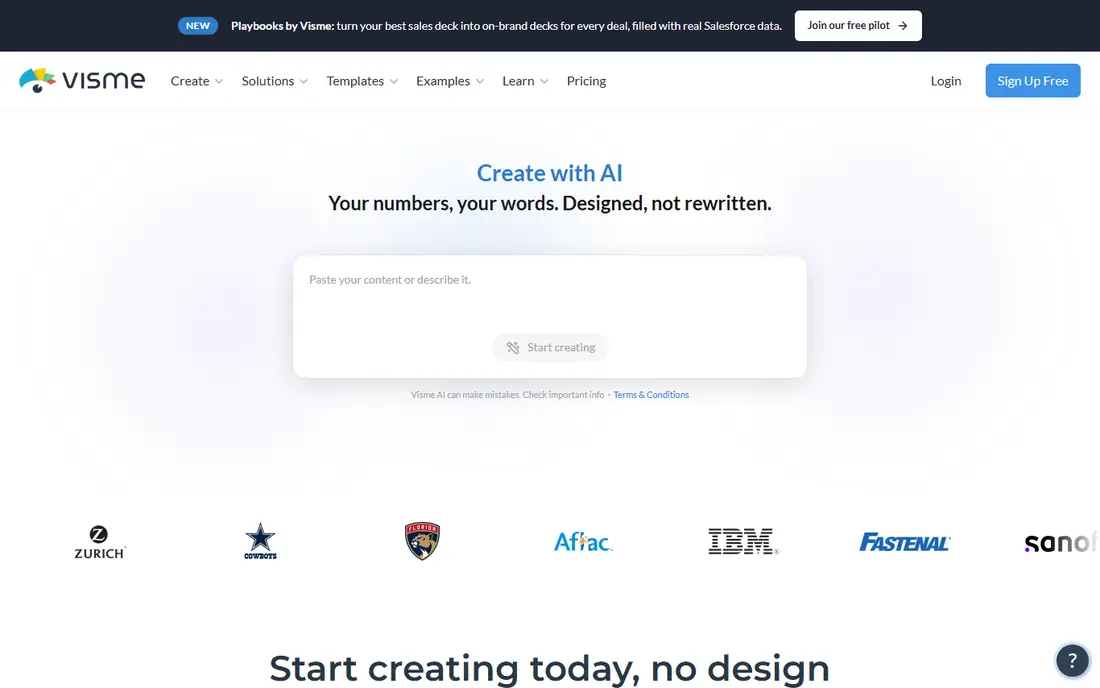
Visme is a visual content platform that covers documents, reports, proposals, and animated ebooks through templates and a drag-and-drop editor. Brand tools keep fonts, colors, and logos consistent, and interactive elements like hotspots and animations make documents feel more like web pages than static files.
The free Basic plan includes unlimited projects and most templates, but adds a watermark and limits downloads to JPG, PNG, and PDF. Paid plans remove those limits and add formats like HTML5 and video. For designed lead magnets and reports, Visme is a strong choice.
- Free Basic plan with many templates
- Drag-and-drop editor with charts and interactivity
- Downloads to PDF and image formats
- Free plan adds a watermark and limits downloads
- Ebook output is document-style, not reflowable EPUB
- Paid plans start at $12.25 per month
Adobe Express
Ideal for: Fast template-based design
Adobe Express makes it easy to design ebook pages from templates, with professional fonts, stock images, and one-click tools for removing backgrounds, resizing, and converting formats. Generative AI tools can create images and templates, and projects stay on brand across social posts, flyers, and documents.
It is a design app, not a publishing tool, so long ebooks need manual page-by-page work and EPUB export is not its focus. For short, beautiful lead magnets and guides where design matters most, Adobe Express is one of the easiest tools to pick up.
- Huge template library with Adobe fonts and stock
- Quick resizing and one-click edits
- Free plan plus a 30-day premium trial
- Ebook layouts need manual page work
- Premium features need a subscription
- Export is design-file based, not EPUB-first
Sqribble
Ideal for: Quick lead magnet ebooks
Sqribble is built for marketers who want a finished ebook fast. Pick a template, add content, and publish a lead magnet or a short book for sale through its built-in store, which handles selling around the clock. That speed is the whole appeal.
The downsides are real. There is no free plan, the interface feels older than Canva or Visme, and design flexibility is limited compared with general design apps. For a marketer who produces lead magnets regularly and values speed over craft, Sqribble still earns its place.
- Template-driven ebook creation aimed at marketers
- Built-in store for selling ebooks
- Fast output for lead magnets
- Paid tool with no free plan
- Interface and site feel dated
- Less flexible than general design tools
Canva
Ideal for: Easy templates for everyone
Canva is the easiest starting point for most ebook creators. Its template library covers guides, workbooks, and lead magnets, the editor is simple enough for a first-time designer, and the free plan handles basic projects well. Collaboration and brand kits help teams stay consistent.
Long books are where Canva strains. Multi-chapter documents with complex layouts take manual work, and EPUB export is not a strength, so Canva suits PDF lead magnets and short guides best. For a beautiful short ebook made quickly, it remains the most approachable tool here.
- Enormous template library for ebooks and guides
- Easiest editor for non-designers
- Free plan covers most basic needs
- Long documents get unwieldy
- EPUB export is limited
- Premium templates and assets need a paid plan
Designrr
Ideal for: Turning content into ebooks
Designrr is built for repurposing. Feed it a blog post, a document, or a transcript and it turns that content into a designed ebook, which suits creators who already publish regularly and want a lead magnet from existing work. Templates keep the process fast.
The catch is that repurposed content still needs editing, and design control stays inside templates. It is not a writing environment or a full publishing suite. For turning proven content into a downloadable book with minimal effort, Designrr is a practical pick.
- Turns blog posts, documents, and transcripts into ebooks
- Template-based design for fast publishing
- Aimed at content repurposing
- Output quality depends on source content
- Design control is template-bound
- Pricing details sit behind a trial and sales pages
How we picked these
We compared official feature pages, pricing pages, app store listings, and public reviews for each tool. We verified homepages for Kotobee, FlipHTML5, Visme, Adobe Express, and Sqribble directly, while Canva and Designrr returned only interstitial pages from their own domains during our checks. We dropped one candidate after a rate-limit error blocked its homepage check, and we favored tools still operating in October 2026 that produce a finished, shareable ebook rather than plain word processors.
Getting your ebook ready to publish
Start with the format your readers will use. PDF works everywhere and suits lead magnets, workbooks, and guides. EPUB reflows on e-readers and suits bookstores and reading apps, but needs a dedicated tool like Kotobee to do well. Flipbooks suit browser reading and marketing, but do not replace a downloadable file.
Build a simple structure before you design: a cover, a contents page, short chapters, and a clear call to action at the end. Keep paragraphs short, use real headings, and test the file on a phone, since many readers will open it there first. Finally, check image rights and fonts before publishing, because a lead magnet that borrows images without permission can cause problems later.
Choosing an ebook format early saves rework later. A PDF works well for lead magnets and printable guides, since layout stays fixed on every device. An EPUB suits books sold through major ebook stores, since text reflows to fit phones, tablets, and e-readers. A flipbook suits online reading with page-turn effects, though it is less portable than a file a reader can download and keep. Before you commit, check where your readers will actually open the book, and pick the format that fits that habit.
Design consistency matters as much as cover art. Use the same fonts, colors, and heading styles through the whole book, and keep chapters short enough to read in one sitting. Add a table of contents with working links, and test the finished file on a phone and a tablet before you publish. A book that looks polished on a laptop but breaks on a phone will lose readers fast, so preview on real devices, not just in the editor.
Frequently asked questions
What is the best ebook creator software for beginners?
Canva is the easiest for beginners, with templates and a simple editor that need no design experience. Visme and Adobe Express are close alternatives, while Kotobee suits beginners who specifically need EPUB publishing.
Can I create an ebook for free?
Yes. Canva, Visme, Adobe Express, and FlipHTML5 all have free plans that cover basic ebook creation, usually with PDF export. Free plans may add watermarks or limit templates, so check the limits before starting a large project.
What is the best ebook creator for EPUB files?
Kotobee is the best EPUB-focused creator on this list, with interactive EPUB authoring, reader apps, and cloud distribution. General design tools like Canva and Visme focus on PDF and visual documents instead.
How do I turn a PDF into an ebook?
FlipHTML5 turns a PDF into a flipbook in minutes, and Designrr turns documents and posts into designed ebooks. For a true reflowable EPUB, you need a dedicated tool like Kotobee rather than a PDF converter.
What is the best ebook creator for lead magnets?
Sqribble and Designrr are built for fast lead magnets from templates or existing content, while Canva and Visme suit designed lead magnets where visual quality matters most. Pick based on whether speed or design is your priority.