Best Echeck Service in 2026: 8 Compared

- Our pick for most readers is Paystand, because it fits best echeck service directly and covers the core need without unnecessary extras.
- Deluxe is the strongest alternative when established business payments matters more than a single all purpose choice, so compare it side by side with our pick.
- Pricing varies widely across this list, so check the official pricing page before you commit, and treat any figure marked See website as quote based or usage based.
- The best choice depends on your budget, your team size, and how often you will use it, which is why we list eight options for best echeck service rather than a single winner for everyone.
Quick comparison
| Product | Ideal for | Price from | Free version | |
|---|---|---|---|---|
 Paystand | B2B eCheck payments | See website | No | Visit |
 Deluxe | established business payments | See website | No | Visit |
 Authorize.net | online checkout with eCheck | See website | Free trial | Visit |
 PaySimple | recurring eCheck billing | See website | Free trial | Visit |
 Dwolla | bank transfer payments for apps | See website | No | Visit |
 Square | simple payments for small sellers | See website | Yes | Visit |
 Braintree | payments for online businesses | See website | No | Visit |
 Zil Money | business checks and payments | See website | Free trial | Visit |
The best best echeck service options
We compared official feature pages, pricing pages, app store listings where relevant, privacy policies, and public reviews for best echeck service. The eight options below cover the main ways readers approach this topic, from well known leaders to smaller specialists worth considering.
Paystand
Ideal for: B2B eCheck payments
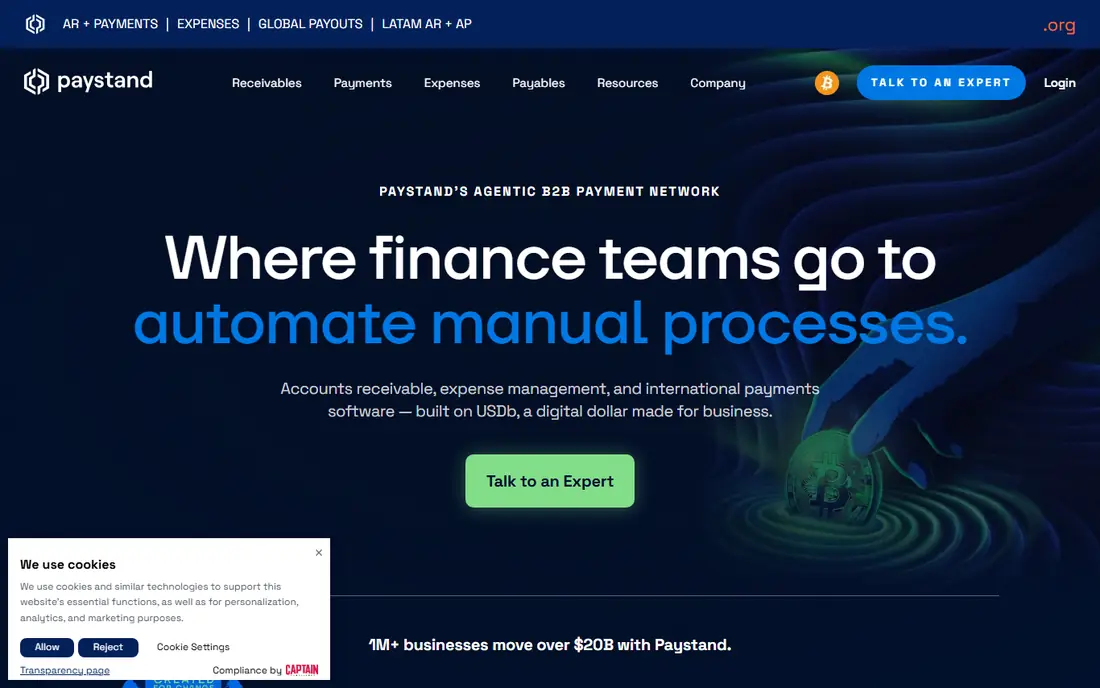
For readers whose main need is B2B eCheck payments, Paystand is worth a close look. It is aimed at that use case first, which keeps the decision clearer than a general tool that tries to cover everything. In practice, that means checking the plan that matches your volume, your team size, and how often you will use it, rather than picking on brand name alone. On the plus side, it offers echeck and ach payment options and b2b payment network tools. Those two points matter in daily use, because they affect setup time, ongoing cost, and how much support you need from the provider. The limits to weigh are pricing is custom and best suited to b2b businesses. If either one clashes with how you work, another option on this list may fit better, and that is a normal part of comparing best echeck service.
- ECheck and ACH payment options
- B2B payment network tools
- Bank verified payments
- Pricing is custom
- Best suited to B2B businesses
Deluxe
Ideal for: established business payments
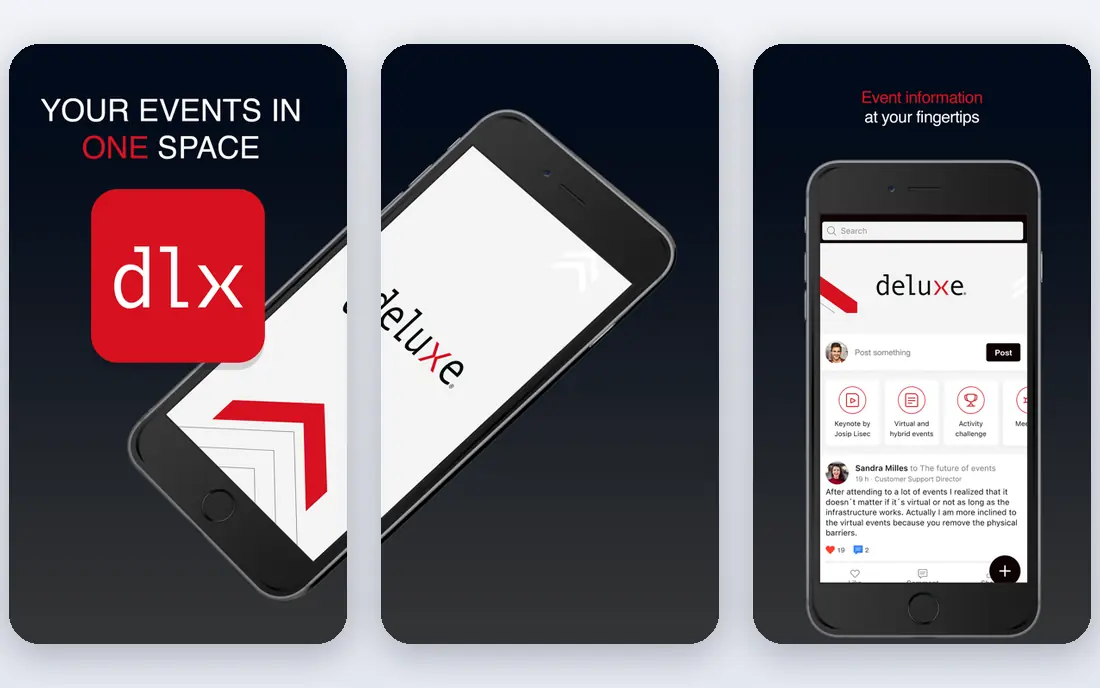
Deluxe stands out for established business payments. We included it because its official pages describe that focus clearly, and because it fits the topic without forcing extra tools into the mix. In practice, that means checking the plan that matches your volume, your team size, and how often you will use it, rather than picking on brand name alone. What we liked most was long history in business payments, backed by wide range of payment products. That combination is useful when you want a tool that works from the first week, not one that needs a long setup project. Before you choose it, confirm pricing varies by product and check setup can take longer than a simple app. A short trial or a careful read of the pricing page will usually settle both questions.
- Long history in business payments
- Wide range of payment products
- Business support options
- Pricing varies by product
- Setup can take longer than a simple app
Authorize.net
Ideal for: online checkout with eCheck
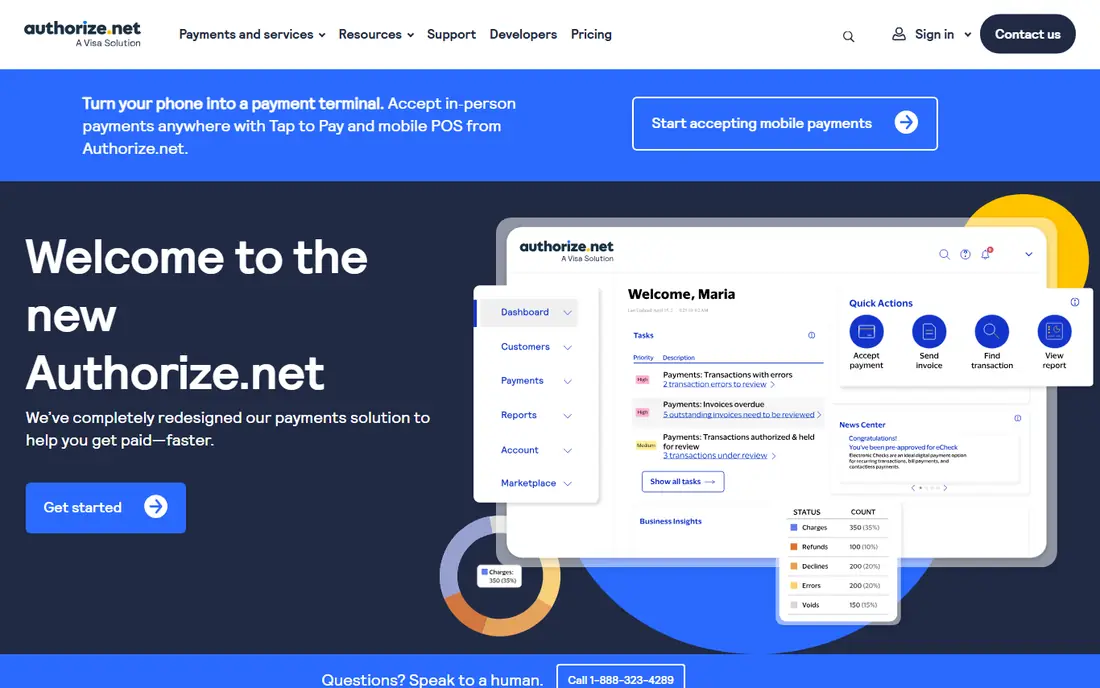
If online checkout with eCheck is your priority, start with Authorize.net. Its positioning is clear from its homepage and pricing pages, and it lines up well with what most readers ask for in best echeck service. In practice, that means checking the plan that matches your volume, your team size, and how often you will use it, rather than picking on brand name alone. Its case rests on well known payment gateway and echeck and card options in one place. For the right reader, those are the deciding factors, and they are easy to verify on the official pages linked in Sources. It is not the right pick for everyone, mainly because of monthly gateway fees may apply and setup is more involved for beginners. Readers who need a different balance should compare it side by side with the next two options below.
- Well known payment gateway
- ECheck and card options in one place
- Detailed merchant tools
- Monthly gateway fees may apply
- Setup is more involved for beginners
PaySimple
Ideal for: recurring eCheck billing
PaySimple earns a place here as a recurring eCheck billing choice for readers comparing best echeck service. It covers the core job in a direct way, and its public feature pages make it simple to see what is included before you sign up. In practice, that means checking the plan that matches your volume, your team size, and how often you will use it, rather than picking on brand name alone. The strengths we noted were recurring billing tools, customer payment portal, and reporting for small teams. Together, those points explain why many readers shortlist it, even when a cheaper option exists elsewhere on this list. The honest catch is pricing is quote based, and best suited to us businesses. Neither point rules it out, but both are worth checking against your budget and your current setup before you commit.
- Recurring billing tools
- Customer payment portal
- Reporting for small teams
- Pricing is quote based
- Best suited to US businesses
Dwolla
Ideal for: bank transfer payments for apps
For readers whose main need is bank transfer payments for apps, Dwolla is worth a close look. It is aimed at that use case first, which keeps the decision clearer than a general tool that tries to cover everything. In practice, that means checking the plan that matches your volume, your team size, and how often you will use it, rather than picking on brand name alone. On the plus side, it offers api for bank payments and built for developers and platforms. Those two points matter in daily use, because they affect setup time, ongoing cost, and how much support you need from the provider. The limits to weigh are developer focus may suit teams more than solo users and pricing depends on volume. If either one clashes with how you work, another option on this list may fit better, and that is a normal part of comparing best echeck service.
- API for bank payments
- Built for developers and platforms
- Clear developer docs
- Developer focus may suit teams more than solo users
- Pricing depends on volume
Square
Ideal for: simple payments for small sellers
Square stands out for simple payments for small sellers. We included it because its official pages describe that focus clearly, and because it fits the topic without forcing extra tools into the mix. In practice, that means checking the plan that matches your volume, your team size, and how often you will use it, rather than picking on brand name alone. What we liked most was easy signup for small sellers, backed by card and bank payment options. That combination is useful when you want a tool that works from the first week, not one that needs a long setup project. Before you choose it, confirm echeck style payments are not its main focus and check fees vary by payment type. A short trial or a careful read of the pricing page will usually settle both questions.
- Easy signup for small sellers
- Card and bank payment options
- Point of sale tools included
- ECheck style payments are not its main focus
- Fees vary by payment type
Braintree
Ideal for: payments for online businesses
If payments for online businesses is your priority, start with Braintree. Its positioning is clear from its homepage and pricing pages, and it lines up well with what most readers ask for in best echeck service. In practice, that means checking the plan that matches your volume, your team size, and how often you will use it, rather than picking on brand name alone. Its case rests on backed by a large payment group and card and bank payment support. For the right reader, those are the deciding factors, and they are easy to verify on the official pages linked in Sources. It is not the right pick for everyone, mainly because of setup needs technical skill and pricing is custom for many users. Readers who need a different balance should compare it side by side with the next two options below.
- Backed by a large payment group
- Card and bank payment support
- Developer tools
- Setup needs technical skill
- Pricing is custom for many users
Zil Money
Ideal for: business checks and payments
Zil Money earns a place here as a business checks and payments choice for readers comparing best echeck service. It covers the core job in a direct way, and its public feature pages make it simple to see what is included before you sign up. In practice, that means checking the plan that matches your volume, your team size, and how often you will use it, rather than picking on brand name alone. The strengths we noted were check printing and payment tools, small business focus, and multiple payment methods. Together, those points explain why many readers shortlist it, even when a cheaper option exists elsewhere on this list. The honest catch is some features need a paid plan, and interface is business focused rather than consumer focused. Neither point rules it out, but both are worth checking against your budget and your current setup before you commit.
- Check printing and payment tools
- Small business focus
- Multiple payment methods
- Some features need a paid plan
- Interface is business focused rather than consumer focused
How we picked these
We started with official feature pages and pricing pages for best echeck service, then checked app store listings where relevant, privacy policies, and public reviews. We kept only products that exist and work in October 2026 and that truly fit the topic, and we left out options that were vague about pricing or that did not match the core need. We did not claim hands on testing that did not happen. Our comparison rests on what the vendors publish, what reviewers report, and how clearly each product explains its plans, limits, and support. That approach keeps the list honest about trade offs, even when a well known name is not the best fit for every reader.
Before you sign up, check these points
Start with the job you need done, not with the longest feature list. For best echeck service, write down your must haves, your budget, and how much time you can spend on setup, then shortlist two or three options that meet those points and ignore the rest for now. Next, read the pricing page in full, including renewal prices, limits, and any add ons. A low starting price can hide usage fees, and a higher plan can save time if it includes support or automation you would otherwise pay for separately. Check cancellation terms too, so a trial does not turn into a charge you did not expect. Finally, look at support and privacy. Check how you can reach help, what data the service collects, and whether it explains its security practices in plain language. If those pages are hard to find, treat that as a warning sign, and pick a provider that answers those questions clearly.
Frequently asked questions
What is the best option for best echeck service?
There is no single best option for everyone. Our pick for most readers is Paystand, while Deluxe suits readers who prioritise established business payments. Compare your budget and your main use case before you decide.
How much does best echeck service usually cost?
Costs vary widely, from free tiers to custom quotes, depending on volume, users, and features. Use the Quick comparison table as a starting point, then confirm the current price on the official pricing page for the plan you need.
Is there a free option for best echeck service?
Some options on this list offer a free plan or a free trial, including Paystand where listed as such in its product block. Free tiers usually have limits, so check what is included before you rely on one for daily work.
How do I choose between these options?
Shortlist two or three that match your main need, then compare pricing, limits, support, and privacy terms side by side. A short trial or a demo call will usually reveal which one fits your workflow better than a feature list alone.
What should I watch out for with best echeck service?
Watch for renewal price rises, usage limits, and add on fees that are not clear on the main pricing page. Also check contract terms, cancellation rules, and whether support covers the hours when you actually need help.