Editing Software for Social Media in 2026: A Guide to 5 Tools

- The list opens with Filmora, aimed at expanding creators and marketers.
- CapCut suits quick short-form video editing.
- Before buying Filmora, weigh this: free exports carry a watermark.
- Pricing for Filmora and Canva is quote-based, which adds a sales step before you can compare cost.
- Only 4 of the 5 tools have a free plan (Clipchamp, VN Video Editor, Canva, CapCut), so check the caps.
Direct answer
This list puts Filmora first for expanding creators and marketers. Clipchamp is the stronger choice for free browser-based editing, while VN Video Editor suits free mobile editing, no watermark. Prices, free plans and limits for all 5 tools follow.
Quick comparison
| Product | Ideal for | Price from | Free version | |
|---|---|---|---|---|
 Filmora | Expanding creators and marketers | See website | Free trial | Visit |
 Clipchamp | Free browser-based editing | Free | Yes | Visit |
 VN Video Editor | Free mobile editing, no watermark | Free | Yes | Visit |
 Canva | Branded social posts and video | See website | Yes | Visit |
 CapCut | Quick short-form video editing | Free | Yes | Visit |
Editing Software for Social Media compared in detail
If you are comparing editing software for social media, this page covers 5 tools in one place: what each is best for, what it costs to start, whether it has a free plan, and the main limit to know about.
Filmora
Ideal for: Expanding creators and marketers
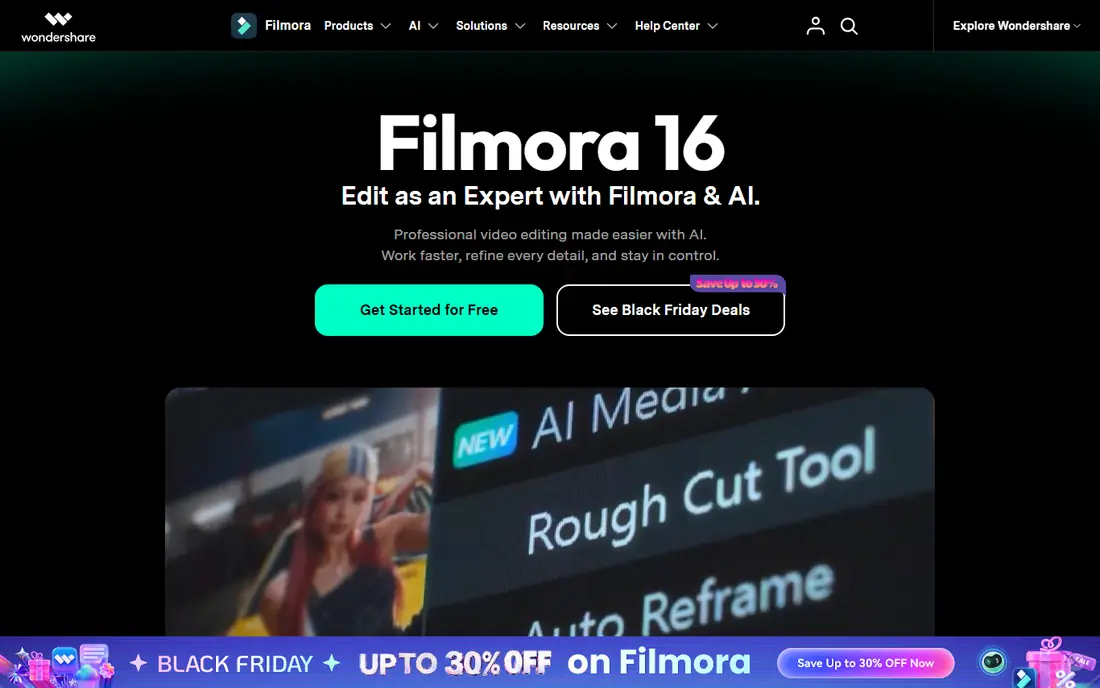
Pick Filmora if this describes you: expanding creators and marketers. The one-time and subscription choices provide adaptability, and the mobile apps let you start an edit on the phone and finish it on the desktop.
Where it falls short: Subscription for full access.
More specifically, for creators outgrowing phone editors but not ready for Premiere, Filmora is the natural next step. The free trial exports with a watermark, so budget for a plan. This comparison lists no price for Filmora; ask the vendor. As for free access: Free trial.
- AI tools for captions, tracking, cleanup
- Huge asset library
- Free exports carry a watermark
Clipchamp
Ideal for: Free browser-based editing
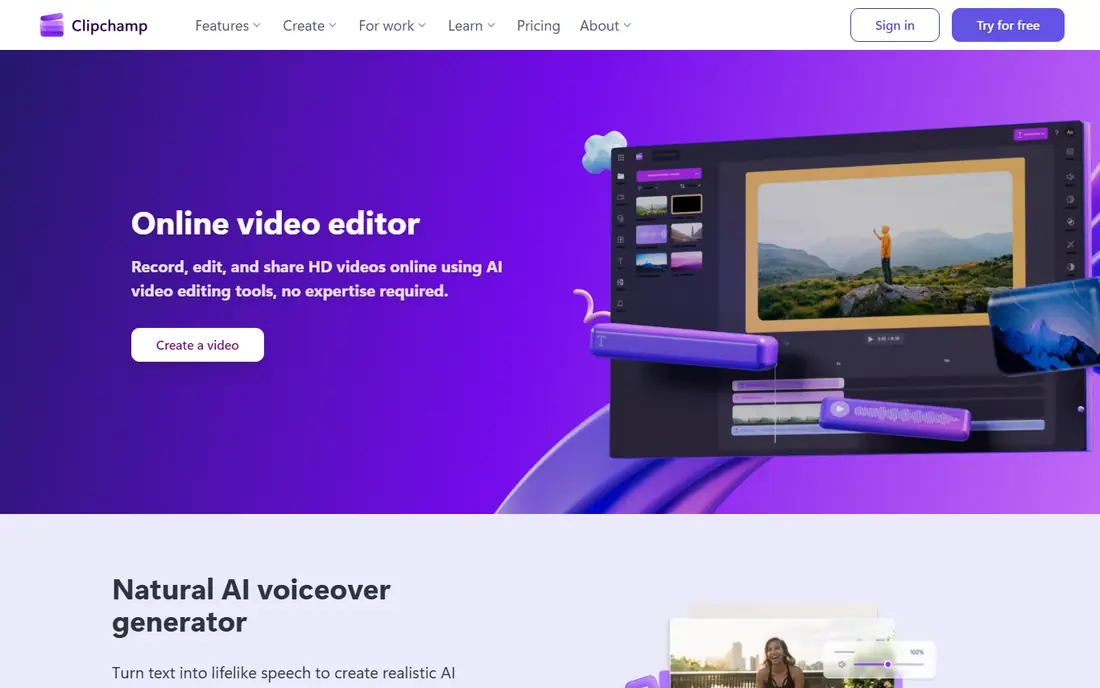
Clipchamp was built for free browser-based editing. Clipchamp, owned by Microsoft, is the rare browser editor that is genuinely free: unlimited HD exports with no watermark, AI subtitle generation in over 80 languages, text-to-speech voiceovers, and screen recording. It comes with Windows 11.
The main drawbacks: Browser editing is less snappy than desktop.
In practice, the screen and webcam recorder makes it a solid pick for tutorial creators and internal training videos, not just social posts. More specifically, power users will outgrow it, but as a free social video tool it punches far above its weight. Starting cost for Clipchamp: Free. Clipchamp includes a free tier.
- No download
- Unlimited free HD exports without watermark
- Premium features need Microsoft 365
VN Video Editor
Ideal for: Free mobile editing, no watermark
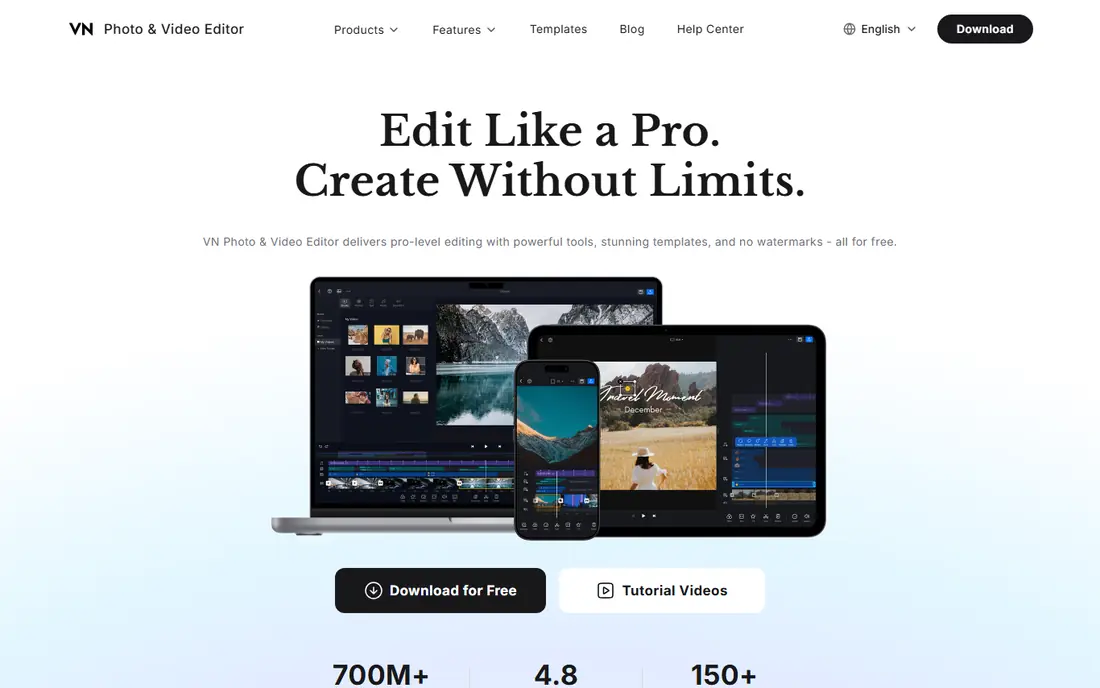
VN Video Editor was built for free mobile editing, no watermark. Creators who find CapCut's premium upsells annoying should try VN.
In daily use, the ramp-up time is a little steeper, but the freedom from watermarks and fees is worth it. What you pay to start with VN Video Editor: Free. Free access exists with VN Video Editor.
Honest limits: Desktop version is entry-level.
- 150+ free templates
- Pro-level mobile timeline
- Smaller ecosystem than CapCut
Canva
Ideal for: Branded social posts and video
Canva was built for branded social posts and video. The free plan covers the basics; Pro layers on the brand and AI features.
Teams also benefit from shared folders and approval workflows, which keep a content calendar moving without files bouncing through email. Pricing for Canva is not stated here, so ask the vendor for current figures. Canva has a free plan.
Where it falls short: Not a true timeline editor.
- Brand kits keep teams consistent
- Video plus design in one canvas
- Advanced video features need Pro
CapCut
Ideal for: Quick short-form video editing
CapCut works best for quick short-form video editing. The template library deserves special mention: trending formats arrive constantly, so creators can ride a trend the same day it appears instead of rebuilding it from scratch.
AI tools produce or enhance video, and text-to-speech builds voiceovers without recording. CapCut pricing: Free. CapCut has a free plan.
Main advantages: background removal, templates.
Honest limits: premium levels needed for premium effects.
- Phone, desktop, browser
- AI captions
- Tied to ByteDance's ecosystem
How we compared the tools
Selection started from tools commonly considered for editing software for social media, then narrowed to 5 that have clear pricing information or a clear quote process. Plan names, prices and limits change often. Treat the figures here as a starting point and verify them with the vendor. The ranking is editorial: typical fit first, then clear pricing, then free access. If your needs are unusual, read the profiles rather than relying on position.
Things to verify first
- Ask Filmora and Canva for a written quote, since no starting price is shown.
- Read the fine print on the free plans from Clipchamp, VN Video Editor, Canva and CapCut; seat, project and feature caps differ.
- Use real work to test the free trial from Filmora, rather than a demo project.
- Before choosing Filmora, weigh its main limit: free exports carry a watermark.
- Add up seats, add-ons and usage charges for CapCut before comparing it with cheaper entries.
- Let daily users try Clipchamp on real work; their feedback beats any feature checklist.
Frequently asked questions
What is the best tool for turning podcasts into video clips?
Filmora comes first here and is built for expanding creators and marketers. Buyers with other needs may prefer Clipchamp (for free browser-based editing) or VN Video Editor (for free mobile editing, no watermark). Compare costs and limits first.
Do these tools publish their prices?
Not all of them. Filmora and Canva publish no starting price, so expect a quote request for those. The rest, Clipchamp included, show a starting price, though seats and billing terms still change the final cost.
Do free editors add watermarks?
Filmora's free trial watermarks exports, whereas CapCut, VN, and Clipchamp export without watermarks on their free levels. Always check before committing to a workflow.
Which options for editing software for social media have a free plan?
Clipchamp, VN Video Editor, Canva and CapCut offer a free plan in this list. Free plans usually cap users, projects or features, so check the limits on the vendor page. One other tool offers a trial instead.
What is the best free video editing software for social media?
Filmora is the pick this page puts first, mainly for expanding creators and marketers. If your situation differs, Clipchamp suits free browser-based editing, and VN Video Editor suits free mobile editing, no watermark. Compare price and limits before you decide.
How are the tools for editing software for social media ordered?
The order follows typical fit for editing software for social media, with Filmora first and CapCut last, then price clarity and free access. It is editorial judgement, not a score, so another team could rank the tools differently.