IRONSCALES leads the list, best for AI phishing defense for cloud email. For a different need, Mimecast Email Security covers established email security system and Abnormal Security covers behavioral AI across email and identity. The other 3 tools in the list cover narrower or pricier cases.
If you are comparing email Anti-Spam software for startups, this page covers 6 tools in one place: what each is best for, what it costs to start, whether it has a free plan, and the main limit to know about.
Key takeaways
IRONSCALES sits first on this list: AI phishing defense for cloud email.
The main caution on Abnormal Security: broader than pure spam filtering.
A permanent free plan is missing from all 6 tools, IRONSCALES and Google Workspace Gmail Security included; plan for a trial or a premium start.
Pricing across the list, from IRONSCALES to Google Workspace Gmail Security, is by quote only.
IRONSCALES was built for AI phishing defense for cloud email. IRONSCALES supplies AI email security that aims to stop phishing, business email compromise, account takeover and deepfakes on Microsoft 365 and Google Workspace. It presents a system built around several AI agents, which may appeal to startups wanting automatic phishing defense on top of their cloud email.
Downsides: Concentrated on cloud email environments.
More specifically, since it is designed around Microsoft 365 and Google Workspace, teams on other mail systems should check fit first. It also layers on another console, so weigh the operational overhead against the phishing protection it layers on. Pricing for IRONSCALES is not stated here, so ask the vendor for current figures. Trial and free access: Free trial.
Mimecast Email Security is aimed squarely at established email security system. Mimecast Email Security is a widely known email security system that organizations use to filter threats and protect mailboxes.
The main drawbacks: Configuration can be involved.
Also, as with plenty of mature systems, the range of controls can feel heavy for a very small team without dedicated IT. From a buyer's view, if you need minimal administration, a more straightforward filter may be simpler; otherwise Mimecast is worth evaluating against your mail stack. Pricing for Mimecast Email Security is not stated here, so ask the vendor for current figures. On free options: Not stated.
Think of Abnormal Security for behavioral AI across email and identity. Abnormal AI describes itself as a behavioral AI security product that guards email, identity and AI, and works to stop insider threats. Evaluate it when behavioral detection and identity coverage matter more than light filtering.
Also, startups that want behavior-based detection instead of straightforward keyword or signature filtering may find it relevant, especially as they grow and face more targeted attacks. Its scope goes beyond entry-level anti-spam, so teams seeking only a straightforward filter may be paying attention to features they will not use. No starting price is listed for Abnormal Security here; confirm pricing on the vendor site. Free plan details: Not stated.
Best for: Bundled email security and breach prevention
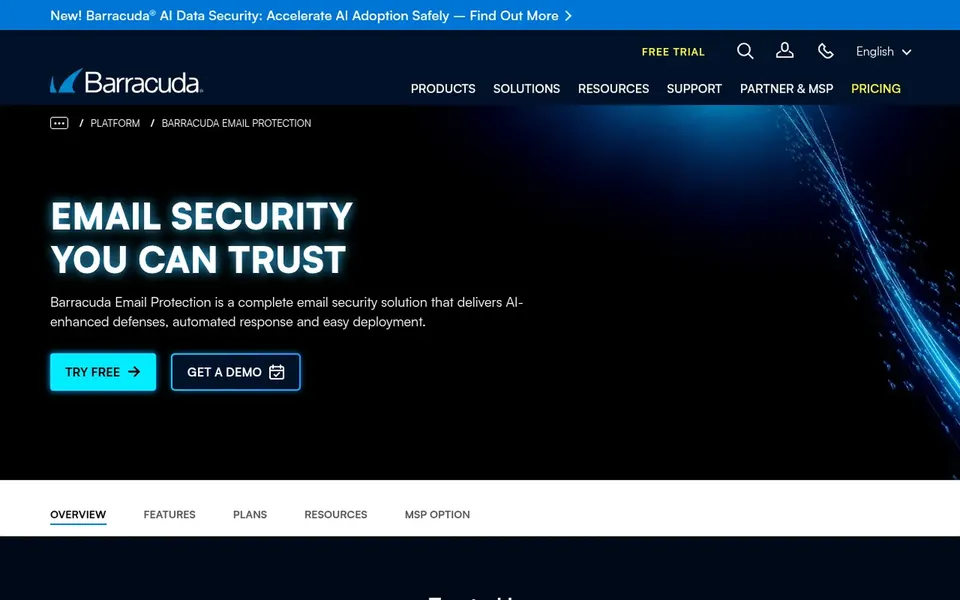
In short, Barracuda Email Protection is for bundled email security and breach prevention. Barracuda Email Protection is positioned as an email security service that helps prevent phishing, malware and data breaches through advanced threat detection.
Where it falls short: Setup relies on your mail environment.
It fits startups that want a recognizable security brand handling multiple email threat types in one place, particularly as they add compliance or security requirements. Barracuda Email Protection shows no starting price here, so confirm the cost on the vendor site. As for free access: Free trial.
Best for: Straightforward spam and phishing filtering
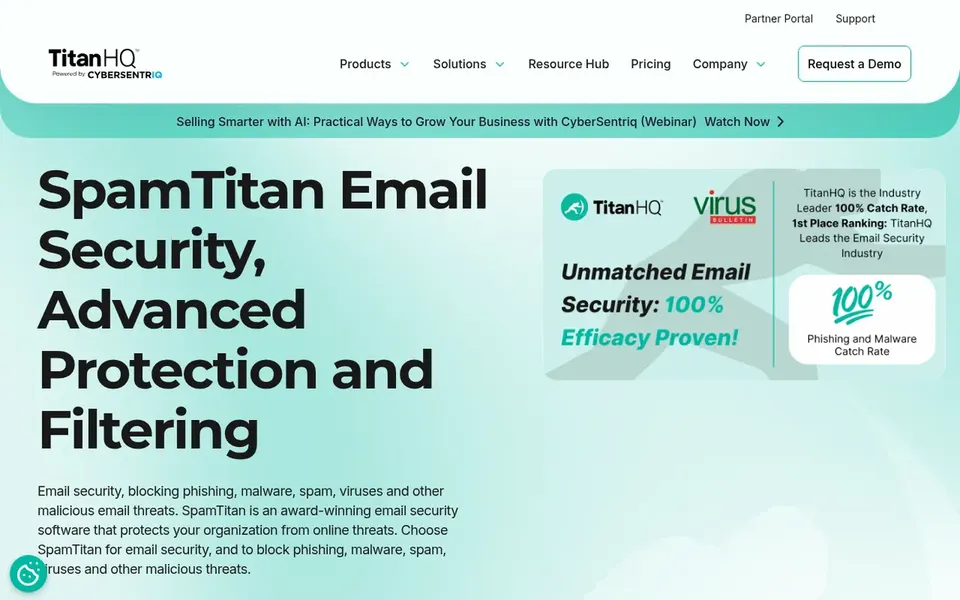
SpamTitan is built with straightforward spam and phishing filtering in mind. SpamTitan is an email security and filtering product from TitanHQ that centres on blocking phishing, malware, spam, viruses and other malicious email threats.
From a buyer's view, for startups, it suits teams that want a clear, dedicated layer of spam and threat filtering in front of their mailboxes without adopting a sprawling security product. Consider it when predictable spam and malware defense is the priority and you can pair it with your existing mail provider's controls. SpamTitan does not show a starting price in this comparison, so check the vendor site for current pricing. Trial and free access: Not stated.
What to check first: Fewer identity or insider features.
Google Workspace Gmail Security targets teams already on Google Workspace. Google Workspace Gmail Security handles cloud security, data encryption and zero trust architecture within Google Workspace.
Check the vendor site for Google Workspace Gmail Security pricing; none is listed in this comparison. Free access: Not stated.
Drawbacks to consider: Restricted use outside Google Workspace.
Request quotes from IRONSCALES, Google Workspace Gmail Security and the others; the list shows no fixed prices.
Take the trial from IRONSCALES and Barracuda Email Protection and push a live task through it before you pay.
Before choosing IRONSCALES, weigh its main limit: concentrated on cloud email environments.
Compare total cost, not headline price: for Barracuda Email Protection, add extra seats, add-ons and any usage-based charges.
List the apps you already depend on and check that SpamTitan supports each one on the plan you would buy.
How we picked
The comparison looks at four things: starting price, free access, how well the feature set matches email Anti-Spam software for startups, and the main limit of each tool. Figures are shown as the vendors publish them. Billing terms, seat minimums and add-ons can change the real cost. The sequence is a judgement call: typical use case first, then pricing transparency, then free access. Use the profiles to check fit.
Every price and plan detail on this page comes from the vendors’ own websites. We did not run hands-on tests unless the text says so, and we do not publish star ratings or review scores. See how we score and our disclosure.
Keep your shortlist in one place
Paste prices, trial dates and notes from this guide into Ainotely, our AI note app. It files them into a topic and pulls out tasks like “cancel trial by Friday”. Free 7-day trial, no card needed.
Is IRONSCALES the right pick for everyone comparing email Anti-Spam software for startups?
No single tool suits every team. IRONSCALES comes first because it fits AI phishing defense for cloud email, while Mimecast Email Security suits established email security platform and Abnormal Security suits behavioral AI across email and identity. Match the tool to your own size, budget and workflow before deciding.
Can I try these tools before paying?
Often, yes. IRONSCALES and Barracuda Email Protection offer a free trial. Use your own data and a real task during the test, and check what the free tier or trial limits before you rely on it. For the full picture, the cards above cover all 6 entries of this email Anti-Spam software for startups list, including price, free plan and limits.
How are the tools for email Anti-Spam software for startups ordered?
The order follows typical fit for email Anti-Spam software for startups, with IRONSCALES first and Google Workspace Gmail Security last, then price clarity and free access. It is editorial judgement, not a score, so another team could rank the tools differently.
Do startups need separate anti-spam software if Gmail or Microsoft 365 already filters email?
A dedicated layer like Proofpoint, IRONSCALES or Abnormal brings behavioral detection on top of native controls. Startups should weigh that added protection against additional cost and administration.
Which tool is easiest for a small team without dedicated IT staff?
Tools built into your existing product, like Google Workspace Gmail Security, typically need the least additional administration. Evaluate setup effort against your team's capacity.
Do these tools publish their prices?
No. None of the tools, from IRONSCALES to Google Workspace Gmail Security, shows a fixed starting price here, so budget time for quotes.