Microsoft Exchange Online Archiving leads the list, best for Microsoft 365 centric remote teams. Google Workspace Vault is better for Google Workspace teams needing retention, and Smarsh Enterprise Archive is better for regulated teams with numerous channels. Prices, free plans and limits for all 5 tools follow.
This Ainotely guide covers 5 email Archiving software for remote teams. Each profile lists a starting price, free plan details, strengths and drawbacks, so you can drop poor fits quickly.
Key takeaways
Top of the list is Microsoft Exchange Online Archiving, which targets Microsoft 365 centric remote teams.
Mimecast Email Archiving is the one to check for teams wanting archiving plus security.
Pricing across the list, from Microsoft Exchange Online Archiving to Mimecast Email Archiving, is by quote only.
Microsoft Exchange Online Archiving, Mimecast Email Archiving and the 3 others all need a premium plan or a trial, since no free plan is listed.
Google Workspace Vault comes with a trade-off: restricted to the Google ecosystem.
Microsoft Exchange Online Archiving makes the most sense for Microsoft 365 centric remote teams. Microsoft supplies Exchange Online Archiving as part of its cloud productivity lineup, which remote teams already using Microsoft 365 will recognize.
In practice, the primary constraint is ecosystem dependence: teams running Google or mixed email environments will not get the same fit. Choose Microsoft when your mail already lives in Microsoft 365 and you want retention handled inside that administration model. Microsoft Exchange Online Archiving does not show a starting price in this comparison, so check the vendor site for current pricing. On free options: Not stated.
Best for: Google Workspace teams needing retention
Choose Google Workspace Vault for Google Workspace teams needing retention. Vault is scoped to Google data, so teams archiving external or mixed mail systems will need a separate tool.
Watch-outs: Restricted to the Google ecosystem.
Pricing for Google Workspace Vault is not stated here, so ask the vendor for current figures. Trial and free access: Not stated.
Smarsh Enterprise Archive serves regulated teams with numerous channels. Smarsh describes itself as helping businesses handle risk in electronic communications, with cloud-based capture, archiving and supervision across more than 80 channels.
As for the details, the compliance-first design can be more than a small remote team needs for entry-level email retention, and setup needs clear policy decisions. On top of that, consider Smarsh when cross-channel capture and supervision are requirements, not optional extras. This comparison lists no price for Smarsh Enterprise Archive; ask the vendor. Free access: Not stated.
Trade-offs to know: Needs policy planning upfront.
Best for: Firms pairing archive with email protection
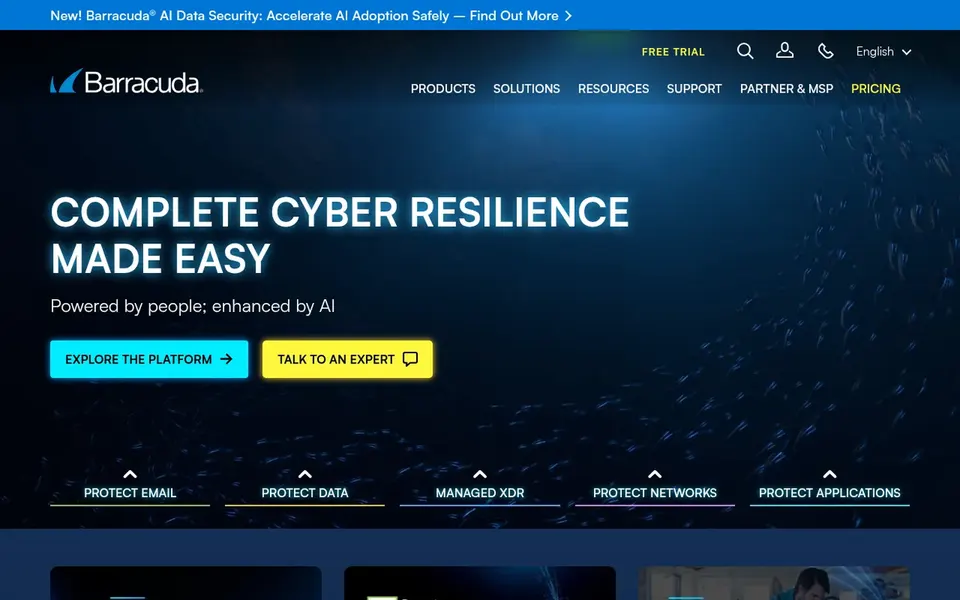
Where Barracuda Email Archiving fits: companies pairing archive with email protection. Barracuda positions its portfolio around email protection, application protection, network security and data protection, with email archiving offered as part of that family.
Also, pick Barracuda when it complements existing email protection instead of adding a parallel product. Barracuda Email Archiving does not show a starting price in this comparison, so check the vendor site for current pricing. On free options: Free trial.
Limits to weigh: Archiving is one piece of a bigger lineup. What works well: network and data.
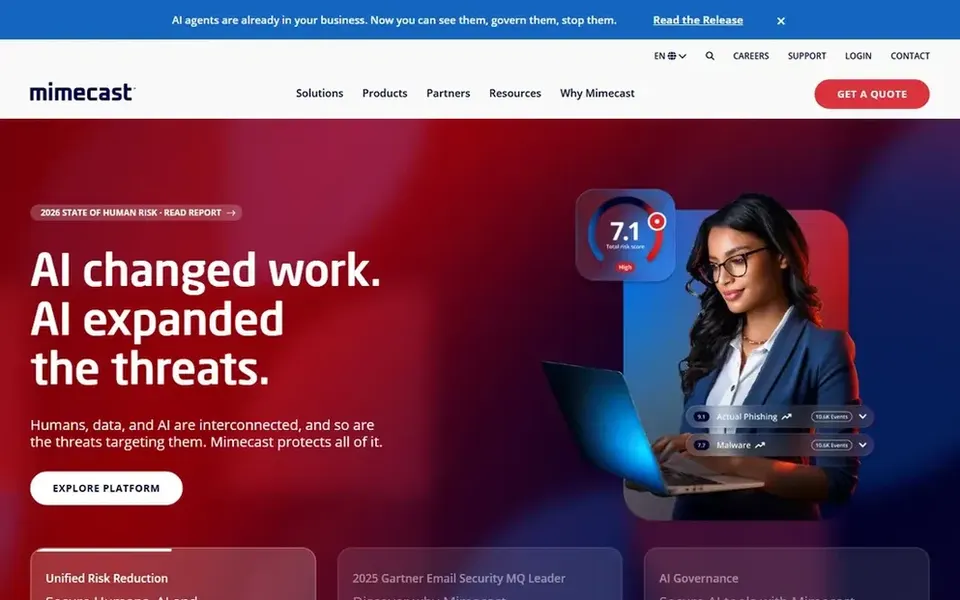
Where Mimecast Email Archiving fits: teams wanting archiving plus security. Mimecast presents itself as a single product spanning email and collaboration security, data protection, AI security, behavior management and data governance.
Also, smaller remote teams without dedicated security staff may prefer a narrower archiving tool. This comparison lists no price for Mimecast Email Archiving; ask the vendor. Trial and free access: Not stated.
Watch-outs: Best value for teams needing the full suite.
Request quotes from Microsoft Exchange Online Archiving, Mimecast Email Archiving and the others; the list shows no fixed prices.
Use real work to test the free trial from Barracuda Email Archiving, rather than a demo project.
Before choosing Microsoft Exchange Online Archiving, weigh its main limit: tied to the Microsoft ecosystem.
Verify that exporting from Smarsh Enterprise Archive is possible on your plan and covers all your records.
Ask Barracuda Email Archiving whether prices are locked for the first term and what happens at renewal.
How we picked
Ainotely looked at what each vendor publishes: pricing, plan limits, feature coverage for email Archiving software for remote teams and stated drawbacks. No hands-on testing is claimed. Treat prices as a snapshot: vendors change plans often, so check the vendor site for the figure that applies today. Order on the page follows fit for the typical buyer first, then price transparency and free access. Your own requirements should decide the final pick.
Every price and plan detail on this page comes from the vendors’ own websites. We did not run hands-on tests unless the text says so, and we do not publish star ratings or review scores. See how we score and our disclosure.
Keep your shortlist in one place
Paste prices, trial dates and notes from this guide into Ainotely, our AI note app. It files them into a topic and pulls out tasks like “cancel trial by Friday”. Free 7-day trial, no card needed.
No. None of the tools, from Microsoft Exchange Online Archiving to Mimecast Email Archiving, shows a fixed starting price here, so budget time for quotes.
Is Microsoft Exchange Online Archiving the right pick for everyone comparing email Archiving software for remote teams?
No single tool suits every team. Microsoft Exchange Online Archiving comes first because it fits Microsoft 365 centric remote teams, while Google Workspace Vault suits Google Workspace teams needing retention and Smarsh Enterprise Archive suits regulated teams with many channels. Match the tool to your own size, budget and workflow before deciding.
Can I try these tools before paying?
Often, yes. Barracuda Email Archiving offers a free trial. Use your own data and a real task during the test, and check what the free tier or trial limits before you rely on it. The 5 tool cards above repeat this per product for email Archiving software for remote teams, with the listed price or "pricing on request".
Is a built-in archive enough for a remote team?
Built-in choices like Microsoft Exchange Online Archiving and Google Workspace Vault work well when your mail lives entirely in that ecosystem. Teams with mixed email systems or cross-channel compliance needs normally need a dedicated archive vendor.
How are the tools for email Archiving software for remote teams ordered?
The order follows typical fit for email Archiving software for remote teams, with Microsoft Exchange Online Archiving first and Mimecast Email Archiving last, then price clarity and free access. It is editorial judgement, not a score, so another team could rank the tools differently.
How do archiving tools differ from email backup?
Archiving concentrates on long-term retention, search and compliance, whereas backup targets rapid recovery after loss. Some systems include both, so clarify which problem you are solving before comparing vendors.