Best Email Finder Tools in 2026: 7 Options Compared

- Our top pick for most readers is Hunter, because it fits people finding emails for outreach and covers the core features well.
- Free options exist on this list, including Hunter, Apollo, Snov.io, though free plans limit features in most cases.
- Prices vary widely, and several vendors do not publish a simple starting price, so check the official pricing page for the current figure before you decide.
- The honest catch matters as much as the headline feature, so read the cons for each product and match them against the work you do most often.
Quick comparison
| Product | Ideal for | Price from | Free version | |
|---|---|---|---|---|
 Hunter | People finding emails for outreach | Free | Yes | Visit |
 Apollo | Sales teams building prospect lists | Free | Yes | Visit |
 Snov.io | Teams that find and verify emails | Free | Yes | Visit |
 Lusha | Sales teams enriching contact data | Free | Yes | Visit |
 RocketReach | Recruiters and sales teams finding contacts | Free | Yes | Visit |
 Findymail | Teams that want verified emails | See website | Free trial | Visit |
 Skrapp | LinkedIn users finding emails | See website | Free trial | Visit |
The best email finder tools
We compared 7 options for best email finder tools, looking at official feature pages, pricing, app store listings, privacy policies, and public reviews, and we did not claim hands on testing we did not do.
Hunter
Ideal for: People finding emails for outreach
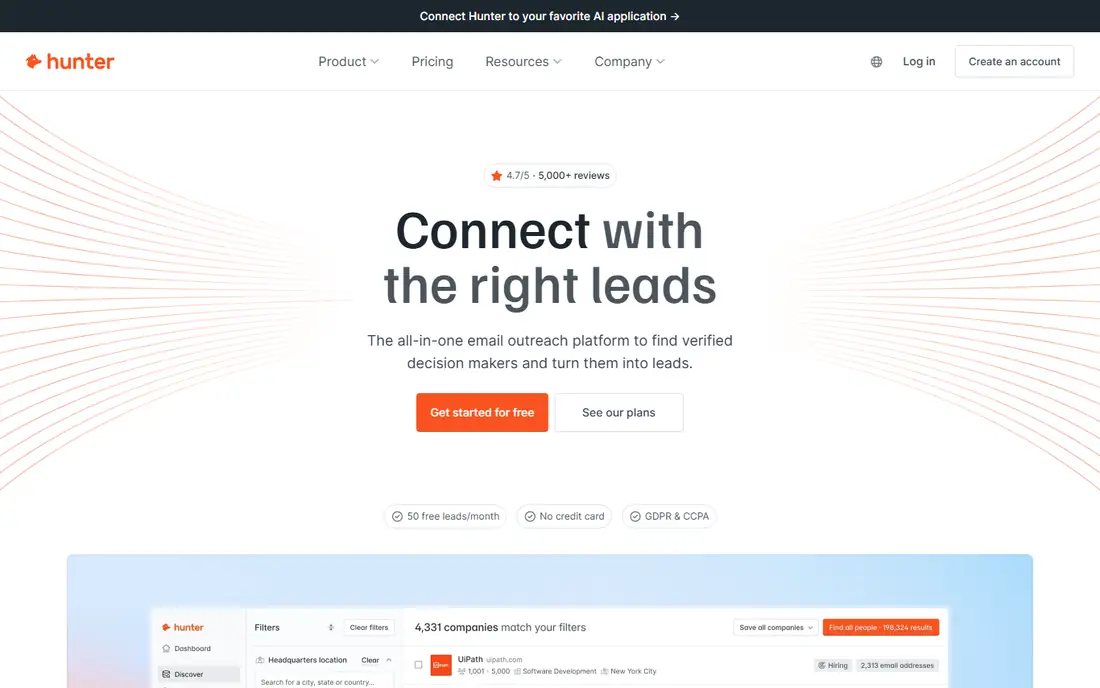
Hunter finds emails tied to a domain and verifies them, which makes it a first stop for outreach lists. It is best for people finding emails for outreach. We put Hunter near the top because it fits its audience well.
On pricing, we list the starting price as Free, and the free plan field as Yes. Where a price is shown as See website, that means the vendor does not publish a simple starting price, or the price depends on seats, usage, or a quote, so check the official pricing page for the current figure.
The honest catch is free plan limits searches; data coverage varies. Before you commit, try the free plan or trial if one is offered, and check that the features you need are on the plan you pick. Our view is that Hunter is worth a close look if its best fit matches your situation, and worth skipping if the catch touches the part of the work you do most often.
- Domain search
- Email verification
- Free searches monthly
- Free plan limits searches
- Data coverage varies
Apollo
Ideal for: Sales teams building prospect lists
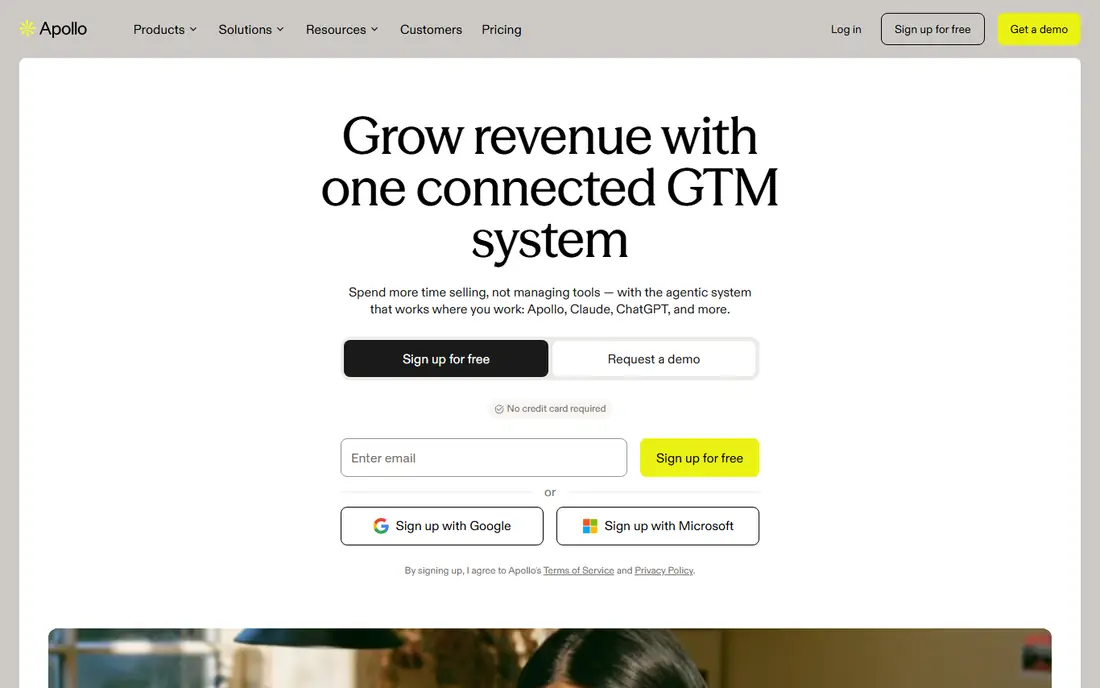
Apollo pairs a large contact database with outreach tools, so sales teams can find and contact prospects in one place. It is best for sales teams building prospect lists. For many readers, Apollo is the practical choice in this list.
On pricing, we list the starting price as Free, and the free plan field as Yes. Where a price is shown as See website, that means the vendor does not publish a simple starting price, or the price depends on seats, usage, or a quote, so check the official pricing page for the current figure.
The honest catch is free plan limits credits; data accuracy varies. A short trial run with your own data or workflow will tell you more than any feature list, so test the fit before paying. Our view is that Apollo is worth a close look if its best fit matches your situation, and worth skipping if the catch touches the part of the work you do most often.
- Large contact database
- Sequencing
- CRM tools
- Free plan limits credits
- Data accuracy varies
Snov.io
Ideal for: Teams that find and verify emails
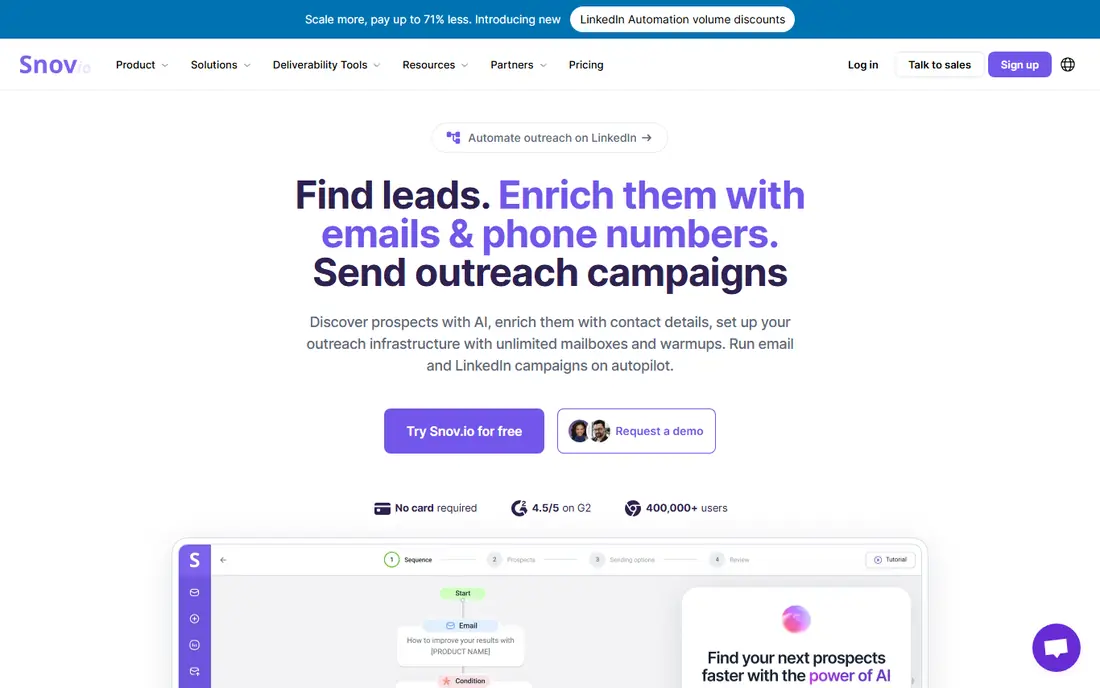
Snov.io combines email finding, verification, and drip campaigns, which suits small sales teams. It is best for teams that find and verify emails. What stands out about Snov.io is how clearly it states its purpose.
On pricing, we list the starting price as Free, and the free plan field as Yes. Where a price is shown as See website, that means the vendor does not publish a simple starting price, or the price depends on seats, usage, or a quote, so check the official pricing page for the current figure.
The honest catch is credit system can confuse; data varies by region. Check the pricing page and the plan limits carefully, since the details that matter most are often in the plan notes. Our view is that Snov.io is worth a close look if its best fit matches your situation, and worth skipping if the catch touches the part of the work you do most often.
- Email finder and verifier
- Drip campaigns
- Free credits
- Credit system can confuse
- Data varies by region
Lusha
Ideal for: Sales teams enriching contact data
Lusha enriches contact details from a browser extension, which helps salespeople fill gaps in a prospect record. It is best for sales teams enriching contact data. We kept Lusha on the list because it solves a specific problem well.
On pricing, we list the starting price as Free, and the free plan field as Yes. Where a price is shown as See website, that means the vendor does not publish a simple starting price, or the price depends on seats, usage, or a quote, so check the official pricing page for the current figure.
The honest catch is free credits are limited; pricing rises fast. If you are unsure, start small and upgrade only when you hit a real limit in daily use. Our view is that Lusha is worth a close look if its best fit matches your situation, and worth skipping if the catch touches the part of the work you do most often.
- Contact enrichment
- Browser extension
- CRM sync
- Free credits are limited
- Pricing rises fast
RocketReach
Ideal for: Recruiters and sales teams finding contacts
RocketReach is used by recruiters and sales teams to find emails and phones with detailed search filters. It is best for recruiters and sales teams finding contacts. Among the options here, RocketReach earns its place for steady, focused tools.
On pricing, we list the starting price as Free, and the free plan field as Yes. Where a price is shown as See website, that means the vendor does not publish a simple starting price, or the price depends on seats, usage, or a quote, so check the official pricing page for the current figure.
The honest catch is free plan is limited; pricing is per lookup tier. Ask support a direct question before you buy, since the answer often reveals how the service treats customers after signup. Our view is that RocketReach is worth a close look if its best fit matches your situation, and worth skipping if the catch touches the part of the work you do most often.
- Large database
- Search filters
- Bulk lookup
- Free plan is limited
- Pricing is per lookup tier
Findymail
Ideal for: Teams that want verified emails
Findymail focuses on verified emails, with bulk tools and an API for teams that check many contacts. It is best for teams that want verified emails. Readers who want a focused option should look closely at Findymail.
On pricing, we list the starting price as See website, and the free plan field as Free trial. Where a price is shown as See website, that means the vendor does not publish a simple starting price, or the price depends on seats, usage, or a quote, so check the official pricing page for the current figure.
The honest catch is smaller database than leaders; credit based pricing. Compare the total cost over a year, not just the monthly figure, since add ons and seat counts change the picture. Our view is that Findymail is worth a close look if its best fit matches your situation, and worth skipping if the catch touches the part of the work you do most often.
- Verified email finding
- Bulk tools
- API access
- Smaller database than leaders
- Credit based pricing
Skrapp
Ideal for: LinkedIn users finding emails
Skrapp finds emails from LinkedIn profiles and company pages, which suits recruiters working mainly on LinkedIn. It is best for linkedIn users finding emails. We like Skrapp for readers who know what they need and want to get started.
On pricing, we list the starting price as See website, and the free plan field as Free trial. Where a price is shown as See website, that means the vendor does not publish a simple starting price, or the price depends on seats, usage, or a quote, so check the official pricing page for the current figure.
The honest catch is free plan is limited; LinkedIn focused. Make sure the tool works with the systems you already use, since a good product that does not connect can slow you down. Our view is that Skrapp is worth a close look if its best fit matches your situation, and worth skipping if the catch touches the part of the work you do most often.
- LinkedIn integration
- Email finding
- Verification
- Free plan is limited
- LinkedIn focused
How we picked these
We started from the topic itself and looked for products that exist and work in October 2026 and truly fit it, rather than padding the list with near misses. For each product we checked its official homepage, its feature pages, its pricing page or app store listing, and its privacy policy where one mattered, and we used public reviews to spot common complaints. Where we could not verify a price from the vendor, we wrote See website instead of guessing, and where a homepage could not be confirmed we dropped or replaced that product. We favored a mix of well known leaders and strong smaller options, and we weighed who each product is really for, one concrete strength, and one honest weakness. That mix matters, because the best product for a large team is rarely the best product for a solo user, and a low price means little if the plan limits block the work you do daily.
How to choose the right option
What to check before you pay
Start with the job you need done, not the feature list. Write down the three tasks you will do every week, then check that each one is covered on the plan you would actually buy, not just on the top plan. Ask about setup time, data import, and how you leave if the fit is wrong, since exit costs matter as much as entry price. Read the pricing page for seat counts, usage limits, and support hours, and treat any figure that is not on the official page as unconfirmed.
How to run a fair trial
Give each finalist the same real task and the same week, and judge by the result, not by the demo. Invite the people who will use the tool daily, since a system chosen by one manager and disliked by the team rarely lasts. Keep notes on what slowed you down, what needed support, and what felt obvious, then compare those notes before you sign anything.
Mistakes worth avoiding
The most common mistake is paying for a large plan before the team has used the basic one. Another is choosing on price alone, then finding that support, limits, or missing connections cost more time than the saving was worth. A third is skipping the contract terms, especially renewal, data export, and what happens to your data if you cancel. Avoid all three by trialing first, reading the plan notes, and asking direct questions in writing.
Frequently asked questions
What is the best email finder tools for most people?
For most readers we point to Hunter, since it fits people finding emails for outreach and covers the core features without a steep learning curve. That said, the right pick depends on your budget, your team size, and the features you will use weekly, so compare the top two or three on this list before you decide. If you also search for best email lookup tool, the same shortlist applies, since it covers that need too.
Are there free email finder tools options?
Yes, in most cases, though free plans limit features. On this list, Hunter, Apollo, Snov.io offer free access in some form. Read the free plan limits before you rely on them, since storage, seats, or exports are often capped.
How much does email finder tools cost?
It varies by product and plan, and several vendors on this list do not publish a simple starting price. We list See website where the price depends on seats, usage, or a quote, and we recommend checking the official pricing page for the current figure. Add up the yearly cost, including any add ons, before you compare monthly figures.
What should I check before choosing a email finder tools option?
Check the plan limits, the support hours, the privacy policy, and whether the product works with the tools you already use. Run a short trial with a real task, and judge by the result rather than the demo. If the product will hold your data, check export options early, so you are not trapped if you switch later.
Can I switch later if I pick the wrong email finder tools option?
In most cases yes, but switching costs time and sometimes data. Check export tools, contract terms, and cancellation rules before you commit, and keep a copy of your data outside the product. Starting with a trial or a monthly plan, rather than a long contract, keeps switching cheap if the fit is wrong.