Best Email Marketing Companies in 2026: 8 Companies Compared

- Mailchimp is our pick for most small businesses, with a free tier, a huge template library and automation that covers welcome, cart and post-purchase flows.
- Klaviyo suits ecommerce stores that need deep Shopify data, segmentation and revenue attribution, while Brevo suits budget buyers who pay by emails sent.
- Kit suits creators who want simple forms and sequences, while ActiveCampaign suits teams that need advanced automation and CRM features.
- Deliverability matters more than template count: check sender authentication, list hygiene tools and spam complaint handling before you scale a list.
Quick comparison
| Product | Ideal for | Price from | Free version | |
|---|---|---|---|---|
 Mailchimp | All-round small business | See website | Yes | Visit |
 Constant Contact | Simple SMB campaigns | See website | No | Visit |
 Brevo | Budget pay-by-email | See website | Yes | Visit |
 Klaviyo | Ecommerce segmentation | See website | Yes | Visit |
 Kit | Creators and newsletters | See website | Yes | Visit |
 ActiveCampaign | Advanced automation and CRM | See website | No | Visit |
 GetResponse | Webinars plus email | See website | Yes | Visit |
 AWeber | Simple reliable newsletters | See website | Yes | Visit |
The best email marketing companies
Email marketing companies differ in automation depth, ecommerce data, deliverability tools and pricing model. Some charge by contacts, some by emails sent, and that difference decides the bill as a list grows. We compared automation, templates, segmentation, deliverability features and pricing structures.
Mailchimp
Ideal for: All-round small business
Mailchimp suits most small businesses because it covers the full journey in one tool. A free tier supports small lists and basic campaigns, templates cover newsletters, promotions and announcements, and automation handles welcome series, abandoned carts and post-purchase follow-ups without a separate tool. Integrations cover Shopify, WooCommerce, WordPress and many other platforms.
The catch is contact pricing. As a list grows, Mailchimp tiers rise faster than pay-by-email rivals such as Brevo, so a large but quiet list can cost more than expected. Mailchimp fits a growing small business that sends regularly and uses automation, not a business that stores a huge list it rarely emails.
- Free tier for small lists
- Huge template library
- Automation for welcome, cart and post-purchase flows
- Pricing rises steeply as contacts grow
- Advanced segmentation sits on higher tiers
Constant Contact
Ideal for: Simple SMB campaigns
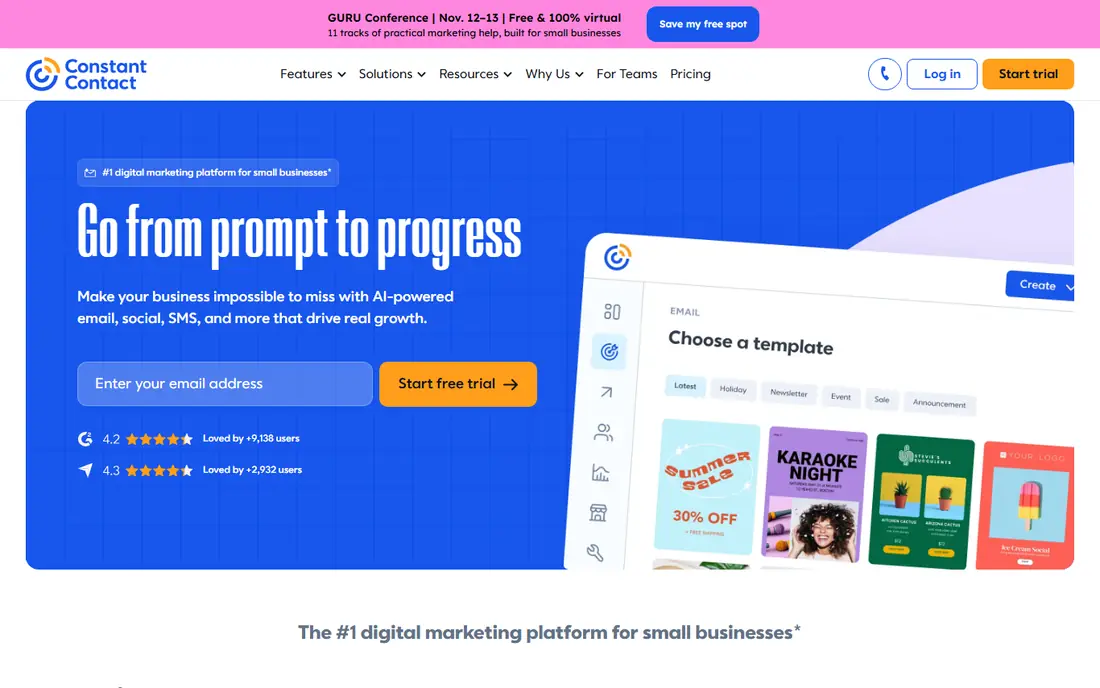
Constant Contact suits small businesses that want simple, reliable campaigns without a learning curve. Its drag-and-drop builder, templates and list tools make a newsletter fast to send, while event marketing and survey tools help local businesses, nonprofits and service firms collect registrations and feedback in the same platform.
The weakness is automation depth. Constant Contact handles welcome and basic sequences well, but advanced branching, ecommerce triggers and CRM features trail ActiveCampaign and Klaviyo. For a small business that sends regular newsletters and event invites, Constant Contact simplicity is a strength.
- Simple campaign builder for beginners
- Event and survey tools beside email
- Good support for small businesses
- No permanent free plan
- Automation depth trails ActiveCampaign and Klaviyo
Brevo
Ideal for: Budget pay-by-email
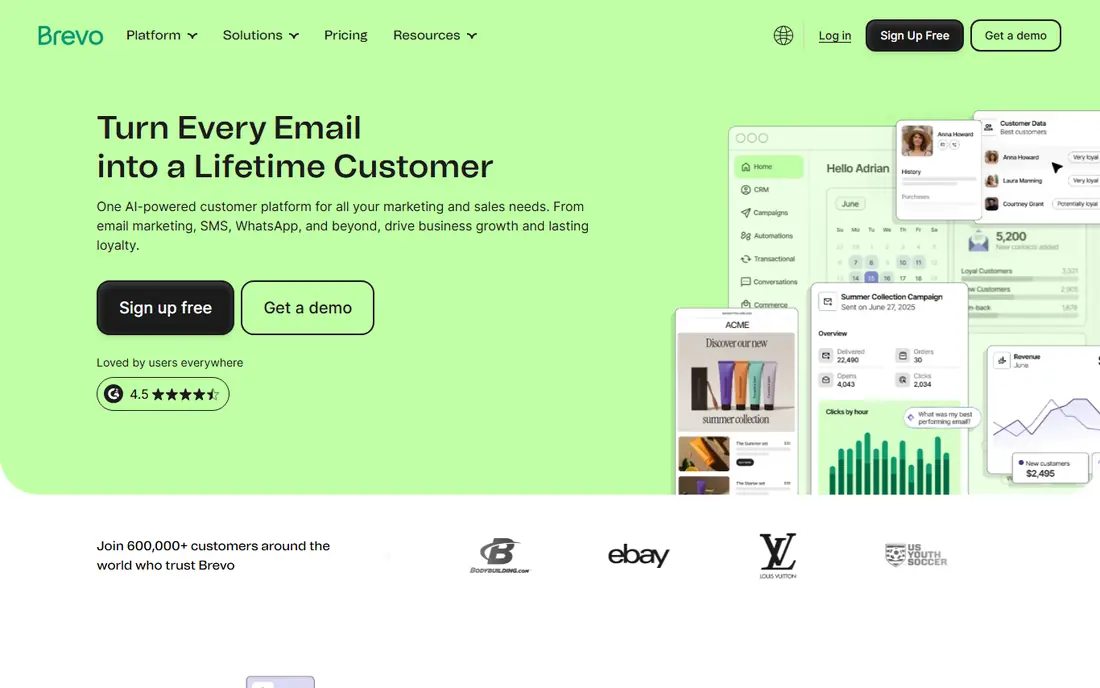
Brevo, formerly Sendinblue, suits budget buyers with large lists but modest sending volume. Its free tier covers daily sending up to a limit, and paid plans charge by emails sent rather than by contacts, so a business with 50,000 contacts that emails monthly pays far less than on a contact-priced tool. SMS, WhatsApp and chat tools sit beside email in the same platform.
The limit is polish. Brevo templates and automation are capable, but they feel less refined than Mailchimp for design-led campaigns, and contact segmentation is simpler than Klaviyo. Brevo fits a budget-conscious sender who values the pricing model above template variety.
- Free tier with daily sending limits
- Pay by emails sent rather than contacts
- SMS and chat beside email
- Template and automation depth trail Mailchimp on some plans
- Contact management is simpler
Klaviyo
Ideal for: Ecommerce segmentation
Klaviyo suits ecommerce stores that live by email revenue. It pulls order, product and browsing data from Shopify and other platforms, builds segments from purchase behaviour, and runs flows for welcome, cart abandonment, browse abandonment, post-purchase and win-back campaigns with revenue attribution. A free tier covers small lists and limited sends.
The catch is cost at scale. Klaviyo contact pricing grows with list size, and a large store can face a significant monthly bill, though email revenue often justifies it. Klaviyo fits a store that treats email as a revenue channel and will use segmentation daily, not a business that sends one newsletter a month.
- Deep Shopify and ecommerce data
- Powerful segmentation and flows
- Revenue attribution for campaigns
- Pricing rises with contacts and can grow fast for large stores
- Learning curve is steeper than Mailchimp
Kit
Ideal for: Creators and newsletters
Kit, formerly ConvertKit, suits creators, writers and newsletter authors. Its forms and landing pages grow an audience fast, its sequences handle welcome and course delivery simply, and its interface stays calm for a solo creator who does not want a full marketing suite. A free tier covers small creator lists.
The weakness is commerce depth. Kit handles digital products and simple selling, but deep ecommerce segmentation and complex automation trail Klaviyo and ActiveCampaign. Kit fits a creator whose main product is content, not a store with hundreds of SKUs.
- Simple forms, landing pages and sequences for creators
- Clean newsletter workflow
- Free tier for small creators
- Ecommerce and advanced automation depth trail Klaviyo and ActiveCampaign
- Template variety is narrower
ActiveCampaign
Ideal for: Advanced automation and CRM
ActiveCampaign suits teams that need marketing automation plus sales follow-up in one platform. Its visual automation builder handles branching, goals, lead scoring and CRM tasks, so a lead can move from email to sales call without switching tools. That depth helps B2B teams, agencies and service businesses with longer sales cycles.
The drawback is complexity and price. ActiveCampaign has no permanent free plan, and its power needs setup time and training that a simple newsletter sender may not want. It fits a team that will build and maintain automations weekly, not a business that sends occasional blasts.
- Deep automation with branching and goals
- Built-in CRM for sales follow-up
- Strong segmentation and scoring
- No permanent free plan
- Learning curve is steeper than Mailchimp or Constant Contact
GetResponse
Ideal for: Webinars plus email
GetResponse suits businesses that run webinars beside email. Its platform combines email campaigns, automation, landing pages, funnels and webinar hosting, so a coach, trainer or B2B seller can invite, remind and follow up on webinars without a second tool. A free tier covers basic email use.
The limit is focus. GetResponse does many jobs well, but ecommerce segmentation trails Klaviyo and pure newsletter simplicity trails Kit. It fits a business where webinars drive sales and email nurtures attendees after the event.
- Email plus webinars, landing pages and funnels in one platform
- Automation and segmentation tools
- Free tier for basic use
- Interface feels busier than Kit
- Ecommerce depth trails Klaviyo
AWeber
Ideal for: Simple reliable newsletters
AWeber suits small businesses and creators who want simple, dependable newsletters. Its builder, templates, automation and landing pages cover the core email job without a steep learning curve, and a free tier supports small lists. That reliability has kept AWeber popular with bloggers, small shops and nonprofits for many years.
The weakness is ambition. AWeber automation, segmentation and ecommerce features trail ActiveCampaign and Klaviyo, so a growing store or complex funnel will outgrow it. For a straightforward newsletter that must simply arrive and look good, AWeber remains a trustworthy pick.
- Simple, reliable newsletter tools
- Free tier for small lists
- Automation and landing pages for basic needs
- Automation and ecommerce depth trail larger rivals
- Template variety is narrower than Mailchimp
How we picked these
We compared automation depth, ecommerce data, templates, segmentation, deliverability tools and pricing models for companies still operating in October 2026. We kept contact-priced and email-priced models in the list, since pricing model shapes the bill as lists grow. We did not send live campaigns, and we did not repeat vendor deliverability claims as measured facts.
What to check before you buy
Start with sender authentication and list hygiene. Set up SPF, DKIM and DMARC for your sending domain, use double opt-in for new subscribers, and clean bounced and unengaged addresses regularly, since poor hygiene harms deliverability more than any template choice. A tool with good hygiene features protects your sender reputation as you scale.
Next, model pricing by your real list and sending volume. Contact-priced tools such as Mailchimp and Klaviyo charge more as contacts grow, even if you email rarely, while email-priced Brevo charges by sends, which favours large, quiet lists. Count contacts, monthly sends and automation needs, then compare the tier you will need in a year, not just the starter tier.
Finally, test automation with a real journey. Build a welcome series, a cart or inquiry follow-up and a re-engagement flow in each shortlisted tool, and check branching, timing, segmentation and reporting. The best email tool is the one whose automation you will actually maintain, not the one with the longest feature list on a pricing page.
Frequently asked questions
What is the best email marketing company for small business?
Mailchimp is our pick for most small businesses because of its free tier, templates and automation. Brevo suits budget buyers, Constant Contact suits simple campaigns, and Klaviyo suits ecommerce stores that need deep segmentation.
Is there a free email marketing platform?
Yes. Mailchimp, Brevo, Klaviyo, Kit, GetResponse and AWeber all offer free tiers, though each limits contacts, sends or features. Free tiers suit small lists and testing, while growing lists and advanced automation need paid plans.
How much does email marketing cost?
Pricing varies by model: contact-priced tools rise with list size, while Brevo charges by emails sent. Small lists often start free, midsize lists typically cost tens of dollars per month, and large ecommerce lists can cost hundreds, so model your list and volume before buying.
What affects email deliverability most?
Sender authentication, list hygiene, engagement rates and complaint rates matter most. Use a verified domain, clean bounces and unengaged contacts, send relevant content to segmented lists, and avoid purchased lists, which harm reputation and violate most provider terms.
Should I buy an email list?
No. Purchased lists produce low engagement, high complaints and spam trap hits, which damage your sender reputation and can get your account suspended. Grow your list through forms, lead magnets, checkout opt-ins and events, even though it takes longer.