Best email marketing platforms for nonprofits in 2026: 8 Platforms Compared

- 1
 MailchimpAll-round nonprofit emailVisit
- 2
 Constant ContactSimple nonprofit newslettersVisit
- 3
 KitCreators and small nonprofitsVisit
- 4
 BrevoAffordable email and SMSVisit
- 5
 Campaign MonitorPolished nonprofit campaignsVisit
- Mailchimp is our pick for most people, thanks to its broad feature set and its all-round nonprofit email.
- If you want to start free, Mailchimp is worth trying first, since it offers a free plan without an upfront payment.
- MailerLite is the option to look at if the mainstream choices do not fit, since it covers a narrower need in more depth.
- Compare the total cost for your actual usage, not just the headline price, and check limits, support and contract terms before you decide.
Quick comparison
| Product | Ideal for | Price from | Free version | |
|---|---|---|---|---|
| Mailchimp | All-round nonprofit email | Free | Yes | Visit |
| Constant Contact | Simple nonprofit newsletters | See website | Free trial | Visit |
| Kit | Creators and small nonprofits | Free | Yes | Visit |
| Brevo | Affordable email and SMS | Free | Yes | Visit |
| Campaign Monitor | Polished nonprofit campaigns | See website | Free trial | Visit |
 AWeber | Small list email marketing | Free | Yes | Visit |
 GetResponse | Email plus funnels and webinars | See website | Free trial | Visit |
 MailerLite | Budget-friendly nonprofit email | Free | Yes | Visit |
The best best email marketing platforms for nonprofits
These 8 options cover the range from well-known leaders to smaller specialists. We compared official feature pages, pricing pages, app-store listings, privacy policies and public reviews to sort out where each one earns its place.
Mailchimp
Ideal for: All-round nonprofit email
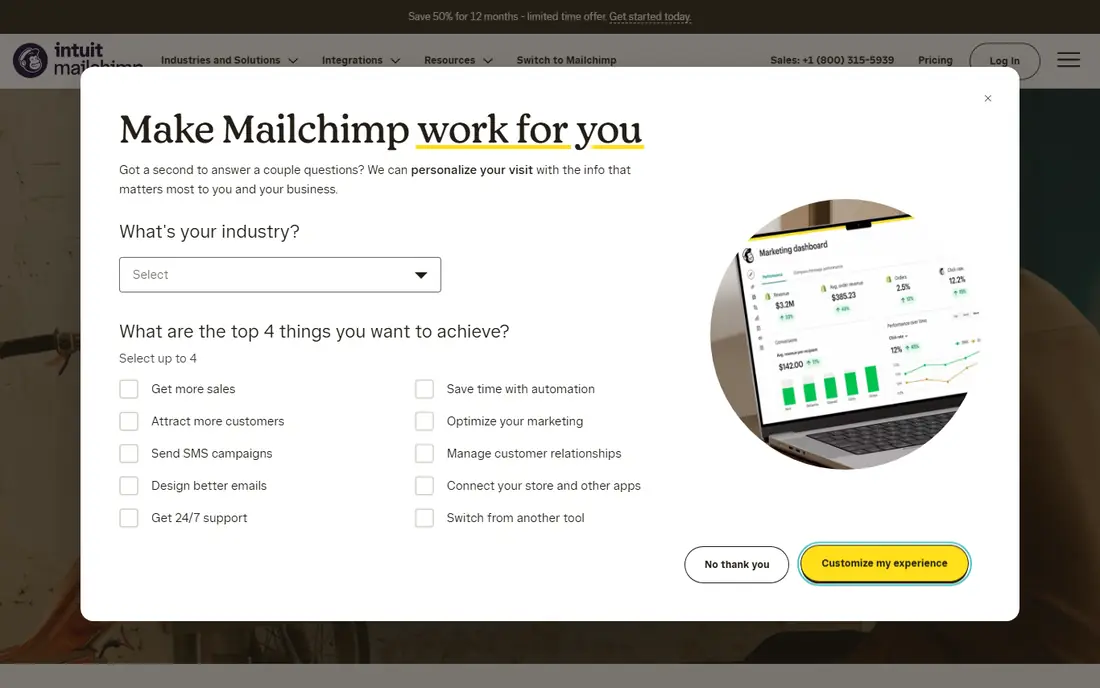
Mailchimp is the most popular email platform for nonprofits, with a nonprofit discount and easy templates. It integrates with donation tools and covers automation well.
The trade-off is contact pricing, which rises as lists grow. If that trade-off sounds acceptable, it is a strong fit for all-round nonprofit email. If not, one of the other options on this list is likely a better match.
Pricing details sit on the vendor site, so confirm the current plan, any limits on the free tier, and what support is included before you sign up.
In practice, the people who get the most from Mailchimp are those who need all-round nonprofit email and are comfortable with its limits. It works best when it matches a task you repeat often, rather than a feature you might use once, so weigh the everyday job more heavily than the extras.
- Nonprofit discount
- Easy templates
- Donation integrations
- Pricing rises with contacts
- Advanced features need higher plans
Constant Contact
Ideal for: Simple nonprofit newsletters
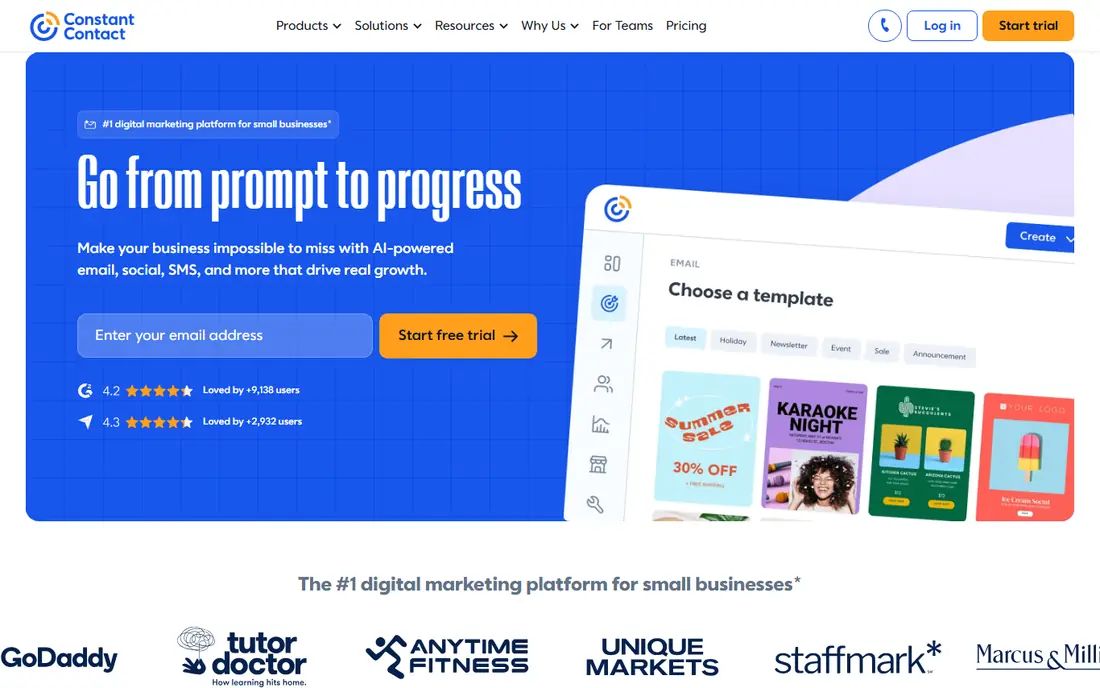
Constant Contact is a simple choice for nonprofit newsletters, with a nonprofit discount. It suits small nonprofits that want easy newsletters and events.
The trade-off is automation depth, which is lighter than rivals. If that trade-off sounds acceptable, it is a strong fit for simple nonprofit newsletters. If not, one of the other options on this list is likely a better match.
Before you pay, compare the plan that matches your usage against the next tier up, since add-ons and limits often matter more than the headline price.
In practice, the people who get the most from Constant Contact are those who need simple nonprofit newsletters and are comfortable with its limits. It works best when it matches a task you repeat often, rather than a feature you might use once, so weigh the everyday job more heavily than the extras.
- Simple editor
- Nonprofit discount
- Event and donation tools
- Automation is lighter than rivals
- Pricing per contact
Kit
Ideal for: Creators and small nonprofits
Kit, formerly ConvertKit, offers simple email automation and landing pages for small lists. It suits small nonprofits and creators with straightforward needs.
The trade-off is design simplicity. If that trade-off sounds acceptable, it is a strong fit for creators and small nonprofits. If not, one of the other options on this list is likely a better match.
Check the official pricing page before you commit, since plans and limits change and the option that looks cheapest at first may not include the features you need.
In practice, the people who get the most from Kit are those who need creators and small nonprofits and are comfortable with its limits. It works best when it matches a task you repeat often, rather than a feature you might use once, so weigh the everyday job more heavily than the extras.
- Simple automation
- Landing pages
- Affordable for small lists
- Design options are simpler
- Nonprofit discount varies
Brevo
Ideal for: Affordable email and SMS
Brevo, formerly Sendinblue, offers affordable email and SMS with a free tier. It suits nonprofits that want email plus SMS on a budget.
The trade-off is template polish. If that trade-off sounds acceptable, it is a strong fit for affordable email and sms. If not, one of the other options on this list is likely a better match.
Pricing details sit on the vendor site, so confirm the current plan, any limits on the free tier, and what support is included before you sign up.
In practice, the people who get the most from Brevo are those who need affordable email and sms and are comfortable with its limits. It works best when it matches a task you repeat often, rather than a feature you might use once, so weigh the everyday job more heavily than the extras.
- Affordable pricing
- Email and SMS
- Nonprofit-friendly free tier
- Templates are simpler
- CRM features are basic
Campaign Monitor
Ideal for: Polished nonprofit campaigns
Campaign Monitor offers polished templates and good reporting for nonprofit campaigns. It suits nonprofits that value design and presentation.
The trade-off is price next to budget tools. If that trade-off sounds acceptable, it is a strong fit for polished nonprofit campaigns. If not, one of the other options on this list is likely a better match.
Before you pay, compare the plan that matches your usage against the next tier up, since add-ons and limits often matter more than the headline price.
In practice, the people who get the most from Campaign Monitor are those who need polished nonprofit campaigns and are comfortable with its limits. It works best when it matches a task you repeat often, rather than a feature you might use once, so weigh the everyday job more heavily than the extras.
- Polished templates
- Good reporting
- Agency features
- Pricing is higher than budget tools
- Nonprofit discount varies
AWeber
Ideal for: Small list email marketing
AWeber offers a free tier for small lists with easy automation and landing pages. It suits small nonprofits starting email marketing.
The trade-off is design and analytics depth. If that trade-off sounds acceptable, it is a strong fit for small list email marketing. If not, one of the other options on this list is likely a better match.
Check the official pricing page before you commit, since plans and limits change and the option that looks cheapest at first may not include the features you need.
In practice, the people who get the most from AWeber are those who need small list email marketing and are comfortable with its limits. It works best when it matches a task you repeat often, rather than a feature you might use once, so weigh the everyday job more heavily than the extras.
- Free tier for small lists
- Easy automation
- Landing pages
- Design and analytics are simpler than leaders
- Pricing rises with contacts
GetResponse
Ideal for: Email plus funnels and webinars
GetResponse combines email with funnels, landing pages and webinars. It suits nonprofits that run events and campaigns together.
The trade-off is learning time for its interface. If that trade-off sounds acceptable, it is a strong fit for email plus funnels and webinars. If not, one of the other options on this list is likely a better match.
Pricing details sit on the vendor site, so confirm the current plan, any limits on the free tier, and what support is included before you sign up.
In practice, the people who get the most from GetResponse are those who need email plus funnels and webinars and are comfortable with its limits. It works best when it matches a task you repeat often, rather than a feature you might use once, so weigh the everyday job more heavily than the extras.
- Email, funnels and webinars in one
- Nonprofit discount in some cases
- Interface takes learning
- Pricing rises with list size
MailerLite
Ideal for: Budget-friendly nonprofit email
MailerLite is a budget-friendly email platform with an easy editor and nonprofit discount. It suits small nonprofits that want good value.
The trade-off is automation depth, which is lighter than leaders. If that trade-off sounds acceptable, it is a strong fit for budget-friendly nonprofit email. If not, one of the other options on this list is likely a better match.
Before you pay, compare the plan that matches your usage against the next tier up, since add-ons and limits often matter more than the headline price.
In practice, the people who get the most from MailerLite are those who need budget-friendly nonprofit email and are comfortable with its limits. It works best when it matches a task you repeat often, rather than a feature you might use once, so weigh the everyday job more heavily than the extras.
- Affordable plans
- Easy editor
- Nonprofit discount
- Advanced automation is lighter
- Support varies by plan
How we picked these
We started from official feature pages, pricing pages, app-store listings, privacy policies and public reviews, and we kept only products that exist, work in October 2026 and truly fit the topic. We left out products with unclear pricing, broken or misleading homepages, or features that do not match what the topic promises.
We did not run hands-on tests for this roundup, and we do not claim otherwise. Our picks reflect what the public documentation and reviews show about features, pricing, limits and support, weighed against who each product is really built for.
What to check before you choose nonprofit email software
Start by writing down the one job you need done most often, then check which options handle that job without extra tools or workarounds. A long feature list means little if the core task takes extra steps every time you use it.
Next, check the total cost for your real usage, including seats, limits and add-ons, and read the privacy and support terms. For paid plans, confirm whether you can cancel easily and whether your data can be exported if you leave.
Finally, try the free plan or trial with a real task from your own work, not just the demo. A short trial with your own data tells you more about fit than any feature page, and it shows whether support answers when you need help.
Frequently asked questions
What do nonprofits need from email software?
Nonprofits need donor-friendly templates, donation integrations, list management and affordable pricing, plus reports that show fundraising results. Deliverability matters, since appeals must reach inboxes. Nonprofit discounts help small budgets stretch further.
Do email platforms offer nonprofit discounts?
Many offer nonprofit discounts or free tiers for registered charities, but eligibility and discount size vary. Ask each vendor directly and have your charity status ready. Some discounts apply only to certain plans.
Can email tools handle donations?
Most integrate with donation platforms or include donation forms, but depth varies. Confirm your donation provider works with the email tool. A smooth donation flow after an appeal raises conversion.
How important is list segmentation?
Segmentation lets nonprofits send relevant appeals to donors, volunteers and event attendees separately, which improves response and reduces unsubscribes. Good segmentation tools are worth prioritising. Clean lists also protect deliverability.
How much does nonprofit email cost?
Pricing is usually monthly by contact count, with free tiers for small lists and discounts for nonprofits. Costs rise with list size. Compare the tier that covers your contacts, not just the entry price.