7 Strong Email Marketing Software for Beginners in 2026

- 1
 Constant ContactLocal companies, nonprofits and franchises new to marketingVisit
- 2
 AWeberSmall companies that want a stable, long-running email vendorVisit
- 3
 SenderBeginners with small lists who send commonly and want to stay freeVisit
- 4
 MailchimpBeginners who want the most familiar name with the most tutorials availableVisit
- 5
 MailerLiteBeginners who want the simplest interface that still looks professionalVisit
- Number one here is Constant Contact, a fit for local companies, nonprofits and franchises new to marketing.
- Only 4 of the 7 tools have a free plan (Sender, Mailchimp, MailerLite, Brevo), so check the caps.
- For the cheapest start, look at Constant Contact: $10/month.
- Brevo suits beginners who want email, SMS and WhatsApp in one beginner-friendly tool.
Direct answer
If you need local firms, nonprofits and franchises new to marketing, Constant Contact is the first tool to look at here. Look at AWeber for small firms that want a stable, long-running email vendor, and at Sender for beginners with small lists who send commonly and want to stay free.
Quick comparison
| Product | Ideal for | Price from | Free version | |
|---|---|---|---|---|
| Constant Contact | Local companies, nonprofits and franchises new to marketing | $10/month (Lite plan, billed yearly) | Free trial | Visit |
| AWeber | Small companies that want a stable, long-running email vendor | $12.49/month (Lite plan, billed yearly) | Free trial (14 days) | Visit |
| Sender | Beginners with small lists who send commonly and want to stay free | See website (Standard and Professional plans priced by subscriber count) | Yes | Visit |
| Mailchimp | Beginners who want the most familiar name with the most tutorials available | See website (Essentials and Standard plans priced by contact count) | Yes | Visit |
| MailerLite | Beginners who want the simplest interface that still looks professional | $12/month (Comfort plan) | Yes | Visit |
 GetResponse | Beginners who want email plus landing pages, funnels and webinars in one account | $19/month (Starter plan, 1,000 contacts, unlimited sends) | Free trial (14 days) | Visit |
 Brevo | Beginners who want email, SMS and WhatsApp in one beginner-friendly tool | See website (plans priced by email volume) | Yes | Visit |
The best email marketing software for beginners
This Ainotely guide covers 7 email marketing software for beginners. Each profile lists a starting price, free plan details, strengths and drawbacks, so you can drop poor fits quickly.
Constant Contact
Ideal for: Local companies, nonprofits and franchises new to marketing
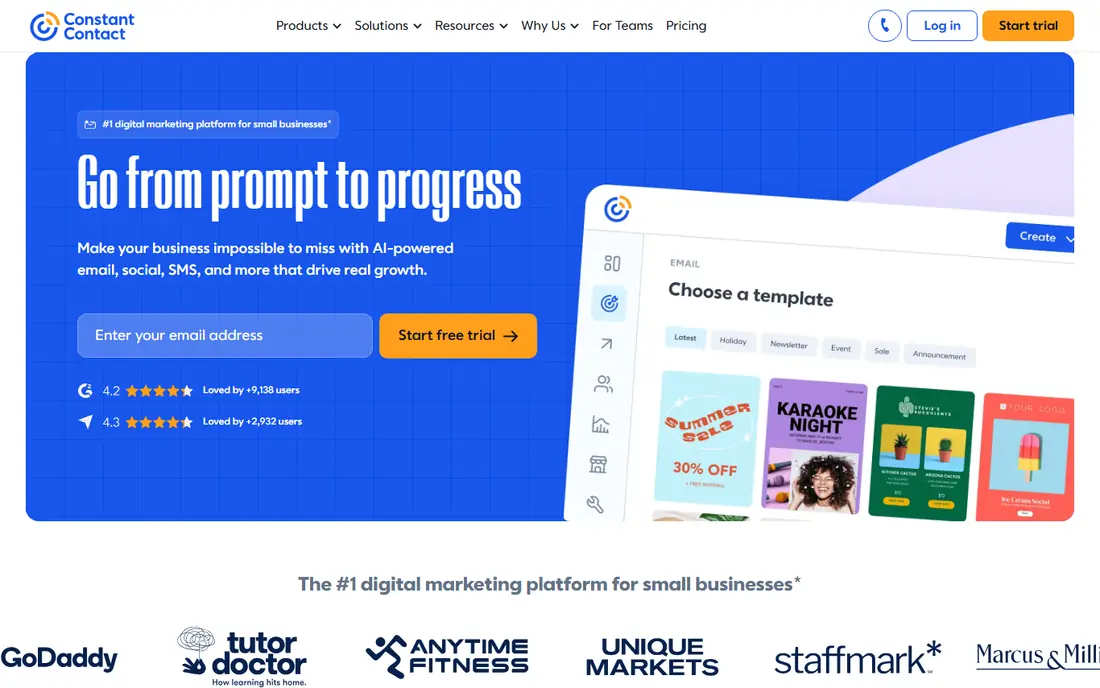
Constant Contact targets local businesses, nonprofits and franchises new to marketing. Constant Contact sells to people who do not think of themselves as marketers. In practice, the honest catch is that there is no free level to learn on.
You trial, then you pay. For everyday use, the pitch is launch your marketing with confidence. The product is correspondingly guided: straightforward editors, event management and social tools in one place. Published pricing makes budgeting simple: Lite at $10 a month billed yearly for beginners, Standard at $29 for most firms, Premium at $68 for pros. On cost, Constant Contact starts like this: $10/month. Free access: Free trial.
Where it is weaker: most expanding firms land on Standard at $29 a month. Reasons to shortlist it: The homepage prices are public and straightforward: Lite $10.
- Aimed at non-marketers, with events and social tools alongside email
- Premium $68 a month billed yearly
- The Lite plan is basic
AWeber
Ideal for: Small companies that want a stable, long-running email vendor
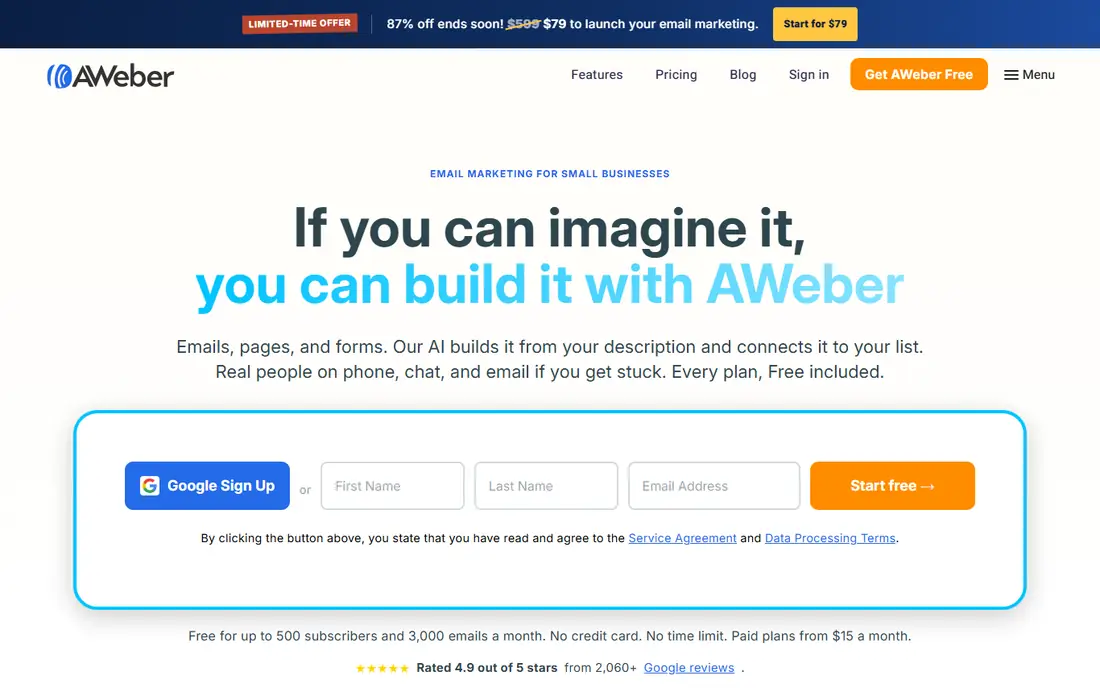
AWeber is a good fit for small companies that want a stable, long-running email vendor. The pricing page is refreshingly transparent: Lite at $12.49 a month billed yearly handles landing pages, 3 automations and ecommerce selling. Plus at $19.99 layers on unlimited automations and analytics.
More specifically, the 14-day trial is enough to build your first campaign and automation before paying. As for the details, the trade is the missing free level. But if you value a vendor that has survived every system shift in email marketing and publishes every price, AWeber is the steady hand. Full pricing tables by subscriber count run from 500 to 150,000 subscribers. What you pay to start with AWeber: $12.49/month. On free options: Free trial (14 days).
The main drawbacks: No permanent free plan, so learning costs money from day one.
- WordPress and PayPal
- Clear tiered pricing: Lite from $12.49 a month billed yearly, Plus from $19.99
- The Plus plan jumps to $30 a month monthly for 500 subscribers, which brings up quick as lists grow
Sender
Ideal for: Beginners with small lists who send commonly and want to stay free
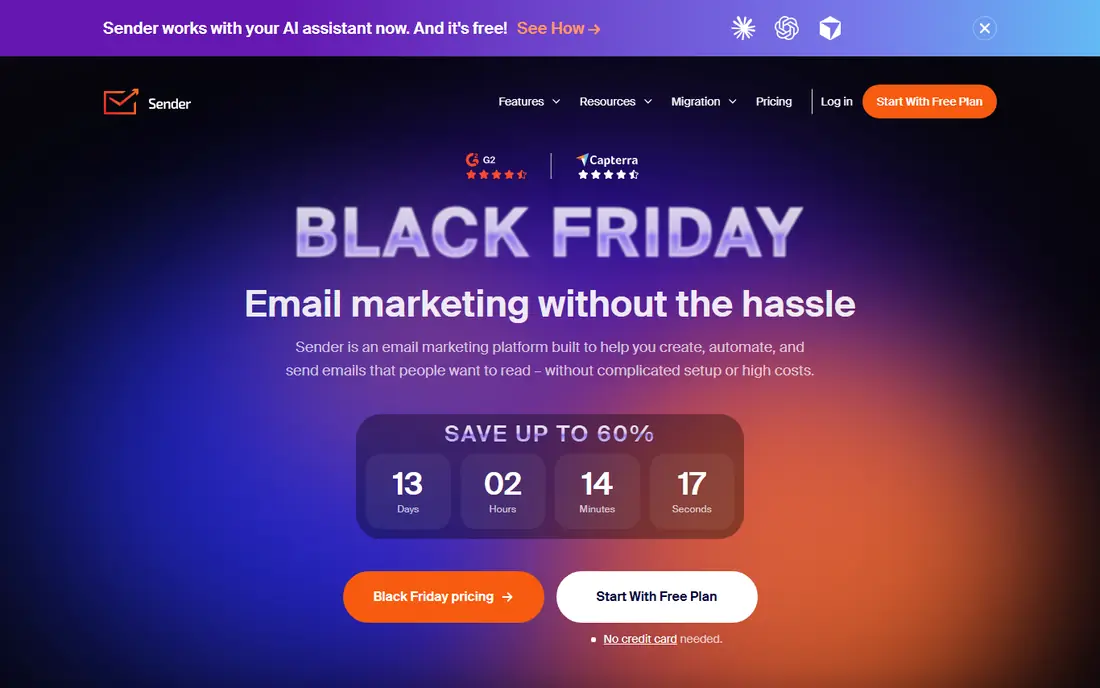
Choose Sender for beginners with small lists who send frequently and want to stay free. The Free Forever plan spans 2,500 subscribers and 15,000 emails per month with all the features the premium plans have, and it never expires. More specifically, if you are comfortable learning from the vendor's own docs, Sender lets a small business send seriously high volume at no cost.
New accounts also get a 14-day Professional trial automatically, no card needed. In daily use, when you outgrow it, the premium levels and a dedicated IP are waiting. This comparison lists no price for Sender; ask the vendor. Sender offers a free plan.
Where it shines: Every new account also gets 14 days of the Professional plan free.
Drawbacks to consider: The brand is less known, so external tutorials are thinner than Mailchimp's or MailerLite's.
- The Free Forever plan never expires and contains 2,500 subscribers with 15,000 emails per month
- The most ample free level here
- Premium plan prices are not printed on the pricing page
Mailchimp
Ideal for: Beginners who want the most familiar name with the most tutorials available
Mailchimp serves beginners who want the most familiar name with the most tutorials available. The free plan takes care of 250 contacts and 500 sends per month with pre-built templates and popup forms. In practice, a 14-day trial of Standard brings enhanced automations, generative AI features and personalized onboarding.
You can downgrade to Free or Essentials any time. More specifically, outgrow the free plan and price it against MailerLite and Sender before committing. No starting price is listed for Mailchimp here; confirm pricing on the vendor site. Mailchimp has a free plan.
Where it is weaker: The free plan caps at 250 contacts and pauses sending when you exceed limits.
- A 14-day trial of the Standard plan includes personalized onboarding
- The free plan costs nothing and contains the core campaign tools
- Premium prices are not shown in plain text on the pricing page, which makes comparing painful
MailerLite
Ideal for: Beginners who want the simplest interface that still looks professional
In short, MailerLite is for beginners who want the simplest interface that still looks professional. Comfort hands 10 times your subscriber level in monthly emails; Power at $25 a month removes the cap entirely.
Worth adding: the Comfort plan at $12 a month adds unlimited templates, multivariate testing, an AI writing assistant and smart sending. Entry price for MailerLite: $12/month. A free plan is available with MailerLite.
Where it falls short: API email sending needs a premium plan.
- Comfort at $12 a month is the cheapest full-featured premium level on this list
- A website
- Premium pricing scales with subscriber count, so costs rise as your list grows
GetResponse
Ideal for: Beginners who want email plus landing pages, funnels and webinars in one account
GetResponse works best for beginners who want email plus landing pages, funnels and webinars in one account. The main limit is complexity. There are three standard plans plus enterprise, and the free tier's badge and limits nudge you toward paying sooner than MailerLite's free plan does.
Where it is weaker: The interface has more menus than the more straightforward tools here.
For $19 a month, the Starter plan hands unlimited sends to 1,000 contacts, AI content generators, a landing page builder and signup forms. From a buyer's view, if you know you will want webinars, funnels or a course within the year, GetResponse saves you a second subscription. On cost, GetResponse starts like this: $19/month. As for free access: Free trial (14 days).
- Higher plans add webinars
- A course creator and a website builder
- Landing page visits and webinars
Brevo
Ideal for: Beginners who want email, SMS and WhatsApp in one beginner-friendly tool
Think of Brevo for beginners who want email, SMS and WhatsApp in one beginner-friendly tool. Brevo takes the beginner angle seriously. Since pricing is based on email volume rather than contacts, a small list that sends seldom stays cheap.
Beyond that, the trade is focus. If your plan is a monthly newsletter, Brevo's SMS, WhatsApp and CRM features are doors you may never open. Brevo shows no starting price here, so confirm the cost on the vendor site. You can start on Brevo without paying.
Downsides: The breadth of features can overwhelm someone who only wants a newsletter.
Where it shines: 600,000-plus customers, so the product is battle-tested.
- Ready-made templates and guided automation aimed at non-marketers
- A genuinely multi-channel product: email, SMS
- The pricing page failed to load plan prices during our check, so you cannot budget without signing up
How we built this list
Selection started from tools commonly considered for email marketing software for beginners, then narrowed to 7 that have clear pricing information or a clear quote process. Where a price is missing, the vendor does not list one publicly or ties it to a quote. Always confirm before budgeting. The order reflects how well each tool fits the most common buying scenario for email marketing software for beginners, then price clarity, then free plan access. It is a starting point, not a verdict.
Questions to settle before buying
- Ask Sender, Mailchimp and Brevo for a written quote, since no starting price is shown.
- Look at free plan limits closely: Sender, Mailchimp, MailerLite and Brevo have one, and the caps decide whether it is usable for real work.
- Take the trial from Constant Contact, AWeber and GetResponse and push a live task through it before you pay.
- Read the limits listed for Constant Contact first: no permanent free plan, so you pay from day one.
- Involve the people who will use MailerLite daily; a short pilot beats a long feature checklist.
- See whether Mailchimp offers onboarding or training, and whether it is included in the price.
Frequently asked questions
Which tool is easiest for a complete non-marketer?
Constant Contact and MailerLite. Constant Contact is designed for people who do not think of themselves as marketers, with guided setup and events tools. Between the two, start with MailerLite if budget matters and Constant Contact if hand-holding matters.
Is Constant Contact the right pick for everyone comparing email marketing software for beginners?
No single tool suits every team. Constant Contact comes first because it fits local businesses, nonprofits and franchises new to marketing, while AWeber suits small businesses that want a stable, long-running email vendor and Sender suits beginners with small lists who send often and want to stay free. Match the tool to your own size, budget and workflow before deciding.
Which options for email marketing software for beginners have a free plan?
Sender, Mailchimp, MailerLite and Brevo offer a free plan in this list. Free plans usually cap users, projects or features, so check the limits on the vendor page. Several others offer a trial instead.
Do these tools publish their prices?
Not all of them. Sender, Mailchimp and Brevo publish no starting price, so expect a quote request for those. The rest, Constant Contact included, show a starting price, though seats and billing terms still change the final cost.
How numerous emails can I send a month on a free plan?
It varies widely. Sender permits 15,000 emails per month to 2,500 subscribers. MailerLite permits 2,500 emails to 250 subscribers. Mailchimp lets 500 emails to 250 contacts.
Can I try these tools before paying?
Often, yes. Sender, Mailchimp, MailerLite and Brevo have a free plan and Constant Contact, AWeber and GetResponse offer a free trial. Use your own data and a real task during the test, and check what the free tier or trial limits before you rely on it.