Choosing Email Outreach Software in 2026: 6 Platforms Compared

- Smartlead takes the first slot, best suited to high-volume cold email at flat pricing.
- GMass fits mail merge inside Gmail.
- One limit worth knowing about Instantly: email-only at its core.
- Mixmax is the lowest-priced starter here at $29/user/month.
- Mixmax stands alone as the one tool in this list with a free plan.
Direct answer
If you need high-volume cold email at flat pricing, Smartlead is the first tool to look at here. Alternatives: Instantly for scaled campaigns with unlimited inboxes, and Mixmax for sales engagement inside Gmail. All 6 tools are compared below on price, free plan and limits.
Quick comparison
| Product | Ideal for | Price from | Free version | |
|---|---|---|---|---|
 Smartlead | High-volume cold email at flat pricing | $39/month (Basic plan) | Free trial (14 days) | Visit |
 Instantly | Scaled campaigns with unlimited inboxes | $37/month (Growth plan) | Free trial (14 days) | Visit |
 Mixmax | Sales engagement inside Gmail | $29/user/month (premium plans) | Yes | Visit |
 lemlist | Personalized multichannel outreach | $39/user/month (Email Starter plan) | Free trial (14 days) | Visit |
 Reply.io | AI-powered multichannel engagement | $59/user/month (Email Volume plan) | Free trial (14 days) | Visit |
 GMass | Mail merge inside Gmail | $29.95/month (Standard plan) | Free trial (7 days) | Visit |
Email Outreach Software, one by one
Ainotely compared 6 tools for email outreach software. The goal is a practical shortlist: published prices, free plan facts, best-fit use cases and honest limits for every entry.
Smartlead
Ideal for: High-volume cold email at flat pricing
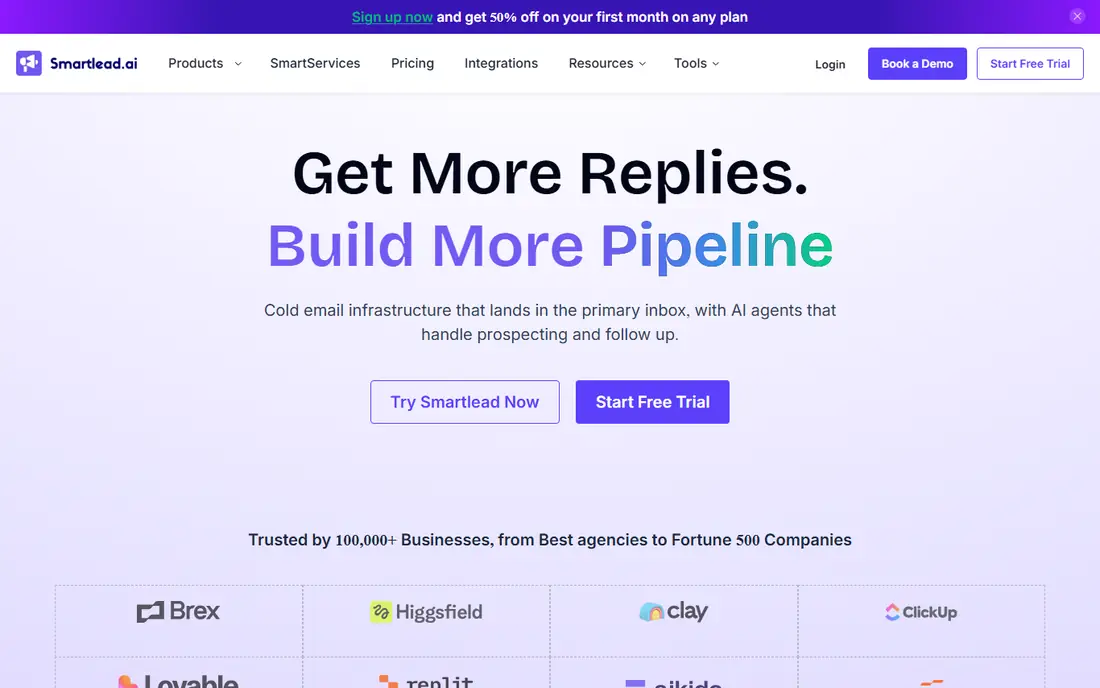
Smartlead works best for high-volume cold email at flat pricing. Smartlead is the volume player's choice: unlimited mailboxes, automatic warm-up, sender rotation. A centralized master inbox, all on a flat monthly fee that does not punish you for adding inboxes.
Limits to weigh: Interface prioritizes power over polish.
The system manages DNS setup, warm-ups, and rotation automatically, verifies results in cut bounces, and uses AI to categorize replies by intent in a unified inbox. Worth adding: the company cites 31,000+ firms on the system. The Basic plan begins at $39 per month with a 14-day free trial that needs no credit card. In practice, agencies get white-labeling and multi-client management, and the API is genuinely well regarded. Price to start with Smartlead: $39/month. Free access: Free trial (14 days).
- Unlimited mailboxes and automatic sender rotation on a flat fee
- Built-in AI warm-up and master inbox
- Email-centric with lighter multichannel depth than lemlist or Reply.io
Instantly
Ideal for: Scaled campaigns with unlimited inboxes
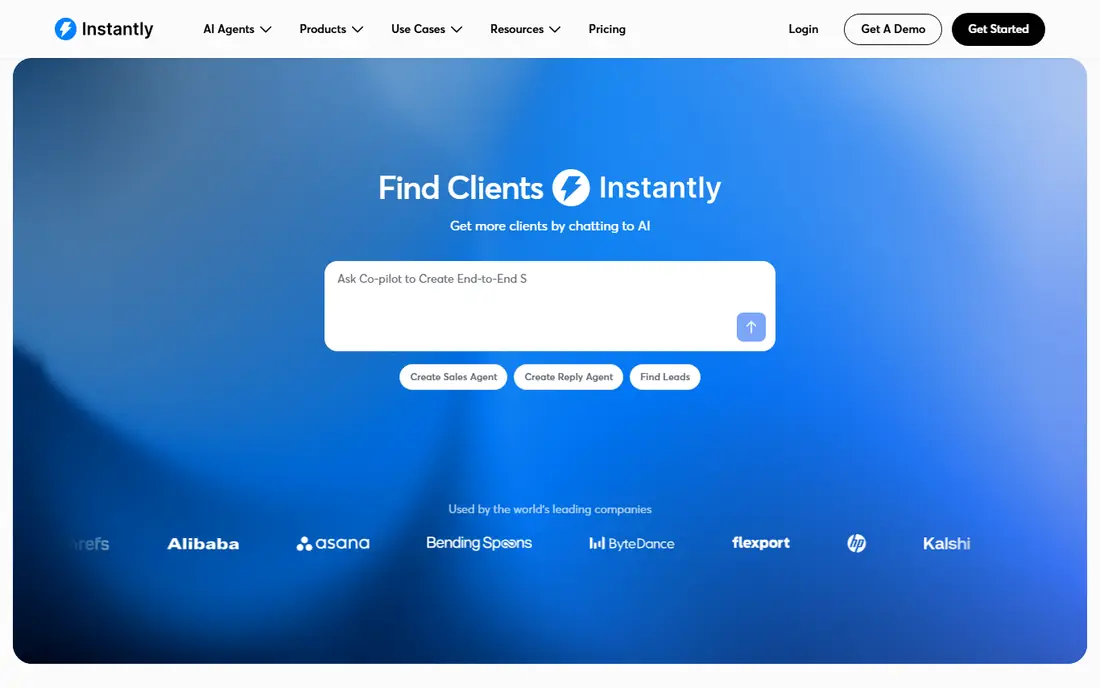
Instantly makes the most sense for scaled campaigns with unlimited inboxes. Immediately built its name on one idea: unlimited email account connections at a flat monthly rate, with no per-inbox pricing. Link 5 or 500 inboxes, warm them through a 550K+ sender pool, rotate sending across them, and handle everything from the Unibox.
The main drawbacks: Real all-in cost climbs with extras.
The SuperSearch database layers on 450M+ B2B contacts as a credits-based add-on, and AI Copilot builds sequences whereas an AI reply agent handles responses. In practice, the homepage is wall-to-wall agency testimonials, which tells you exactly who the core buyer is. On top of that, growth begins at $37 per month with a 14-day trial, stepping up through Hypergrowth at $97 and Light Speed at $358. Instantly starts at: $37/month. Free access: Free trial (14 days).
- SuperSearch 450M+ lead database and AI sequence builder
- Unlimited email accounts at a flat rate on every plan
- Lead data quality gets mixed reviews
Mixmax
Ideal for: Sales engagement inside Gmail
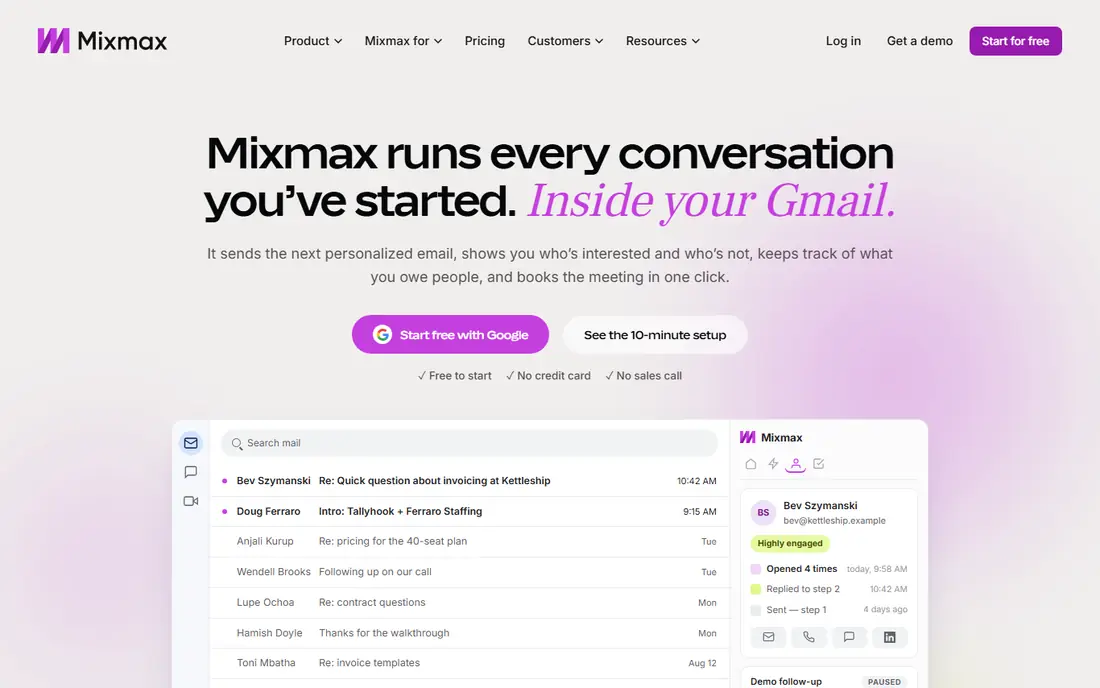
Mixmax is aimed squarely at sales engagement inside Gmail. Mixmax is the sales engagement product that lives inside Gmail, made for reps who do their best work in the inbox. From a buyer's view, the free plan needs no credit card and handles entry-level tracking and templates, with premium plans beginning at $29 per user per month and a 14-day full-suite trial.
From a buyer's view, Mixmax suits revenue teams on Google Workspace who want engagement tooling where they already work. As for the details, multichannel steps for calls, LinkedIn, and SMS layer on top, and the newer Engagement Copilot links to Claude and ChatGPT for AI-assisted outreach. Sequences, templates, follow-up reminders, and meeting scheduling all run from a Gmail sidebar, with live open and click signals telling you exactly when to follow up. What you pay to start with Mixmax: $29/user/month. Mixmax includes a free tier.
Watch-outs: Pricing feels steep for individuals.
- Full sales engagement without leaving Gmail
- One-click meeting scheduling and CRM sync
- Email-first with multichannel as an add-on
lemlist
Ideal for: Personalized multichannel outreach
Pick lemlist if this describes you: personalized multichannel outreach. Lemlist is the personalization-first sales engagement system, aimed at teams that want outreach to feel one-to-one at scale.
The honest catch is the per-seat model: a five-person team on Multichannel Expert pays $495 a month before extras. Lemlist suits teams where message quality beats message volume and personalization is the strategy. Lemlist pricing: $39/user/month. Free access: Free trial (14 days).
Where it falls short: Per-seat pricing climbs with team size.
- Built-in 600M+ contact database with waterfall enrichment
- AI personalization including images and custom landing pages
- Advanced features gated behind higher levels
Reply.io
Ideal for: AI-powered multichannel engagement
Where Reply.io fits: AI-powered multichannel engagement. Reply.io is the full AI sales engagement suite: audience discovery on a 1B+ contact database, multichannel conditional sequences across email, LinkedIn, WhatsApp, SMS, and calls, and Jason, an AI SDR agent that researches prospects, writes outreach, manages replies, and books meetings.
Watch-outs: Extras for LinkedIn, calls.
For everyday use, the main limit is the stacking: the headline plan is seldom the final bill once channels and credits are added. Reply.io cost at the entry level: $59/user/month. Free plan details: Free trial (14 days).
- 1B+ contact database with intent signals built in
- Jason AI SDR agent that finds leads and books meetings
- Data credits stack up
GMass
Ideal for: Mail merge inside Gmail
GMass makes the most sense for mail merge inside Gmail. GMass is the Gmail-native outreach tool: a Chrome extension that turns the Gmail compose window into a campaign builder. The trial is 7 days capped at 50 emails a day.
From a buyer's view, pricing after the January 2026 increase: Standard at $29.95 per month, Premium at $39.95 with follow-up sequences and API access, and Professional at $59.95 with inbox rotation. Worth adding: GMass suits founders, recruiters, and small teams who live in Gmail and want campaigns without leaving it. Also, connect a Google Sheet, write the email, click the red GMass button, and personalized copies go to every row, with auto follow-up sequences, scheduling, open and click tracking, and the Spam Solver for inbox placement testing. GMass starts at: $29.95/month. Free access: Free trial (7 days).
Limits to weigh: Email-only with no LinkedIn or phone steps.
- Mail merge from Google Sheets with auto follow-ups and A/B testing
- Works entirely inside the Gmail compose window
- Price increased in January 2026
How the list was put together
For each of the 6 tools we noted price, free plan or trial, fit for email outreach software and the main limit, using vendor pages and documentation. Where a vendor does not publish a price, the entry says quote. Where a price depends on seats or billing term, the entry says so. The sequence is a judgement call: typical use case first, then pricing transparency, then free access. Use the profiles to check fit.
A buyer's checklist
- Prices are a starting point; Mixmax shows $29/user/month to start, so verify what your seat count would cost.
- Look at the free plan from Mixmax closely: its caps decide whether it is usable for real work.
- Run a trial of Smartlead, Instantly, lemlist and others with real work before paying for a year; your own workflow is the best test.
- Read the limits listed for Smartlead first: email-centric with lighter multichannel depth than lemlist or Reply.io.
- See whether lemlist offers onboarding or training, and whether it is included in the price.
- Pick one real project and run it in Reply.io first; a small pilot shows fit faster than a checklist.
Frequently asked questions
Do I need multichannel outreach or is email enough?
It relies on your buyers. For numerous B2B segments, email alone still drives the majority of pipeline, and the Gmail-native tools prove it daily. Multichannel earns its keep when prospects are hard to reach by email alone or when deal sizes justify the additional touches.
What is the cheapest option for email outreach software in this list?
On published monthly entry prices, Mixmax is the lowest here at $29/user/month. Entry price is only part of the cost, because seats, add-ons and billing terms can change the total.
How are the tools for email outreach software ordered?
The order follows typical fit for email outreach software, with Smartlead first and GMass last, then price clarity and free access. It is editorial judgement, not a score, so another team could rank the tools differently.
Which options for email outreach software have a free plan?
Mixmax is the only tool in this list with a free plan. Free plans usually cap users, projects or features, so check the limits on the vendor page. Several others offer a trial instead.
What is the difference between Smartlead and Instantly?
Both target high-volume senders with flat pricing and unlimited inboxes. Smartlead leads with deliverability infrastructure, an AI reply manager, and a capable API that agencies build on.
Can I use these tools with Gmail or Outlook?
Most also support Outlook and Microsoft 365 via SMTP or OAuth, though the Gmail-native tools (GMass, Mixmax) are Gmail-only by design. If your team runs on Outlook, confirm the specific integration before committing, notably for tracking and calendar features.