Email Security Software Compared: 6 Tools, Prices and Limits

- 1
 Microsoft Defender for Office 365Microsoft 365 shops adding phishing defenseVisit
- 2
 SpamTitanBudget-conscious secure email gatewayVisit
- 3
 Proofpoint EssentialsSMBs wanting enterprise-grade defenseVisit
- 4
 Barracuda Email ProtectionMulti-layer protection with backupVisit
- 5
 Abnormal AIAI-driven BEC and account takeover defenseVisit
- Top of the list is Microsoft Defender for Office 365, which targets Microsoft 365 shops adding phishing defense.
- Microsoft Defender for Office 365, Coro and the 4 others all need a premium plan or a trial, since no free plan is listed.
- The lowest published monthly entry price here is $2.00 per user/month, from Microsoft Defender for Office 365.
- Coro is the one to check for SMBs consolidating security tools.
Direct answer
For Microsoft 365 shops adding phishing defense, Microsoft Defender for Office 365 is where this list starts. SpamTitan fits budget-conscious secure email gateway; Proofpoint Essentials fits SMBs wanting enterprise-grade defense. Prices, free plans and limits for all 6 tools follow.
Quick comparison
| Product | Ideal for | Price from | Free version | |
|---|---|---|---|---|
| Microsoft Defender for Office 365 | Microsoft 365 shops adding phishing defense | $2.00 per user/month (premium yearly, Plan 1) | Free trial | Visit |
| SpamTitan | Budget-conscious secure email gateway | See website | Free trial | Visit |
| Proofpoint Essentials | SMBs wanting enterprise-grade defense | See website | Free trial | Visit |
| Barracuda Email Protection | Multi-layer protection with backup | See website | Free trial | Visit |
| Abnormal AI | AI-driven BEC and account takeover defense | See website | No | Visit |
 Coro | SMBs consolidating security tools | $9.50 per user/month (Essentials Suite) | Free trial | Visit |
6 options for email security software in detail
Ainotely put together this guide to email security software for readers who want a clear shortlist without reading every vendor page. It compares 6 tools on starting price, free plans, who each one suits and where each one falls short.
Microsoft Defender for Office 365
Ideal for: Microsoft 365 shops adding phishing defense
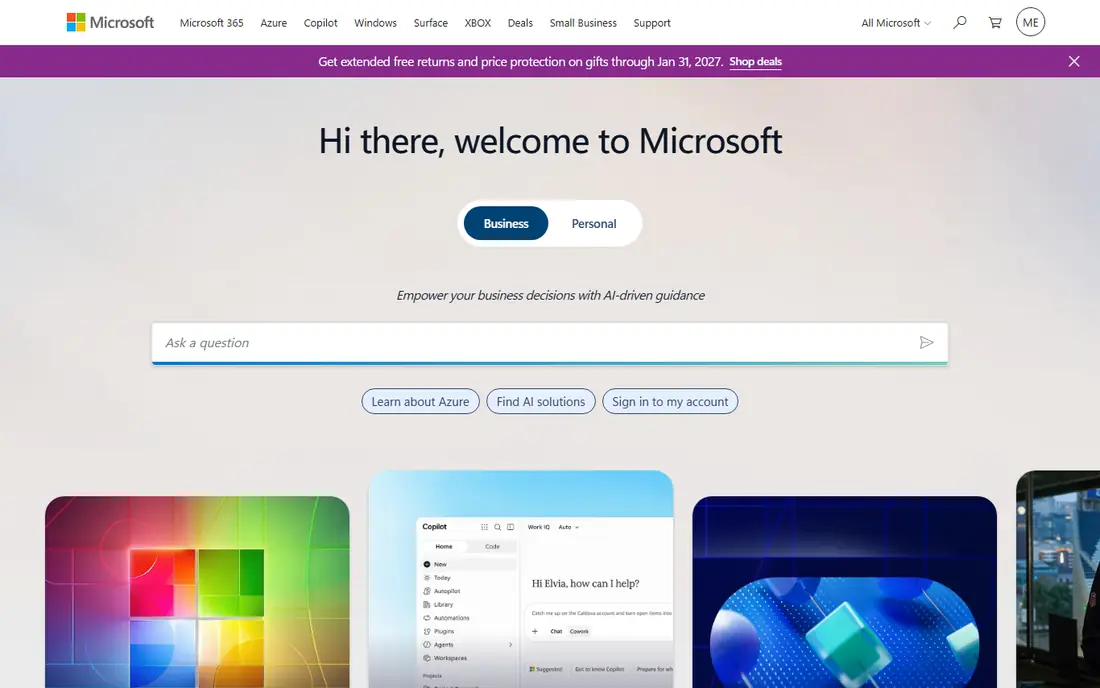
Where Microsoft Defender for Office 365 fits: Microsoft 365 shops adding phishing defense. Plan 1 handles the essentials: link rewriting with time-of-click checks, attachment detonation, and impersonation protection. As for the details, plan 1 costs $2 per user a month on an annual commitment and brings Safe Links, Safe Attachments, and anti-phishing policies straight inside Exchange Online.
There is no gateway to configure and no second console to learn. In practice, the value relies on which plan you pick. What you pay to start with Microsoft Defender for Office 365: $2.00 per user/month. Free plan details: Free trial.
Where it is weaker: Tied to the Microsoft ecosystem.
- Native integration
- Safe Links and Safe Attachments included
- Plan 2 features cost more than double
SpamTitan
Ideal for: Budget-conscious secure email gateway
SpamTitan makes the most sense for budget-conscious secure email gateway. For a small business that just wants cleaner inboxes without an enterprise bill, that formula still works. What you provide up is depth in the admin console.
Also note that alias addresses can count as separate users in licensing, so check how your domain's addresses map to the seat count. It is a traditional secure email gateway: mail routes through SpamTitan's filters first, which strip spam, phishing, and malware before anything reaches the inbox. For everyday use, the product punches above its price on the threat side. Pricing for SpamTitan is not stated here, so ask the vendor for current figures. On free options: Free trial.
Where it is weaker: Reporting is entry-level compared with premium tools.
- Bitdefender-powered attachment sandboxing
- Fast cloud deployment
- Occasional false positives need admin tuning
Proofpoint Essentials
Ideal for: SMBs wanting enterprise-grade defense

Choose Proofpoint Essentials for SMBs wanting enterprise-grade defense. Proofpoint Essentials exists for the same reason Proofpoint sells to half the Fortune 100: phishing is a volume business and the same threat intel guards a 40-person law firm plus it guards a bank. Beyond that, the feature most buyers notice first is time-of-click link analysis.
From a buyer's view, Proofpoint Essentials is sold through partners and resellers, so there is no public per-user price to compare against. As for the details, the trade-off is user friction. URLs get rewritten and checked when the recipient clicks, not just when the message arrives, which catches pages that only turn malicious hours after delivery. Proofpoint Essentials does not show a starting price in this comparison, so check the vendor site for current pricing. Free options: Free trial.
What to check first: Link rewriting can annoy users.
- BEC detection tuned for smaller teams
- Simplified admin controls
- Final price usually set by a reseller, not published
Barracuda Email Protection
Ideal for: Multi-layer protection with backup
Barracuda Email Protection targets multi-layer protection with backup. Email encryption, data loss prevention, and cloud-to-cloud backup sit in the same family.
Trade-offs to know: Pricing on request with three levels to decode.
So a team worried about both incoming attacks and outgoing data leaks can include both without a second vendor. For everyday use, for Microsoft 365 shops, the backup piece is worth pricing out separately. This comparison lists no price for Barracuda Email Protection; ask the vendor. Free options: Free trial.
- Includes email encryption and DLP
- AI-based phishing and impersonation defense
- Account takeover features need the higher plan
Abnormal AI
Ideal for: AI-driven BEC and account takeover defense
Abnormal AI targets AI-driven BEC and account takeover defense. Its system learns how each user, vendor, and executive normally communicates, then flags anomalies like a supplier suddenly asking for a wire transfer. Beyond that, because it works through APIs instead of as a gateway, there is no mail rerouting and very little policy tuning.
Pricing is quote-only and positioned at the premium end. The product assumes you have a security team that wants behavioral analytics, not a small business that wants spam gone. If your central problem is spam volume, you are paying for a race car to drive to the grocery store. As for the details, if your central problem is credential phishing against executives, shortlist it alongside Proofpoint. No starting price is listed for Abnormal AI here; confirm pricing on the vendor site. There is no free plan with Abnormal AI.
Honest limits: Overkill for basic spam filtering needs.
- Behavioral AI catches novel attacks with no signatures
- Post-delivery remediation
- Enterprise pricing with no public rates
Coro
Ideal for: SMBs consolidating security tools
In short, Coro is for SMBs consolidating security tools. Coro also bundles phishing simulation and security awareness training, which addresses the human side that no filter fully solves. From a buyer's view, Coro is not really an email security product.
The main drawbacks: Email module cannot be bought alone cheaply.
Reasons to shortlist it: Automatic remediation.
That positioning is exactly why small companies buy it. Rather than a gateway vendor, an endpoint vendor, and a backup vendor, you get one console, one agent, and one invoice. The email module takes care of phishing and malware detection for Microsoft 365 and Google Workspace, with automatic remediation that pulls malicious messages out of inboxes without an admin clicking anything. Starting cost for Coro: $9.50 per user/month. Free options: Free trial.
- Straightforward admin console
- One bill handles email
- Less granular email controls than gateway specialists
How the list was put together
Ainotely used vendor pricing pages and product documentation as the base, then compared plans, free access and documented limits for 6 tools. Seat minimums, billing terms and add-ons can move the real cost, so the starting prices here are a guide and not a quote. Position on the page reflects fit for a typical buyer first, with price clarity and free access breaking ties. Treat it as a guide, not a ruling.
Before you commit
- Get a written quote from SpamTitan, Proofpoint Essentials, Barracuda Email Protection and Abnormal AI; the list shows no starting price for them.
- Run a trial of Microsoft Defender for Office 365, SpamTitan, Proofpoint Essentials and others with real work before paying for a year; your own workflow is the best test.
- Before choosing Microsoft Defender for Office 365, weigh its main limit: plan 2 features cost more than double.
- Ask Coro whether prices are locked for the first term and what happens at renewal.
- Make sure Barracuda Email Protection lets you export your data in a format another tool can read.
Frequently asked questions
How much should a small business pay for email security?
Most 25 to 100 person firms land between $2 and $6 per user a month for solid protection.
How are the tools for email security software ordered?
Microsoft Defender for Office 365 sits first and Coro last because the order follows typical fit for email security software, then price clarity and free access. It is a judgement call, so read each profile for fit and limits.
Do these tools publish their prices?
Not all of them. SpamTitan, Proofpoint Essentials, Barracuda Email Protection and Abnormal AI publish no starting price, so expect a quote request for those. The rest, Microsoft Defender for Office 365 included, show a starting price, though seats and billing terms still change the final cost.
Do I need email security software if I use Microsoft 365?
Microsoft 365 bundles baseline filtering, and it stops most commodity spam. If your company deals with wire transfers or keeps customer data, the baseline is not enough on its own.
Is Microsoft Defender for Office 365 the right pick for everyone comparing email security software?
No single tool suits every team. Microsoft Defender for Office 365 comes first because it fits Microsoft 365 shops adding phishing defense, while SpamTitan suits budget-conscious secure email gateway and Proofpoint Essentials suits SMBs wanting enterprise-grade defense. Match the tool to your own size, budget and workflow before deciding.
What is the difference between a secure email gateway and API-based email security?
A gateway sits in the mail path and filters messages before they reach your server, which needs changing your MX records. For everyday use, API-based tools link to your cloud mailbox and scan messages after delivery, then remove threats automatically.