Best email service for small business in 2026: 8 Compared

- 1
 Google WorkspaceMost small businessesVisit
- 2
 Microsoft 365Office usersVisit
- 3
 Zoho MailBudget custom-domain emailVisit
- 4
 Proton MailPrivacy-focused teamsVisit
- 5
 FastmailFast independent emailVisit
- Google Workspace is our pick for most small businesses, since Gmail, Drive and Meet work well together.
- Microsoft 365 suits businesses that rely on Outlook, Word and Excel every day.
- Zoho Mail is the best budget option for teams that want custom-domain email without paying for a full suite.
- Proton Mail is the pick for privacy-focused teams that need end-to-end encryption.
Quick comparison
| Product | Ideal for | Price from | Free version | |
|---|---|---|---|---|
| Google Workspace | Most small businesses | See website | No | Visit |
| Microsoft 365 | Office users | See website | No | Visit |
| Zoho Mail | Budget custom-domain email | See website | Yes | Visit |
| Proton Mail | Privacy-focused teams | See website | Yes | Visit |
| Fastmail | Fast independent email | See website | No | Visit |
 GoDaddy Email | Domain buyers | See website | No | Visit |
 Rackspace Email | Hosted email plus support | See website | No | Visit |
 Namecheap Private Email | Low-cost email | See website | No | Visit |
The best email service for small business
We compared official feature pages, pricing pages, app store listings, privacy policies and public reviews to build this list, focusing on products that fit the topic closely and are still available in October 2026.
Google Workspace
Ideal for: Most small businesses

For buyers who want a clear fit, Google Workspace is aimed at small businesses. Google Workspace gives small businesses Gmail with a custom domain, plus Drive, Docs and Meet. Its collaboration tools suit teams that share documents and meet online. In practice, that means the product earns its place by doing one job well for that audience, rather than trying to cover every possible use case at once. We compared its official feature page, pricing and public reviews against the other options here, and its best-for label reflects where it looked strongest, not where its marketing claims are loudest.
The trade-off is worth naming plainly. Per-user pricing adds up as headcount grows, and storage limits vary by plan. On price, the starting point listed above is not published clearly, so check the vendor site, and the free plan entry is No. If that combination fits your budget and your main use case, Google Workspace is a sensible shortlist choice. If the catch above is a deal breaker, move to another entry in this list whose strength matches your priority instead.
- Gmail with custom domain
- Drive and Meet
- Admin controls
- Per-user pricing adds up
- Storage limits by plan
Microsoft 365
Ideal for: Office users
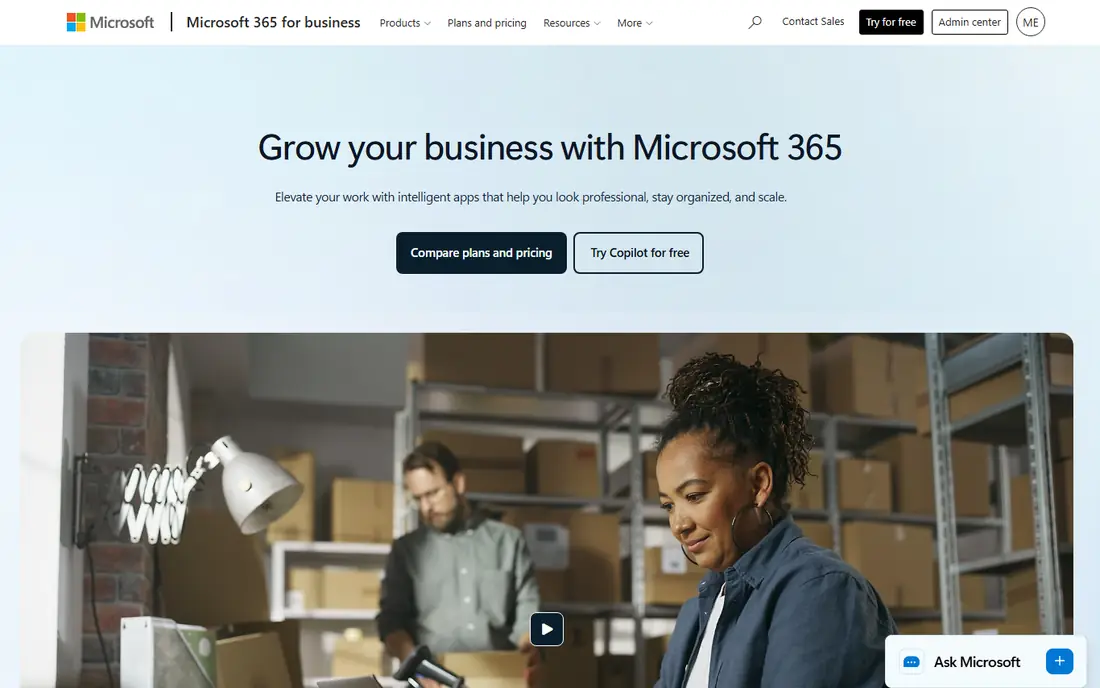
If that use case sounds familiar, Microsoft 365 is aimed at Office-based teams. Microsoft 365 pairs Outlook with Word, Excel, Teams and OneDrive for business. Teams that live in Office apps get email, documents and chat in one subscription. In practice, that means the product earns its place by doing one job well for that audience, rather than trying to cover every possible use case at once. We compared its official feature page, pricing and public reviews against the other options here, and its best-for label reflects where it looked strongest, not where its marketing claims are loudest.
On the other side of that strength, Per-user pricing adds up, and admin setup can feel complex for beginners. On price, the starting point listed above is not published clearly, so check the vendor site, and the free plan entry is No. If that combination fits your budget and your main use case, Microsoft 365 is a sensible shortlist choice. If the catch above is a deal breaker, move to another entry in this list whose strength matches your priority instead.
- Outlook and Office apps
- Teams
- OneDrive
- Per-user pricing
- Admin complexity for beginners
Zoho Mail
Ideal for: Budget custom-domain email
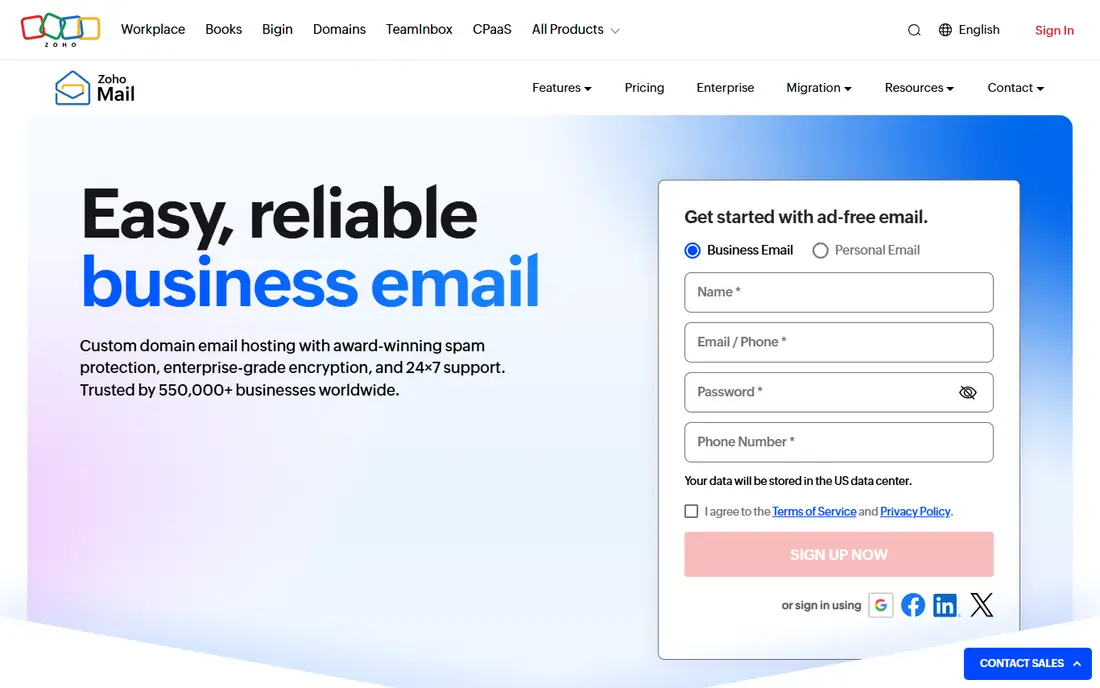
Among the options here, Zoho Mail is aimed at budget teams. Zoho Mail offers affordable custom-domain email with a wider Zoho suite behind it. Budget teams can start cheaply and add CRM, docs and other Zoho apps later. In practice, that means the product earns its place by doing one job well for that audience, rather than trying to cover every possible use case at once. We compared its official feature page, pricing and public reviews against the other options here, and its best-for label reflects where it looked strongest, not where its marketing claims are loudest.
Before you commit, weigh this part. Its ecosystem is smaller than Google, and some features need higher tiers. On price, the starting point listed above is not published clearly, so check the vendor site, and the free plan entry is Yes. If that combination fits your budget and your main use case, Zoho Mail is a sensible shortlist choice. If the catch above is a deal breaker, move to another entry in this list whose strength matches your priority instead.
- Affordable custom-domain email
- Zoho suite
- Admin controls
- Smaller ecosystem than Google
- Some features need higher tiers
Proton Mail
Ideal for: Privacy-focused teams
For a team or household weighing this choice, Proton Mail is aimed at privacy-focused teams. Proton Mail offers end-to-end encrypted email with custom domains for business. Privacy-focused teams value its encryption and Swiss jurisdiction. In practice, that means the product earns its place by doing one job well for that audience, rather than trying to cover every possible use case at once. We compared its official feature page, pricing and public reviews against the other options here, and its best-for label reflects where it looked strongest, not where its marketing claims are loudest.
The honest catch comes next. Its office suite is smaller than Google or Microsoft, and business features need paid plans. On price, the starting point listed above is not published clearly, so check the vendor site, and the free plan entry is Yes. If that combination fits your budget and your main use case, Proton Mail is a sensible shortlist choice. If the catch above is a deal breaker, move to another entry in this list whose strength matches your priority instead.
- End-to-end encryption
- Custom domains
- Swiss privacy
- Office suite is smaller
- Paid for business features
Fastmail
Ideal for: Fast independent email
When the main need is the one above, Fastmail is aimed at teams that want simple email. Fastmail is an independent email service known for speed and clean design. Teams that want email done well, without a large suite, often like it. In practice, that means the product earns its place by doing one job well for that audience, rather than trying to cover every possible use case at once. We compared its official feature page, pricing and public reviews against the other options here, and its best-for label reflects where it looked strongest, not where its marketing claims are loudest.
Pricing and limits deserve a second look. It has no office suite, and its brand is smaller than Google or Microsoft. On price, the starting point listed above is not published clearly, so check the vendor site, and the free plan entry is No. If that combination fits your budget and your main use case, Fastmail is a sensible shortlist choice. If the catch above is a deal breaker, move to another entry in this list whose strength matches your priority instead.
- Fast email
- Custom domains
- Good privacy
- No office suite
- Smaller brand than Google
GoDaddy Email
Ideal for: Domain buyers
For readers who put this factor first, GoDaddy Email is aimed at businesses buying domains at GoDaddy. GoDaddy Email bundles professional email with domain purchases. Businesses that buy domains at GoDaddy can add email in the same account. In practice, that means the product earns its place by doing one job well for that audience, rather than trying to cover every possible use case at once. We compared its official feature page, pricing and public reviews against the other options here, and its best-for label reflects where it looked strongest, not where its marketing claims are loudest.
A smaller drawback can still matter. Features vary by plan, and support quality is mixed in public reviews. On price, the starting point listed above is not published clearly, so check the vendor site, and the free plan entry is No. If that combination fits your budget and your main use case, GoDaddy Email is a sensible shortlist choice. If the catch above is a deal breaker, move to another entry in this list whose strength matches your priority instead.
- Bundles with GoDaddy domains
- Microsoft 365 option
- Simple setup
- Features vary by plan
- Support quality varies
Rackspace Email
Ideal for: Hosted email plus support
In a crowded field, Rackspace Email is aimed at teams that want support. Rackspace Email offers hosted business email with a support focus. Teams that want migration help and human support may value it. In practice, that means the product earns its place by doing one job well for that audience, rather than trying to cover every possible use case at once. We compared its official feature page, pricing and public reviews against the other options here, and its best-for label reflects where it looked strongest, not where its marketing claims are loudest.
What to check before paying is simple. Its suite is smaller than Google or Microsoft, and pricing is per mailbox. On price, the starting point listed above is not published clearly, so check the vendor site, and the free plan entry is No. If that combination fits your budget and your main use case, Rackspace Email is a sensible shortlist choice. If the catch above is a deal breaker, move to another entry in this list whose strength matches your priority instead.
- Hosted email
- Support focus
- Migration help
- Smaller suite than Google
- Pricing per mailbox
Namecheap Private Email
Ideal for: Low-cost email
For a first purchase in this category, Namecheap Private Email is aimed at very small businesses. Namecheap Private Email is a low-cost way to get custom-domain email. Very small businesses can start cheaply with webmail and mobile access. In practice, that means the product earns its place by doing one job well for that audience, rather than trying to cover every possible use case at once. We compared its official feature page, pricing and public reviews against the other options here, and its best-for label reflects where it looked strongest, not where its marketing claims are loudest.
The limit to keep in mind is this. Storage is limited on basic plans, and there is no office suite. On price, the starting point listed above is not published clearly, so check the vendor site, and the free plan entry is No. If that combination fits your budget and your main use case, Namecheap Private Email is a sensible shortlist choice. If the catch above is a deal breaker, move to another entry in this list whose strength matches your priority instead.
- Low-cost custom-domain email
- Simple setup
- Webmail
- Limited storage on basic plans
- No office suite
How we picked these
We compared official feature pages, pricing pages, app store listings, privacy policies and public reviews for each product, and we kept only products that are still available in October 2026 and that fit the topic closely. Where a vendor did not publish a clear starting price on its own site, we wrote See website rather than guessing. Prices can change, so check the vendor page linked in each product block before you buy.
Choosing business email that staff will actually use
Start with the domain: every option here supports a custom domain, but setup steps differ. Check storage, spam filtering and mobile apps, since staff live in email on phones. Consider the wider suite: Google and Microsoft bundle docs, storage and video, while Zoho and Proton focus more narrowly. Finally, check admin controls for adding staff, resetting passwords and setting retention, since those tasks grow with headcount.
Frequently asked questions
What is the best email service for small business?
Google Workspace is best for most small businesses, Microsoft 365 suits Office users, and Zoho Mail is best on a budget. Proton Mail suits privacy-focused teams.
Can I use my own domain for business email?
Yes, all the services here support custom domains. Setup usually involves adding DNS records, and most providers offer guided steps.
Is Gmail free for business?
Personal Gmail is free, but business Gmail with a custom domain and admin controls needs Google Workspace, which is paid.
What is the difference between Google Workspace and Microsoft 365?
Google Workspace centres on Gmail, Drive and Meet, while Microsoft 365 centres on Outlook, Word, Excel and Teams. Choose based on the tools your team already uses.
Is Proton Mail good for business?
Yes, for privacy-focused teams. It offers end-to-end encryption and custom domains, though its office suite is smaller than Google or Microsoft.