Best email signature management software in 2026: 7 Options Compared

- 1
 Exclaimerfirms that want central signature controlVisit
- 2
 WiseStampsmall teams that want easy signaturesVisit
- 3
 CodeTwo Email SignaturesMicrosoft 365 firms that want deep controlVisit
- 4
 Newoldstampteams that want branded signatures plus bannersVisit
- 5
 MySignatureindividuals and small teamsVisit
- Exclaimer suits firms that want central control for Microsoft 365 and Google Workspace.
- WiseStamp suits small teams that want easy, attractive signatures quickly.
- CodeTwo suits Microsoft 365 firms that want deep signature control.
- Newoldstamp, MySignature, Letsignit and Opensense suit varied team sizes and needs.
Quick comparison
| Product | Ideal for | Price from | Free version | |
|---|---|---|---|---|
| Exclaimer | firms that want central signature control | See website | Free trial | Visit |
| WiseStamp | small teams that want easy signatures | See website | Yes | Visit |
| CodeTwo Email Signatures | Microsoft 365 firms that want deep control | See website | Free trial | Visit |
| Newoldstamp | teams that want branded signatures plus banners | See website | Free trial | Visit |
| MySignature | individuals and small teams | See website | Yes | Visit |
 Letsignit | firms that want signature plus campaigns | See website | Free trial | Visit |
 Opensense | firms that want signatures plus analytics | See website | Free trial | Visit |
The best email signature management software
Email signature management software lets a firm design one branded signature, apply it to every employee, and update it centrally without asking each person to edit settings. We compared official product pages, pricing pages and public reviews, focusing on template design, central control, deployment for Microsoft 365 and Google Workspace, and pricing model. Pricing is often per user, so we note the model rather than quoting a figure we could not confirm.
Exclaimer
Ideal for: firms that want central signature control
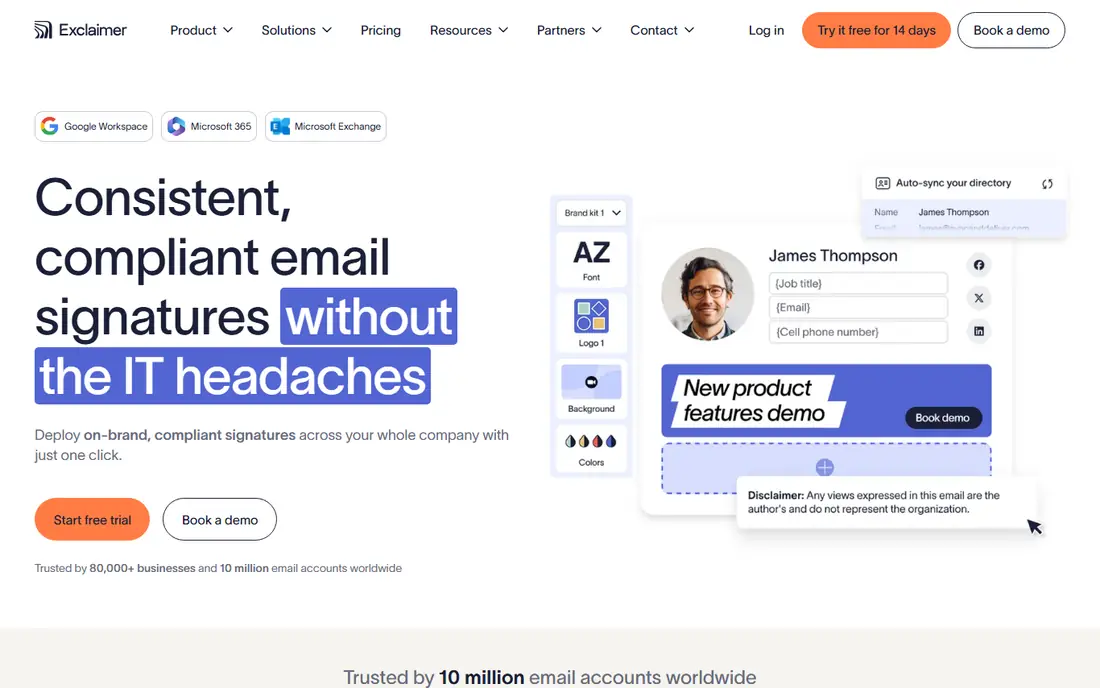
Exclaimer is a leading email signature platform for Microsoft 365 and Google Workspace, letting admins design templates, apply them centrally and update them for all users at once. Its editor covers branding, banners, disclaimers and social links, with rules by department or location. That central control suits firms that want every email on brand.
Before you pay, check the limits that apply to your own use, including seats, storage, monthly usage and support hours. A plan that looks generous on the headline page can still cap the one feature you rely on most, so read the plan comparison page rather than the marketing summary. A trial or free tier is the safest way to test this, and it also shows whether support answers promptly when you need help.
Pricing is per user, and setup needs admin access to your mail platform, so plan the rollout with IT. Test signatures on desktop and mobile mail, and check how replies and forwards handle the signature.
- Central control
- Microsoft 365 and Google support
- Templates
- Pricing per user
- Setup needs admin access
WiseStamp
Ideal for: small teams that want easy signatures
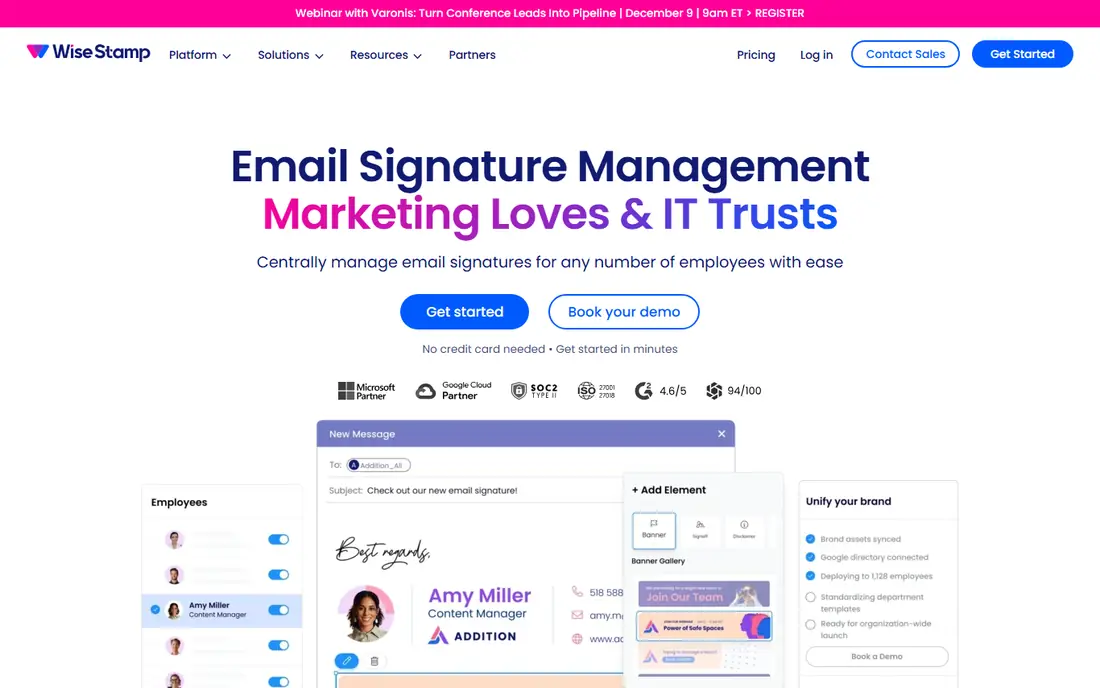
WiseStamp offers an easy signature editor with many templates, social links, banners and team management for small and mid sized firms. Its simplicity suits a team that wants attractive signatures quickly without a complex deployment. Users can create a signature in minutes and share it across a team.
The price on the headline page is only part of the cost, so check renewal pricing, per-seat charges and any paid add-ons before you commit. Free tiers help for light use, but they often cap the features that matter once work grows, and trials end on a fixed date whether you have finished testing or not. Set a reminder before a trial ends, and confirm cancellation steps in advance so you are not locked into a plan you no longer need.
Central control is lighter than Exclaimer or CodeTwo for large firms, so enterprises should check deployment rules. Test template consistency across mail apps, and confirm team management features at your plan level.
- Easy editor
- Many templates
- Team management
- Advanced control is lighter
- Pricing per user
CodeTwo Email Signatures
Ideal for: Microsoft 365 firms that want deep control
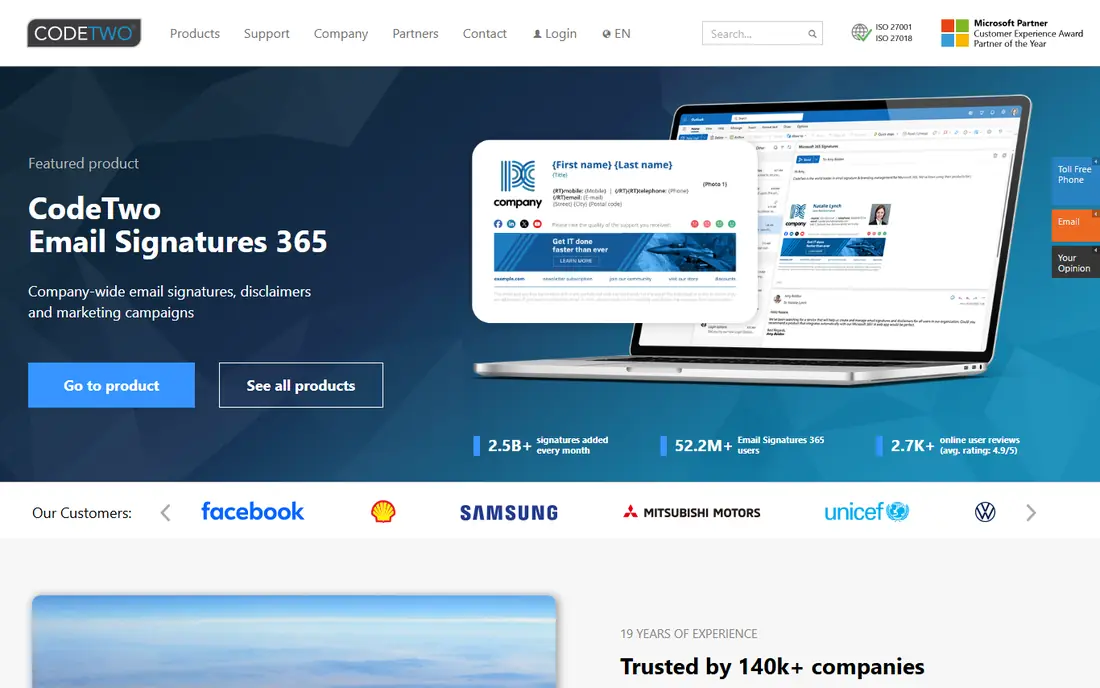
CodeTwo Email Signatures for Office 365, now Microsoft 365, offers deep central control, rules, templates and Azure integration for firms standardised on Microsoft. Admins can apply different signatures by department, location or device, and manage disclaimers centrally. That depth suits Microsoft focused firms with complex signature rules.
Pricing is where many readers get caught out, so look past the headline figure and check what the plan actually includes for your level of use. Seats, usage limits, add-ons and renewal terms can change the real monthly cost, and a cheaper plan that lacks one feature you need is not a saving. If a free tier or trial is offered, use it for real work before paying, and confirm how cancellation works while you still have time to change your mind.
Its focus is Microsoft 365, so Google Workspace firms need another tool, and setup needs admin skill. Trial it on a test group, and check signature behaviour on replies, forwards and mobile devices.
- Deep Microsoft 365 control
- Rules and templates
- Azure support
- Microsoft 365 focus
- Setup needs admin skill
Newoldstamp
Ideal for: teams that want branded signatures plus banners
Newoldstamp offers a signature editor with banner campaigns, team management and central updates, aimed at firms that use email signatures for marketing as well as branding. Its banner feature lets marketing run campaigns in signatures and track clicks. That suits firms that treat every email as a marketing channel.
Before you pay, check the limits that apply to your own use, including seats, storage, monthly usage and support hours. A plan that looks generous on the headline page can still cap the one feature you rely on most, so read the plan comparison page rather than the marketing summary. A trial or free tier is the safest way to test this, and it also shows whether support answers promptly when you need help.
Enterprise deployment control is lighter than Exclaimer, so large firms should check rules and rollout options. Test banner tracking and signature rendering across mail clients before a full rollout.
- Signature editor
- Banner campaigns
- Team control
- Pricing per user
- Enterprise deployment is lighter
MySignature
Ideal for: individuals and small teams
MySignature offers a simple signature generator with many templates, social links and a free tier for individuals and small teams. Its editor suits a freelancer or small firm that wants a professional signature quickly without a platform rollout. Team features cover basic sharing and management.
The price on the headline page is only part of the cost, so check renewal pricing, per-seat charges and any paid add-ons before you commit. Free tiers help for light use, but they often cap the features that matter once work grows, and trials end on a fixed date whether you have finished testing or not. Set a reminder before a trial ends, and confirm cancellation steps in advance so you are not locked into a plan you no longer need.
Central management is basic compared with enterprise platforms, so larger firms need another tool. Check template rendering in your mail app, and keep a backup of signature designs outside the tool.
- Simple editor
- Free tier
- Many templates
- Central management is basic
- Best for small teams
Letsignit
Ideal for: firms that want signature plus campaigns
Letsignit, now part of a larger email signature group, offers central signature management with campaign banners for Microsoft 365 and Google Workspace. Admins can design templates, run banner campaigns and update signatures for all users from one console. That suits firms that want branding plus marketing in signatures.
Pricing is where many readers get caught out, so look past the headline figure and check what the plan actually includes for your level of use. Seats, usage limits, add-ons and renewal terms can change the real monthly cost, and a cheaper plan that lacks one feature you need is not a saving. If a free tier or trial is offered, use it for real work before paying, and confirm how cancellation works while you still have time to change your mind.
Pricing is per user, and setup needs admin access to your mail platform. Test campaign banners and signature rules on a pilot group, and confirm reporting for banner clicks.
- Central signatures
- Campaign banners
- Microsoft and Google support
- Pricing per user
- Setup needs admin access
Opensense
Ideal for: firms that want signatures plus analytics
Opensense offers central email signature management with analytics and campaign tools, helping firms track signature impressions and banner performance. Its platform supports Microsoft 365 and Google Workspace, with templates and rules by team. That analytics focus suits marketing led firms that want to measure signature impact.
Before you pay, check the limits that apply to your own use, including seats, storage, monthly usage and support hours. A plan that looks generous on the headline page can still cap the one feature you rely on most, so read the plan comparison page rather than the marketing summary. A trial or free tier is the safest way to test this, and it also shows whether support answers promptly when you need help.
Pricing is quoted and it is a smaller brand than Exclaimer, so check references and support terms. Trial analytics on a pilot group, and confirm signature rendering across devices.
- Central control
- Signature analytics
- Campaign tools
- Pricing is quote based
- Smaller brand
How we picked these
We compared official feature pages, pricing pages, app store listings, privacy policies and public reviews for each option in this guide. We kept only products that exist and work in October 2026 and that fit the topic directly, and we checked that each official homepage loads and belongs to the product named. Prices and free tiers are taken from the vendor site where we could verify them, and we wrote See website where a price could not be confirmed, rather than guessing. Our pick in each guide reflects fit for ordinary readers, not a claim of hands-on testing, and we note the honest limits of each option alongside its strengths.
How to choose email signature management software
Start with your mail platform: Microsoft 365 firms suit Exclaimer or CodeTwo, Google Workspace firms suit Exclaimer or Letsignit, and small teams suit WiseStamp or MySignature. Check template design, rules by department, banner campaign tools and how signatures behave on replies and mobile mail. Test on a pilot group across mail apps before a company wide rollout.
Compare per user pricing for your headcount, including any minimums, and check admin controls, audit logs and data handling. Keep signatures simple, with name, role, company, phone and one call to action, since long signatures annoy recipients and break on mobile. Review signatures quarterly, and update banners for campaigns rather than leaving stale promotions in place.
Frequently asked questions
What is the best email signature management software?
Exclaimer suits central control for Microsoft 365 and Google Workspace, CodeTwo suits deep Microsoft control, and WiseStamp suits easy small team signatures. Newoldstamp, Letsignit and Opensense suit banner campaigns, while MySignature suits individuals.
Why use signature management instead of manual signatures?
Manual signatures drift, with old logos, wrong titles and missing disclaimers, while central management keeps every email on brand and updates all users at once. It also adds legal disclaimers consistently and lets marketing run banner campaigns.
Do email signatures work on mobile?
Yes if designed simply, but long signatures with large images break on small screens. Test signatures on phone mail apps, keep images small, and avoid complex tables that render poorly on mobile.
Can I run marketing banners in email signatures?
Yes, platforms such as Exclaimer, Newoldstamp, Letsignit and Opensense support banner campaigns with click tracking. Keep banners relevant, rotate them for campaigns, and avoid banners that make every email feel like an advert.
How much does email signature software cost?
Most platforms charge per user per month, with free tiers for individuals at some tools and quoted pricing for enterprises. Compare total cost for your headcount, and check whether a free tier covers your team size.