Best Email Testing Tools: 8 Options Compared

- Mailtrap and Litmus lead for developers and marketers respectively, while MailHog and Mailpit lead for free local testing.
- Marketers need inbox previews and spam scores, while developers need fake inboxes and API checks.
- Free local tools suit development, but staging and production testing usually need a hosted service.
- Test with your real templates and sending domain, since rendering varies by client and device.
Quick comparison
| Product | Ideal for | Price from | Free version | |
|---|---|---|---|---|
 Mailtrap | Fake inboxes for developers | Free | Yes | Visit |
 Litmus | Inbox previews for marketers | See website | Free trial | Visit |
 Email on Acid | Previews and deliverability checks | See website | Free trial | Visit |
 MailHog | Free local email testing | Free | Yes | Visit |
 Mailosaur | Automated email testing for QA | See website | Free trial | Visit |
 GlockApps | Inbox placement and spam testing | See website | Free trial | Visit |
 Mailpit | Modern local email testing | Free | Yes | Visit |
 MailCatcher | Simple local SMTP capture | Free | Yes | Visit |
The best email testing tools
Email testing tools catch broken layouts, spam triggers, and delivery problems before a campaign reaches real inboxes. We compared eight tools for developers, marketers, and QA teams, from free local inboxes to full preview platforms.
Mailtrap
Ideal for: Fake inboxes for developers
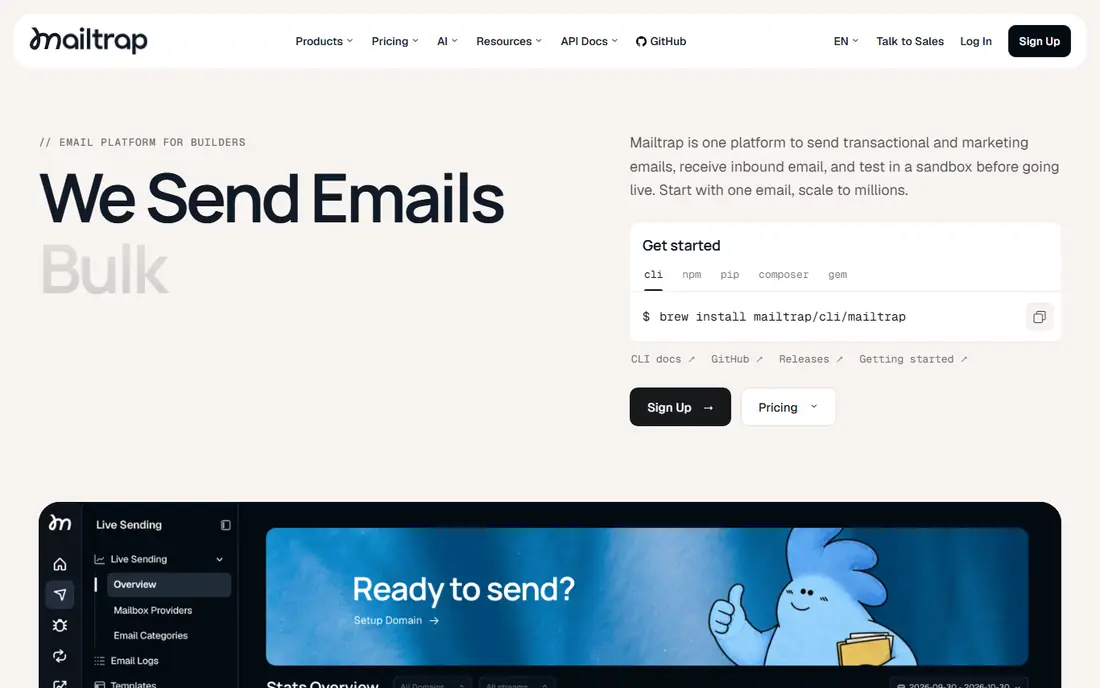
Our pick for Fake inboxes for developers is Mailtrap, and it stands out for fake SMTP inboxes with API access. Readers who want fake inboxes for developers will find its approach direct and practical. The trade-off is that preview coverage is limited versus Litmus, so weigh that before you commit.
Pricing is listed as Free below, and the free plan status is Yes. We checked the official site and the app store listing for current plan details, and we suggest confirming the plan that fits your usage before checkout. Compared with the rest of this list, Mailtrap works best when fake inboxes for developers is your main priority.
- Fake SMTP inboxes
- HTML checks
- API access
- Preview coverage is limited versus Litmus
Litmus
Ideal for: Inbox previews for marketers
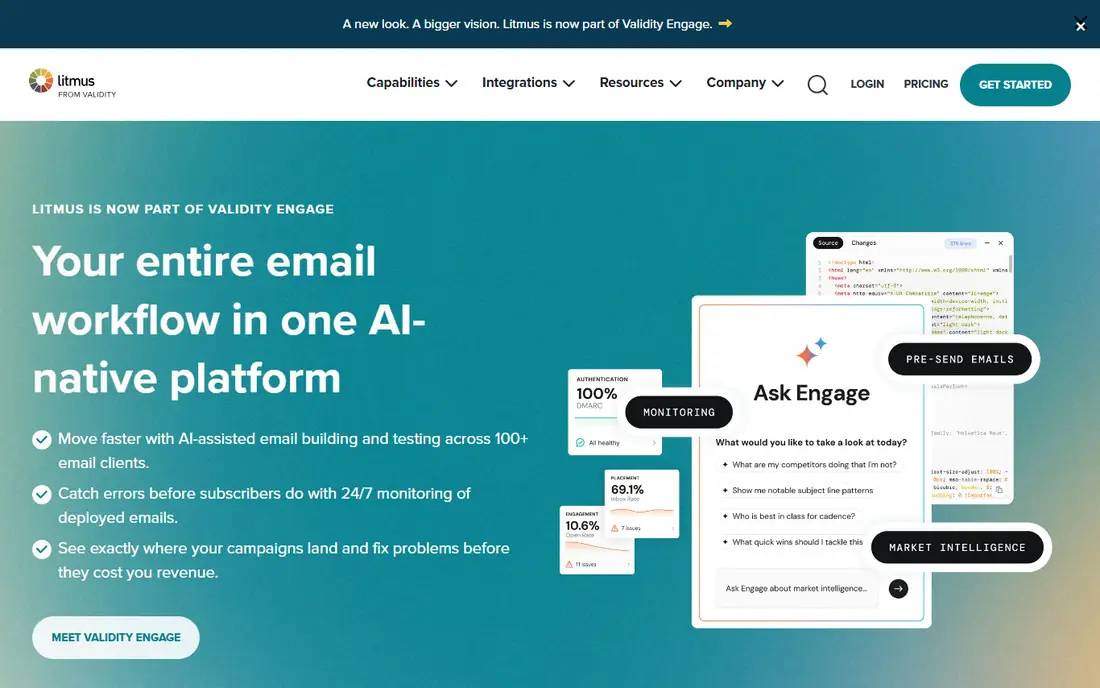
If inbox previews for marketers matters most to you, Litmus deserves a close look. It is known for broad client previews with spam checks, which gives it a clear edge in this list. On the other hand, pricing is high for small teams, so it is not the right fit for everyone.
Before you choose, compare Litmus with one or two others in this list on price, limits, and support. Its free plan status is Free trial and its starting price is shown as See website. In our view, it is a sensible shortlist pick for readers who value inbox previews for marketers above extra features.
- Broad client previews
- Spam checks
- Collaboration tools
- Pricing is high for small teams
- Learning curve exists
Email on Acid
Ideal for: Previews and deliverability checks
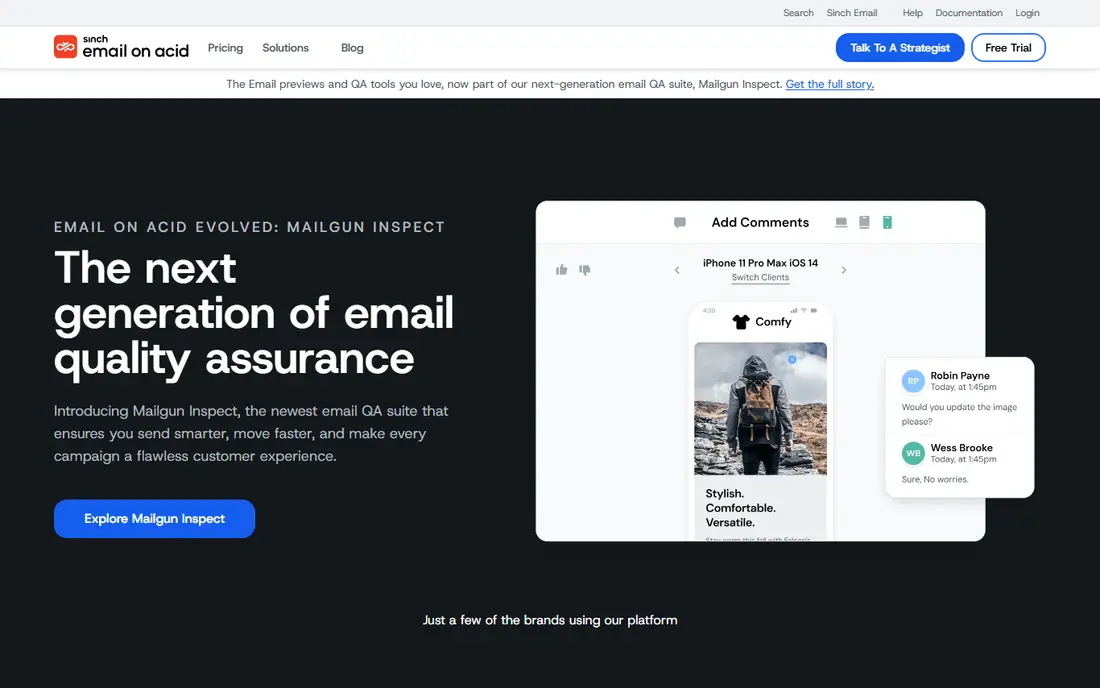
Email on Acid earns its place here for previews and deliverability checks. Its main strength is client previews with spam testing, and that makes day to day use feel focused rather than scattered. The catch is that the interface feels dated, which may matter more to some readers than others.
We would shortlist Email on Acid when previews and deliverability checks is the deciding factor. The starting price is See website and the free plan status is Free trial, so the cost picture is clear from the official pricing page. Try the free option or trial first if one is offered, and test it on a real task.
- Client previews
- Spam testing
- Code analysis
- Pricing is per user
- Interface feels dated
MailHog
Ideal for: Free local email testing
For readers focused on free local email testing, MailHog is a strong contender. It offers free local SMTP capture, and we found that combination easy to recommend for its target audience. Still, there are no hosted previews, so check that detail against your own needs.
The honest summary is this: MailHog is strong on free local email testing and weaker where there are no hosted previews. With a starting price of Free and a free plan status of Yes, it is easy to compare against the other options here. Pick it if its strength matches the job you need done most often.
- Free and open source
- Local SMTP capture
- Easy setup
- No hosted previews
- Project maintenance is limited
Mailosaur
Ideal for: Automated email testing for QA
Mailosaur suits readers who need automated email testing for QA without extra fuss. The headline strength is test inboxes for automated QA, which covers the core job well. The downside is that pricing scales with messages, so a short trial is worth it before you pay.
Pricing is listed as See website below, and the free plan status is Free trial. We checked the official site and the app store listing for current plan details, and we suggest confirming the plan that fits your usage before checkout. Compared with the rest of this list, Mailosaur works best when automated email testing for QA is your main priority.
- Test inboxes for automation
- API checks
- SMS testing
- Pricing scales with messages
- Setup needs developer skill
GlockApps
Ideal for: Inbox placement and spam testing
Our pick for Inbox placement and spam testing is GlockApps, and it stands out for inbox placement tests with spam scores. Readers who want inbox placement and spam testing will find its approach direct and practical. The trade-off is that preview features are thinner than Litmus, so weigh that before you commit.
Before you choose, compare GlockApps with one or two others in this list on price, limits, and support. Its free plan status is Free trial and its starting price is shown as See website. In our view, it is a sensible shortlist pick for readers who value inbox placement and spam testing above extra features.
- Inbox placement tests
- Spam score checks
- Seed lists
- Preview features are thinner than Litmus
Mailpit
Ideal for: Modern local email testing
If modern local email testing matters most to you, Mailpit deserves a close look. It is known for free local testing with a modern interface, which gives it a clear edge in this list. On the other hand, it is local use only, so it is not the right fit for everyone.
We would shortlist Mailpit when modern local email testing is the deciding factor. The starting price is Free and the free plan status is Yes, so the cost picture is clear from the official pricing page. Try the free option or trial first if one is offered, and test it on a real task.
- Free and open source
- Modern interface
- API support
- Local use only
- No hosted preview service
MailCatcher
Ideal for: Simple local SMTP capture
MailCatcher earns its place here for simple local SMTP capture. Its main strength is free and simple local capture, and that makes day to day use feel focused rather than scattered. The catch is that features are basic, which may matter more to some readers than others.
The honest summary is this: MailCatcher is strong on simple local SMTP capture and weaker where features are basic. With a starting price of Free and a free plan status of Yes, it is easy to compare against the other options here. Pick it if its strength matches the job you need done most often.
- Free and simple local capture
- Easy to run
- Features are basic
- No preview or spam checks
How we picked these
We compared official feature pages, pricing pages, app store listings, privacy policies, and public reviews for each option in this list. We kept only products that exist and work in October 2026 and that truly fit the topic, and we dropped anything whose official homepage did not load or did not match the product. Where we could not verify a current price from the vendor, we wrote See website rather than guessing a figure.
We also weighed who each product is really for, not just how many features it lists. A strong pick for a large team can be a poor pick for one person, and the reverse is true too. That is why each write-up names a best fit and an honest weakness, so you can match the product to your own situation instead of chasing the longest feature list.
Finally, we checked renewal and trial terms where the vendor publishes them, since first-year prices and trial limits can change the real cost. When a vendor did not publish a clear price, we left the field as See website and said so plainly, rather than filling the gap with an estimate. That approach keeps every price claim in this list traceable to the vendor's own pages.
How to choose an email testing tool
Start with who will use the tool. Developers need fake SMTP inboxes, API access, and message inspection, while marketers need previews across Gmail, Outlook, and mobile clients plus spam scoring. A tool built for one group may lack the checks the other group needs.
Check preview coverage and spam testing together. A template can look fine in one client and break in another, and spam filters react to content, links, and authentication settings. Test your most complex template, not a simple one, to see where the tool actually helps.
Compare pricing by emails tested, users, and preview clients. Local tools cost nothing but need setup, while hosted platforms charge by volume or seats. For teams, check sharing, comments, and approval workflows that keep testing from becoming a bottleneck.
Before you pay, run a short checklist against your top two picks: confirm the plan limits, test the feature you will use most, check support hours, and confirm cancellation terms. A product that passes that checklist on a real task is usually the right choice, even if a rival lists more features on paper. Keep notes from your trial so the decision stays based on evidence, not marketing.
Frequently asked questions
What is an email testing tool?
It captures test emails in a fake inbox or previews how they render across email clients, and checks spam scores, links, and HTML issues before sending to real recipients.
What is the best email testing tool?
Mailtrap suits developers with fake inboxes and APIs, while Litmus and Email on Acid suit marketers who need previews and spam checks. MailHog suits free local development testing.
Can I test emails without sending to real people?
Yes. Fake SMTP inboxes and preview tools let you inspect messages without delivering to real addresses, which is the safest way to test templates and flows.
Do these tools check spam scores?
Litmus, Email on Acid, and GlockApps include spam and deliverability checks, while developer inboxes like Mailtrap focus more on content and headers. Check which spam filters each tool tests against.
Which tool is free?
MailHog, Mailpit, and MailCatcher are free and open source for local testing. Hosted tools usually offer free tiers or trials with limits on messages or previews.