Our first pick is Adobe Captivate, best for rapid authoring of mobile-ready courses. Listed starting prices: KnowBe4 from $5.30 per seat per month. Docebo fits skills intelligence and workforce readiness LMS; Vector Solutions fits industry-specific emergency training and compliance. The remaining 2 options are covered below with prices and limits.
Short on time? The summary and table above give the quick view of 5 tools for emergency management training, and the profiles that follow give the detail behind each entry.
Key takeaways
Top of the list is Adobe Captivate, which targets rapid authoring of mobile-ready courses.
Neither Adobe Captivate nor KnowBe4, nor any of the other 3 tools, has a permanent free plan; trials and quotes are the norm.
Check the limits for Adobe Captivate before you commit: restricted built-in emergency content.
Starting prices begin at $5.30 per seat per month with KnowBe4.
KnowBe4 fits security awareness and human risk reduction.
Adobe Captivate serves rapid authoring of mobile-ready courses. For emergency management training, it permits organizations to produce custom simulations, branching scenarios, and responsive e-learning modules that can be delivered on several devices.
No starting price is listed for Adobe Captivate here; confirm pricing on the vendor site. Free access: Not stated.
Best for: Skills intelligence and workforce readiness LMS
For skills intelligence and workforce readiness LMS, Docebo is a natural candidate. Docebo is a workforce readiness product that links skills intelligence, learning, knowledge, and AI agents.
Trade-offs to know: May be complicated for small organizations.
It helps organizations understand who is ready for what and build future capabilities. Docebo shows no starting price here, so confirm the cost on the vendor site. As for free access: Not stated.
Best for: Industry-specific emergency training and compliance
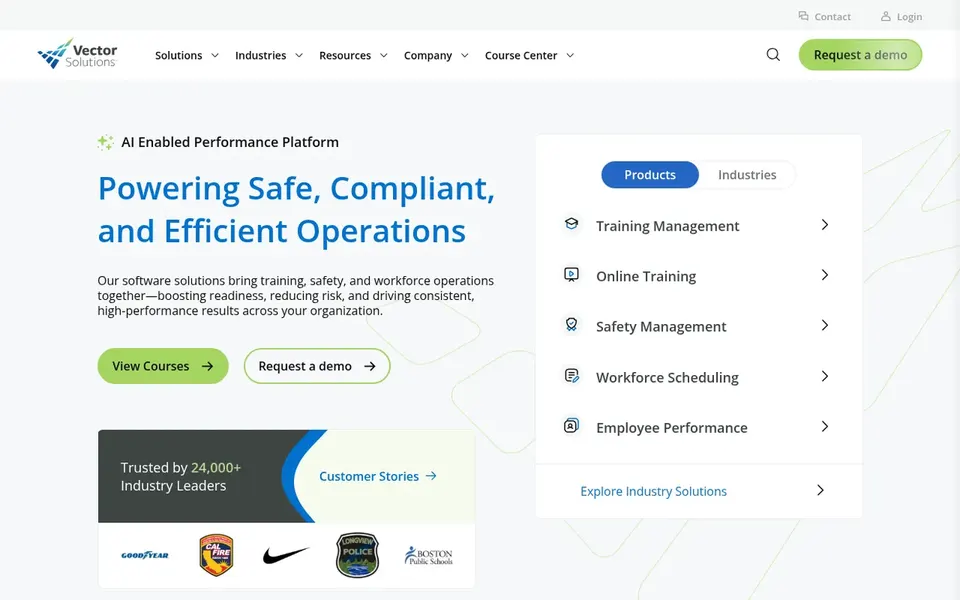
Pick Vector Solutions if this describes you: industry-specific emergency training and compliance. Vector Solutions offers training and workforce management options meant to prepare people and keep organizations in compliance. Beyond that, organizations looking for a single system to manage both learning and compliance documentation will find it relevant.
The breadth of features can be overwhelming for small teams without dedicated administrators. Pricing is not published, so budget-conscious buyers should request a quote. This comparison lists no price for Vector Solutions; ask the vendor. Free access: Not stated.
What to check first: May be complicated for small teams.
Best for: Enterprise learning and workforce readiness
Cornerstone Learning is aimed squarely at enterprise learning and workforce readiness. Cornerstone Learning is part of Cornerstone's intelligence system for workforce readiness, delivering insights, skills and learning, and AI agents that make action simple. It is made for bigger organizations that require to manage learning at scale.
Also, choose it if you are a large organization seeking a full learning and skills product to support a broad set of training needs, including emergency preparedness. In practice, Cornerstone Learning is an enterprise-grade system that may be more complicated and costly than smaller organizations need. It also does not supply ready-made emergency management content, so you will have to source or produce courses. Cornerstone Learning shows no starting price here, so confirm the cost on the vendor site. As for free access: Not stated.
Limits to weigh: may be expensive for small teams.
Best for: Security awareness and human risk reduction
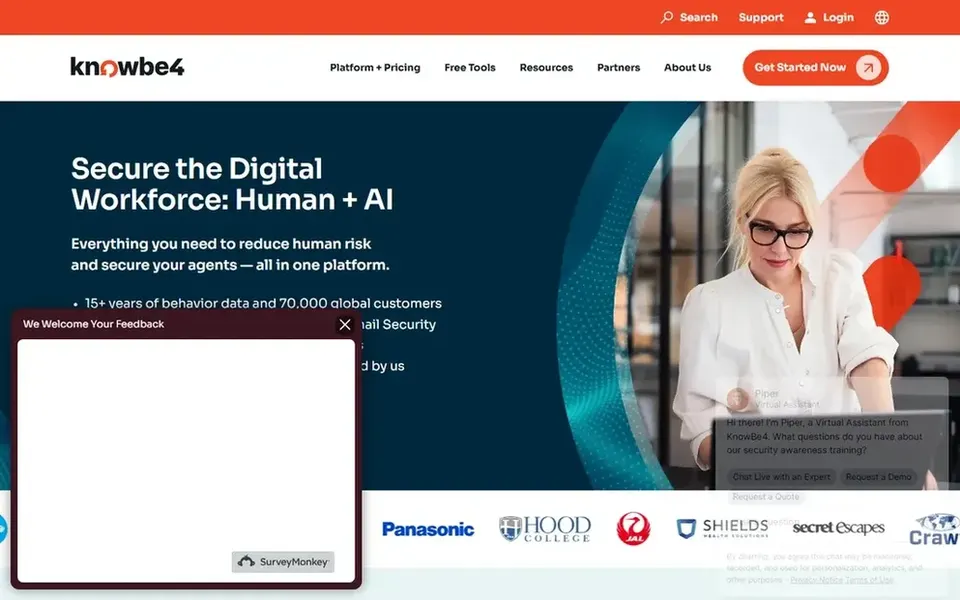
KnowBe4 makes the most sense for security awareness and human risk reduction. KnowBe4 concentrates on security awareness training and human risk reduction, offering a product that comes with security awareness training, email security, and agent security. From a buyer's view, KnowBe4 does not handle physical emergency procedures like evacuation, fire response, or medical emergencies, so it should be paired with a broader emergency management training option.
Organizations looking to strengthen their cyber resilience as part of a broader emergency plan will find it handy. Beyond that, for emergency management, it is most relevant to cybersecurity incident preparedness, helping employees recognize phishing and other threats that could disrupt operations. On cost, KnowBe4 starts like this: $5.30 per seat per month. Trial and free access: Not stated.
Watch-outs: Restricted coverage of physical emergency procedures.
Get a written quote from Adobe Captivate, Docebo, Vector Solutions and Cornerstone Learning; the list shows no starting price for them.
Read the limits listed for Adobe Captivate first: restricted built-in emergency content.
Verify that exporting from Cornerstone Learning is possible on your plan and covers all your records.
Ask the daily users to test Adobe Captivate on a live task before you roll it out to everyone.
Confirm the exact KnowBe4 plan that includes your must-have features.
How we picked
Ainotely used vendor pricing pages and product documentation as the base, then compared plans, free access and documented limits for 5 tools. Prices and plan limits come from vendor pages and can change, so confirm them on the vendor site before you buy. Position on the page reflects fit for a typical buyer first, with price clarity and free access breaking ties. Treat it as a guide, not a ruling. This applies to all 5 emergency management training options compared here.
Every price and plan detail on this page comes from the vendors’ own websites. We did not run hands-on tests unless the text says so, and we do not publish star ratings or review scores. See how we score and our disclosure.
Keep your shortlist in one place
Paste prices, trial dates and notes from this guide into Ainotely, our AI note app. It files them into a topic and pulls out tasks like “cancel trial by Friday”. Free 7-day trial, no card needed.
What is the cheapest option for emergency management training in this list?
On published monthly entry prices, KnowBe4 is the lowest here at $5.30 per seat per month. Entry price is only part of the cost, because seats, add-ons and billing terms can change the total. Pricing, free plan details and limits for all 5 tools in this emergency management training roundup sit on the individual cards above.
Do these tools publish their prices?
Not all of them. Adobe Captivate, Docebo, Vector Solutions and Cornerstone Learning publish no starting price, so expect a quote request for those. The rest, KnowBe4 included, show a starting price, though seats and billing terms still change the final cost.
How are the tools for emergency management training ordered?
The order follows typical fit for emergency management training, with Adobe Captivate first and KnowBe4 last, then price clarity and free access. It is editorial judgement, not a score, so another team could rank the tools differently.
Can I try these tools before paying?
Not by default. None of the tools, from Adobe Captivate to KnowBe4, lists a free plan or a free trial here, so ask each vendor for a demo before committing.
Which tool is a good match for public safety agencies?
This list starts with Adobe Captivate, which fits rapid authoring of mobile-ready courses. For other needs, Docebo is aimed at skills intelligence and workforce readiness LMS, and Vector Solutions at industry-specific emergency training and compliance. Check each tool's price and main limit first.