Our first pick is ADP Workforce Now, best for companies wanting benefits with payroll. Listed starting prices: Rippling from $8 per employee a month. Alternatives: UKG Pro for Workforce-focused HR and pay teams, and Namely for all-in-one HCM with managed services. All 6 tools are compared below on price, free plan and limits.
Choosing employee benefits administration software usually comes down to price, fit and limits. This Ainotely guide sets 6 tools side by side on those three points, with the facts kept short and checkable.
Key takeaways
ADP Workforce Now is the opening pick, best for firms wanting benefits with payroll.
Rippling suits unified HR, IT and finance operations.
UKG Pro comes with a trade-off: wide system may need configuration effort.
ADP Workforce Now, Rippling and the 4 others all need a premium plan or a trial, since no free plan is listed.
Rippling has the lowest monthly starting price in this list: $8 per employee per month.
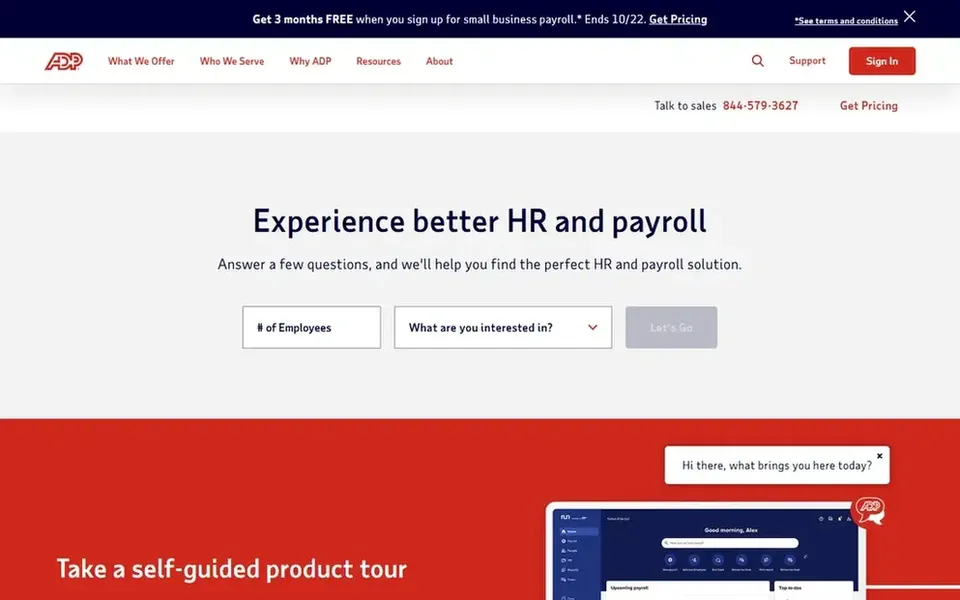
Choose ADP Workforce Now for companies wanting benefits with payroll. ADP Workforce Now is part of ADP's payroll, tax, HR and HCM offerings, which the vendor positions for firms of numerous sizes. Choose ADP Workforce Now when payroll integration and a broad HR feature set are priorities over a narrow, single-purpose benefits system.
Main advantages: HR and HCM options.
What to check first: Wide suite can feel complicated to configure. Very small businesses may find the breadth unnecessary. On top of that, Benefits administration links to payroll and HR data, which helps keep deductions and employee records consistent. In practice, since the suite spans payroll, tax and HCM, setup and navigation can involve more moving parts than a focused benefits tool. This comparison lists no price for ADP Workforce Now; ask the vendor. Trial and free access: Not stated.
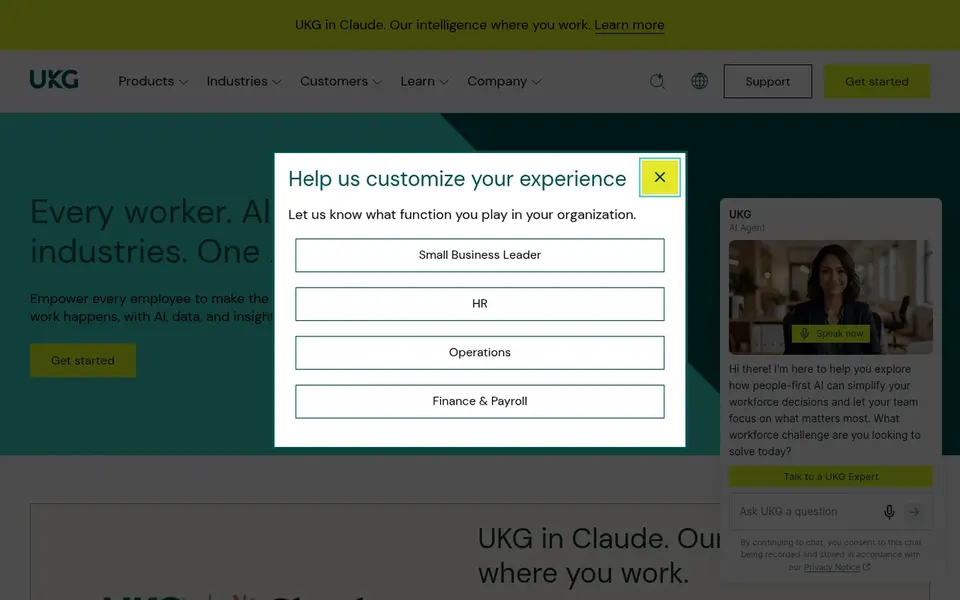
UKG Pro targets Workforce-focused HR and pay teams. UKG Pro is part of UKG's product for HR, pay and workforce management, which the vendor describes as workforce intelligence made for modern operations.
Pick UKG Pro when benefits have to work alongside scheduling and workforce intelligence instead of in isolation. For everyday use, Benefits administration sits within that broader HR environment, so employee data, pay and benefits stay connected. UKG Pro shows no starting price here, so confirm the cost on the vendor site. Free plan details: Not stated.
Where Namely fits: all-in-one HCM with managed services. For everyday use, the managed services approach may not fit teams that prefer full in-house control.
Honest limits: Wide HCM scope may exceed straightforward needs.
The wide HCM scope can be more than a small business needs. No starting price is listed for Namely here; confirm pricing on the vendor site. On free options: Not stated.
Where Justworks fits: small firms needing human support. The small-business and PEO orientation means the model may not suit bigger employers or companies wanting to keep benefits completely in house.
Beyond that, businesses with complicated, multi-entity structures may need a broader system. Justworks shows no starting price here, so confirm the cost on the vendor site. Free options: Not stated.
Best for: Large enterprises with complicated HR needs
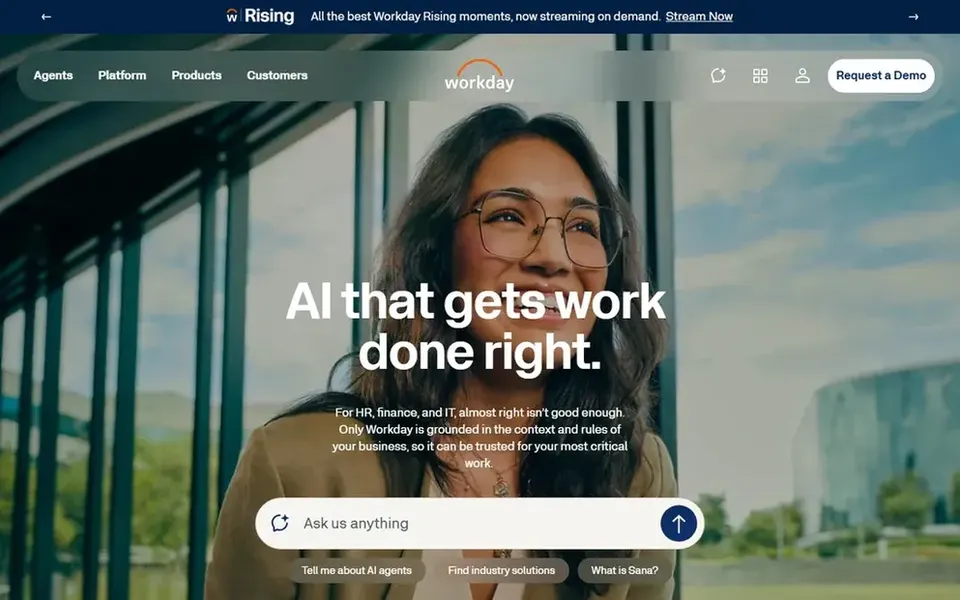
Workday Benefits is a good fit for large enterprises with complicated HR needs. Workday Benefits is part of the Workday enterprise system for HR, finance and IT, which the vendor describes as an AI product for those functions.
In practice, Benefits administration sits alongside core HR data, so organizations can run enrollment and employee records in one connected system. Check the vendor site for Workday Benefits pricing; none is listed in this comparison. Free plan details: Not stated.
What Workday Benefits does well: Benefits sit within a wide HR.
Honest limits: Enterprise focus may not suit very small teams.
Rippling is designed for unified HR, IT and finance operations. Rippling merges HR, IT and finance apps on a unified data product, which the vendor says removes friction from running a business.
Watch-outs: Focused benefits buyers may want less.
Benefits administration sits within that connected system, so employee changes can flow across HR and related tools. Starting cost for Rippling: $8 per employee per month. Free options: Not stated.
What Rippling does well: Benefits handled within a broader system.
Ask ADP Workforce Now, UKG Pro, Namely and others for a written quote, since no starting price is shown.
Read the limits listed for ADP Workforce Now first: wide suite can feel complicated to configure.
Find out whether the entry plan of Justworks covers your must-haves or only a trimmed-down version.
Look at the help docs and support options for ADP Workforce Now before you commit.
Ask whether UKG Pro integrates with your current software, and whether that comes standard or as an add-on.
How we picked
The comparison looks at four things: starting price, free access, how well the feature set matches employee benefits administration software, and the main limit of each tool. Prices and plan limits come from vendor pages and can change, so confirm them on the vendor site before you buy. The sequence is a judgement call: typical use case first, then pricing transparency, then free access. Use the profiles to check fit.
Every price and plan detail on this page comes from the vendors’ own websites. We did not run hands-on tests unless the text says so, and we do not publish star ratings or review scores. See how we score and our disclosure.
Keep your shortlist in one place
Paste prices, trial dates and notes from this guide into Ainotely, our AI note app. It files them into a topic and pulls out tasks like “cancel trial by Friday”. Free 7-day trial, no card needed.
Does any tool for employee benefits administration software here have a free plan?
A permanent free plan is not offered by ADP Workforce Now, Rippling or the other tools here. Plan a short evaluation period instead.
Do these tools publish their prices?
Not all of them. ADP Workforce Now, UKG Pro, Namely and others publish no starting price, so expect a quote request for those. The rest, Rippling included, show a starting price, though seats and billing terms still change the final cost.
Can I try these options before paying?
Not by default. None of the tools, from ADP Workforce Now to Rippling, lists a free plan or a free trial here, so ask each vendor for a demo before committing.
How do small companies deal with benefits administration?
Smaller firms frequently prefer systems that pair software with human support, like Justworks, so they can get help with setup and enrollment.
Is benefits administration better as a standalone tool or part of an HR suite?
A standalone tool can suit teams wanting a focused workflow, whereas an HR suite keeps benefits, payroll and employee records together. The right choice relies on how much integration you need and how complicated your benefits programs are.
How are the tools for employee benefits administration software ordered?
The order follows typical fit for employee benefits administration software, with ADP Workforce Now first and Rippling last, then price clarity and free access. It is editorial judgement, not a score, so another team could rank the tools differently.