Best employee communication apps in 2026: 8 Options Compared

- 1
 Slackknowledge teams wanting channels and appsVisit
- 2
 Microsoft TeamsMicrosoft 365 teams wanting one hubVisit
- 3
 Google ChatWorkspace teams wanting simple chatVisit
- 4
 Zoom Team ChatZoom users wanting chat plus meetingsVisit
- 5
 Discordcommunities and informal teamsVisit
- Slack suits knowledge teams wanting channels and integrations, while Teams suits Microsoft shops.
- Google Chat suits Workspace teams, while Zoom Team Chat suits Zoom users wanting one app.
- Connecteam suits frontline and deskless teams, while Workvivo suits company-wide culture.
- Start from who needs to be reached: desk workers need chat, frontline workers need mobile-first tools.
Quick comparison
| Product | Ideal for | Price from | Free version | |
|---|---|---|---|---|
| Slack | knowledge teams wanting channels and apps | Free | Yes | Visit |
| Microsoft Teams | Microsoft 365 teams wanting one hub | See website | No | Visit |
| Google Chat | Workspace teams wanting simple chat | Free | Yes | Visit |
| Zoom Team Chat | Zoom users wanting chat plus meetings | See website | Yes | Visit |
| Discord | communities and informal teams | Free | Yes | Visit |
 Mattermost | teams wanting self-hosted control | Free | Yes | Visit |
 Connecteam | frontline and deskless teams | $29 per month | Yes | Visit |
 Workvivo | company-wide culture and announcements | See website | No | Visit |
The best employee communication apps
Here is our shortlist for best employee communication apps, ordered from the most broadly useful picks to the more specialised ones. Every entry below is a real product you can sign up for or buy today, with pricing taken from the vendor site or app store listing where we could verify it.
Slack
Ideal for: knowledge teams wanting channels and apps
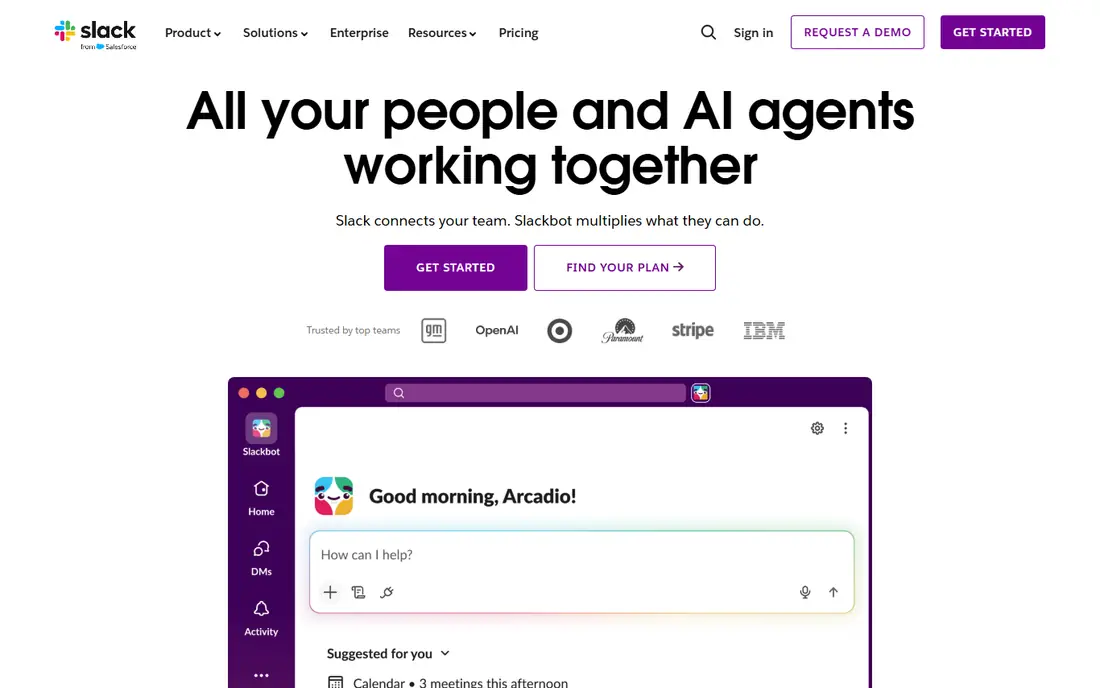
This one is aimed at knowledge teams wanting channels and apps. Slack organises team chat into channels and threads, with a huge range of app integrations, huddles for quick calls and clips for async video. The free tier covers small teams, with Pro from $8.75 per user a month billed annually.
The free tier limits message history, and costs grow with seats. For knowledge teams that live in chat, it remains the benchmark.
- Channels and threads for organised chat
- Huge app and integration range
- Huddles and clips
- Free tier limits message history
- Costs grow with seats
Microsoft Teams
Ideal for: Microsoft 365 teams wanting one hub
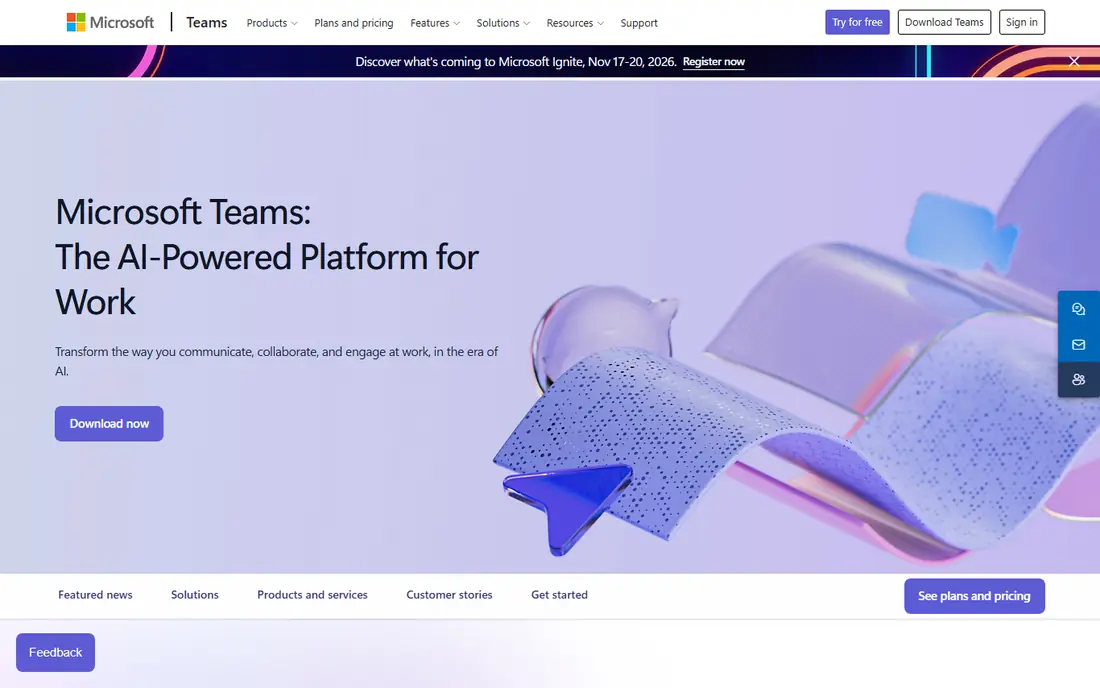
Think of Microsoft Teams as the pick for Microsoft 365 teams wanting one hub. Microsoft Teams combines chat, meetings, files and apps in one hub, deeply integrated with Microsoft 365. It suits organisations already paying for Microsoft 365, where Teams is included in most business plans.
Standalone pricing varies, and the best value sits inside a Microsoft 365 plan. For Microsoft shops, it is the natural communication home.
- Chat, meetings and files in one app
- Deep Microsoft 365 integration
- Enterprise security
- Best value inside Microsoft 365
- Standalone pricing varies
Google Chat
Ideal for: Workspace teams wanting simple chat
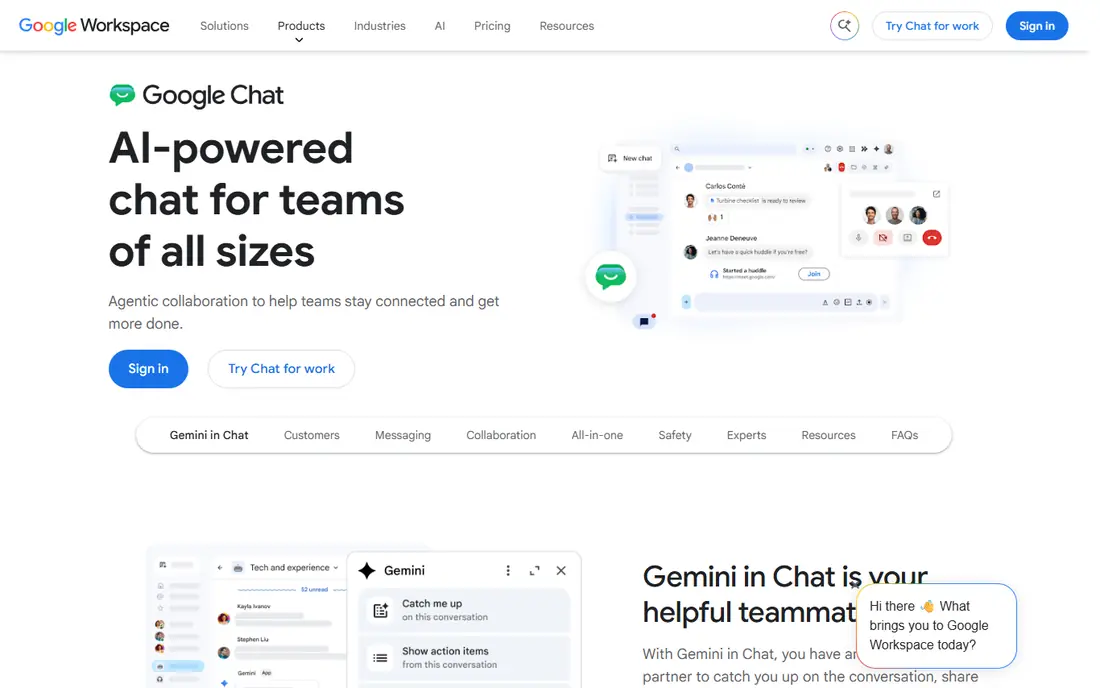
For Workspace teams wanting simple chat, Google Chat deserves a close look. Google Chat offers direct messages and spaces for team chat, free with a Google account and tightly integrated with Gmail, Drive and Meet. It suits Workspace teams that want simple, included chat.
It has fewer third-party integrations than Slack, and the best experience sits inside Workspace. For Workspace teams, the included price is hard to beat.
- Free with a Google account
- Spaces for team chat
- Tight Workspace integration
- Fewer integrations than Slack
- Best inside Workspace
Zoom Team Chat
Ideal for: Zoom users wanting chat plus meetings
This is the option we would point Zoom users wanting chat plus meetings toward first. Zoom Team Chat is included with Zoom plans, combining chat, meetings and phone in one app with channels and file sharing. It suits teams already on Zoom who want to stop switching apps.
Standalone chat value is less known, and the best deal sits inside a Zoom plan. For Zoom users, it consolidates communication in one place.
- Included with Zoom plans
- Chat, meetings and phone in one app
- Channels and file sharing
- Best value inside Zoom plans
- Standalone chat is less known
Discord
Ideal for: communities and informal teams
Discord earns its place here for communities and informal teams. Discord offers free voice, video and text channels with screen sharing and community features, which suits informal teams, gaming groups and online communities that need always-on communication.
Admin controls are lighter than enterprise tools, and the tone is less formal for corporate use. For community and informal teams, its free feature set is unmatched.
- Free voice, video and text channels
- Screen sharing
- Large community features
- Less formal for corporate use
- Admin controls are lighter than enterprise tools
Mattermost
Ideal for: teams wanting self-hosted control
If your shortlist is built around teams wanting self-hosted control, start with Mattermost. Mattermost is a free, open-source team chat platform you can self-host, with channels, integrations and enterprise security options. It suits regulated teams and organisations that need full data control.
It needs hosting and maintenance, and setup takes technical skill. For control-first teams, it is the open alternative to Slack.
- Free open-source self-hosting
- Channels and integrations
- Enterprise security options
- Needs hosting and maintenance
- Setup takes technical skill
Connecteam
Ideal for: frontline and deskless teams
Among the options here, Connecteam speaks most directly to frontline and deskless teams. Connecteam is a mobile-first app built for frontline and deskless workers, with team chat, scheduling, forms, training and time tracking in one place. Plans start at $29 a month, with a free plan for up to 10 users.
Advanced features need higher tiers, and the per-plan pricing suits small teams differently from per-user tools. For reaching workers without desks, it is the best pick here.
- Mobile-first app for deskless workers
- Scheduling, forms and training
- Free plan for up to 10 users
- Pricing is per plan, not per user, which suits small teams
- Advanced features need higher tiers
Workvivo
Ideal for: company-wide culture and announcements
For readers focused on company-wide culture and announcements, Workvivo is a strong match. Workvivo, owned by Zoom, is a company-wide communication and culture platform with news, recognition, community spaces and a mobile app that reaches every employee, including frontline staff. It suits larger organisations that need one place for company news and culture.
Pricing is quote-based, and it suits larger organisations more than small teams. For company-wide reach and culture, it is a leading platform.
- Company-wide news, recognition and community
- Mobile app for all staff
- Zoom-owned
- Pricing is quote-based
- Best for larger organisations
How we picked these
We compared official feature pages, pricing pages, app store listings, privacy policies and public reviews for each product on this list, and we kept only products that exist and work today and that truly fit the topic. Where a price had changed between sources or we could not verify it on the vendor site, we wrote See website rather than print a number we could not stand behind. We also weighed who each product is really for, not just how long its feature list runs. A product with a smaller set of features can be the better buy when it matches your workflow, your budget and the size of your team, and we say so plainly in each write-up. We also checked what each product costs over a full year, not just the headline monthly price, since annual billing, seat minimums and add-on fees can change the real total by a wide margin. Free plans were judged against their limits too: a free tier that caps the exact feature you need most is not really free for your use case, and we say so in the write-up when that is the case. Where prices differed between the vendor site and review listings, we trusted the vendor site, and where we could not confirm a figure on the vendor site at all, we wrote See website rather than repeat a number from a third party. That caution is deliberate, because a wrong price is worse than no price when you are building a budget.
Desk workers and frontline workers need different tools
A chat app that works for office staff often fails frontline workers who have no desk, no company email and a phone as their only device. Mobile-first tools like Connecteam and Workvivo reach those workers with simple apps, while Slack and Teams suit desk-based knowledge work.
Many organisations need both: a chat tool for office teams and a frontline app for everyone else, linked by shared announcements. Test with a real frontline team before buying company-wide, since adoption by the hardest-to-reach workers decides whether the platform works.
Finally, before you commit to one of the options above, run it on a real task from your own work rather than a polished demo project. Use the free tier or trial for a full week, invite the people who will actually use it every day, and test the one workflow you cannot live without, whether that is exporting your data, inviting a teammate, sharing a result with a client or getting help when something breaks. Note how long each step takes and where you get stuck, since those friction points are what you will live with for months. The product that handles your real task with the least friction is the right one, even if another option looks stronger on a feature comparison page.
Frequently asked questions
What is the best employee communication app?
Slack is best for knowledge teams, Microsoft Teams is best for Microsoft shops, and Google Chat is best for Workspace teams. Connecteam suits frontline teams, while Workvivo suits company-wide culture.
Is Slack free?
Yes, Slack has a free tier for small teams with channels and integrations, though message history is limited. Pro costs $8.75 per user a month billed annually for full history and features.
What is the best app for frontline employees?
Connecteam is best for frontline and deskless teams with a mobile-first app, while Workvivo suits company-wide announcements and culture for all staff including frontline workers.
Can I use Microsoft Teams without Microsoft 365?
Microsoft Teams has a free version and standalone plans, but the best value and full features come inside a Microsoft 365 business plan. Check current Microsoft pricing for standalone options.