Best Employee Monitoring Software in 2026: 9 Options Compared

- 1
 TeramindDeepest monitoring and securityVisit
- 2
 ActivTrakBalanced productivity insightVisit
- 3
 HubstaffTime tracking with monitoringVisit
- 4
 Time DoctorTime and productivity trackingVisit
- 5
 InsightfulWorkforce analytics for teamsVisit
- ActivTrak suits teams that want productivity insight without heavy surveillance features.
- Hubstaff and Time Doctor suit remote teams that mainly need time tracking with optional screenshots.
- Teramind offers the deepest monitoring, but its power raises privacy and legal questions that need care.
- Always disclose monitoring, limit collection to work devices and hours, and check employment law in your state or country.
Quick comparison
| Product | Ideal for | Price from | Free version | |
|---|---|---|---|---|
| Teramind | Deepest monitoring and security | See website | Free trial | Visit |
| ActivTrak | Balanced productivity insight | See website | Yes | Visit |
| Hubstaff | Time tracking with monitoring | See website | Yes | Visit |
| Time Doctor | Time and productivity tracking | See website | Free trial | Visit |
| Insightful | Workforce analytics for teams | See website | Yes | Visit |
 Controlio | Real-time monitoring and control | See website | Free trial | Visit |
 DeskTime | Simple time and app tracking | See website | Yes | Visit |
 Monitask | Affordable monitoring for small teams | See website | Free trial | Visit |
 VeriClock | Clock-in for field and hourly teams | See website | Free trial | Visit |
The best employee monitoring software
We compared monitoring tools on activity tracking, screenshots, privacy controls and price. Our pick for most teams is ActivTrak for balanced reporting, with Hubstaff as the time-tracking-first option. Employers should check local laws and tell staff what is monitored before deploying any tool here.
Teramind
Ideal for: Deepest monitoring and security
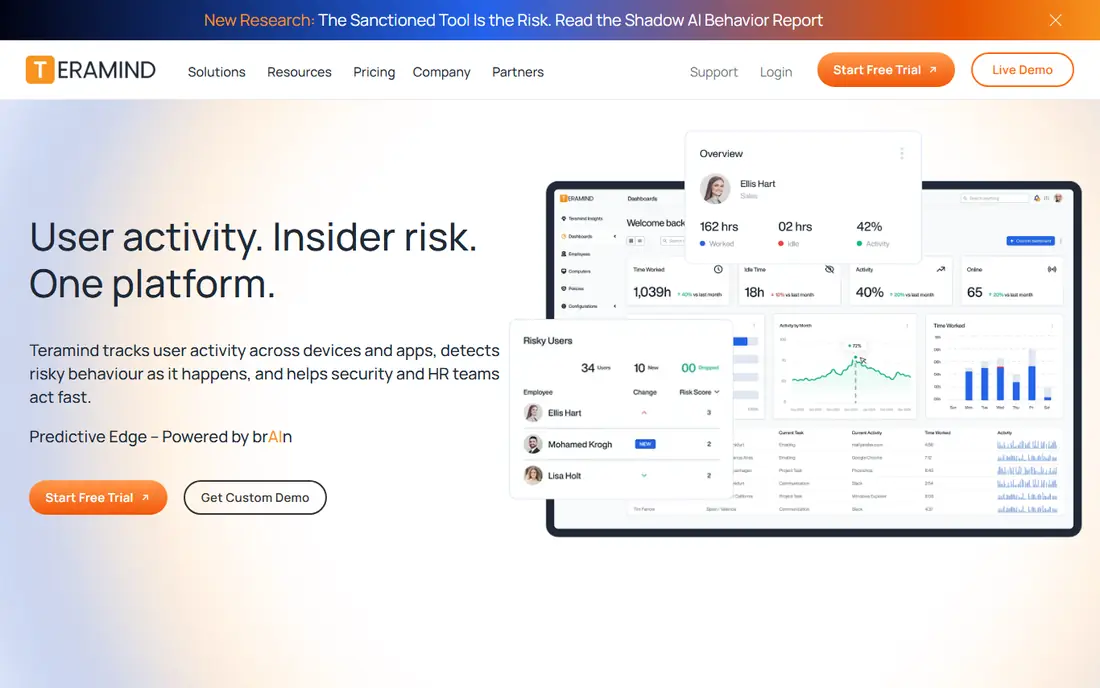
Our first look at Teramind starts with who it serves best. It is the most powerful monitoring platform on this list. Teramind tracks activity, screens and behaviour in depth, with security rules for sensitive data.
The catch is power: it is also the most invasive, so legal and trust risks are highest. It fits high-security environments with clear policies and legal advice. Check the current pricing page before you commit, since plans in this category change often, and use the free plan or trial to confirm the fit with your own work.
Before you pay for Teramind, run one real task through it, such as a full document, a full trip plan or a full project, and judge it on that result rather than on the marketing page.
- Deepest activity, screen and behaviour monitoring
- Strong security and compliance features
- Detailed reports
- Most invasive option here
- Pricing is higher
- Needs careful legal review
ActivTrak
Ideal for: Balanced productivity insight
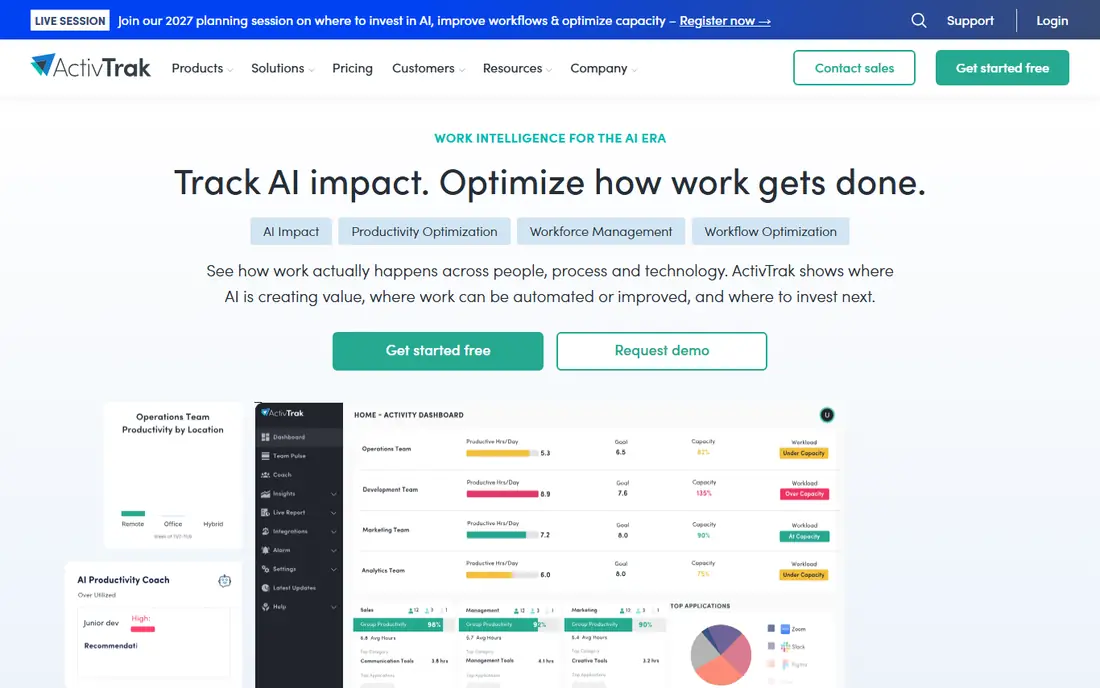
For many readers, ActivTrak will be the most practical choice on this list. It is the balanced pick for most teams. ActivTrak focuses on productivity patterns and coaching, not on watching every keystroke.
The catch is that teams wanting deep surveillance will find it lighter than Teramind. It fits managers who want insight to coach teams, not to police them. Check the current pricing page before you commit, since plans in this category change often, and use the free plan or trial to confirm the fit with your own work.
A useful test for ActivTrak is to try the exact workflow you will repeat weekly, then check how long it takes and whether the output needs heavy fixing before it is usable.
- Productivity analytics without heavy surveillance
- Team dashboards
- Free tier for small teams
- Screenshot and deep tracking features are limited by design
- Paid plans for full history
Hubstaff
Ideal for: Time tracking with monitoring
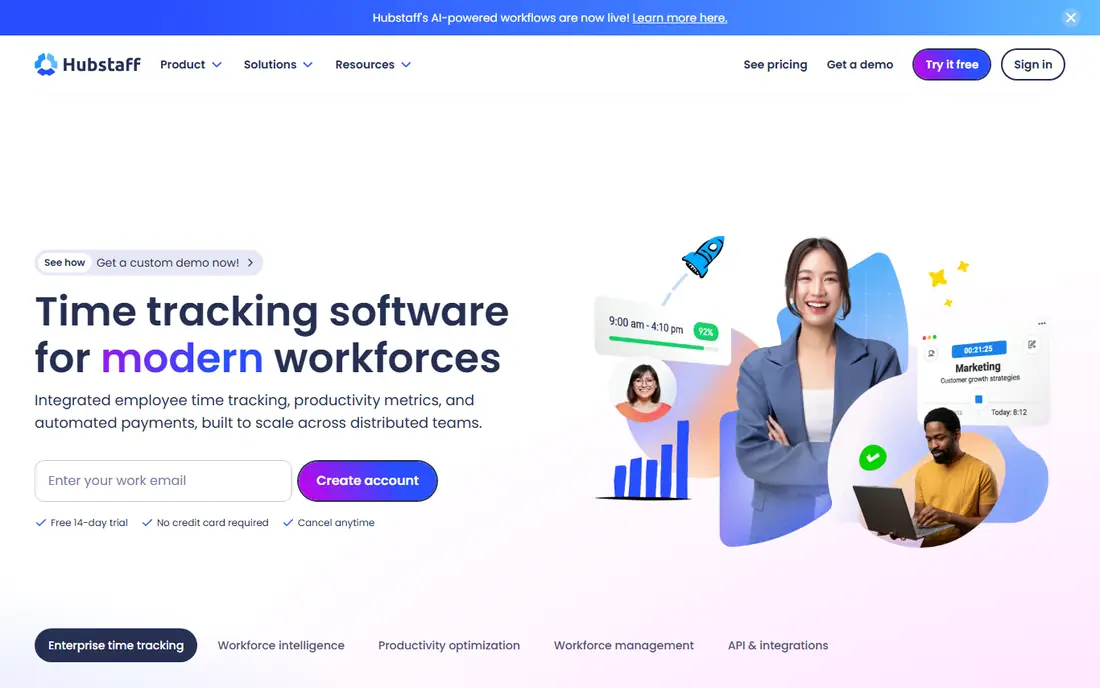
Next up is Hubstaff, which takes a different approach to the same job. It is the time-tracking-first option. Hubstaff tracks time, activity and optional screenshots, and ties hours to payroll and invoices.
The catch is screenshots: use them sparingly and with disclosure. It fits remote teams and freelancers billing by the hour. Check the current pricing page before you commit, since plans in this category change often, and use the free plan or trial to confirm the fit with your own work.
When you trial Hubstaff, note what is missing as well as what works, since the missing piece often decides whether a tool survives past the first month.
- Time tracking with screenshots and activity
- Payroll and invoicing
- Free tier for one user
- Screenshot features need care on privacy
- Advanced reports are paid
Time Doctor
Ideal for: Time and productivity tracking
Time Doctor earns its place here for a specific kind of user. It is the established time-tracking rival to Hubstaff. Time Doctor tracks time and app use, with optional screenshots and client reports.
The catch is polish: the interface lags newer rivals. It fits agencies and remote teams billing clients by time. Check the current pricing page before you commit, since plans in this category change often, and use the free plan or trial to confirm the fit with your own work.
We would also check support and documentation for Time Doctor during the trial, since a tool you cannot get help with becomes expensive in staff time even when the subscription looks cheap.
- Time tracking with app use and optional screenshots
- Payroll integrations
- Client reporting
- Interface feels dated
- Screenshot features raise the same privacy questions
Insightful
Ideal for: Workforce analytics for teams
If the options so far have not fit, Insightful is worth a closer look. It is the analytics-focused option with a free starting tier. Insightful reports on time, apps and productivity patterns with transparency settings for staff.
The catch is that deeper monitoring needs paid plans. It fits teams that want analytics with a lighter surveillance feel. Check the current pricing page before you commit, since plans in this category change often, and use the free plan or trial to confirm the fit with your own work.
Before you pay for Insightful, run one real task through it, such as a full document, a full trip plan or a full project, and judge it on that result rather than on the marketing page.
- Productivity analytics and time tracking
- Free tier
- Employee-friendly transparency options
- Advanced monitoring features are paid
- Smaller brand than ActivTrak
Controlio
Ideal for: Real-time monitoring and control
Controlio is the option we point to when a reader has a clear priority in mind. It is the real-time monitoring option for IT-led teams. Controlio lets managers view live screens and activity from the cloud.
The catch is invasiveness: live viewing demands strict policy and trust. It fits IT and security teams with a lawful, disclosed use case. Check the current pricing page before you commit, since plans in this category change often, and use the free plan or trial to confirm the fit with your own work.
A useful test for Controlio is to try the exact workflow you will repeat weekly, then check how long it takes and whether the output needs heavy fixing before it is usable.
- Real-time screens and activity
- Cloud deployment
- Detailed reports
- Highly invasive if misused
- Needs strong policy and legal care
DeskTime
Ideal for: Simple time and app tracking
Another strong contender is DeskTime, and it stands out for one clear reason. It is the simplest time tracker on this list. DeskTime tracks time and app use with a clean interface and a free tier.
The catch is depth: it will not satisfy teams needing detailed surveillance. It fits small teams that mainly need honest time reports. Check the current pricing page before you commit, since plans in this category change often, and use the free plan or trial to confirm the fit with your own work.
When you trial DeskTime, note what is missing as well as what works, since the missing piece often decides whether a tool survives past the first month.
- Simple time tracking with app reports
- Free tier
- Shift scheduling
- Monitoring depth is lighter than rivals
- Reporting is basic on free tier
Monitask
Ideal for: Affordable monitoring for small teams
We round out the list with Monitask, which fills a gap the others leave open. It is the budget pick for small teams. Monitask covers screenshots, time and activity at a lower price than larger rivals.
The catch is scale: larger teams may outgrow its reporting. It fits small remote teams on a tight budget. Check the current pricing page before you commit, since plans in this category change often, and use the free plan or trial to confirm the fit with your own work.
We would also check support and documentation for Monitask during the trial, since a tool you cannot get help with becomes expensive in staff time even when the subscription looks cheap.
- Affordable plans
- Screenshots, time and activity tracking
- Simple setup
- Smaller feature set than leaders
- Support depth is thinner
VeriClock
Ideal for: Clock-in for field and hourly teams
VeriClock rounds out our shortlist with a focused set of strengths. It is the field-team option, not a desk-monitoring tool. VeriClock handles mobile clock-in, GPS and job tracking for hourly and field staff.
The catch is scope: it does not monitor computer activity. It fits construction, cleaning and field-service teams. Check the current pricing page before you commit, since plans in this category change often, and use the free plan or trial to confirm the fit with your own work.
Before you pay for VeriClock, run one real task through it, such as a full document, a full trip plan or a full project, and judge it on that result rather than on the marketing page.
- Mobile clock-in with GPS and job tracking
- Suits field teams
- Simple for hourly staff
- Not a full computer-monitoring tool
- Best for field and hourly work
How we picked these
We compared official feature pages, pricing pages, app store listings, privacy policies and public reviews for each product, and kept only products that exist, work today and truly fit the topic. We favoured clear pricing, a usable free plan or trial, and honest limits over long feature lists. Where a price could not be verified on the vendor site, we wrote See website rather than guessing.
We did not claim hands-on testing we did not do. Instead, we weighed what each vendor documents, what reviewers report in practice, and where each product falls short, so the trade-offs below are stated plainly.
How to choose monitoring software that stays lawful and fair
Start with a written policy that states what is tracked, why, and on which devices and hours. Choose the lightest tool that answers your real question, such as time use or app use, and avoid keystroke or webcam features unless you have a clear, lawful reason.
Frequently asked questions
What is the best employee monitoring software?
ActivTrak suits most teams for balanced insight, while Hubstaff suits time tracking and Teramind suits high-security environments. The right choice depends on whether you need time, activity or security monitoring.
Is employee monitoring software legal?
It can be legal with notice, consent where required, and limits to work devices and hours, but laws vary by state and country. Check local employment and privacy law before deploying any tool.
Should employees be told they are monitored?
Yes, transparency is both a legal requirement in many places and a trust issue everywhere. Tell staff what is tracked, why, and how data is used, and put it in writing.
What is the best free employee monitoring software?
Hubstaff, Insightful and DeskTime offer free tiers for small teams with limited features. Free tiers usually cap users, history or screenshots.
Does monitoring software work for remote teams?
Yes, most tools are built for remote and hybrid teams, with time tracking, app use and optional screenshots. They work best when paired with clear goals, not used as a substitute for management.