Best Employee Time Clock Software (2026): 8 Options Compared
- 1
 Buddy PunchSmall companies that want verification without complexityVisit
- 2
 When I WorkShift-heavy companies that prioritize straightforward schedulingVisit
- 3
 HubstaffRemote and field teams needing time plus productivity insightVisit
- 4
 HomebaseSmall companies with hourly teams that want scheduling and time tracking togetherVisit
- 5
 QuickBooks TimeCompanies already running QuickBooks for payroll or accountingVisit
- Top of the list is Buddy Punch, which targets small companies that want verification without complexity.
- Before buying Buddy Punch, weigh this: no free plan, geofencing needs the higher-priced Pro tier.
- Only 3 of the 8 tools have a free plan (Homebase, Connecteam, Sling), so check the caps.
- For the cheapest start, look at When I Work: From $2.50 per user per month.
- Sling suits budget-conscious teams that want free scheduling with optional time tracking.
Direct answer
Buddy Punch comes first here, mainly for small companies that want verification without complexity. When I Work is the stronger choice for shift-heavy firms that prioritize straightforward scheduling, while Hubstaff suits remote and field teams needing time plus productivity insight. The remaining 5 options are covered below with prices and limits.
Quick comparison
| Product | Ideal for | Price from | Free version | |
|---|---|---|---|---|
| Buddy Punch | Small companies that want verification without complexity | From $19 per month base plus $4.99 per user per month (annual) | No | Visit |
| When I Work | Shift-heavy companies that prioritize straightforward scheduling | From $2.50 per user a month | No | Visit |
| Hubstaff | Remote and field teams needing time plus productivity insight | From $7 per user per month | No | Visit |
| Homebase | Small companies with hourly teams that want scheduling and time tracking together | Free (Basic, 1 location, up to 10 employees); premium from $30 per location per month | Yes | Visit |
| QuickBooks Time | Companies already running QuickBooks for payroll or accounting | From $20 a month base plus $10 per user a month | No | Visit |
 Connecteam | Mobile and deskless teams that require more than a time clock | Free (up to 10 users); premium from $29 a month for 30 users | Yes | Visit |
 Deputy | Hospitality and retail teams with compliance requirements | From $5 per user a month | No | Visit |
 Sling | Budget-conscious teams that want free scheduling with optional time tracking | Free (up to 30 users); premium from $1.70 per user a month (annual) | Yes | Visit |
Tool-by-tool breakdown
Short on time? The summary and table above give the quick view of 8 tools for employee time clock software, and the profiles that follow give the detail behind each entry.
Buddy Punch
Ideal for: Small companies that want verification without complexity
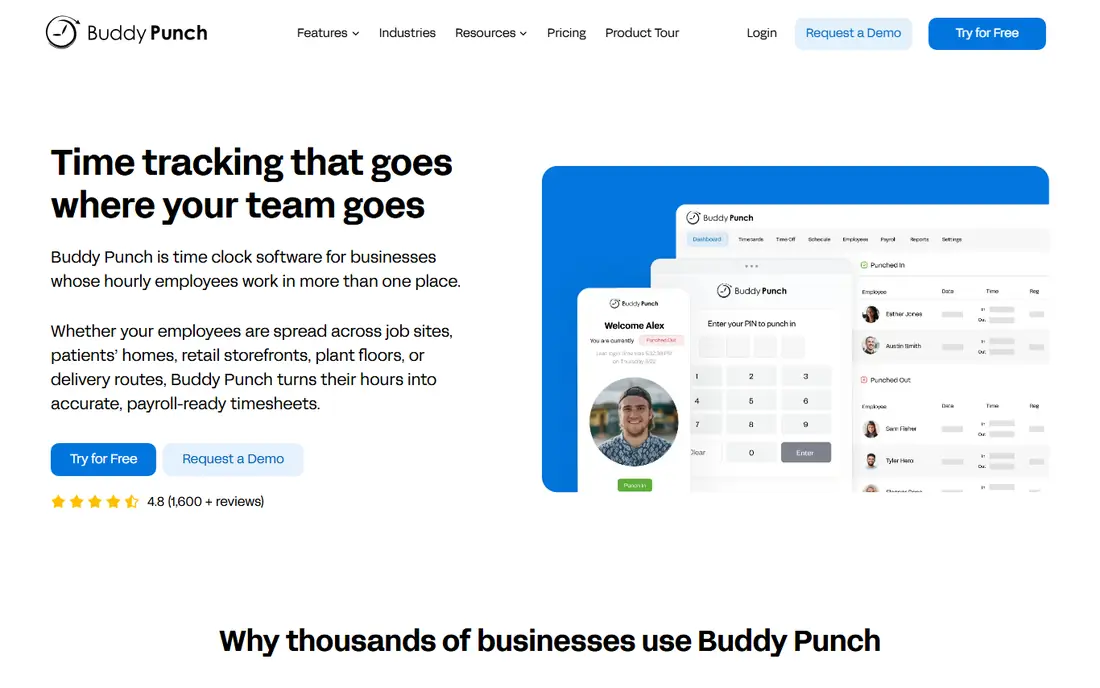
Buddy Punch is a good fit for small firms that want verification without complexity. Buddy Punch centres on accountability: proving the right person clocked in at the right place. For owners who suspect their timesheets are fiction, Buddy Punch is the verification-first pick.
Also, Facial recognition on clock-in, GPS location stamps and optional geofencing address buddy punching straight. It links up with more than twenty payroll providers including QuickBooks, ADP and Paychex. Price to start with Buddy Punch: From $19 per month base plus $4.99 per user per month. Buddy Punch does not include a free plan.
Limits to weigh: geofencing needs the higher-priced Pro level.
- Wide payroll integrations
- Facial recognition and GPS verification
- No free plan
When I Work
Ideal for: Shift-heavy companies that prioritize straightforward scheduling
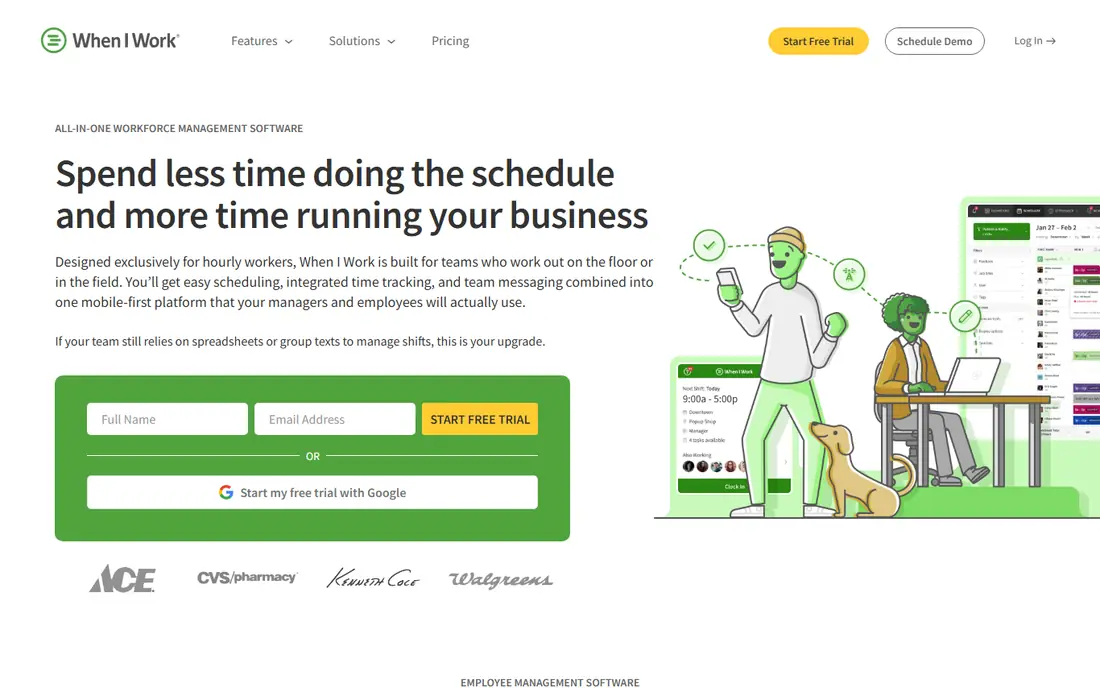
Where When I Work fits: shift-heavy companies that prioritize straightforward scheduling. There is no free plan, though a 14-day trial needs no credit card. Beyond that, When I Work keeps the focus on scheduling first and time tracking second.
As for the details, at $2.50 per user a month, it is among the cheapest premium choices, and the interface is straightforward enough that managers adopt it without training sessions. For small shift-based teams that live and die by the schedule, the price and simplicity are the selling points. Beyond that, Time tracking functions as an add-on to the scheduling core, so teams that require deep attendance features may find it thin. On top of that, the mobile time clock with GPS and geofencing spans the basics. Starting cost for When I Work: From $2.50 per user per month. No free plan comes with When I Work.
Watch-outs: No free plan.
- 14-day free trial
- Simple scheduling interface
- Time tracking is an add-on to scheduling
Hubstaff
Ideal for: Remote and field teams needing time plus productivity insight
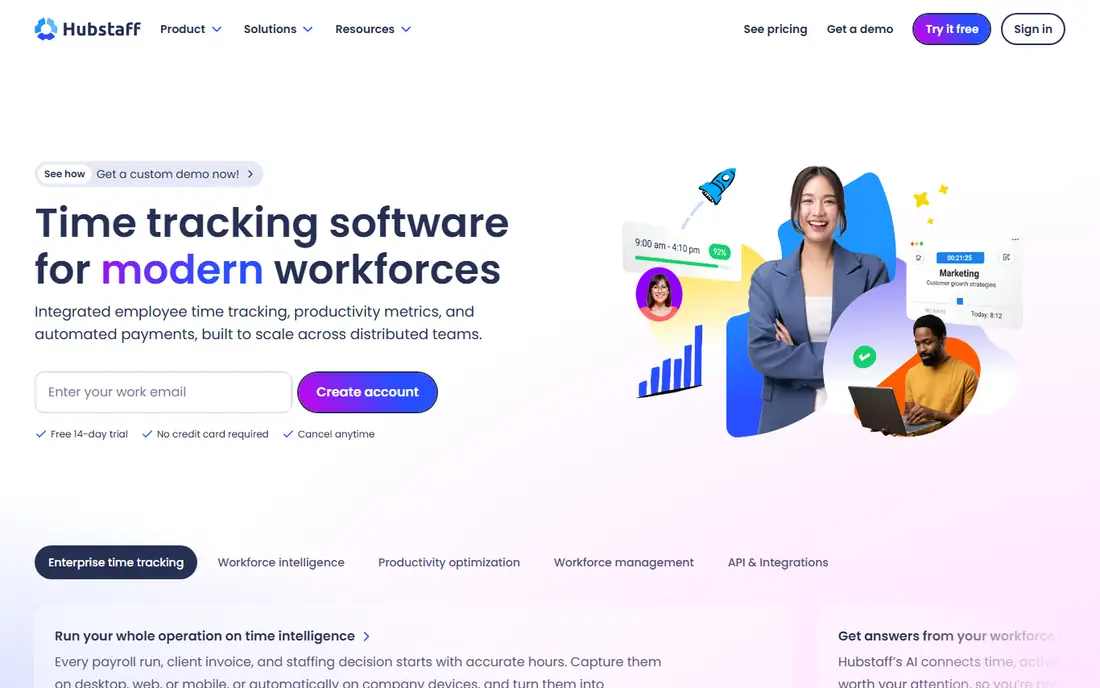
For remote and field teams needing time plus productivity insight, Hubstaff is a natural candidate. There is no free plan, and pricing starts around $7 per user a month.
Watch-outs: No free plan.
In practice, for distributed teams that require proof of work, Hubstaff gives it. Hubstaff cost at the entry level: From $7 per user per month. Hubstaff has no permanent free option.
- Optional activity monitoring
- GPS tracking and geofencing
- Monitoring features can feel intrusive to employees
Homebase
Ideal for: Small companies with hourly teams that want scheduling and time tracking together
Homebase is aimed squarely at small firms with hourly teams that want scheduling and time tracking together. Homebase is aimed at the exact business in the opening story: restaurants, retailers and service shops with hourly staff. More specifically, premium plans charge per location instead of per person.
What to check first: advanced features need higher levels.
So a fifteen-person team on Essentials pays the same as a six-person team. Also, the vendor's own blog confirms Essentials at $30 per location a month, or $24 billed yearly, with Plus and All-in-One levels above. If your team is hourly, co-located and expanding, Homebase's pricing model is one of the fairest in the category. Homebase cost at the entry level: Free. Homebase offers a free plan.
- Ample free plan
- POS time clock choices
- Payroll is a premium add-on
QuickBooks Time
Ideal for: Companies already running QuickBooks for payroll or accounting
QuickBooks Time serves companies already running QuickBooks for payroll or accounting. Hours flow straight into payroll without exports or re-entry.
The GPS tracking, geofencing and job costing features are genuinely solid for construction and field service. From a buyer's view, the 30-day free trial is ample. Starting cost for QuickBooks Time: From $20 per month base plus $10 per user per month. QuickBooks Time does not include a free plan.
Where it falls short: pricing climbs with headcount.
- Native QuickBooks sync
- 30-day free trial
- Less handy outside QuickBooks
Connecteam
Ideal for: Mobile and deskless teams that require more than a time clock
Connecteam is aimed squarely at mobile and deskless teams that need more than a time clock. Connecteam is not just a time clock; it is an employee app for deskless workers with scheduling, communication, forms and training alongside time tracking. On top of that, premium plans start at $29 a month for the first thirty users on annual billing.
That breadth is the appeal and the risk. In daily use, the free plan handles up to ten users with all features, which makes it one of the most ample free levels here. Connecteam starts at: Free. Free access exists with Connecteam.
What to check first: time clock is one module among numerous.
- Capable mobile experience
- All-in-one employee app
- Hub-based pricing can confuse
Deputy
Ideal for: Hospitality and retail teams with compliance requirements
Deputy makes the most sense for hospitality and retail teams with compliance requirements. Deputy aims upmarket from the simplest tools, with labor law compliance, demand-based scheduling and facial recognition kiosks.
Deputy cost at the entry level: From $5 per user per month. Deputy has no permanent free option.
Watch-outs: No free plan.
- 31-day free trial
- 300+ integrations
- Can be more than small teams need
Sling
Ideal for: Budget-conscious teams that want free scheduling with optional time tracking
In short, Sling is for budget-conscious teams that want free scheduling with optional time tracking. The main limit is that time tracking lives on the premium plans, beginning at $1.70 per user a month on annual billing. Worth adding: the feature set is deliberately lean: scheduling, messaging, task lists and time clock basics.
Teams that require compliance engines or deep integrations will outgrow it. But for a small service business that wants to stop managing shifts in a group chat, Sling's free level is the lowest-risk starting point available. What you pay to start with Sling: Free. Sling includes a free tier.
Where it is weaker: fewer advanced features than rivals.
- Very cheap premium plans
- Free for up to 30 users
- Time tracking only on premium plans
How we compared the tools
The comparison looks at four things: starting price, free access, how well the feature set matches employee time clock software, and the main limit of each tool. Figures are shown as the vendors publish them. Billing terms, seat minimums and add-ons can change the real cost. Order on the page follows fit for the typical buyer first, then price transparency and free access. Your own requirements should decide the final pick.
Pre-purchase checklist
- Prices are a starting point; When I Work shows $2.50 per user per month to start, so verify what your seat count would cost.
- Look at free plan limits closely: Homebase, Connecteam and Sling have one, and the caps decide whether it is usable for real work.
- Read the limits listed for Buddy Punch first: no free plan, geofencing needs the higher-priced Pro level.
- Read the plan comparison for Homebase carefully; key features often start on a higher tier.
- Check the integration list for Hubstaff against the tools you run today, and note which ones need a higher plan.
Frequently asked questions
Do these tools publish their prices?
Yes. Every tool from Buddy Punch to Sling shows a starting price, though seats, add-ons and billing terms still change the final cost.
Can I try these options before paying?
Often, yes. Homebase, Connecteam and Sling have a free plan. Use your own data and a real task during the test, and check what the free tier or trial limits before you rely on it.
How are the tools for employee time clock software ordered?
The order follows typical fit for employee time clock software, with Buddy Punch first and Sling last, then price clarity and free access. It is editorial judgement, not a score, so another team could rank the tools differently.
Which options for employee time clock software have a free plan?
On this list, Homebase, Connecteam and Sling include a free plan. Caps on seats, usage or features are common, so test the free plan against your real workload.
Can time clock software integrate with payroll?
Check the specific integration before buying, since the quality ranges from one-click sync to manual CSV export.
How much does time clock software cost?
Free plans include plenty of small teams. Premium plans range from about $1.70 per user a month for Sling to $20 a month plus $10 per user for QuickBooks Time, with per-location choices like Homebase at $30 per location a month. Payroll extras and verification features typically cost additional.