Start with TalentLMS if you need small teams building online courses. Listed starting prices: TalentLMS from $119 a month. Alternatives: Cornerstone Learning for workforce readiness in large event organizations, and Docebo for skills visibility across event teams. Prices, free plans and limits for all 6 tools follow.
Choosing employee training software for event planners usually comes down to price, fit and limits. This Ainotely guide sets 6 tools side by side on those three points, with the facts kept short and checkable.
Key takeaways
This list starts with TalentLMS, which is built for small teams building online courses.
A fair warning about TalentLMS: less depth for complicated partner programs.
Only TalentLMS offers a free plan among these 6 tools.
The cheapest monthly starting price in the list is $119 per month, offered by TalentLMS.
TalentLMS targets small teams building online courses. TalentLMS is a cloud learning product for creating and managing online courses.
Event planners with a modest team can build onboarding modules, safety briefings and venue procedure courses without heavy infrastructure. TalentLMS starts at: $119 per month. TalentLMS has a free plan.
Points against: Less depth for complicated partner programs.
Best for: Workforce readiness in large event organizations
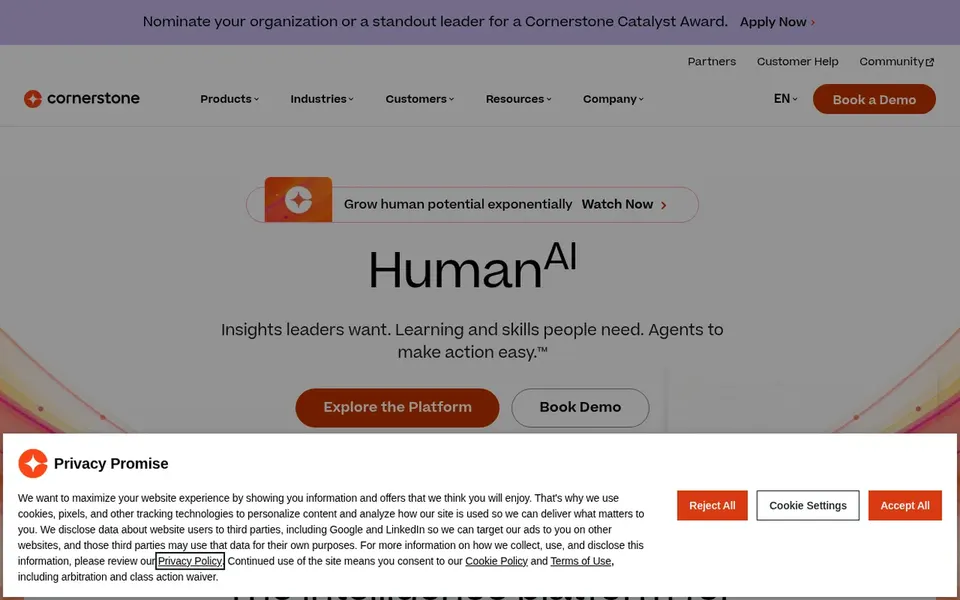
Cornerstone Learning makes the most sense for workforce readiness in large event organizations. Cornerstone Learning is part of an intelligence product for workforce readiness, combining skills and learning with AI agents that help people act on insight. The enterprise orientation means implementation and administration take real effort, which can outweigh benefits for a small planning firm.
Beyond that, teams wanting a light, quick start should look at more straightforward choices first. In daily use, event companies with plenty of roles, venues and seasonal peaks can use it to align training with the capabilities each position needs. This comparison lists no price for Cornerstone Learning; ask the vendor. Trial and free access: Not stated.
Limits to weigh: Enterprise focus can slow small teams.
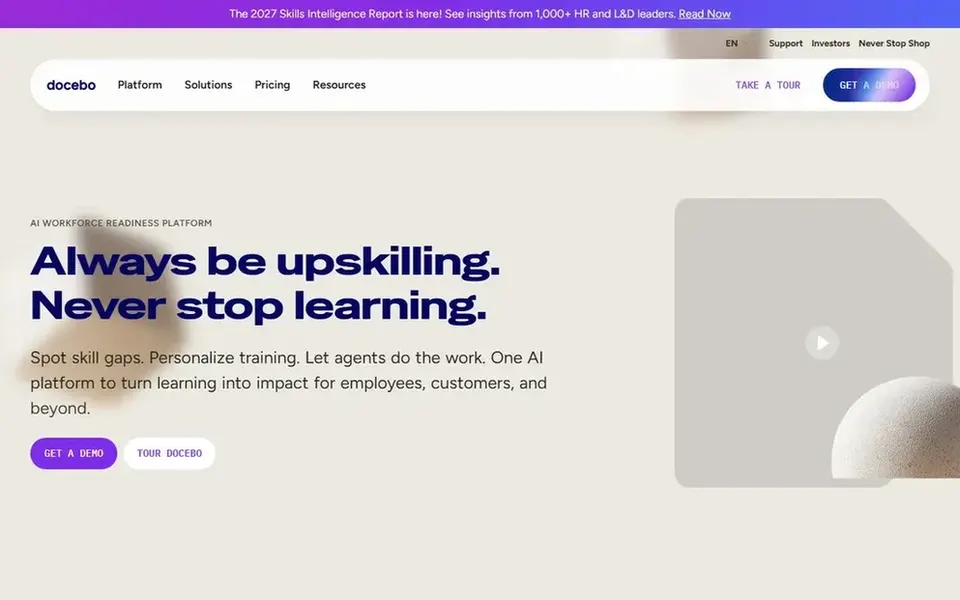
Docebo is designed for skills visibility across event teams. It suits mid-sized to large event organizations that want one place to track capability across permanent staff and recurring crew.
In daily use, if you primarily want fast course uploads with minimal setup, a more straightforward cloud LMS may be simpler to adopt. Docebo shows no starting price here, so confirm the cost on the vendor site. Trial and free access: Not stated.
Adobe Learning Manager is built with personalized learning at scale in mind. Adobe Learning Manager is an AI-powered LMS for creating, managing and delivering personalized learning experiences at scale, including customer training, partner education and employee skilling.
Downsides: Setup can take time.
In daily use, the broad scope means you should define goals before setup, or the product becomes hard to govern. Pricing for Adobe Learning Manager is not stated here, so ask the vendor for current figures. Free options: Not stated.
Best for: Agentic learning for expanding event teams
LearnUpon is a good fit for agentic learning for expanding event teams. For event planners, this can mean guided learning paths for staff who rotate between office planning and on-site delivery.
An agent-led approach is worth piloting before a full rollout, since results rely on how well content is structured. Check the vendor site for LearnUpon pricing; none is listed in this comparison. Free plan details: Not stated.
Best for: Training employees, customers and partners
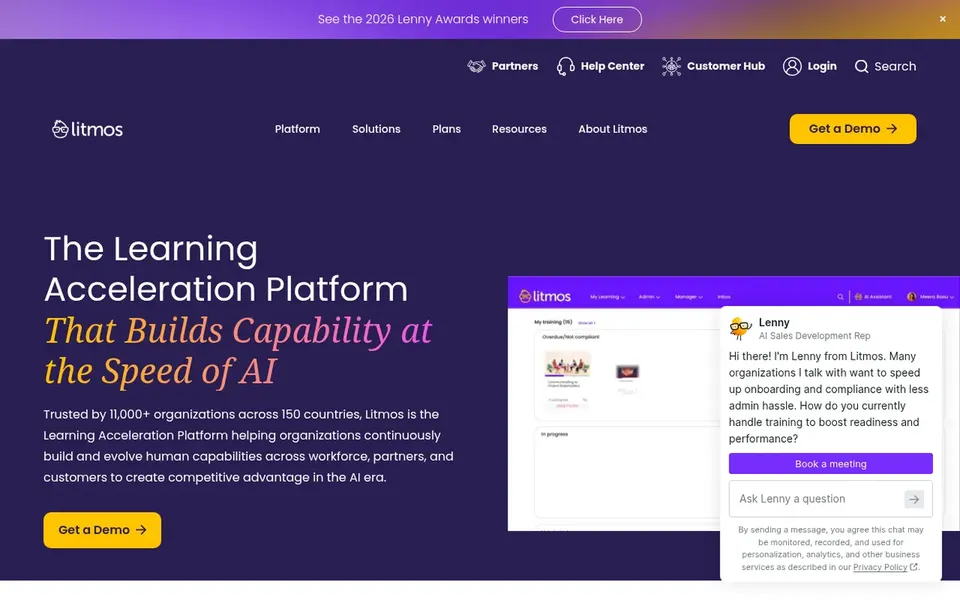
Litmos was built for training employees, customers and partners. Supporting numerous audiences means you need a clear content and access plan, or administration becomes messy.
No starting price is listed for Litmos here; confirm pricing on the vendor site. Trial and free access: Not stated.
Strengths: Handles employees.
Drawbacks to consider: Needs content planning upfront.
Get a written quote from Cornerstone Learning, Docebo, Adobe Learning Manager and others; the list shows no starting price for them.
Look at the free plan from TalentLMS closely: its caps decide whether it is usable for real work.
Before choosing TalentLMS, weigh its main limit: less depth for complicated partner programs.
Confirm you can export your data from Adobe Learning Manager, so leaving later does not mean losing records.
See whether LearnUpon offers onboarding or training, and whether it is included in the price.
How we picked
Ainotely used vendor pricing pages and product documentation as the base, then compared plans, free access and documented limits for 6 tools. Where a price is missing, the vendor does not list one publicly or ties it to a quote. Always confirm before budgeting. The sequence is a judgement call: typical use case first, then pricing transparency, then free access. Use the profiles to check fit. That approach shaped the order of the 6 employee training software for event planners tools listed here.
Every price and plan detail on this page comes from the vendors’ own websites. We did not run hands-on tests unless the text says so, and we do not publish star ratings or review scores. See how we score and our disclosure.
Keep your shortlist in one place
Paste prices, trial dates and notes from this guide into Ainotely, our AI note app. It files them into a topic and pulls out tasks like “cancel trial by Friday”. Free 7-day trial, no card needed.
Often, yes. TalentLMS has a free plan. Use your own data and a real task during the test, and check what the free tier or trial limits before you rely on it. For the full picture, the cards above cover all 6 entries of this employee training software for event planners list, including price, free plan and limits.
Which product is a good match for training seasonal event crew?
For most readers this guide would start with TalentLMS, built for small teams building online courses. Cornerstone Learning is the alternative for workforce readiness in large event organizations, and Docebo for skills visibility across event teams. The right answer depends on budget and workflow.
What is the cheapest option for employee training software for event planners in this list?
On published monthly entry prices, TalentLMS is the lowest here at $119 per month. Entry price is only part of the cost, because seats, add-ons and billing terms can change the total. Pricing, free plan details and limits for all 6 tools in this employee training software for event planners roundup sit on the individual cards above.
How do these tools deal with partner and exhibitor training?
Adobe Learning Manager explicitly handles customer training and partner education alongside employee skilling. Litmos and LearnUpon also extend learning beyond internal staff, which helps when exhibitors or suppliers need consistent briefings.
How are the tools for employee training software for event planners ordered?
TalentLMS sits first and Litmos last because the order follows typical fit for employee training software for event planners, then price clarity and free access. It is a judgement call, so read each profile for fit and limits.
Which options for employee training software for event planners have a free plan?
TalentLMS is the only tool in this list with a free plan. Free plans usually cap users, projects or features, so check the limits on the vendor page. The 6 tool cards above repeat this per product for employee training software for event planners, with the listed price or "pricing on request".