7 Best Engineering AI Platforms for 2026

- 1
 CursorAI native editing with multi model agentsVisit
- 2
 Claude CodeTerminal first agent developmentVisit
- 3
 Augment CodeLarge codebase engineering organisationsVisit
- 4
 Google AntigravityFree agent first development systemVisit
- 5
 GitHub CopilotTeams standardised on GitHubVisit
- Cursor sits first on this list: AI native editing with multi model agents.
- Free plans exist at 5 of 7 tools (Cursor, Google Antigravity, GitHub Copilot, Devin Desktop, Amazon Kiro).
- For the cheapest start, look at GitHub Copilot: $10 per user per month.
- For spec driven development on AWS, Amazon Kiro is worth a look.
Direct answer
For AI native editing with multi model agents, Cursor is where this list starts. Look at Claude Code for terminal first agent development, and at Augment Code for large codebase engineering organisations. The remaining 4 options are covered below with prices and limits.
Quick comparison
| Product | Ideal for | Price from | Free version | |
|---|---|---|---|---|
| Cursor | AI native editing with multi model agents | $20 per user per month | Yes | Visit |
| Claude Code | Terminal first agent development | $20 a month | No | Visit |
| Augment Code | Large codebase engineering organisations | $20 per month | No | Visit |
| Google Antigravity | Free agent first development system | Free | Yes | Visit |
| GitHub Copilot | Teams standardised on GitHub | $10 per user a month | Yes | Visit |
 Devin Desktop | Editor plus cloud agent sessions | $20 a month | Yes | Visit |
 Amazon Kiro | Spec driven development on AWS | $20 a month | Yes | Visit |
The full engineering AI platform list
Choosing engineering AI platform usually comes down to price, fit and limits. This Ainotely guide sets 7 tools side by side on those three points, with the facts kept short and checkable.
Cursor
Ideal for: AI native editing with multi model agents
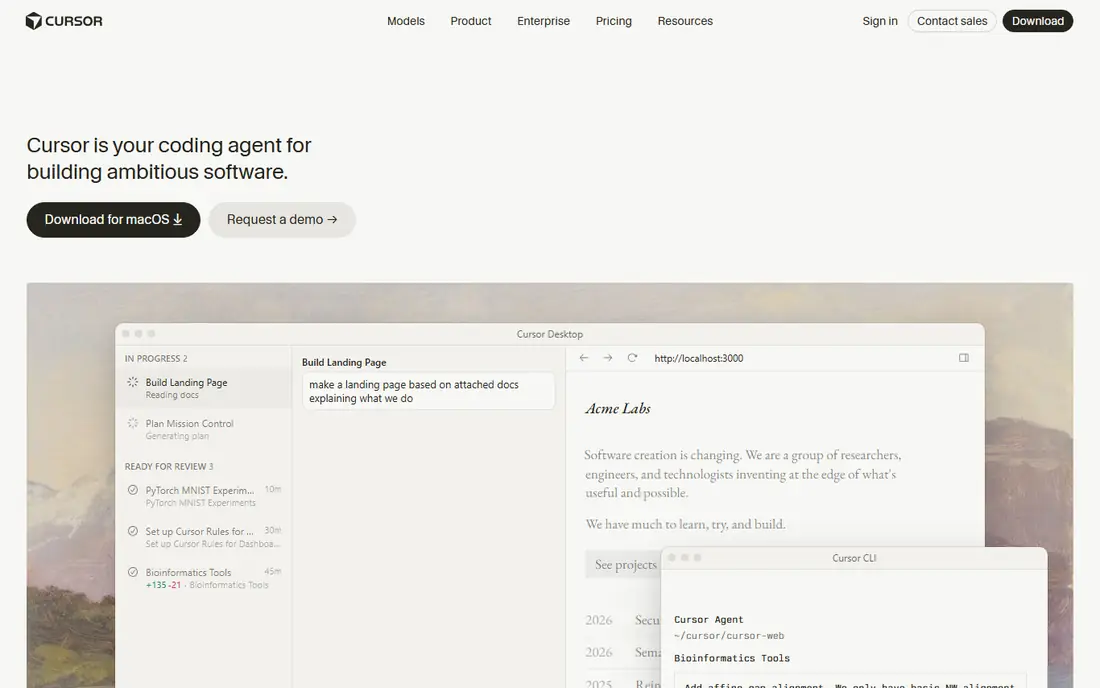
Cursor is a good fit for AI native editing with multi model agents.
What works well: codebase broad context; a composer agent that edits across files with visible diffs.
What you pay to start with Cursor: $20 per user per month. Cursor has a free plan. Downsides: moving between request counts, dollar pools, new level names, so confirm the current plan structure before budgeting a rollout. Usage beyond the included pool bills at API rates, which heavy agent users feel. Being a separate editor.
- A choice of frontier models from multiple providers. Individual plans have centred on 20 dollars per month with a usage pool
- Cloud agents can work tasks in parallel. For developers who live in the editor
- Cursor's pricing changed repeatedly through 2025 and 2026
Claude Code
Ideal for: Terminal first agent development

For terminal first agent development, Claude Code is a natural candidate.
On cost, Claude Code starts like this: $20 per month. Claude Code does not include a free plan.
What to check first: pushing serious users to Max levels at 100 dollars or more. A terminal first tool excludes developers who want visual diffing inside an IDE, though editor extensions soften that. As with every agent here; usage limits on the lower plans interrupt long agent sessions.
- Plans changes
- Works through a task in the shell where build tools already live, which fits engineers who distrust editor magic. Access comes through Claude plans, with Pro at 20 dollars per month and higher Max levels and team seats above that. Its large context handling and careful multi step work earn it a capable following for refactoring and debugging
- There is no free level
Augment Code
Ideal for: Large codebase engineering organisations
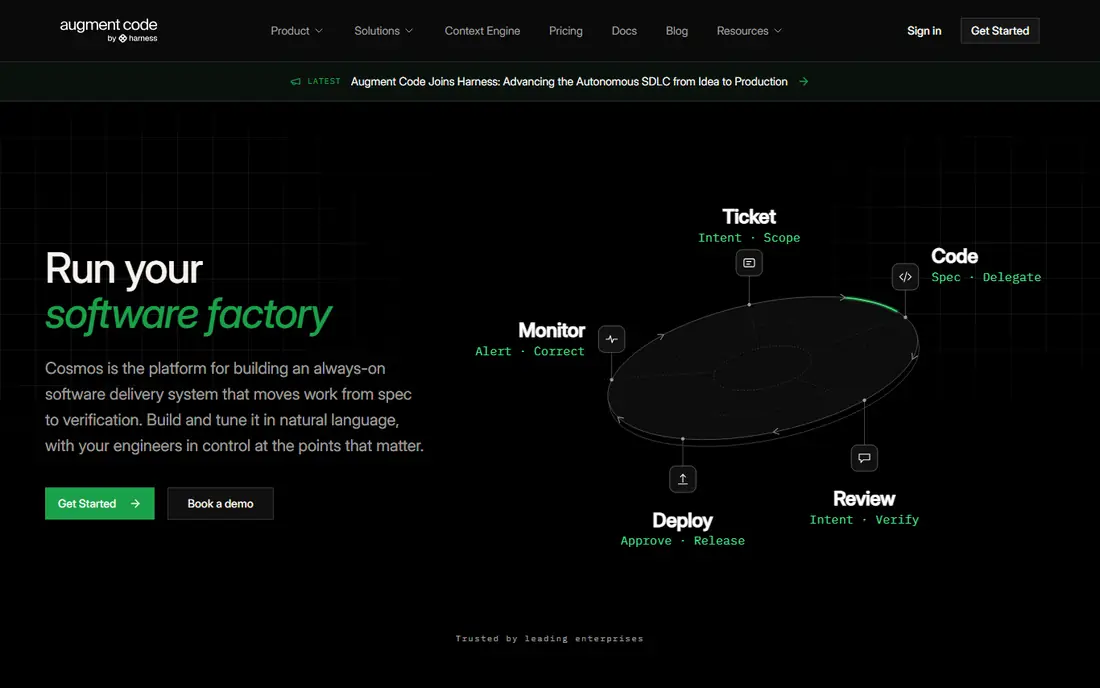
Choose Augment Code for large codebase engineering organisations.
Strengths: is a headline part of its enterprise pitch; including not training on customer code.
Watch-outs: its advantages over Copilot or Cursor narrow whereas its admin overhead stays; current level structures should be confirmed on its pricing page since the company has adjusted plans during 2026. Outside large codebases.
Augment Code starts at: $20 per month. There is no free plan with Augment Code.
- Augment Code aims at big
- Messy enterprise codebases, with a context engine that indexes large multi repository estates and agents built to work within them. Its Standard plan has been priced at 20 dollars a month for small teams including a usage allowance, with higher levels for bigger organisations. Security posture
- There is no free individual plan, which narrows casual evaluation. Usage based pricing above the allowance applies
Google Antigravity
Ideal for: Free agent first development system
In short, Google Antigravity is for free agent first development platform.
Price to start with Google Antigravity: Free. Google Antigravity includes a free tier.
Where Google Antigravity stands out: browser under a manager style interface. The individual plan is free with weekly rate limits; making it the lowest cost way to evaluate agent centred development seriously. Organisations can route it through Google Cloud and Gemini Enterprise.
- Antigravity is Google's agent first development product
- Google AI Pro at 19.99 dollars per month raises them
- Free and Pro quotas reset weekly and can stall a developer mid task during heavy weeks. The system is younger than the editor incumbents, with a smaller extension and workflow ecosystem. Model behaviour and limits have shifted rapidly since launch, so teams should recheck terms at adoption instead of depend on launch reviews
GitHub Copilot
Ideal for: Teams standardised on GitHub
GitHub Copilot is designed for teams standardised on GitHub.
Starting cost for GitHub Copilot: $10 per user per month. A free plan is available with GitHub Copilot.
Best features of GitHub Copilot: Copilot is the incumbent: completions, chat; the free level permits 2,000 completions per month, so almost any developer can evaluate it. Premium plans contain AI credits for premium model usage.
- Agent mode
- Business 19 dollars per seat
- Premium model usage beyond the included credits bills overages
Devin Desktop
Ideal for: Editor plus cloud agent sessions
Devin Desktop works best for editor plus cloud agent sessions.
What users get: access to Devin's cloud sessions that work tasks autonomously and return pull requests. Pro is 20 dollars per month and a free level carries a light agent quota. The quota model appeals to teams burned by unpredictable per token invoices from rivals.
Drawbacks to consider: review effort is real either way. Enterprise features and pricing for the combined editor and cloud product are newer and less field tested than Copilot's.
Starting cost for Devin Desktop: $20 per month. Devin Desktop offers a free plan.
- Devin Desktop is the editor formerly known as Windsurf
- The Cascade style agent with daily and weekly quotas rather than pure credit burn
- The product's identity has shifted through acquisition and merger
Amazon Kiro
Ideal for: Spec driven development on AWS
In short, Amazon Kiro is for spec driven development on AWS.
Trade-offs to know: exploratory work where a plain agent is quicker; Kiro is young.
What you pay to start with Amazon Kiro: $20 per month. A free plan is available with Amazon Kiro.
- Kiro is AWS's AI development environment built around specs: requirements and design documents are generated and kept in step with the code the agent writes, which targets the failure mode where agents build the wrong thing rapidly. The free level contains 50 credits per month and Pro costs 20 dollars per month with 1,000 credits, with add on credits purchasable. For regulated or design heavy teams
- The spec trail doubles as documentation
- Its ecosystem and hiring familiarity trail the incumbents. Teams deep in the older Amazon Q Developer tooling face a migration, since AWS has signalled Q's IDE plugins lose support in April 2027, so plan around Kiro instead of Q. Spec driven flow brings ceremony that slows small
How we chose
For each of the 7 tools we noted price, free plan or trial, fit for engineering AI platform and the main limit, using vendor pages and documentation. Treat prices as a snapshot: vendors change plans often, so check the vendor site for the figure that applies today. The order reflects how well each tool fits the most common buying scenario for engineering AI platform, then price clarity, then free plan access. It is a starting point, not a verdict.
Before you commit
- Check the vendor page for the current price: GitHub Copilot starts at $10 per user per month here, and seats or billing terms can move it.
- Check what the free option really includes: Cursor, Google Antigravity, GitHub Copilot and others offer a free plan, and usage caps differ.
- Look at the help docs and support options for Claude Code before you commit.
- Ask the daily users to test Devin Desktop on a live task before you roll it out to everyone.
- List the apps you already depend on and check that Augment Code supports each one on the plan you would buy.
Frequently asked questions
Can I try these tools before paying?
Often, yes. Cursor, Google Antigravity, GitHub Copilot and others have a free plan. Use your own data and a real task during the test, and check what the free tier or trial limits before you rely on it.
Which options for engineering AI platform have a free plan?
On this list, Cursor, Google Antigravity, GitHub Copilot, Devin Desktop and Amazon Kiro include a free plan. Caps on seats, usage or features are common, so test the free plan against your real workload.
Is AI generated code safe to ship?
Only after the same scrutiny as human code, plus some. AI output can contain security flaws, invented dependencies, and licence encumbered snippets, delivered in confident style. Skipping review because the code looks clean is how AI defects reach production.
Do these tools train on our private code?
Consumer and free levels vary, so read the data terms for the exact plan you buy and configure exclusions for sensitive repositories. If your industry is regulated, get the commitment in the contract rather than the FAQ page.
Is Cursor the right pick for everyone comparing engineering AI platform?
No single tool suits every team. Cursor comes first because it fits AI native editing with multi model agents, while Claude Code suits terminal first agent development and Augment Code suits large codebase engineering organisations. Match the tool to your own size, budget and workflow before deciding.
What is the cheapest option for engineering AI platform in this list?
On published monthly entry prices, GitHub Copilot is the lowest here at $10 per user per month. Entry price is only part of the cost, because seats, add-ons and billing terms can change the total.