Start with Kandji if you need lean IT teams managing Apple devices. Addigy is better for IT teams and managed service providers, and FileWave is better for unified endpoint and IT asset control. The full list of 6 tools follows, with prices and free plan facts.
Short on time? The summary and table above give the quick view of 6 enterprise app store software for remote teams, and the profiles that follow give the detail behind each entry.
Key takeaways
The list opens with Kandji, aimed at lean IT teams managing Apple devices.
A permanent free plan is missing from all 6 tools, Kandji and Microsoft Intune included; plan for a trial or a premium start.
One limit worth knowing about Applivery: AI features should be validated for your workflow.
Kandji, Microsoft Intune and the 4 others all sell by quote; expect sales conversations before you see a price.
Microsoft Intune suits mixed Windows, Apple and Android fleets.
Kandji targets lean IT teams managing Apple devices. Its stated scope runs from deployment to maintenance to security, which fits smaller IT teams that want Apple fleet management without assembling plenty of separate tools.
Trade-offs to know: Less suited to Windows-heavy fleets.
Consider it when your device fleet is Apple-first and your IT team values simplified administration over maximum configurability. Kandji shows no starting price here, so confirm the cost on the vendor site. Trial and free access: Not stated.
Addigy is aimed squarely at IT teams and managed service providers. Pick Addigy when live visibility and rapid response across Apple devices are priorities for your support model. Addigy is a full-featured Apple MDM system offering live management for IT teams and managed service providers.
Where Addigy stands out: Live view of Macs.
That live emphasis helps support remote users who are not on the corporate network and need quick remediation. Its service-provider orientation means some capabilities may be more than a small internal team needs. Check the vendor site for Addigy pricing; none is listed in this comparison. Free access: Free trial. Drawbacks to consider: Apple devices only.
FileWave makes the most sense for unified endpoint and IT asset control. Organizations that only need a straightforward internal app catalog may find the asset management emphasis broader than necessary. Supporting multiple operating systems means more configuration decisions and testing before rollout.
Consider FileWave when inventory accuracy and cross-platform device control matter alongside app distribution. FileWave provides unified endpoint management and IT asset control for Windows, macOS, iOS and Android. This comparison lists no price for FileWave; ask the vendor. Free options: Free trial.
Applivery works best for API-first automation across products. Beyond that, automation-led products reward teams that invest time in defining workflows at the start, and AI-assisted features should be checked against your own compliance requirements before relying on them.
Choose Applivery when integration and automation are central to your endpoint strategy. Applivery shows no starting price here, so confirm the cost on the vendor site. On free options: Free trial.
Drawbacks to consider: Automation setup needs planning. Main advantages: Automates patching.
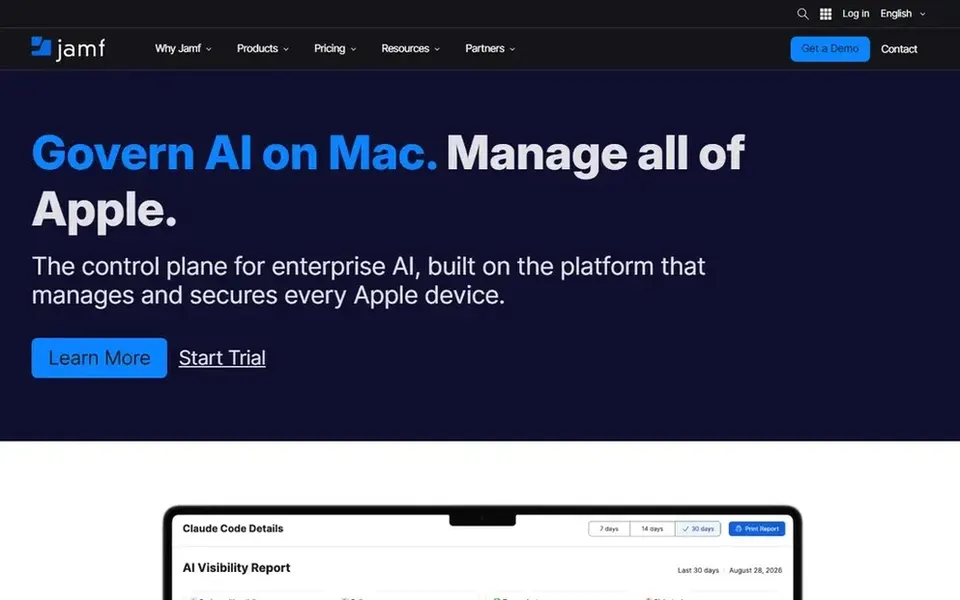
Jamf Pro is aimed squarely at Apple-centric organizations and schools. Jamf Pro is enterprise-level mobile device management software concentrated on managing and securing Apple devices. It gives you advanced tools and integrations geared toward organizations that standardize on Mac, iPhone and iPad.
More specifically, pick it when Apple management is the core requirement rather than one part of a broader endpoint strategy. For remote teams where most staff use Apple hardware, Jamf Pro gives you a mature path to app distribution, configuration and device security without handling other platforms. No starting price is listed for Jamf Pro here; confirm pricing on the vendor site. As for free access: Not stated.
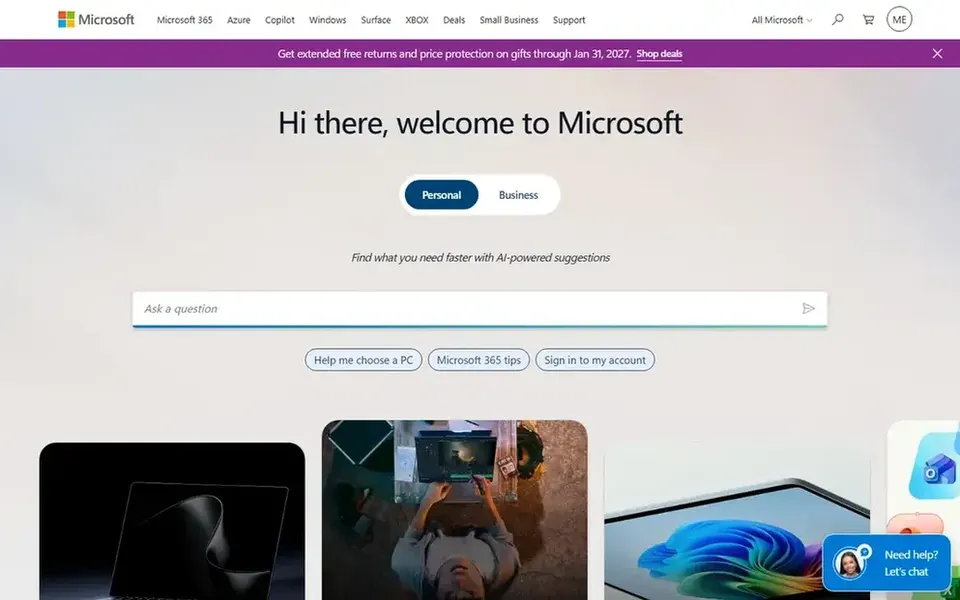
Pick Microsoft Intune if this describes you: mixed Windows, Apple and Android fleets. Microsoft Intune is a cloud-based unified endpoint management option built on Zero Trust principles.
Where it falls short: Wide scope can mean complicated setup.
Best features of Microsoft Intune: apps and endpoints.
Teams that are almost entirely Apple-only may find a dedicated Apple MDM more straightforward. Microsoft Intune shows no starting price here, so confirm the cost on the vendor site. Free plan details: Not stated.
Confirm the entry price with every vendor: no tool from Kandji to Microsoft Intune shows a fixed starting price.
Take the trial from Addigy, FileWave and Applivery and push a live task through it before you pay.
Read the limits listed for Kandji first: Apple products only.
See whether Addigy offers onboarding or training, and whether it is included in the price.
Confirm that FileWave connects to the apps your team already uses, on the plan you would actually buy.
How we picked
Each tool was reviewed on what its vendor publishes: price, plan limits, core features and stated drawbacks. We did not run hands-on tests. Prices and plan limits come from vendor pages and can change, so confirm them on the vendor site before you buy. Position on the page reflects fit for a typical buyer first, with price clarity and free access breaking ties. Treat it as a guide, not a ruling. That approach shaped the order of the 6 enterprise app store software for remote teams tools listed here.
Every price and plan detail on this page comes from the vendors’ own websites. We did not run hands-on tests unless the text says so, and we do not publish star ratings or review scores. See how we score and our disclosure.
Keep your shortlist in one place
Paste prices, trial dates and notes from this guide into Ainotely, our AI note app. It files them into a topic and pulls out tasks like “cancel trial by Friday”. Free 7-day trial, no card needed.
Does any tool for enterprise app store software for remote teams here have a free plan?
A permanent free plan is not offered by Kandji, Microsoft Intune or the other tools here. Addigy, FileWave, Applivery offer a trial. Plan a short evaluation period instead.
How important is automation for remote device management?
It helps with patching, app updates and compliance checks at scale. Evaluate whether the automation is customizable enough for your policies before committing.
How are the tools for enterprise app store software for remote teams ordered?
The order follows typical fit for enterprise app store software for remote teams, with Kandji first and Microsoft Intune last, then price clarity and free access. It is editorial judgement, not a score, so another team could rank the tools differently.
Is Kandji the right pick for everyone comparing enterprise app store software for remote teams?
No single tool suits every team. Kandji comes first because it fits lean IT teams managing Apple devices, while Addigy suits IT teams and managed service providers and FileWave suits unified endpoint and IT asset control. Match the tool to your own size, budget and workflow before deciding.
Can I try these tools before paying?
Often, yes. Addigy, FileWave and Applivery offer a free trial. Use your own data and a real task during the test, and check what the free tier or trial limits before you rely on it.
Should I choose an Apple-only tool or a cross-platform one?
If nearly all staff use Mac, iPhone or iPad, a dedicated Apple MDM like Jamf Pro, Kandji or Addigy can offer deeper controls. Mixed Windows, Apple and Android fleets are typically better served by a cross-platform choice like Intune, Endpoint Central, FileWave or Applivery.