Enterprise Automation Software: 5 Options Side by Side (2026)

- 1
 Automation AnywhereCloud-first enterprises that want agentic automation without managing infrastructureVisit
- 2
 ZapierTeams automating workflows across SaaS apps rapidlyVisit
- 3
 UiPathEnterprises standardizing on RPAVisit
- 4
 Blue Prism (SS&C Blue Prism)Regulated enterprises that require governed RPA and AI agentsVisit
- 5
 Microsoft Power AutomateMicrosoft 365 organizations that want automation inside their existing licensesVisit
- This list starts with Automation Anywhere, which is built for cloud-first enterprises that want agentic automation without managing infrastructure.
- Microsoft Power Automate is the one to check for Microsoft 365 organizations that want automation inside their existing licenses.
- Microsoft Power Automate has the lowest monthly starting price in this list: $15/user/mo.
- Just one of the 5 tools, Zapier, has a free plan.
- Check the limits for Zapier before you commit: not suited to UI-level automation of legacy desktop software, task-based pricing can surprise heavy users, complicated branching workflows get harder to handle at scale.
Direct answer
Automation Anywhere is the first pick on this list for cloud-first enterprises that want agentic automation without managing infrastructure. If your case is different, Zapier suits teams automating workflows across SaaS apps rapidly and UiPath suits enterprises standardizing on RPA that are adding AI agents to the mix. Prices, free plans and limits for all 5 tools follow.
Quick comparison
| Product | Ideal for | Price from | Free version | |
|---|---|---|---|---|
| Automation Anywhere | Cloud-first enterprises that want agentic automation without managing infrastructure | See website | No | Visit |
| Zapier | Teams automating workflows across SaaS apps rapidly | $19.99/mo (Professional, annual billing) | Yes | Visit |
| UiPath | Enterprises standardizing on RPA | $25/mo (Basic) | No | Visit |
| Blue Prism (SS&C Blue Prism) | Regulated enterprises that require governed RPA and AI agents | See website | No | Visit |
| Microsoft Power Automate | Microsoft 365 organizations that want automation inside their existing licenses | $15/user/mo (Premium) | Not stated | Visit |
Enterprise Automation Software, one by one
Short on time? The summary and table above give the quick view of 5 tools for enterprise automation software, and the profiles that follow give the detail behind each entry.
Automation Anywhere
Ideal for: Cloud-first enterprises that want agentic automation without managing infrastructure
Automation Anywhere is built with cloud-first enterprises that want agentic automation without managing infrastructure in mind. The cloud-native counterpart to the UiPath story, Automation Anywhere built its system around cloud delivery from the start and now pitches "agentic process automation": AI agents, deterministic automations and people orchestrated together.
The main drawbacks: cloud-first design can be a concern for organizations requiring on-premises deployment.
In daily use, pricing is not published; the vendor quotes based on bot counts and automation needs. Check the vendor site for Automation Anywhere pricing; none is listed in this comparison. Automation Anywhere has no free tier.
- Cloud-native architecture with less infrastructure overhead
- Mature bot marketplace and community
- No published pricing
Zapier
Ideal for: Teams automating workflows across SaaS apps rapidly
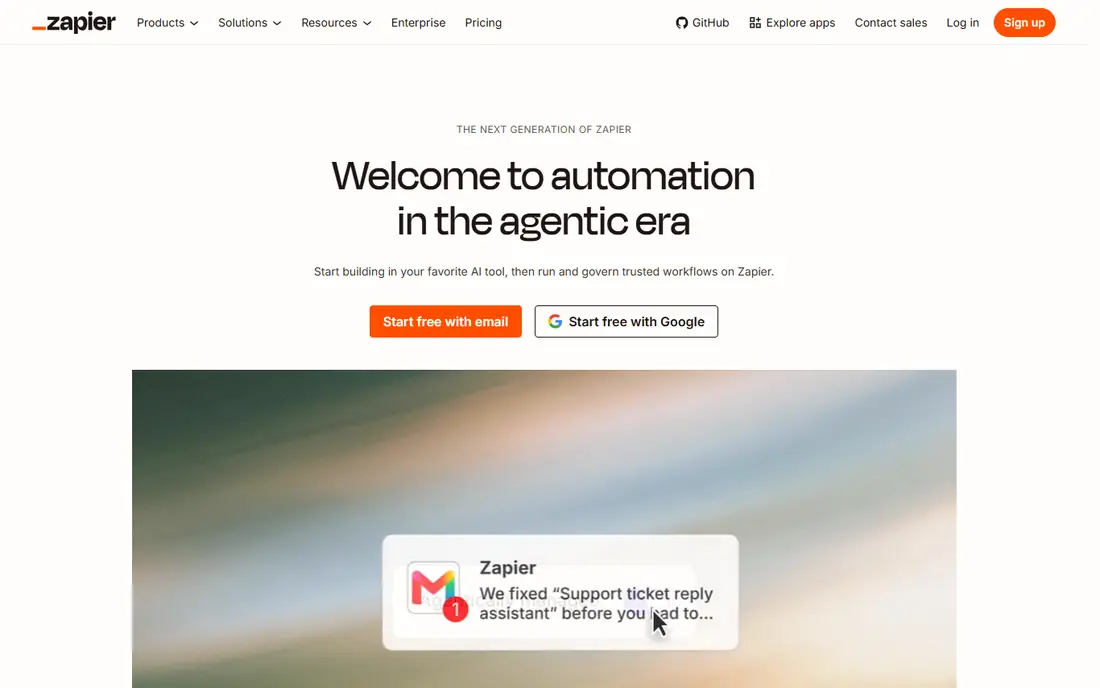
In short, Zapier is for teams automating workflows across SaaS apps rapidly. With connections to thousands of applications, Zapier lets teams build multi-step workflows (Zaps) that move data, trigger actions and apply logic across their stack, now extended with AI workflows, agents and MCP connections to tools like Claude and ChatGPT.
Pricing is published and transparent: a free plan spans 100 tasks a month, and premium plans start with Professional at $19.99 a month on annual billing. Beyond that, enterprise features bundle SSO with user provisioning, granular permission controls, observability across workflow runs and AI model opt-out. Zapier starts at: $19.99/mo. You can start on Zapier without paying.
Watch-outs: task-based pricing can surprise heavy users.
- The fastest time to first working automation on this list
- Thousands of app integrations
- Complicated branching workflows get harder to run at scale
UiPath
Ideal for: Enterprises standardizing on RPA

UiPath was built for enterprises standardizing on RPA that are adding AI agents to the mix. The product includes attended and unattended RPA, document understanding, process mining, test automation and AI agent orchestration, with an orchestration layer that routes low-confidence decisions to people automatically.
In practice, pricing is refreshingly published for the entry level: the Basic plan opens at $25 a month, whereas Standard and Enterprise are quote-based. UiPath starts at: $25/mo. UiPath has no permanent free option.
Honest limits: breadth of the product means a longer ramp-up time for small teams.
- From RPA to agents to test automation
- Published entry pricing so trials can start cheaply
- Higher levels are quote-only and can get pricey
Blue Prism (SS&C Blue Prism)
Ideal for: Regulated enterprises that require governed RPA and AI agents
Blue Prism (SS&C Blue Prism) serves regulated enterprises that require governed RPA and AI agents at scale. Blue Prism coined the term RPA, and under SS&C Technologies ownership it has repositioned around agentic automation for mission-critical work.
On top of that, the platform centers on WorkHQ, a hub that brings together people, AI agents and digital workers, alongside Chorus for enterprise-wide orchestration and an AI Gateway for governing AI use. No starting price is listed for Blue Prism (SS&C Blue Prism) here; confirm pricing on the vendor site. Blue Prism (SS&C Blue Prism) does not include a free plan.
Points against: less accessible to mid-market buyers.
Main advantages: agentic product brings together RPA.
- Long track record with mission-critical automation
- Enterprise-grade security and governance designed for regulated industries
- Brand visibility has shifted since the SS&C acquisition
Microsoft Power Automate
Ideal for: Microsoft 365 organizations that want automation inside their existing licenses
Microsoft Power Automate is a good fit for Microsoft 365 organizations that want automation inside their existing licenses. If your company already lives inside Microsoft 365, Power Automate is almost always the first product you evaluate, and commonly the last one you need.
Drawbacks to consider: Licensing rules around users; flows and premium connectors take effort to get right.
Worth adding: the trade-off is lock-in: the more you build here, the more the platform shapes your stack. What you pay to start with Microsoft Power Automate: $15/user/mo. Trial and free access: Not stated.
- Published per-user and per-bot pricing with low entry cost
- Huge connector library across Microsoft and third-party apps
- Governance needs discipline as citizen developers build freely
How these tools were picked
The comparison looks at four things: starting price, free access, how well the feature set matches enterprise automation software, and the main limit of each tool. Prices and plan limits come from vendor pages and can change, so confirm them on the vendor site before you buy. Tools are placed by general fit for enterprise automation software, with price clarity and free access as tie-breakers. A different team can reasonably rank them differently.
Questions to settle before buying
- Ask Automation Anywhere and Blue Prism (SS&C Blue Prism) for a written quote, since no starting price is shown.
- Test the free plan from Zapier against your real workload before relying on it.
- Read the limits listed for Automation Anywhere first: no published pricing, cloud-first design can be a concern for organizations requiring on-premises deployment, automation quality relies on training and bot design.
- Test the integrations you rely on with Microsoft Power Automate before committing; some connectors sit on upper tiers.
- Confirm the exact Zapier plan that includes your must-have features.
Frequently asked questions
What is the cheapest option for enterprise automation software in this list?
On published monthly entry prices, Microsoft Power Automate is the lowest here at $15/user/mo. Entry price is only part of the cost, because seats, add-ons and billing terms can change the total.
Is Automation Anywhere the right pick for everyone comparing enterprise automation software?
No single tool suits every team. Automation Anywhere comes first because it fits cloud-first enterprises that want agentic automation without managing infrastructure, while Zapier suits teams automating workflows across SaaS apps quickly and UiPath suits enterprises standardizing on RPA that are adding AI agents to the mix. Match the tool to your own size, budget and workflow before deciding.
Which options for enterprise automation software have a free plan?
Zapier is the only tool in this list with a free plan. Free plans usually cap users, projects or features, so check the limits on the vendor page.
How are the tools for enterprise automation software ordered?
Automation Anywhere sits first and Microsoft Power Automate last because the order follows typical fit for enterprise automation software, then price clarity and free access. It is a judgement call, so read each profile for fit and limits.
Do these tools replace developers?
No. They change what developers spend time on. Citizen developers can build straightforward workflows, but complicated, governed, production-grade automation still needs IT involvement for security, integration and maintenance.
Which system should we pick if we already use Microsoft 365?
Evaluate UiPath or Automation Anywhere alongside it if you need heavyweight unattended RPA or want to avoid deepening Microsoft dependence.