6 Strong Enterprise Collaboration Tools in 2026

- 1
 WebexEnterprises needing meetings with serious security and complianceVisit
- 2
 Microsoft TeamsEnterprises standardized on Microsoft 365Visit
- 3
 AsanaCoordinating work across teams and projectsVisit
- 4
 Zoom WorkplaceOrganizations that want meetings plus collaboration from ZoomVisit
- 5
 SlackOrganizations that want the best messaging-centric collaborationVisit
- Webex is the opening pick, best for enterprises needing meetings with serious security and compliance.
- Check the limits for Asana before you commit: not a messaging product.
- Webex, Asana, Zoom Workplace, Slack, Confluence: these are the 5 tools out of 6 that offer a free plan.
- Confluence suits Teams that require a real knowledge base, not just chat.
Direct answer
Start with Webex if you need enterprises needing meetings with serious security and compliance. For a different need, Microsoft Teams covers enterprises standardized on Microsoft 365 and Asana covers coordinating work across teams and projects. The remaining 3 options are covered below with prices and limits.
Quick comparison
| Product | Ideal for | Price from | Free version | |
|---|---|---|---|---|
| Webex | Enterprises needing meetings with serious security and compliance | Free; premium plans available | Yes | Visit |
| Microsoft Teams | Enterprises standardized on Microsoft 365 | Included; standalone plans | Not stated | Visit |
| Asana | Coordinating work across teams and projects | Free; premium plans available | Yes | Visit |
| Zoom Workplace | Organizations that want meetings plus collaboration from Zoom | Free; premium plans available | Yes | Visit |
| Slack | Organizations that want the best messaging-centric collaboration | Free; premium plans available | Yes | Visit |
 Confluence | Teams that require a real knowledge base, not just chat | Free; premium plans available | Yes | Visit |
The full enterprise collaboration tools list
Ainotely put together this guide to enterprise collaboration tools for readers who want a clear shortlist without reading every vendor page. It compares 6 tools on starting price, free plans, who each one suits and where each one falls short.
Webex
Ideal for: Enterprises needing meetings with serious security and compliance
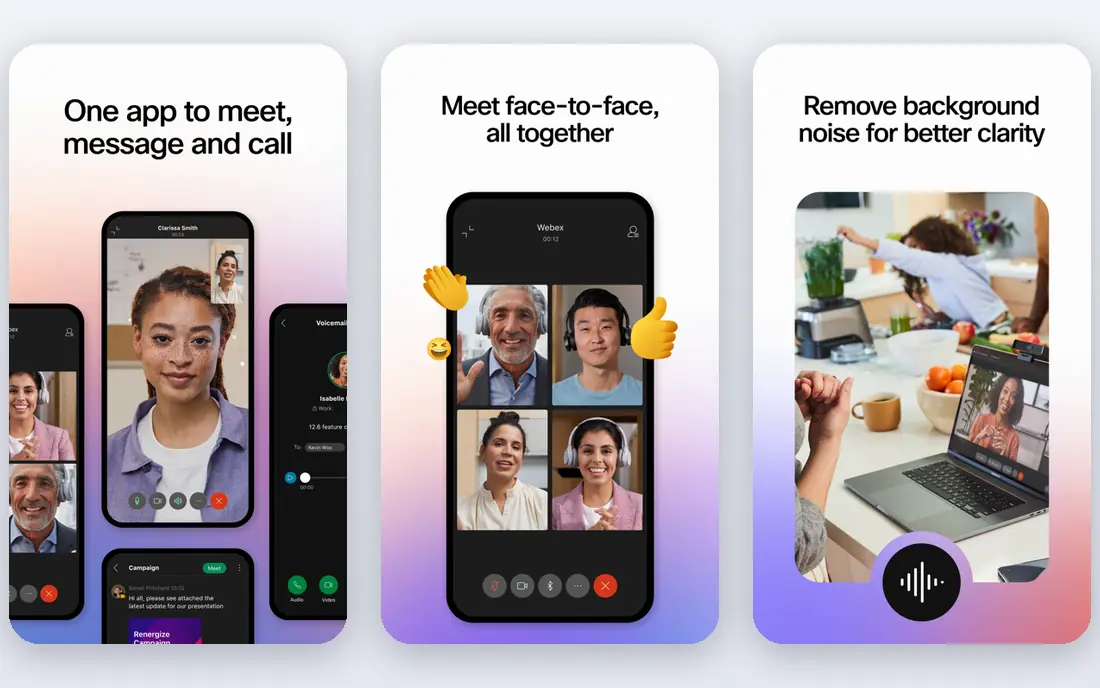
Webex works best for enterprises needing meetings with serious security and compliance. Webex, from Cisco, serves the enterprise where meetings must be secure, compliant, and dependable: government, healthcare, and finance trust it. Hybrid meeting rooms with Cisco endpoints deliver a noticeably better experience than laptop-based setups.
The main drawbacks: Collaboration features trail Slack.
The broader collaboration experience trails the leaders. But for the regulated enterprise where the meeting product is infrastructure, Webex's trust credentials lead. The meeting quality is very good, and the hardware integration fits conference rooms. Webex starts at: Free. Webex includes a free tier.
- Solid security and compliance
- Messaging included
- Enterprise sales motion
Microsoft Teams
Ideal for: Enterprises standardized on Microsoft 365
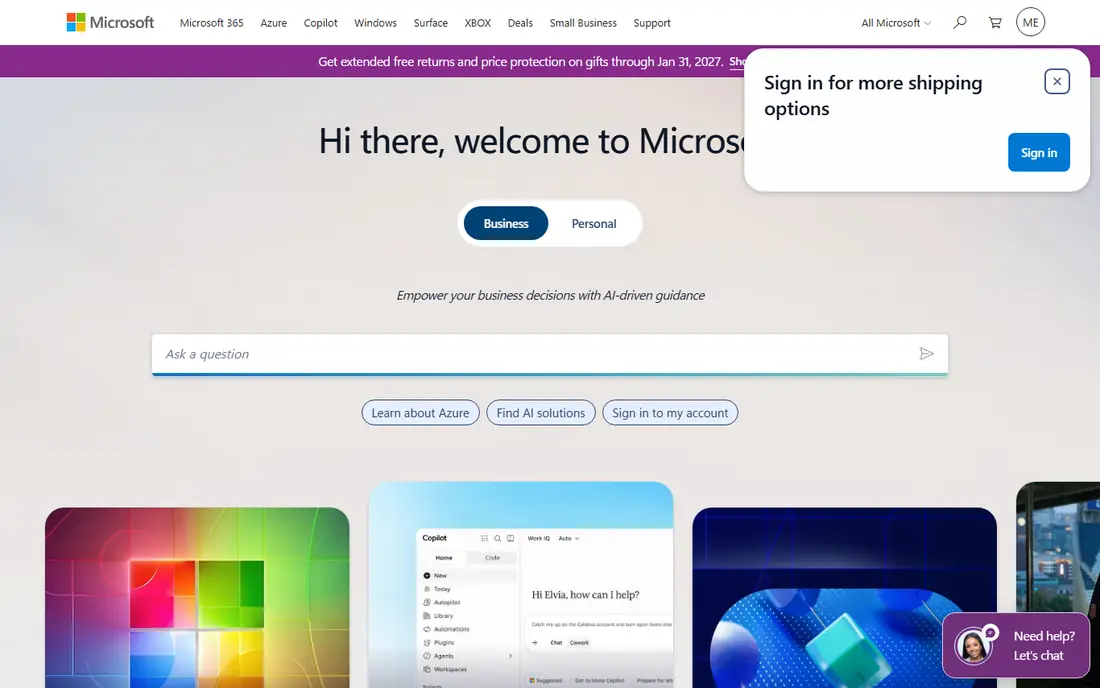
Microsoft Teams is aimed squarely at enterprises standardized on Microsoft 365. Teams wins on economics: most enterprises already license Microsoft 365, so collaboration arrives bundled.
But the bundled price and Office integration make Teams the default for the Microsoft enterprise. Microsoft Teams cost at the entry level: Included. On free options: Not stated.
What users get: Decent meetings; Deep Office integration. Honest limits: Chat UX trails Slack; Performance complaints.
- Bundled with Microsoft 365
- Enterprise compliance
- Interface complexity
Asana
Ideal for: Coordinating work across teams and projects
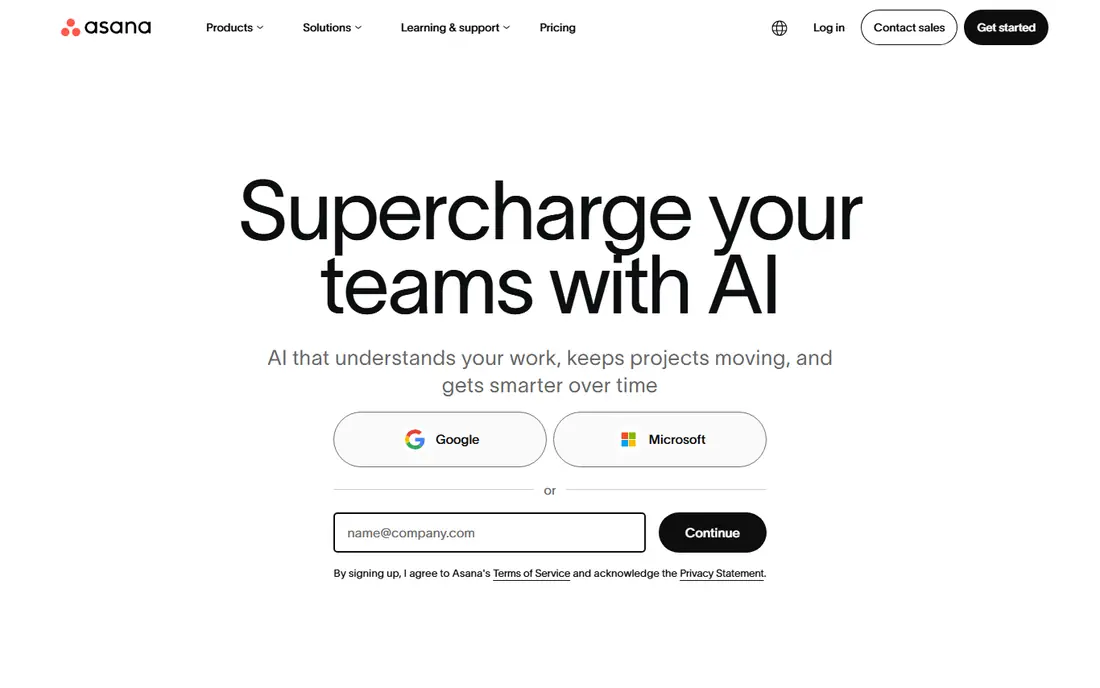
Choose Asana for coordinating work across teams and projects. Messaging is not the product; it complements Slack or Teams.
The main drawbacks: Pricing per user.
Reasons to shortlist it: Integrations. But for the organization whose collaboration problem is really coordination, Asana's work management depth is the answer. Asana starts at: Free. Asana offers a free plan.
- Decent automation
- Timeline and portfolio views
- Not a messaging system
Zoom Workplace
Ideal for: Organizations that want meetings plus collaboration from Zoom
Zoom Workplace is aimed squarely at organizations that want meetings plus collaboration from Zoom. The meeting quality remains the benchmark: steady audio and video that just works. Also, the non-meeting collaboration is newer and thinner than Slack or Teams.
But for the organization that lives on Zoom, consolidating collaboration there eases the stack. For everyday use, Zoom Workplace extends the meeting product everyone knows into chat, phone, docs, and scheduling. Starting cost for Zoom Workplace: Free. Zoom Workplace includes a free tier.
Highlights: AI Companion features. The main drawbacks: Security reputation rebuilding.
- Simple to use
- Best-in-class meeting experience
- Chat trails Slack
Slack
Ideal for: Organizations that want the best messaging-centric collaboration
Slack works best for organizations that want the best messaging-centric collaboration. Slack defined modern team chat: channels for topics, threads for focus, and integrations that bring every tool's notifications into one place. On top of that, the workflow builder also lets teams automate routine processes inside channels, which extends Slack from communication into operations.
Beyond that, the free level's message history limits push teams to premium plans, and notification discipline is a real management task. But for the organization that communicates in writing, Slack's messaging experience remains the best. On cost, Slack starts like this: Free. Slack offers a free plan.
Watch-outs: Notification overload.
What users get: Decent huddles and clips.
- Huge integration ecosystem
- Capable search
- Message history limits on free
Confluence
Ideal for: Teams that require a real knowledge base, not just chat
Confluence was built for Teams that require a real knowledge base, not just chat. Confluence is where team knowledge lives: structured pages, spaces, and templates for documentation, project plans, and decisions. The Jira integration links knowledge to work, and the free level handles small teams.
And wikis need gardening. Decisions documented in Confluence remain findable years later, whereas the same discussion in chat is effectively lost within weeks. Entry price for Confluence: Free. You can start on Confluence without paying.
Best features of Confluence: Templates.
Points against: Can become disorganized.
- Free level ample
- Excellent structured documentation
- Chat not included
Notes on enterprise collaboration tools
Enterprise collaboration systems are the digital office: messaging, meetings, file sharing, and increasingly the AI layer that summarizes, searches, and organizes it all. Hybrid and remote work made them essential infrastructure instead of nice-to-have tools. In practice, the choice shapes daily work for every employee, which makes it one of the highest-impact software decisions a company makes.
Beyond that, AI features are the new battleground: meeting summaries, intelligent search, and agents that act across the suite.
How these tools were picked
The comparison looks at four things: starting price, free access, how well the feature set matches enterprise collaboration tools, and the main limit of each tool. Where a vendor does not publish a price, the entry says quote. Where a price depends on seats or billing term, the entry says so. We ordered the tools by general fit, then by how clearly pricing is shown, then by free access. A buyer with unusual needs may reorder them.
What to confirm before you sign up
- Check the current price for Webex, Confluence and the rest on each vendor page, since seats and billing terms change the total.
- Look at free plan limits closely: Webex, Asana, Zoom Workplace and others have one, and the caps decide whether it is usable for real work.
- Read the limits listed for Webex first: interface less modern.
- Read the plan comparison for Asana carefully; key features often start on a higher tier.
- Compare total cost, not headline price: for Confluence, add extra seats, add-ons and any usage-based charges.
Frequently asked questions
Do these tools publish their prices?
Yes. Every tool from Webex to Confluence shows a starting price, though seats, add-ons and billing terms still change the final cost.
How are the enterprise collaboration tools ordered?
Webex sits first and Confluence last because the order follows typical fit for enterprise collaboration tools, then price clarity and free access. It is a judgement call, so read each profile for fit and limits.
Which enterprise collaboration tools have a free plan?
Webex, Asana, Zoom Workplace, Slack and Confluence offer a free plan in this list. Free plans usually cap users, projects or features, so check the limits on the vendor page.
Is Webex the right pick for everyone comparing enterprise collaboration tools?
No single tool suits every team. Webex comes first because it fits enterprises needing meetings with serious security and compliance, while Microsoft Teams suits enterprises standardized on Microsoft 365 and Asana suits coordinating work across teams and projects. Match the tool to your own size, budget and workflow before deciding.