7 Best Enterprise Document Management Software Options for 2026

- Box takes the first slot, best suited to cloud-native content with enterprise governance.
- A free plan is available from 2 of the 7 tools: Box, Alfresco.
- Alfresco fits open-source enterprise content management.
- Box, Alfresco and the 5 others all sell by quote; expect sales conversations before you see a price.
Direct answer
Our first pick is Box, best for cloud-native content with enterprise governance. OpenText is the stronger choice for very large enterprises with complicated content needs, while DocuWare suits mid-market document digitization and workflows. The full list of 7 tools follows, with prices and free plan facts.
Quick comparison
| Product | Ideal for | Price from | Free version | |
|---|---|---|---|---|
 Box | Cloud-native content with enterprise governance | See website | Yes | Visit |
 OpenText | Very large enterprises with complicated content needs | See website | No | Visit |
 DocuWare | Mid-market document digitization and workflows | See website | Free trial | Visit |
 SER Group | European enterprises needing ECM | See website | No | Visit |
 M-Files | Finding documents by content, not folders | See website | Free trial | Visit |
 Laserfiche | Government agencies and educational institutions | See website | Free trial | Visit |
 Alfresco | Open-source enterprise content management | See website | Yes | Visit |
Tool-by-tool breakdown
Short on time? The summary and table above give the quick view of 7 tools for enterprise document management software, and the profiles that follow give the detail behind each entry.
Box
Ideal for: Cloud-native content with enterprise governance
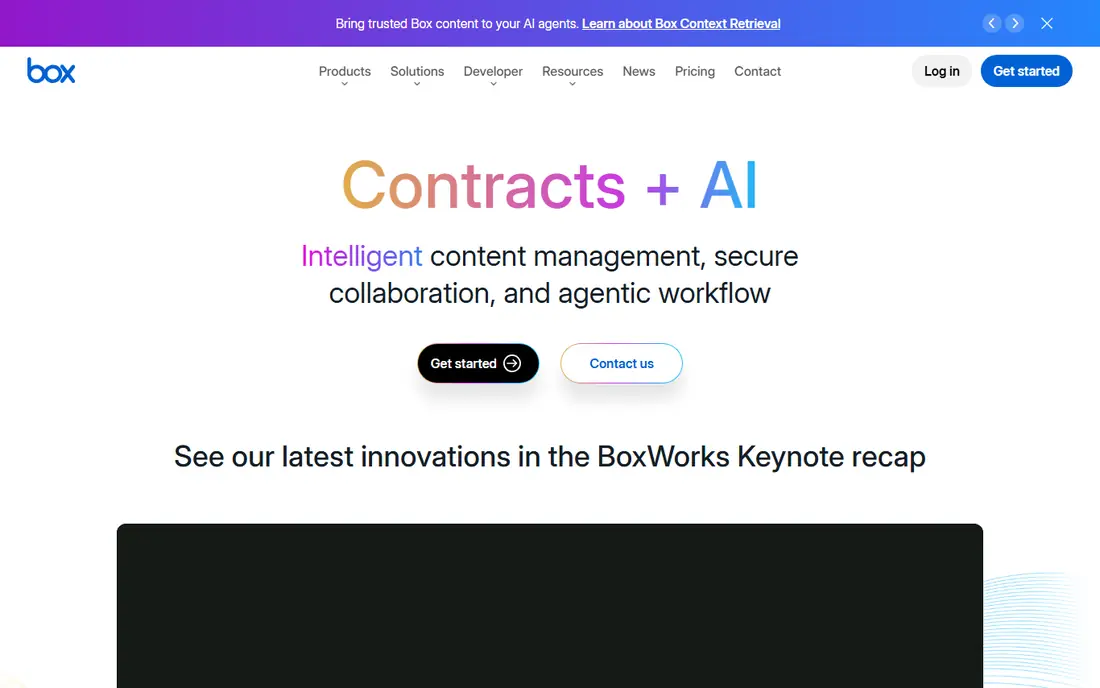
Box works best for cloud-native content with enterprise governance. Integrations with Microsoft 365, Salesforce and thousands of apps make it the collaboration layer for numerous firms.
But enterprises that prioritize how people work daily, with governance underneath, increasingly choose Box over legacy ECM. Pricing for Box is not stated here, so ask the vendor for current figures. Box includes a free tier.
What to check first: Less deep records management than traditional ECM.
- Modern collaboration experience
- Huge integration ecosystem
- Pricing climbs with advanced governance
OpenText
Ideal for: Very large enterprises with complicated content needs
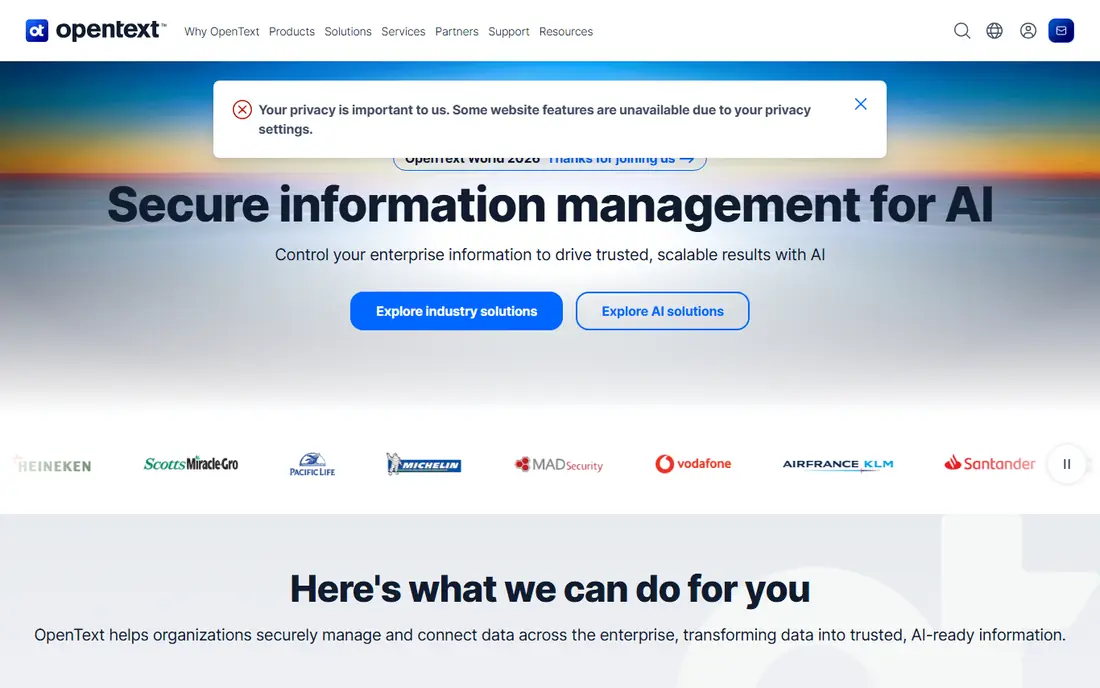
OpenText is aimed squarely at very large enterprises with complicated content needs. OpenText is the largest enterprise content management vendor, with a portfolio including document management, archiving, capture and information governance. In practice, deep integration with SAP and other enterprise applications makes it the choice for organizations whose content lives inside business processes.
It operates at scales few others can. But for the largest enterprises with the most complicated requirements, OpenText's breadth is unmatched. OpenText does not show a starting price in this comparison, so check the vendor site for current pricing. OpenText has no free plan.
Watch-outs: Portfolio assembled by acquisition.
- Broadest enterprise content portfolio
- Deep SAP and business application integration
- Complicated licensing and implementation
DocuWare
Ideal for: Mid-market document digitization and workflows
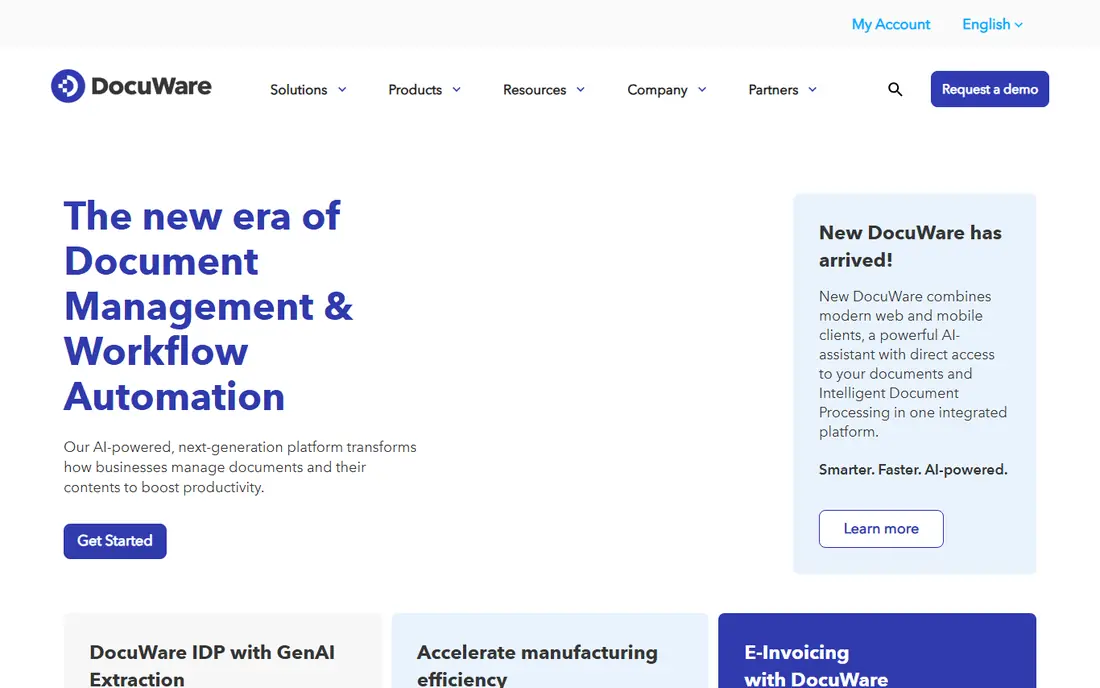
DocuWare serves mid-market document digitization and workflows. DocuWare is the mid-market workhorse: scan, capture, store, route and retrieve documents with workflow automation for processes like accounts payable and employee onboarding. It gives you both cloud and on-premises deployment, which matters for firms with data residency requirements.
What to check first: Enterprise depth trails OpenText and Hyland.
It does not match the largest systems on breadth or scalability. But mid-sized firms that require serious document management without enterprise complexity or cost will find DocuWare hits the sweet spot. DocuWare shows no starting price here, so confirm the cost on the vendor site. Free access: Free trial.
- Capable document capture and workflow
- A decent match for AP and HR automation
- Interface is functional
SER Group
Ideal for: European enterprises needing ECM
Think of SER Group for European enterprises needing ECM. SER Group (Doxis) is the European enterprise content management alternative: document management, workflows, archiving and email management with capable data residency credentials.
But for European buyers who prefer a regional vendor with local support, SER Group is a credible enterprise choice. Check the vendor site for SER Group pricing; none is listed in this comparison. SER Group has no free plan.
Where it is weaker: Less presence outside Europe.
- Decent SAP integration
- Capable European presence and data residency
- Smaller global ecosystem
M-Files
Ideal for: Finding documents by content, not folders
M-Files serves finding documents by content, not folders. Workflow automation routes documents for approval without manual handoffs. In practice, the main limit is adoption.
Points against: Mindset shift from folders takes training.
Also, M-Files rethinks document management: rather than folders, documents get metadata tags. You find them by what they are, customer, project, document type, regardless of where they live. For organizations drowning in nested folders, the shift is liberating. This comparison lists no price for M-Files; ask the vendor. Free plan details: Free trial.
- Solid workflow automation
- AI-assisted classification
- Enterprise pricing
Laserfiche
Ideal for: Government agencies and educational institutions
Choose Laserfiche for government agencies and educational institutions. Laserfiche built its base in government and education: records management, electronic forms, workflow automation and public records compliance.
The main drawbacks: Interface is traditional.
City and county governments across the US run on it. Check the vendor site for Laserfiche pricing; none is listed in this comparison. Free plan details: Free trial.
- Decent process automation
- Capable records management and forms
- Less presence in commercial enterprise
Alfresco
Ideal for: Open-source enterprise content management
Alfresco works best for open-source enterprise content management. Developers like the product's adaptability for building content applications, and deployment choices contain on-premises and cloud.
But organizations with developers and a preference for open source get enterprise-grade content management without license fees. This comparison lists no price for Alfresco; ask the vendor. Free access exists with Alfresco.
What users get: Adaptable deployment.
Points against: Needs technical resources.
- Solid developer system
- Open-source community edition
- Enterprise features need the premium edition
How these tools were picked
Pricing pages, product documentation and feature lists were the main sources, and every entry carries at least one honest drawback. Plan names, prices and limits change often. Treat the figures here as a starting point and verify them with the vendor. The ranking is editorial: typical fit first, then clear pricing, then free access. If your needs are unusual, read the profiles rather than relying on position.
Before you commit
- Ask each vendor, from Box to Alfresco, for a written quote; none of them publishes a starting price.
- Check what the free option really includes: Box and Alfresco offer a free plan, and usage caps differ.
- Use real work to test the free trial from DocuWare, M-Files and Laserfiche, rather than a demo project.
- Before choosing Box, weigh its main limit: less deep records management than traditional ECM.
- Confirm the exact Alfresco plan that includes your must-have features.
- Test how quickly M-Files answers a pre-sales question; it hints at how support will feel later.
Frequently asked questions
Is Box the right pick for everyone comparing enterprise document management software?
No single tool suits every team. Box comes first because it fits cloud-native content with enterprise governance, while OpenText suits very large enterprises with complex content needs and DocuWare suits mid-market document digitization and workflows. Match the tool to your own size, budget and workflow before deciding.
Is open source viable for enterprise document management?
Yes, with caveats. Alfresco's community edition is capable, but you need technical staff and should budget for the enterprise edition's support and advanced features at scale.
Which options for enterprise document management software have a free plan?
On this list, Box and Alfresco include a free plan. Caps on seats, usage or features are common, so test the free plan against your real workload. Several others offer a trial instead.
Can we migrate from shared drives?
Yes, and most vendors offer migration tools and services. The hard part is not moving files but designing the metadata, permissions and workflows that make the new system better than the shared drive.
What is the difference between document management and file sharing?
File sharing keeps and syncs files. Document management brings version control, metadata, workflows, retention policies and audit trails. From a buyer's view, enterprises needing compliance and process control need the latter.
How are the tools for enterprise document management software ordered?
Box sits first and Alfresco last because the order follows typical fit for enterprise document management software, then price clarity and free access. It is a judgement call, so read each profile for fit and limits.