6 Best Enterprise Project Management Software Options for 2026

- 1
 monday.comCustomizable work managementVisit
- 2
 CeloxisAll-in-one PPM without enterprise complexityVisit
- 3
 Oracle Primavera P6Large capital and engineering projectsVisit
- 4
 PlanviewStrategic portfolio management at scaleVisit
- 5
 SmartsheetSpreadsheet-native enterprise work managementVisit
- The list opens with monday.com, aimed at customizable work management.
- monday.com comes with a trade-off: no native CPM or baselines.
- For organizations standardized on Microsoft 365, Microsoft Project is worth a look.
- monday.com has the lowest monthly starting price in this list: $9 per user per month.
- Neither monday.com nor Microsoft Project, nor any of the other 4 tools, has a permanent free plan; trials and quotes are the norm.
Direct answer
monday.com comes first here, mainly for customizable work management. If your case is different, Celoxis suits all-in-one PPM without enterprise complexity and Oracle Primavera P6 suits large capital and engineering projects. The full list of 6 tools follows, with prices and free plan facts.
Quick comparison
| Product | Ideal for | Price from | Free version | |
|---|---|---|---|---|
| monday.com | Customizable work management | $9 per user a month | Free trial | Visit |
| Celoxis | All-in-one PPM without enterprise complexity | $25 per user a month | Free trial | Visit |
| Oracle Primavera P6 | Large capital and engineering projects | $3,168 per user a year | No | Visit |
| Planview | Strategic portfolio management at scale | See website | No | Visit |
| Smartsheet | Spreadsheet-native enterprise work management | $9 per user a month | Free trial | Visit |
 Microsoft Project | Organizations standardized on Microsoft 365 | $10 per user a month | Free trial | Visit |
Our 6 picks for enterprise project management software
Short on time? The summary and table above give the quick view of 6 tools for enterprise project management software, and the profiles that follow give the detail behind each entry.
monday.com
Ideal for: Customizable work management

monday.com is designed for customizable work management. monday.com is the customizable work OS beginning at $9 per user a month, with a free level for small teams. Costs grow as teams add users and features.
Where it is weaker: No native CPM or baselines.
Also, for enterprises that want adaptable work management with strong adoption, monday.com suits. Custom boards, no-code automations, and dashboards adapt to almost any workflow, and the portfolio features provide executives health snapshots and risk insights. There is no native critical path or baselines, which limits it for schedule-driven projects. Starting cost for monday.com: $9 per user per month. Free options: Free trial.
- Free level available
- Solid automations and dashboards
- Costs grow with customization
Celoxis
Ideal for: All-in-one PPM without enterprise complexity

Celoxis targets all-in-one PPM without enterprise complexity. Celoxis is the all-in-one project portfolio management product at $25 per user a month, with a free trial. It merges project management, portfolio management, advanced resource forecasting, live KPIs, and time and cost tracking in a single product, which bigger vendors split across modules and price separately.
On top of that, the all-in-one pricing avoids the module-by-module cost escalation of the enterprise suites. Beyond that, for mid-to-large teams and PMOs that want full PPM functionality at a published price, Celoxis is the value choice. As for the details, the vendor is smaller than Microsoft or Oracle, with a 5-user minimum on cloud plans. What you pay to start with Celoxis: $25 per user per month. Trial and free access: Free trial.
Points against: 5-user minimum on cloud.
- Project portfolio plus resource forecasting
- Time and cost tracking
- Smaller vendor than the giants
Oracle Primavera P6
Ideal for: Large capital and engineering projects
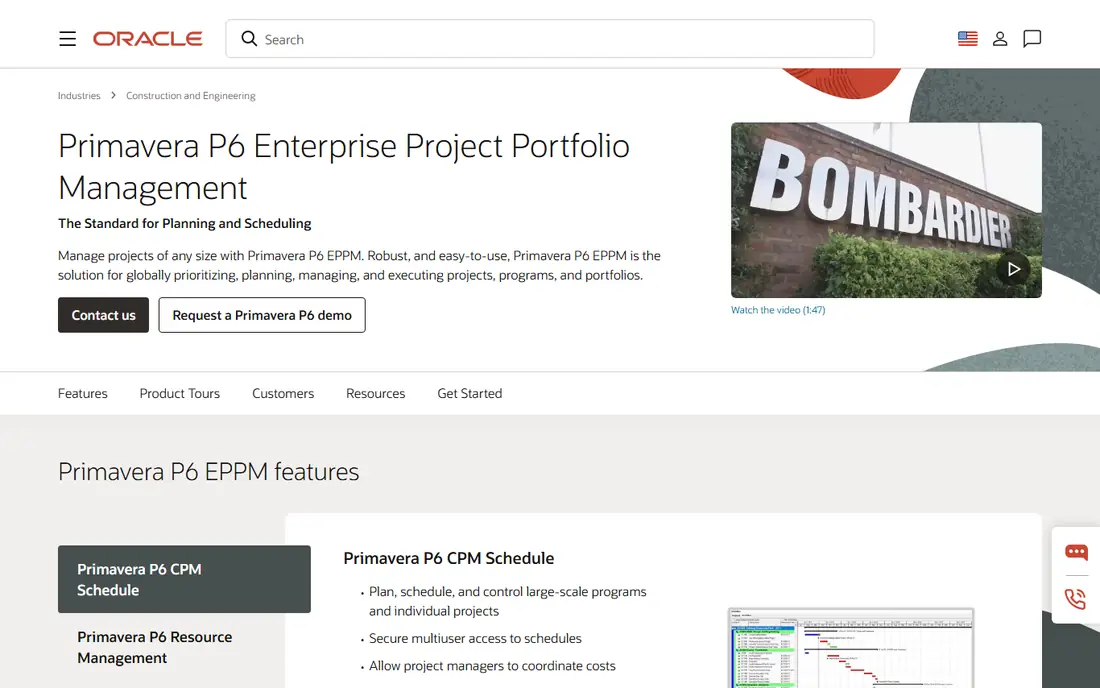
In short, Oracle Primavera P6 is for large capital and engineering projects. At $3,168 per user a year, it is priced for projects where schedule precision is contractual. The interface takes dedicated training to learn, and integration with non-Oracle systems frequently needs custom work.
In practice, the system manages multi-layered schedules, critical path calculation, cost and risk management, and portfolio prioritization. For long-horizon, high-stakes projects where scheduling depth is non-negotiable, nothing else qualifies. The earned value management is native, not bolted on, which is why government and heavy industry contracts specify it. Oracle Primavera P6 cost at the entry level: $3,168 per user per year. No free plan comes with Oracle Primavera P6.
What to check first: $3,168 per user yearly.
- Earned value management
- Industry standard for contractual CPM scheduling
- Steep ramp-up time
Planview
Ideal for: Strategic portfolio management at scale
Pick Planview if this describes you: strategic portfolio management at scale. For the largest PMOs, Planview is the strategic layer above the project tools.
Points against: Implementation is a major project.
Beyond that, founded in 1989, the company concentrates on the PMO and C-suite view instead of team task management. Check the vendor site for Planview pricing; none is listed in this comparison. Planview has no free tier.
- Scenario modeling
- Capacity planning
- Quote-only enterprise pricing
Smartsheet
Ideal for: Spreadsheet-native enterprise work management
Think of Smartsheet for spreadsheet-native enterprise work management. Smartsheet brings the spreadsheet interface that business users already know to enterprise project management. In daily use, for enterprises that want wide adoption with spreadsheet comfort, Smartsheet provides.
From a buyer's view, the customization depth and documentation are capable, and the Business level at $19 layers on the features most enterprises need. From a buyer's view, beginning at $9 per user a month with a 30-day trial, it provides grid, Gantt, and card views, automation, dashboards, and reporting. Smartsheet starts at: $9 per user per month. On free options: Free trial.
The main drawbacks: Less easy-to-learn than modern competitors.
- $9 entry
- Familiar spreadsheet interface
- Premium apps add 20 to 50 percent to contract value
Microsoft Project
Ideal for: Organizations standardized on Microsoft 365
Microsoft Project is a good fit for organizations standardized on Microsoft 365. Microsoft Project remains the default enterprise project management choice for Microsoft shops. More specifically, collaboration within the tool is a known weak spot, and resource allocation gets complicated across overlapping teams.
The 30-day trial lets teams test before committing. It deals with large complicated schedules with critical path and WBS tools, plus portfolio management with project scoring and risk management. As for the details, pricing opens at $10 per user a month for the entry-level plan, with Project Plan 3 at $30 adding resource management, reporting, and advanced scheduling. For organizations already on Microsoft 365 that require serious scheduling, the ecosystem advantage outweighs the flaws. What you pay to start with Microsoft Project: $10 per user per month. Free access: Free trial.
Where it shines: $10 entry level.
Trade-offs to know: Resource management needs the $30 tier.
- Deals with waterfall, agile, hybrid
- Deep Teams, SharePoint
- Collaboration inside the tool is weak
How we compared the tools
Each tool was reviewed on what its vendor publishes: price, plan limits, core features and stated drawbacks. We did not run hands-on tests. Treat prices as a snapshot: vendors change plans often, so check the vendor site for the figure that applies today. The ranking is editorial: typical fit first, then clear pricing, then free access. If your needs are unusual, read the profiles rather than relying on position.
What to check before you buy
- Confirm the entry price on the vendor page. For Planview that means a quote rather than a fixed price.
- Run a trial of monday.com, Celoxis, Smartsheet and Microsoft Project with real work before paying for a year; your own workflow is the best test.
- Read the limits listed for monday.com first: no native CPM or baselines.
- Get the contract term, renewal terms and any onboarding fees from Planview in writing.
- Ask the daily users to test monday.com on a live task before you roll it out to everyone.
Frequently asked questions
What is enterprise project management software?
Enterprise project management software runs projects at organizational scale: portfolio planning, resource management across teams, scheduling with baselines and critical path, financial tracking, and executive reporting.
Do these tools publish their prices?
Not all of them. Planview publishes no starting price, so expect a quote request for it. The rest, monday.com included, show a starting price, though seats and billing terms still change the final cost.
Does any tool for enterprise project management software here have a free plan?
No tool in this list, monday.com and Microsoft Project included, has a permanent free plan. monday.com, Celoxis, Smartsheet, Microsoft Project offer a trial. Trials and quotes are the usual route, so plan a short evaluation period.
Is monday.com the right pick for everyone comparing enterprise project management software?
No single tool suits every team. monday.com comes first because it fits configurable work management, while Celoxis suits all-in-one PPM without enterprise complexity and Oracle Primavera P6 suits large capital and engineering projects. Match the tool to your own size, budget and workflow before deciding.
How are the tools for enterprise project management software ordered?
monday.com sits first and Microsoft Project last because the order follows typical fit for enterprise project management software, then price clarity and free access. It is a judgement call, so read each profile for fit and limits.