If you need home service companies managing field operations, Housecall Pro is the first tool to look at here. Listed starting prices: Housecall Pro from $59 a month. Alternatives: ServiceMax for asset-centric operations centred on equipment uptime, and FieldEdge for tracking customers, dispatches and service history. All 5 tools are compared below on price, free plan and limits.
Ainotely compared 5 tools for equipment tracking software. The goal is a practical shortlist: published prices, free plan facts, best-fit use cases and honest limits for every entry.
Key takeaways
The list opens with Housecall Pro, aimed at home service companies managing field operations.
Zoho FSM comes with a trade-off: wide automation may need careful setup.
For contractors tracking equipment across visits and projects, ServiceTitan is worth a look.
Starting prices begin at $59 per month with Housecall Pro.
Neither Housecall Pro nor ServiceTitan, nor any of the other 3 tools, has a permanent free plan; trials and quotes are the norm.
Contractors tracking equipment across visits and projects
See website
Free trial
The 5 picks in detail
HP
#1
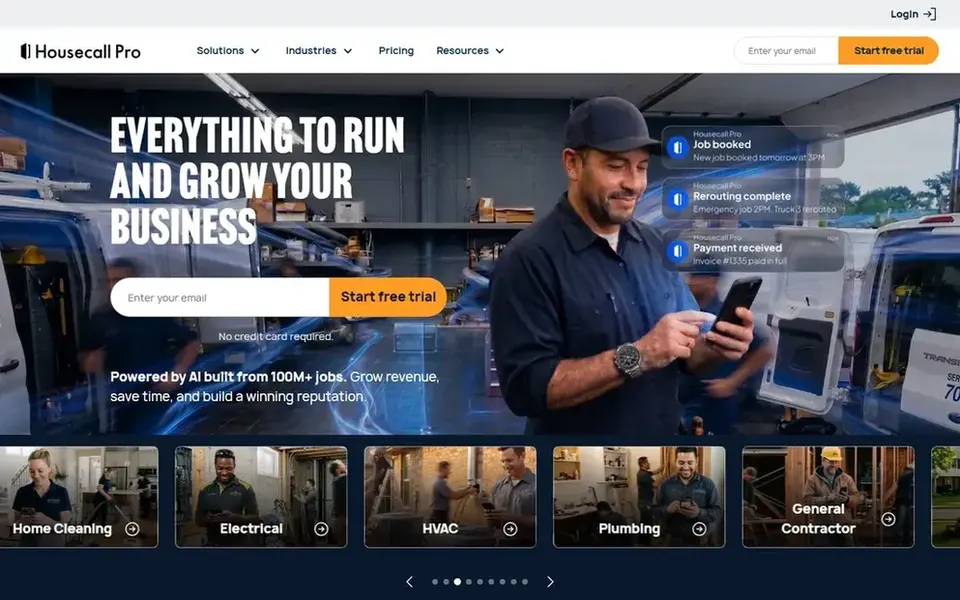
Housecall Pro
Best for: Home service firms managing field operations
In short, Housecall Pro is for home service firms managing field operations. Choose Housecall Pro when your priority is running home service operations efficiently. More specifically, home service teams should confirm the specific tracking views they need.
Housecall Pro is a software for home service companies, positioned around managing field service operations. It supports the scheduling, dispatch and customer-facing work that home service teams deal with daily, and equipment details can be tied to that operational flow. Beyond that, for organizations whose equipment tracking centers on industrial assets, maintenance intervals or complicated service contracts, a more asset-centric system may fit better. Price to start with Housecall Pro: $59 per month. Free plan details: Free trial.
Where it falls short: Equipment tracking depth varies by workflow.
Best for: Asset-centric operations centred on equipment uptime
Choose ServiceMax for asset-centric operations focused on equipment uptime. That asset-first orientation makes it a natural fit for organizations whose service model revolves around installed equipment and keeping it running.
Its asset-centric focus means general contracting companies may find it less aligned with their daily needs. Results rely on maintaining dependable asset records. ServiceMax does not show a starting price in this comparison, so check the vendor site for current pricing. Free options: Not stated.
Where it falls short: Focused scope may not include general contracting needs.
Best for: Tracking customers, dispatches and service history
Choose FieldEdge for tracking customers, dispatches and service history. FieldEdge offers field service management software with efficient ways to track customers, dispatches, service history and more, along with a field service app.
From a buyer's view, teams with broad asset-centric requirements should confirm that the equipment views they need are covered before committing. Choose FieldEdge when dispatch, customer tracking and service history are your primary operational needs. This comparison lists no price for FieldEdge; ask the vendor. FieldEdge has no free tier.
What to check first: Documented equipment depth should be confirmed.
Best for: Automating a wide range of field operations
In short, Zoho FSM is for automating a wide range of field operations. Zoho FSM is an end-to-end field service management product that automates the whole spectrum of field operations from one place.
Since it aims to automate a broad spectrum, setup needs thought about which processes to bring in first. In practice, organizations with highly specialized asset requirements should verify that their specific workflows are supported. This comparison lists no price for Zoho FSM; ask the vendor. Trial and free access: Free trial.
Where it is weaker: Wide automation may need careful setup.
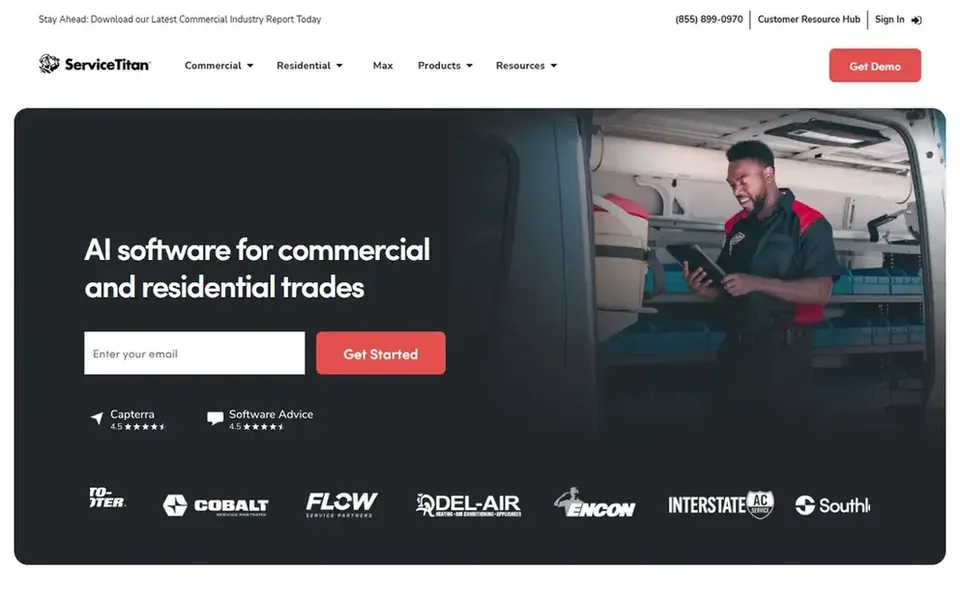
Best for: Contractors tracking equipment across visits and projects
Think of ServiceTitan for contractors tracking equipment across visits and projects. ServiceTitan is an all-in-one software designed for home and commercial contractors, built to keep service visits and construction projects running smoothly.
What to check first: Setup needs planning around your workflows.
Ask ServiceMax, FieldEdge, Zoho FSM and ServiceTitan for a written quote, since no starting price is shown.
Take the trial from Housecall Pro, Zoho FSM and ServiceTitan and push a live task through it before you pay.
Before choosing Housecall Pro, weigh its main limit: equipment tracking depth varies by workflow.
Test how quickly ServiceTitan answers a pre-sales question; it hints at how support will feel later.
Run a one or two week pilot of ServiceMax with the people who will use it every day.
How we picked
Ainotely used vendor pricing pages and product documentation as the base, then compared plans, free access and documented limits for 5 tools. Where a price is missing, the vendor does not list one publicly or ties it to a quote. Always confirm before budgeting. Position on the page reflects fit for a typical buyer first, with price clarity and free access breaking ties. Treat it as a guide, not a ruling. The same method was used for each of the 5 equipment tracking software picks on this page.
Every price and plan detail on this page comes from the vendors’ own websites. We did not run hands-on tests unless the text says so, and we do not publish star ratings or review scores. See how we score and our disclosure.
Keep your shortlist in one place
Paste prices, trial dates and notes from this guide into Ainotely, our AI note app. It files them into a topic and pulls out tasks like “cancel trial by Friday”. Free 7-day trial, no card needed.
Does any tool for equipment tracking software here have a free plan?
No tool in this list, Housecall Pro and ServiceTitan included, has a permanent free plan. Housecall Pro, Zoho FSM, ServiceTitan offer a trial. Trials and quotes are the usual route, so plan a short evaluation period. For the full picture, the cards above cover all 5 entries of this equipment tracking software list, including price, free plan and limits.
What should equipment tracking software contain for field service teams?
Look for a clear link between equipment records and the jobs, dispatches and service history attached to them. Scheduling, customer records and reporting should link to those assets so the office and field see the same information.
How do asset-centric systems differ from general field service software?
Asset-centric systems like ServiceMax are built around installed equipment and uptime, so asset history drives the workflow. Choose based on whether equipment uptime or job throughput is the center of your business.
Can I try these options before paying?
Often, yes. Housecall Pro, Zoho FSM and ServiceTitan offer a free trial. Use your own data and a real task during the test, and check what the free tier or trial limits before you rely on it. Pricing, free plan details and limits for all 5 tools in this equipment tracking software roundup sit on the individual cards above.
How should I evaluate a product before committing?
Start by listing the equipment details and workflows your team uses every day, then check that each shortlisted product handles them. A structured demo concentrated on your own scenarios reveals more than a general overview.
How are the tools for equipment tracking software ordered?
The order follows typical fit for equipment tracking software, with Housecall Pro first and ServiceTitan last, then price clarity and free access. It is editorial judgement, not a score, so another team could rank the tools differently.