Acumatica comes first here, mainly for cloud and mobile access with live visibility. If your case is different, SAP Business One suits small and midsize firms wanting core ERP and SYSPRO suits manufacturing and distribution operations. The remaining 2 options are covered below with prices and limits.
Choosing ERP software for small teams usually comes down to price, fit and limits. This Ainotely guide sets 5 tools side by side on those three points, with the facts kept short and checkable.
Key takeaways
Acumatica sits first on this list: cloud and mobile access with live visibility.
Odoo is the only tool of the 5 with a free plan.
Odoo fits modular open source apps on one platform.
What to know about SAP Business One first: core focus may not include every niche workflow.
Pricing across the list, from Acumatica to Odoo, is by quote only.
Best for: Cloud and mobile access with live visibility
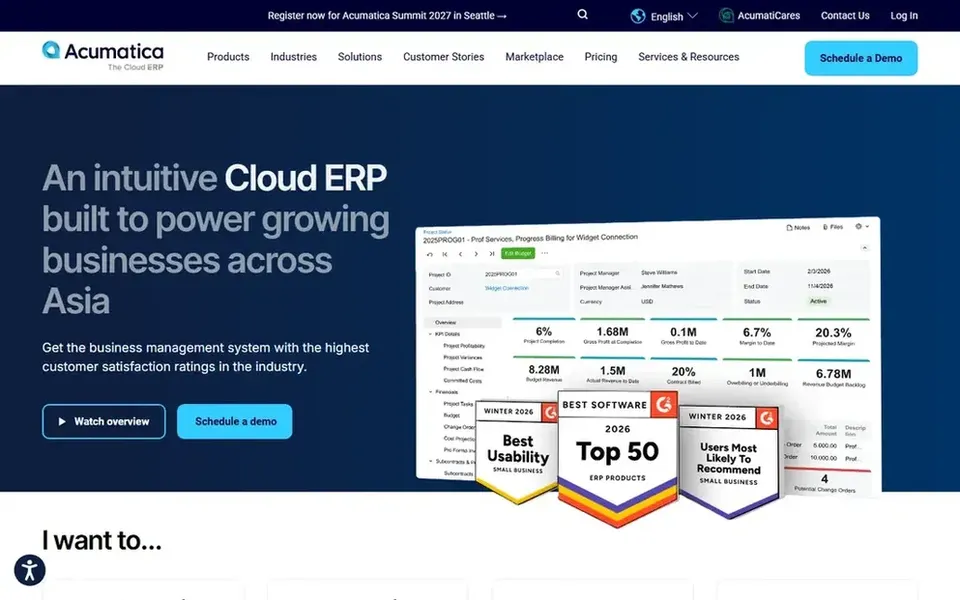
Choose Acumatica for cloud and mobile access with live visibility. Consider Acumatica when mobile access and a live view of operations are central to how your team works.
From a buyer's view, for small teams working across locations or devices, that emphasis on access and visibility can matter as much as individual features. Check the vendor site for Acumatica pricing; none is listed in this comparison. Free options: Not stated.
Honest limits: Licensing model needs careful review.
Best for: Small and midsize firms wanting core ERP
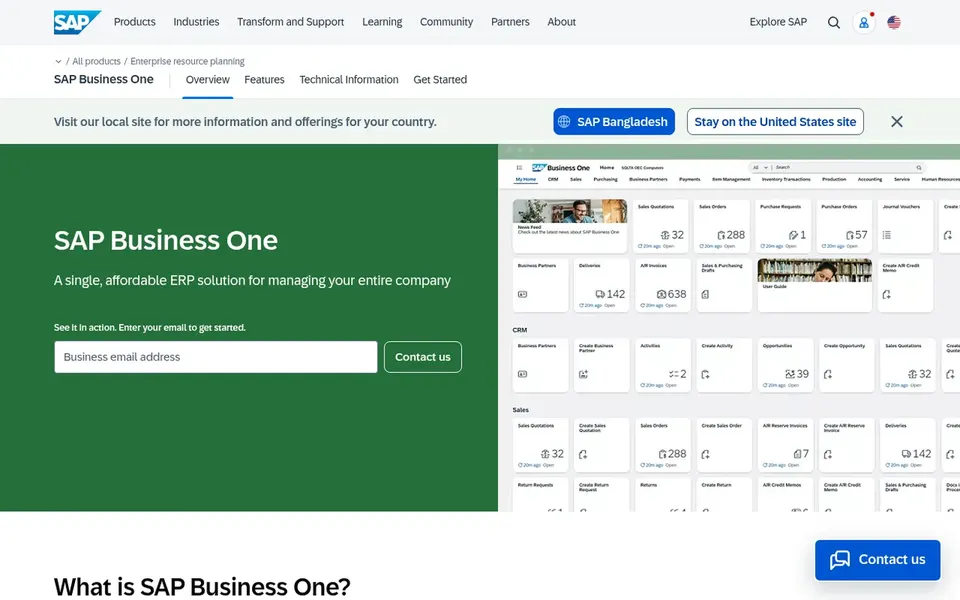
SAP Business One is built with small and midsize firms wanting core ERP in mind. SAP Business One is described as ERP software for small firms, managing accounting, inventory, sales and purchasing in one complete system. That makes it a natural fit for small teams that want the essentials of an ERP in a single place instead of a patchwork of point tools.
Where it is weaker: Implementation needs structured planning.
In daily use, small teams with very light processes may also find a full ERP more than they need. Since it centers on core business management, teams with specialized needs for example complex discrete manufacturing may find other choices better aligned. Pricing for SAP Business One is not stated here, so ask the vendor for current figures. Free access: Not stated.
Best for: Manufacturing and distribution operations
Choose SYSPRO for manufacturing and distribution operations. SYSPRO gives you ERP software for manufacturing and distribution, with cloud options designed to ease operations and support growth. Small teams in those sectors get a system shaped around their workflows instead of a generic business suite.
Downsides: Narrow industry focus.
Small teams with minimal operational complexity may also find the emphasis on automation unnecessary. For everyday use, the manufacturing and distribution focus means organizations outside those industries should look at broader products. Check the vendor site for SYSPRO pricing; none is listed in this comparison. Free access: Not stated.
Best for: Unified cloud financials, CRM and inventory
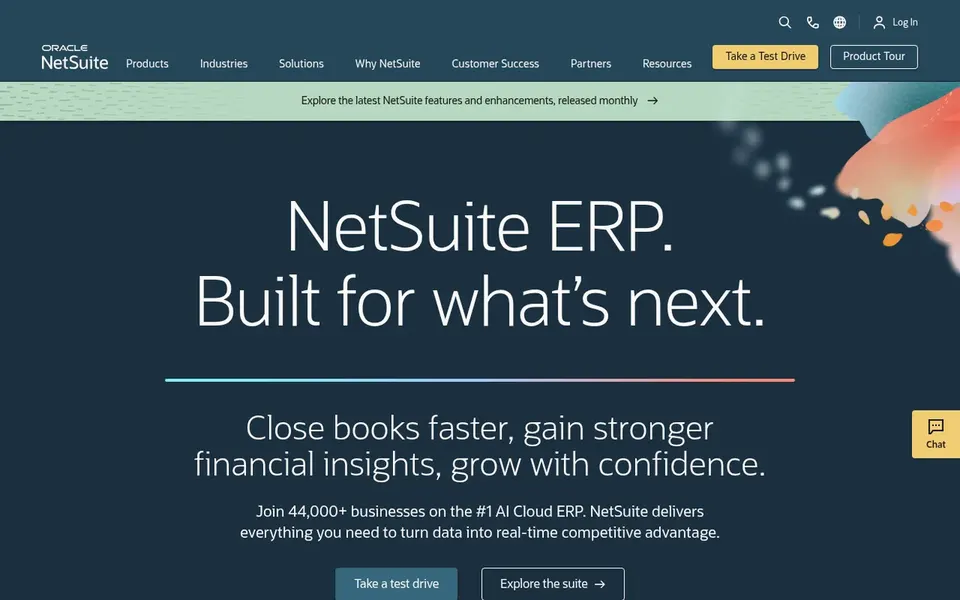
NetSuite is a good fit for unified cloud financials, CRM and inventory. For a small team that expects to grow, that breadth means fewer separate tools to stitch together. The built-in AI is positioned to turn everyday data into action.
Worth adding: teams with narrow requirements, like only entry-level bookkeeping, may prefer a more straightforward system. Consider NetSuite when you want one cloud suite for finance and customer data and are prepared to invest time in configuration. NetSuite shows no starting price here, so confirm the cost on the vendor site. On free options: Not stated.
Honest limits: Wide suite may exceed straightforward needs.
Odoo is aimed squarely at modular open source apps on one product. Pick Odoo when modularity and an open source path appeal to your team and you can dedicate time to selecting the right apps.
In practice, support and configuration needs vary based on deployment choice. More specifically, the breadth of integrated apps means small teams must scope carefully to avoid enabling more than they can manage. No starting price is listed for Odoo here; confirm pricing on the vendor site. Odoo has a free plan.
The main drawbacks: Plenty of apps can complicate initial setup.
Ask each vendor, from Acumatica to Odoo, for a written quote; none of them publishes a starting price.
Look at the free plan from Odoo closely: its caps decide whether it is usable for real work.
Before choosing Acumatica, weigh its main limit: licensing model needs careful review.
Work out what SAP Business One costs with your real seat count, add-ons and usage, not just the entry price.
Ask NetSuite about contract length, onboarding fees and user minimums before you sign.
How we picked
Selection started from tools commonly considered for ERP software for small teams, then narrowed to 5 that have clear pricing information or a clear quote process. Figures are shown as the vendors publish them. Billing terms, seat minimums and add-ons can change the real cost. The order reflects how well each tool fits the most common buying scenario for ERP software for small teams, then price clarity, then free plan access. It is a starting point, not a verdict.
Every price and plan detail on this page comes from the vendors’ own websites. We did not run hands-on tests unless the text says so, and we do not publish star ratings or review scores. See how we score and our disclosure.
Keep your shortlist in one place
Paste prices, trial dates and notes from this guide into Ainotely, our AI note app. It files them into a topic and pulls out tasks like “cancel trial by Friday”. Free 7-day trial, no card needed.
How are the tools for ERP software for small teams ordered?
The order follows typical fit for ERP software for small teams, with Acumatica first and Odoo last, then price clarity and free access. It is editorial judgement, not a score, so another team could rank the tools differently.
Which options for ERP software for small teams have a free plan?
Odoo is the only tool in this list with a free plan. Free plans usually cap users, projects or features, so check the limits on the vendor page.
Which ERP is a good match for a small team that wants one cloud suite?
Acumatica is the pick this page puts first, mainly for cloud and mobile access with real-time visibility. If your situation differs, SAP Business One suits small and midsize firms wanting core ERP, and SYSPRO suits manufacturing and distribution operations. Compare price and limits before you decide.
How do I evaluate ERP choices without overspending time?
Then confirm deployment options, configuration approach and integration needs straight with the vendors. Keeping the evaluation centred on documented features and stated limits helps small teams avoid unnecessary complexity.
Can I try these tools before paying?
Often, yes. Odoo has a free plan. Use your own data and a real task during the test, and check what the free tier or trial limits before you rely on it.
Is open source ERP a solid fit for small teams?
Odoo provides open source ERP and CRM with a wide set of integrated apps. Teams can download it or use it in the cloud. That adaptability can suit small teams that want to add capabilities gradually.