Best ETL Tools in 2026: 8 Options Compared

- The strongest all round option for most readers in this group is Fivetran, which pairs a clear fit with a plan structure that is easy to understand.
- Airbyte is the option to check first if price or a free plan matters most, while Talend suits readers who need a more specialised feature set.
- Prices and free limits change often, so confirm the current plan page before you pay, and start with a free plan or trial when one is offered.
- The best choice depends on your current tools, your budget and how much setup time you can give it, not on the longest feature list.
Quick comparison
| Product | Ideal for | Price from | Free version | |
|---|---|---|---|---|
 Fivetran | Automated data pipelines | See website | Yes | Visit |
 Airbyte | Open source pipelines | See website | Yes | Visit |
 Talend | Enterprise data integration | See website | Yes | Visit |
 Informatica | Enterprise data management | See website | No | Visit |
 Stitch | Simple cloud pipelines | See website | Yes | Visit |
 Hevo Data | No code pipelines | See website | Yes | Visit |
 AWS Glue | AWS based data teams | See website | No | Visit |
 Azure Data Factory | Microsoft data teams | See website | No | Visit |
The best etl tools
We compared official feature pages, pricing pages, app store listings, privacy policies and public reviews for this group. The options below cover the well known leaders and strong smaller choices, and each one has a different strength. Read the fit line first, then check the price and the honest drawback before you decide.
Fivetran
Ideal for: Automated data pipelines
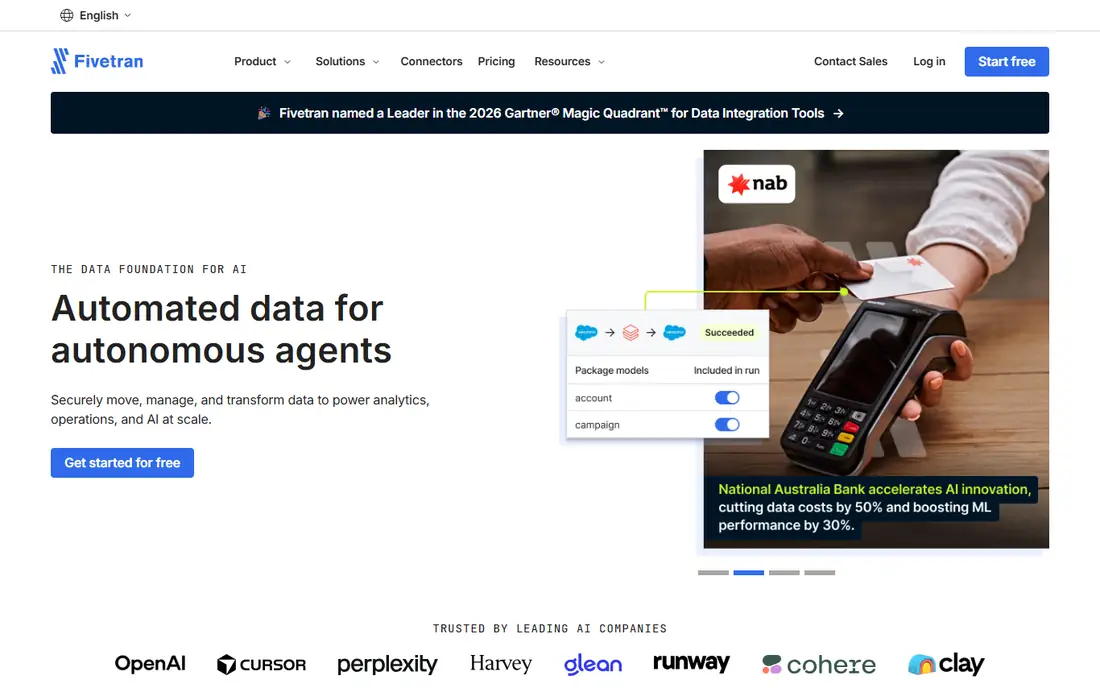
For readers who want a clear starting point, this option earns its place because its automated connectors suit teams that want pipelines without constant maintenance. It fits readers who want automated data pipelines, and it is a sensible first test if that description matches your daily work. The public material we reviewed points to a clear use case here, rather than a vague promise to suit everyone. High volume data can raise costs, so model usage before scaling. That limit matters most when you plan to use the service every day or share it with a team. Before you commit, check the current pricing page, the free plan limits and the cancellation terms, and try the free option or trial with a real task from your own work.
- Automated connectors
- Low maintenance
- Quick setup
- Usage based cost grows with volume
- Custom sources need work
Airbyte
Ideal for: Open source pipelines
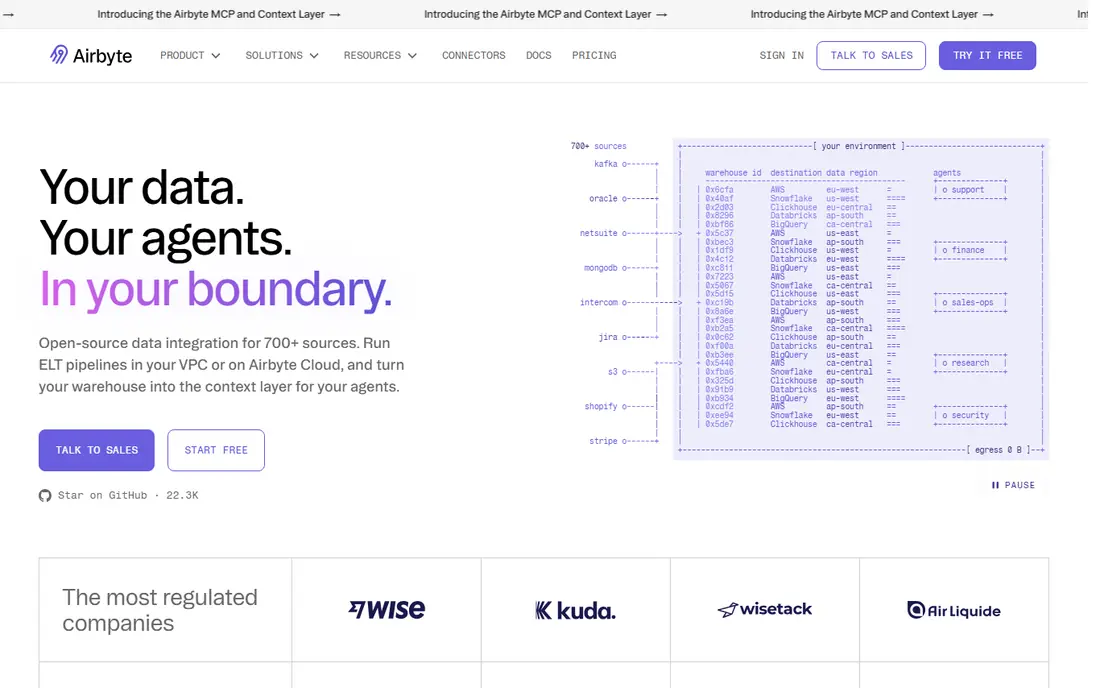
This is a practical choice when its open source range suits teams that want flexibility and many connectors. It fits readers who want open source pipelines, and it is a sensible first test if that description matches your daily work. The public material we reviewed points to a clear use case here, rather than a vague promise to suit everyone. Self hosting needs engineering time, so small teams may prefer the cloud option. That limit matters most when you plan to use the service every day or share it with a team. Before you commit, check the current pricing page, the free plan limits and the cancellation terms, and try the free option or trial with a real task from your own work.
- Open source connectors
- Cloud and self hosted
- Large connector range
- Self hosting needs upkeep
- Cloud pricing varies
Talend
Ideal for: Enterprise data integration
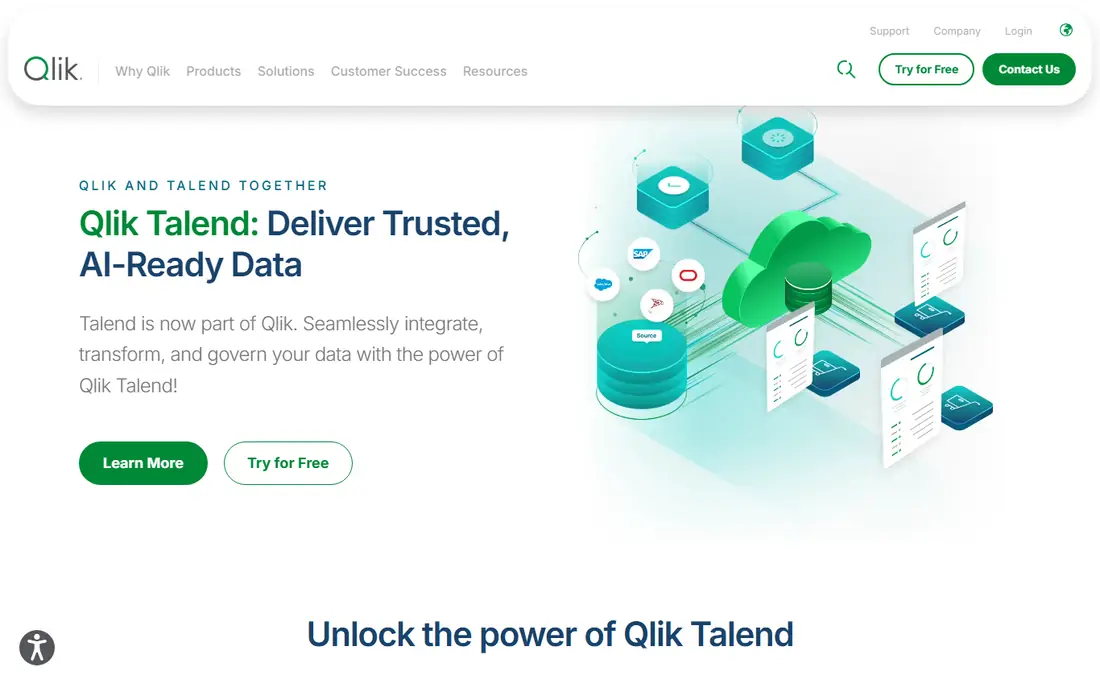
We put this option on the list because its breadth suits enterprises that need integration, quality and governance together. It fits readers who want enterprise data integration, and it is a sensible first test if that description matches your daily work. The public material we reviewed points to a clear use case here, rather than a vague promise to suit everyone. Small teams may find the setup heavy for simple pipelines. That limit matters most when you plan to use the service every day or share it with a team. Before you commit, check the current pricing page, the free plan limits and the cancellation terms, and try the free option or trial with a real task from your own work.
- Broad integration
- Data quality
- Governance features
- Complexity is high
- Pricing varies by edition
Informatica
Ideal for: Enterprise data management
If your main concern is fit rather than hype, consider this one because its platform suits large companies with complex data estates. It fits readers who want enterprise data management, and it is a sensible first test if that description matches your daily work. The public material we reviewed points to a clear use case here, rather than a vague promise to suit everyone. Smaller firms should start with a simpler pipeline tool. That limit matters most when you plan to use the service every day or share it with a team. Before you commit, check the current pricing page, the free plan limits and the cancellation terms, and try the free option or trial with a real task from your own work.
- Broad connectors
- Cloud platform
- Governance
- Enterprise price
- Implementation takes time
Stitch
Ideal for: Simple cloud pipelines
This option stands out in this group because its simple setup suits small teams that need common sources moved quickly. It fits readers who want simple cloud pipelines, and it is a sensible first test if that description matches your daily work. The public material we reviewed points to a clear use case here, rather than a vague promise to suit everyone. For custom or less common sources, check connector coverage first. That limit matters most when you plan to use the service every day or share it with a team. Before you commit, check the current pricing page, the free plan limits and the cancellation terms, and try the free option or trial with a real task from your own work.
- Simple setup
- Common connectors
- Quick start
- Connector range is narrower than larger rivals
- Pricing varies
Hevo Data
Ideal for: No code pipelines
A shortlist without this option would feel incomplete, since its no code setup suits analysts who want pipelines without engineering help. It fits readers who want no code pipelines, and it is a sensible first test if that description matches your daily work. The public material we reviewed points to a clear use case here, rather than a vague promise to suit everyone. High event volumes should be modelled before committing. That limit matters most when you plan to use the service every day or share it with a team. Before you commit, check the current pricing page, the free plan limits and the cancellation terms, and try the free option or trial with a real task from your own work.
- No code setup
- Real time options
- Broad sources
- Pricing grows with events
- Advanced transforms need care
AWS Glue
Ideal for: AWS based data teams
This is worth a close look when its AWS links suit teams already on AWS that want serverless ETL. It fits readers who want aws based data teams, and it is a sensible first test if that description matches your daily work. The public material we reviewed points to a clear use case here, rather than a vague promise to suit everyone. Outside AWS, a cloud neutral tool may be simpler. That limit matters most when you plan to use the service every day or share it with a team. Before you commit, check the current pricing page, the free plan limits and the cancellation terms, and try the free option or trial with a real task from your own work.
- AWS integration
- Serverless jobs
- Data catalogue
- Best inside AWS
- Learning curve for Glue jobs
Azure Data Factory
Ideal for: Microsoft data teams
We included this option because its Azure links suit Microsoft based data teams. It fits readers who want microsoft data teams, and it is a sensible first test if that description matches your daily work. The public material we reviewed points to a clear use case here, rather than a vague promise to suit everyone. Outside Azure, check whether a neutral tool fits better. That limit matters most when you plan to use the service every day or share it with a team. Before you commit, check the current pricing page, the free plan limits and the cancellation terms, and try the free option or trial with a real task from your own work.
- Azure integration
- Visual pipelines
- Broad connectors
- Best inside Azure
- Pricing needs care
How we picked these
We compared official feature pages, pricing pages, app store listings, privacy policies and public reviews. We kept only products that exist and work in October 2026 and that truly fit the topic, and we left out options that looked similar but served a different job. Where a price could not be verified on the vendor page, we wrote See website instead of guessing. We also weighed who each product is really for, what it does well in daily use, and where it falls short. A product can be excellent for one reader and a poor fit for another, so the write-ups below focus on fit, cost and limits rather than on praise alone.
How to pick an ETL tool
List your sources, destinations and data volume first. A tool that lacks one key connector will not work, no matter how good its other features are. Next, decide who will build pipelines: engineers, analysts or both. No code tools suit analysts, while code friendly tools suit engineers who need custom transforms. Finally, model cost at your real volume, including rows, events and destinations. Usage based pricing can look cheap in a trial and grow fast in production.
Frequently asked questions
What does ETL mean?
ETL means extract, transform and load: taking data from sources, cleaning or reshaping it, and loading it into a warehouse or database for analysis.
What is the best ETL tool for small teams?
Fivetran and Stitch suit small teams for common sources, while Airbyte offers an open source path. Start with connector coverage for your sources.
Is Airbyte really free?
Airbyte offers an open source version you can self host for free, plus a paid cloud option. Self hosting saves licence fees but needs engineering time.
Do I need ETL if I use a data warehouse?
Most warehouses need pipelines to move data in. Some warehouses offer built in loading, but ETL tools handle many sources, transforms and schedules more cleanly.