Best Event Registration Software in 2026: 7 Tools Compared

- 1
 EventbriteMost ticketed eventsVisit
- 2
 CventLarge conferences and corporate eventsVisit
- 3
 WhovaConferences with an attendee appVisit
- 4
 RingCentral EventsVirtual and hybrid eventsVisit
- 5
 TicketleapLow-fee ticketingVisit
- Eventbrite is the best starting point for most ticketed events, with free setup and attendee discovery.
- Cvent suits large conferences and corporate events with complex registration needs.
- Whova adds an attendee app, networking and agenda tools for conferences.
- RegFox and Ticketleap offer lower fees for organizers who want to keep more of each ticket.
Quick comparison
| Product | Ideal for | Price from | Free version | |
|---|---|---|---|---|
| Eventbrite | Most ticketed events | Free | Yes | Visit |
| Cvent | Large conferences and corporate events | See website | No | Visit |
| Whova | Conferences with an attendee app | See website | No | Visit |
| RingCentral Events | Virtual and hybrid events | See website | Free trial | Visit |
| Ticketleap | Low-fee ticketing | See website | Yes | Visit |
 RegFox | Low-cost registration for organizers | See website | No | Visit |
 Splash | Branded event pages and invites | See website | Free trial | Visit |
The best event registration software
Event registration software handles tickets, attendee details, payments and check-in, and the best tools also help with schedules, emails and reports. The list below covers free options for small events and full platforms for conferences, with notes on fees, since ticket fees are where costs hide.
Eventbrite
Ideal for: Most ticketed events
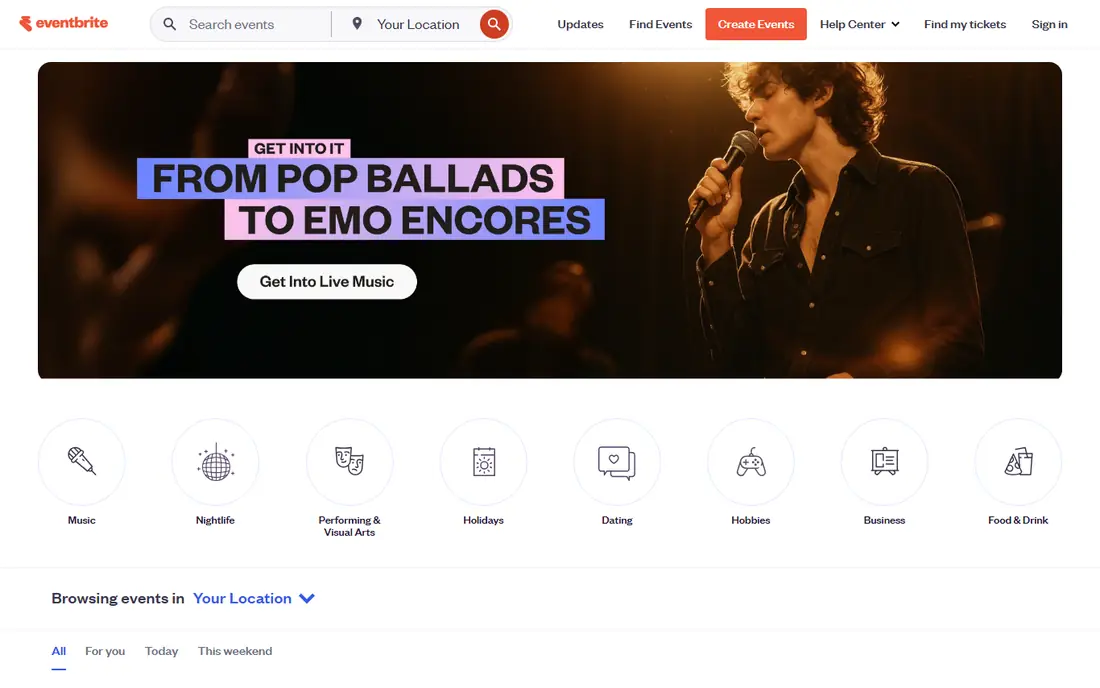
Eventbrite is the default for ticketed events because setup is fast and attendees already know it. Organizers create an event page, set ticket types and discounts, and use the mobile app for check-in, while Eventbrite discovery can bring extra attendees. Free events cost nothing to list.
Paid events carry per-ticket fees, and page customization is limited compared with dedicated conference platforms. Large conferences may also need more agenda and networking tools. For most workshops, concerts and community events, Eventbrite is the simplest choice.
For readers focused on most ticketed events, Eventbrite is worth a trial before deciding, since the free tier or trial shows its real feel fast. Check the current plan details on the vendor site, since prices and limits change, and confirm that the version you need works on your devices.
- Easy setup
- Large attendee discovery
- Mobile check-in
- Per-ticket fees on paid events
- Customization is limited
Cvent
Ideal for: Large conferences and corporate events
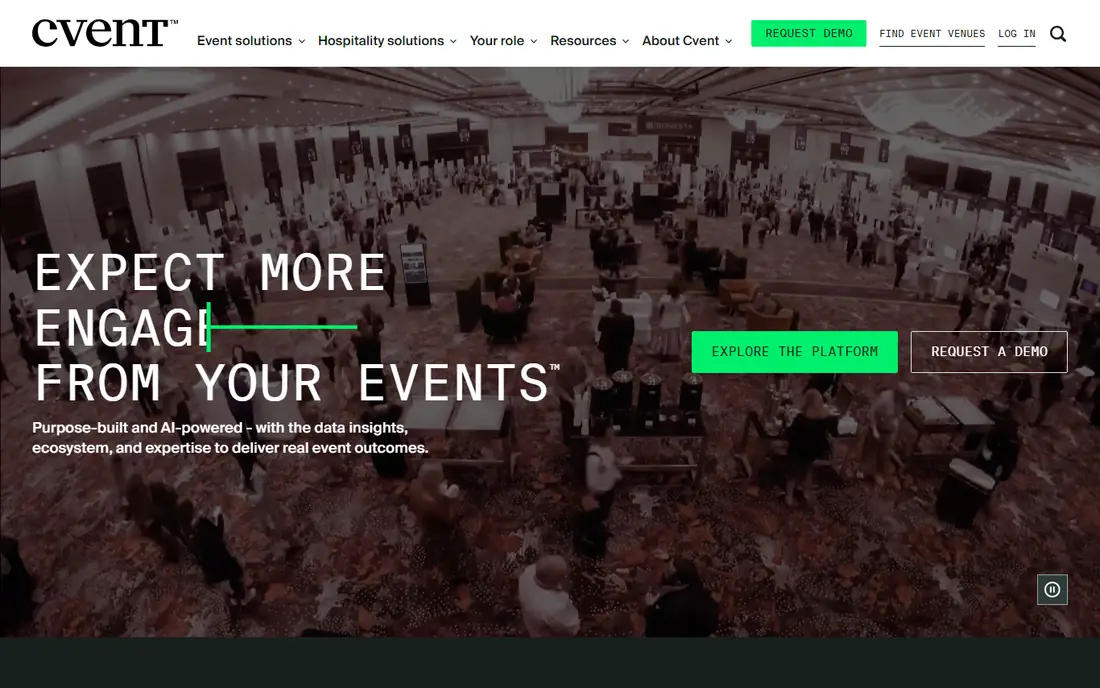
Cvent is the enterprise platform for large conferences and corporate events, with registration, housing, abstract management and detailed reporting in one system. Its workflows handle complex ticket types, approvals and group bookings that simpler tools cannot, and its support suits large teams.
Pricing is enterprise level, and setup is heavy for a small event. Organizers running a single workshop will find it more than they need. For conferences with thousands of attendees and complex needs, Cvent is the standard.
We would shortlist Cvent for large conferences and corporate events, and compare it directly with the two options nearest it in price before paying. Check the current plan details on the vendor site, since prices and limits change, and confirm that the version you need works on your devices.
- Full registration and housing tools
- Complex workflows
- Enterprise reporting
- Enterprise pricing
- Setup is heavy for small events
Whova
Ideal for: Conferences with an attendee app
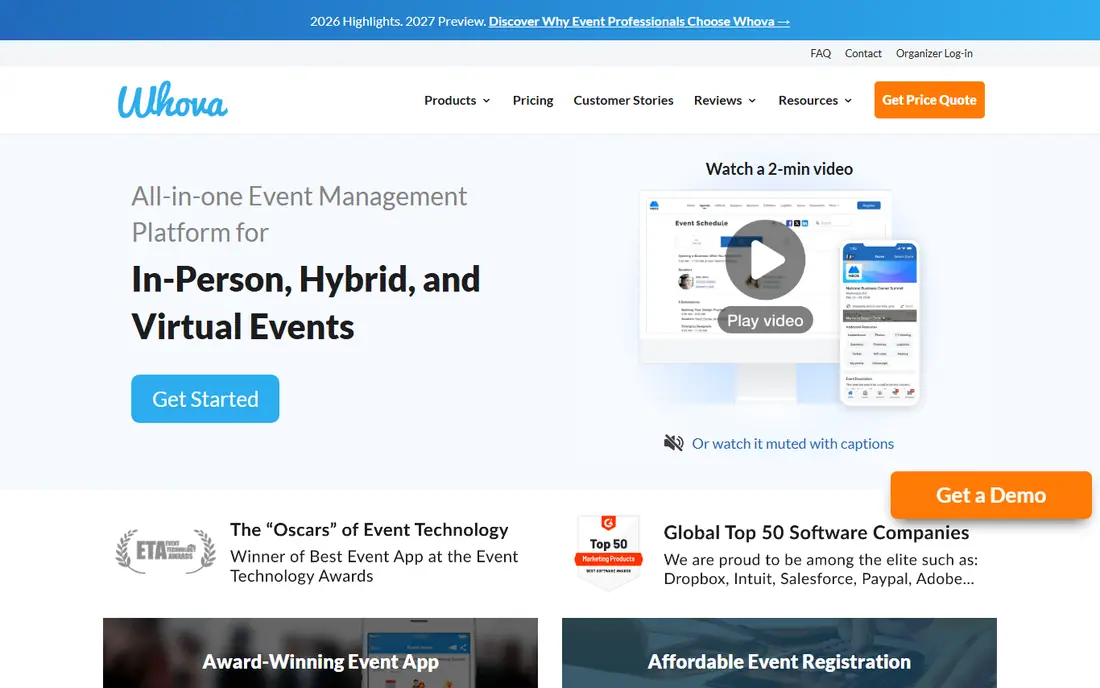
Whova combines registration and ticketing with a strong attendee app that includes agendas, networking, announcements and live polls. Conference attendees get more from the event, and organizers get analytics on sessions and engagement. It suits multi-day conferences where the app matters as much as the ticket.
Pricing varies by event size, and setting up the app well takes time. Small single-session events may not need its depth. For conferences that want an engaging attendee experience, Whova is a leading choice.
If conferences with an attendee app is your main need, Whova deserves a place on a shortlist, provided you test the catch described above first. Check the current plan details on the vendor site, since prices and limits change, and confirm that the version you need works on your devices.
- Attendee app with agenda and networking
- Registration and ticketing
- Analytics
- Pricing varies by event size
- App setup takes time
RingCentral Events
Ideal for: Virtual and hybrid events
RingCentral Events, formerly Hopin, handles virtual and hybrid events with registration, streaming, networking and expo features. Its virtual stages and breakout rooms suit online conferences, and hybrid tools connect in-person and remote attendees. Organizers running online-first events will find its feature set complete.
Older guides use the Hopin name, which can confuse research, and pricing varies by event size and features. In-person-only events may prefer a simpler tool. For virtual and hybrid conferences, it is a strong platform.
Our view is that RingCentral Events earns its place here for virtual and hybrid events, even with the limits noted above. Check the current plan details on the vendor site, since prices and limits change, and confirm that the version you need works on your devices.
- Virtual and hybrid event tools
- Registration and streaming
- Networking features
- Formerly Hopin, so older guides use the old name
- Pricing varies
Ticketleap
Ideal for: Low-fee ticketing
Ticketleap offers ticketing with lower fees than major rivals, which matters for organizers on thin margins. Setup is simple, ticket pages are clean, and mobile check-in covers the door. Small venues, classes and community events benefit most from its pricing.
Its discovery audience is smaller than Eventbrite, and its conference features are fewer than Cvent or Whova. Organizers who rely on platform discovery may miss that traffic. For organizers with their own audience who want lower fees, Ticketleap is attractive.
For readers focused on low-fee ticketing, Ticketleap is worth a trial before deciding, since the free tier or trial shows its real feel fast. Check the current plan details on the vendor site, since prices and limits change, and confirm that the version you need works on your devices.
- Lower fees than major rivals
- Simple setup
- Mobile check-in
- Smaller discovery audience
- Fewer conference features
RegFox
Ideal for: Low-cost registration for organizers
RegFox is known for low per-registrant fees and flexible registration forms with conditional logic, discounts and group options. Organizers who run many events save meaningfully compared with percentage-fee platforms, and its forms handle complex registrations well.
There is no free tier, and its design tools are simpler than Eventbrite or Whova. Organizers who want polished event pages may need extra design work. For cost-conscious organizers with complex forms, RegFox is a smart pick.
We would shortlist RegFox for low-cost registration for organizers, and compare it directly with the two options nearest it in price before paying. Check the current plan details on the vendor site, since prices and limits change, and confirm that the version you need works on your devices.
- Low per-registrant fees
- Flexible forms
- Conditional logic
- No free tier
- Design tools are simpler than rivals
Splash
Ideal for: Branded event pages and invites
Splash focuses on beautiful, branded event pages and invitations, with RSVP tools and integrations for marketing platforms. It suits corporate events, launches and invite-based gatherings where the page itself is part of the brand. Its templates look polished without design help.
It fits invite-based events better than open public ticketing, and enterprise tiers are pricey. Organizers selling many ticket types may prefer Eventbrite. For branded corporate events, Splash stands out.
If branded event pages and invites is your main need, Splash deserves a place on a shortlist, provided you test the catch described above first. Check the current plan details on the vendor site, since prices and limits change, and confirm that the version you need works on your devices.
- Beautiful branded pages
- Invitation and RSVP tools
- Integrations
- Best for invite-based events
- Ticket fees vary
- Enterprise tiers are pricey
How we picked these
We compared official feature pages, pricing pages, app store listings, privacy policies and public reviews for each option below. We checked that each product is still available and that its stated plans match what the vendor publishes. We did not run hands-on tests, so our picks rest on documented features, pricing and the fit for the reader described in each section, not on lab results. Where a price could not be confirmed on the vendor site at the time of writing, we wrote See website rather than guessing. We also looked at how each option handles the everyday details that decide whether a tool gets used: setup time, device support, what happens when you cancel or downgrade, and whether help is available when something breaks. A product that looks strong on a feature list but is hard to set up, hard to leave, or poorly supported will cost more in time than it saves, so we weighed those practical points alongside price and features. Where reviewers or users reported a recurring problem, we noted it in the honest catch for that product, rather than leaving it out because the vendor page did not mention it.
How to choose registration software for your event
Start with ticket types and fees. Free events need different tools than paid ones, and a percentage fee per ticket adds up fast on a large conference. Check check-in options, since a slow door ruins a good event, and confirm the tool handles refunds, discounts and group bookings the way you need. Look at the attendee experience too: a confusing checkout loses registrations. Finally, test the full flow yourself, from ticket purchase to check-in, before announcing the event.
A final check before you commit
Run a short trial on a real task before you pay for a year or move a whole team. Use the free plan or trial to complete one full job, from setup to export or delivery, and note where you got stuck. Check the cancellation path too: can you leave and keep your data, or does leaving mean starting over? Read the pricing page for renewal rates, not just the first-year offer, and confirm what support you get on the plan you will actually buy. Finally, ask one current user about the worst part of the product, since that answer tells you more than any feature list. If the trial feels good on a real task and the exit path is clear, the choice is much safer.
Frequently asked questions
What is the best event registration software?
Eventbrite is the best starting point for most ticketed events, with easy setup and a large audience. Cvent suits large conferences, Whova adds a strong attendee app, and RegFox offers lower fees for budget-conscious organizers.
Is event registration software free?
Several tools are free to set up, with costs coming from per-ticket fees on paid events. Free events are often free on Eventbrite and similar platforms, while paid events usually carry a service fee per ticket.
What fees do event platforms charge?
Fees vary, but many platforms charge a percentage plus a fixed amount per paid ticket, sometimes plus payment processing. RegFox and Ticketleap are known for lower fees, so compare total per-ticket cost at your ticket price.
Can registration software handle check-in?
Yes. Most tools offer mobile check-in apps, QR code scanning and attendee lists, which speed up entry and track attendance. Larger platforms add badge printing and session check-in for conferences.
Do I need a separate event app?
Not always. Registration tools often include basic attendee pages, while conference platforms such as Whova add full apps with agendas, networking and announcements. Choose based on whether attendees need schedules and messaging during the event.