Best Expense Reporting Dashboard Software in 2026: 8 Tools Compared

- 1
 ExpensifyTeams that want simple expense reports and cardsVisit
- 2
 RampCompanies that want cards plus expense controlVisit
- 3
 BrexStartups and growing firms that want cards and spend toolsVisit
- 4
 NavanCompanies that want travel plus expense in one dashboardVisit
- 5
 SAP ConcurLarge enterprises that need policy-heavy expense controlVisit
- Expensify stands out for teams that want simple expense reports and cards, which makes it a strong starting point for that need.
- Ramp stands out for companies that want cards plus expense control, which makes it a strong starting point for that need.
- Brex stands out for startups and growing firms that want cards and spend tools, which makes it a strong starting point for that need.
- Navan stands out for companies that want travel plus expense in one dashboard, which makes it a strong starting point for that need.
- Prices and free plans vary widely across this list, so check the vendor pricing page for your team size or usage before you commit.
Quick comparison
| Product | Ideal for | Price from | Free version | |
|---|---|---|---|---|
| Expensify | Teams that want simple expense reports and cards | $5 per user per month | Free trial | Visit |
| Ramp | Companies that want cards plus expense control | Free | Yes | Visit |
| Brex | Startups and growing firms that want cards and spend tools | Free | Yes | Visit |
| Navan | Companies that want travel plus expense in one dashboard | See website | No | Visit |
| SAP Concur | Large enterprises that need policy-heavy expense control | See website | No | Visit |
 Zoho Expense | Small teams that want affordable expense tracking | Free | Yes | Visit |
 Rydoo | International teams that want expense plus travel | See website | No | Visit |
 Fyle | Teams that want expenses inside existing tools | See website | No | Visit |
The best expense reporting dashboard software
We compared official feature pages, pricing pages, app store listings, privacy policies, and public reviews to build this list, and we focused on tools that truly fit best expense reporting dashboard software rather than general tools with a passing connection. The eight options below cover different budgets, team sizes, and priorities, so start with the best-for notes and read the full write-up for any tool that matches your situation.
Expensify
Ideal for: Teams that want simple expense reports and cards

Expensify is the best-known expense tool for many small and mid-size teams, with receipt scanning, expense reports, approvals, and corporate cards. Its dashboard shows spend by employee, category, and project, giving finance a clear view without spreadsheet work. Starting at $5 per user per month, it is accessible for small teams.
Advanced controls and integrations sit on higher tiers, so larger firms should check plan details. For teams that want expense reporting that staff actually use, Expensify ease and receipt tools stand out. Try it with your real expense categories.
Before you commit, check the current pricing page and trial terms for your team size, since plans change and the right tier depends on how many people will actually use the tool daily.
- Receipt scanning, expense reports, and corporate cards
- Easy to use
- Advanced controls sit on higher tiers
- Pricing varies by plan
Ramp
Ideal for: Companies that want cards plus expense control
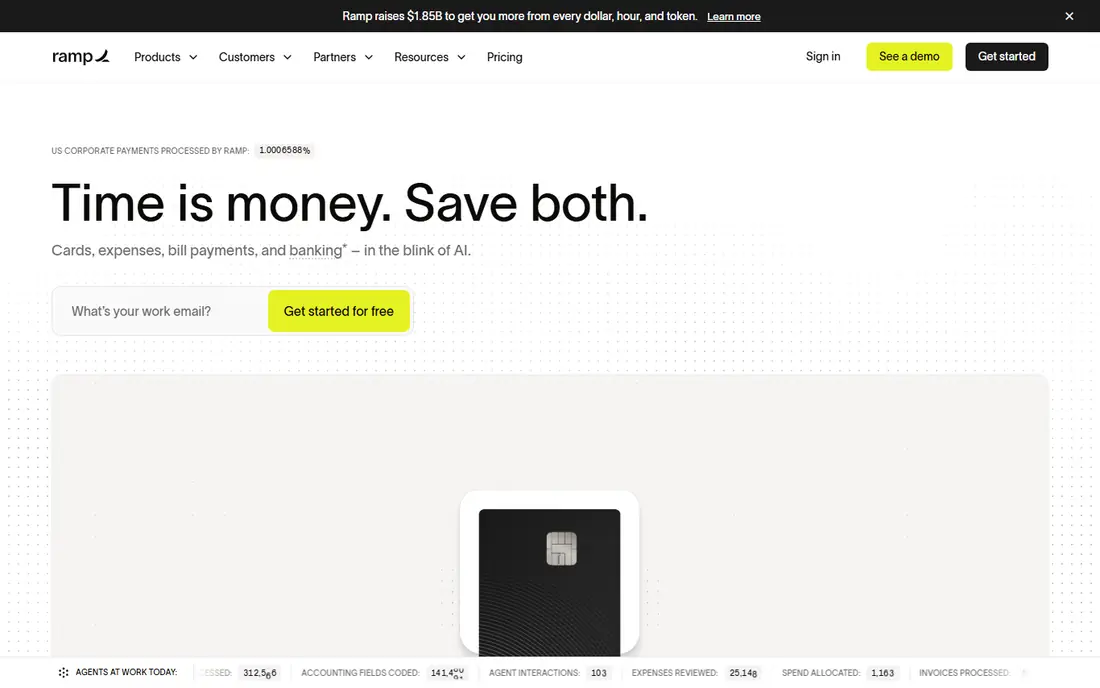
Ramp pairs corporate cards with expense management, so spending controls apply at the card, not just at report time. Its dashboard shows real-time spend, flags out-of-policy charges, and automates receipt matching. The core platform is free, with revenue from card use, which makes it attractive for growing firms.
Some features work best when teams use Ramp cards, so firms that keep existing cards may see less value. For companies willing to switch cards, Ramp control and automation are strong. Check card acceptance and limits for your spending patterns.
Before you buy, run a short trial with your real data and your real workflow, since a demo with sample data hides the friction points that matter once the whole team is involved.
- Corporate cards with built-in controls
- Expense automation
- Free core platform
- Revenue comes from card interchange
- Some features need card use
Brex
Ideal for: Startups and growing firms that want cards and spend tools
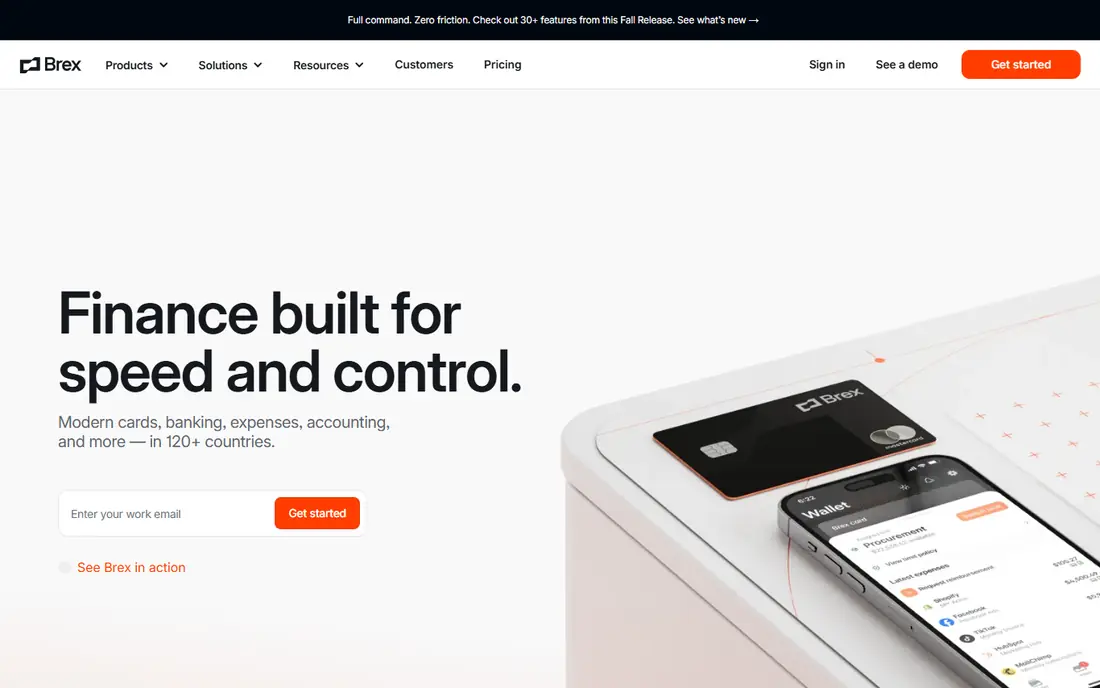
Brex offers corporate cards, expense management, and travel booking in one platform, with a dashboard that shows spend in real time. Startups and growing firms value the combined cards and controls, plus integrations with accounting systems. The core platform is free, funded by card economics.
Card approval depends on company profile, and some features need Brex card use. For firms that want cards, expenses, and travel together, Brex breadth is appealing. Confirm eligibility and accounting integrations before switching cards.
Before you decide, confirm integration with the tools you already use and check what support hours and onboarding help are included, since those details matter more than a feature list once you are live.
- Corporate cards, expense management, and travel tools
- Free core platform
- Card approval depends on company profile
- Some features need card use
Navan
Ideal for: Companies that want travel plus expense in one dashboard
Navan, formerly TripActions, combines travel booking with expense management, so trip costs and expenses appear in one dashboard. Finance teams see travel spend alongside other expenses, and policies apply at booking time, not just at reporting. That link suits firms with heavy travel spending.
Pricing is quote-based and the travel focus may exceed what firms that only need expense reports want. For travel-heavy companies, Navan joined view is a real advantage. Firms with little travel may prefer Expensify or Ramp.
Before you commit, ask for a quote that covers every user, module, and add-on you need, and compare that total against at least one other tool on this list for the same scope.
- Travel booking and expense management together
- Strong spend visibility
- Quote-based pricing
- Travel focus may exceed pure expense needs
SAP Concur
Ideal for: Large enterprises that need policy-heavy expense control
SAP Concur is the enterprise standard for expense reporting, with deep policy controls, travel integration, and invoice tools. Large firms use it to enforce complex policies across many countries and entities, with dashboards that show spend by department and policy compliance. Its scale and integration depth are unmatched here.
Pricing and setup are enterprise-grade, and small teams will find it heavy. For large firms with complex policies, Concur control and audit trails justify the scope. Smaller firms should choose a lighter tool and revisit Concur as they grow.
Before you commit, check the current pricing page and trial terms for your team size, since plans change and the right tier depends on how many people will actually use the tool daily.
- Enterprise expense, travel, and invoice tools
- Deep policy controls
- Enterprise pricing and setup
- Can feel heavy for small teams
Zoho Expense
Ideal for: Small teams that want affordable expense tracking
Zoho Expense offers receipt scanning, expense reports, approvals, and mileage tracking, with a free tier for small teams. It suits firms already using Zoho Books or other Zoho apps, since expenses flow into accounting cleanly. The dashboard shows spend by category and employee.
Advanced features need paid plans and the best value comes inside the Zoho ecosystem. For small teams that want affordable, straightforward expense reporting, Zoho Expense free tier is a strong start. Check approval workflows against your policy.
Before you buy, run a short trial with your real data and your real workflow, since a demo with sample data hides the friction points that matter once the whole team is involved.
- Free tier for small teams
- Receipt scanning and approvals
- Zoho integrations
- Advanced features need paid plans
- Best inside Zoho ecosystem
Rydoo
Ideal for: International teams that want expense plus travel
Rydoo serves international firms with expense and travel management, including per diem and mileage tools that matter across borders. Its dashboard tracks spend by employee, project, and country, helping finance teams manage multi-country policies. Mobile receipt capture keeps field staff compliant.
Pricing is quote-based and its US presence is smaller than Expensify or Concur. For international teams, Rydoo per diem and multi-country tools stand out. US-only firms may prefer a domestic-focused tool.
Before you decide, confirm integration with the tools you already use and check what support hours and onboarding help are included, since those details matter more than a feature list once you are live.
- Expense and travel management for international firms
- Per diem tools
- Quote-based pricing
- Smaller US presence
Fyle
Ideal for: Teams that want expenses inside existing tools
Fyle lets employees submit expenses from inside Gmail, Slack, and other tools they already use, reducing the need to open a separate expense app. Its dashboard shows spend, approvals, and policy flags, with accounting integrations for finance teams. That embedded approach boosts adoption among busy staff.
Pricing is quote-based and Fyle is newer than Concur or Expensify. For teams whose staff resist another app, Fyle inside-the-workflow design is a genuine advantage. Test submission from your team's actual tools before committing.
Before you commit, ask for a quote that covers every user, module, and add-on you need, and compare that total against at least one other tool on this list for the same scope.
- Expense management that works inside Gmail, Slack, and other apps
- Strong integrations
- Quote-based pricing
- Newer vendor than Concur or Expensify
How we picked these
We started from the topic itself and looked for products that genuinely serve it, not tools that mention it in passing. For each candidate we checked the vendor's own feature and pricing pages, app store listings where relevant, privacy and security pages, and public user reviews, and we dropped any product we could not verify as real and available in October 2026.
We then compared the remaining tools on fit for the stated need, pricing transparency, free or trial options, ease of adoption, and honest weaknesses. Every list below mixes well-known leaders with strong smaller options, and every write-up names a real trade-off, since no tool is best for every team.
Choosing a dashboard finance will actually check
Start with the spend questions finance asks monthly. Which departments overspend, which categories grow, and which employees miss policy, then check whether each dashboard answers those questions without exports. A dashboard that needs spreadsheet work defeats its purpose.
Next, test receipt and approval flows with real staff. If submission is slow or approvals stall, expenses pile up and data goes stale. A two-week trial with actual trips and purchases reveals adoption problems early.
Finally, check accounting integration and policy controls. Expenses should flow into your accounting system cleanly, and policies should flag issues before payment, not after. Compare total cost including cards, and confirm who owns support when a sync breaks.
Frequently asked questions
What is an expense reporting dashboard?
It is the finance view inside expense software, showing spend by employee, category, project, and policy compliance. Dashboards turn individual expense reports into a picture of company spending.
Do expense tools include corporate cards?
Many do. Ramp, Brex, and Expensify offer cards with built-in controls, while others focus on reports and reimbursements. Card-linked tools catch out-of-policy spend earlier than report-only tools.
How do receipt scanning tools work?
Staff photograph receipts and the software reads amounts, dates, and vendors, then matches them to card charges or reports. Good scanning cuts manual entry, but finance should still spot-check high-value receipts.
Are there free expense reporting tools?
Yes. Ramp and Brex offer free core platforms funded by card use, and Zoho Expense has a free tier for small teams. Expensify starts at $5 per user per month with a trial.
When should a firm choose SAP Concur?
Choose Concur when policies are complex, operations span many countries, or audit trails matter at enterprise scale. Smaller firms usually do better with Expensify, Ramp, or Zoho Expense.