Best Expense Tracker App in 2026: 8 Apps Compared

- 1
 YNABZero-based budgeting and habit changeVisit
- 2
 Monarch MoneyAll-in-one tracking for couples and householdsVisit
- 3
 Rocket MoneyFinding and cancelling subscriptionsVisit
- 4
 PocketSmithForecasting cash flow months aheadVisit
- 5
 GoodbudgetEnvelope budgeting without bank syncVisit
- Our pick for most people is YNAB, because it balances price, features and ease of use for the widest group of readers.
- Free plans are real here, but the limits matter: check what Monarch Money and Rocket Money actually include before you commit.
- Prices in this guide come from vendor pricing pages and current comparisons checked in October 2026, and they can change, so confirm the plan on the vendor site before you buy.
- The best choice depends on your budget, your experience level and how much support you want, not on which brand is most famous.
Quick comparison
| Product | Ideal for | Price from | Free version | |
|---|---|---|---|---|
| YNAB | Zero-based budgeting and habit change | $14.99 per month | Free trial (34 days) | Visit |
| Monarch Money | All-in-one tracking for couples and households | $14.99 per month | Free trial | Visit |
| Rocket Money | Finding and cancelling subscriptions | Free | Yes | Visit |
| PocketSmith | Forecasting cash flow months ahead | $9.99 per month | Yes | Visit |
| Goodbudget | Envelope budgeting without bank sync | Free | Yes | Visit |
 Copilot Money | Apple-first tracking with clean design | $13 per month | Free trial | Visit |
 Quicken Simplifi | Simple spending plan and savings goals | $6.99 per month | Free trial | Visit |
 Tiller | Spreadsheet lovers who want control | $99 per year | Free trial | Visit |
The best Expense Tracker App in 2026
We compared official feature pages, pricing pages, app store listings, privacy policies and public reviews to build this list for best expense tracker app. Every option below exists and works today, and each one earns its place for a different kind of reader.
YNAB
Ideal for: Zero-based budgeting and habit change
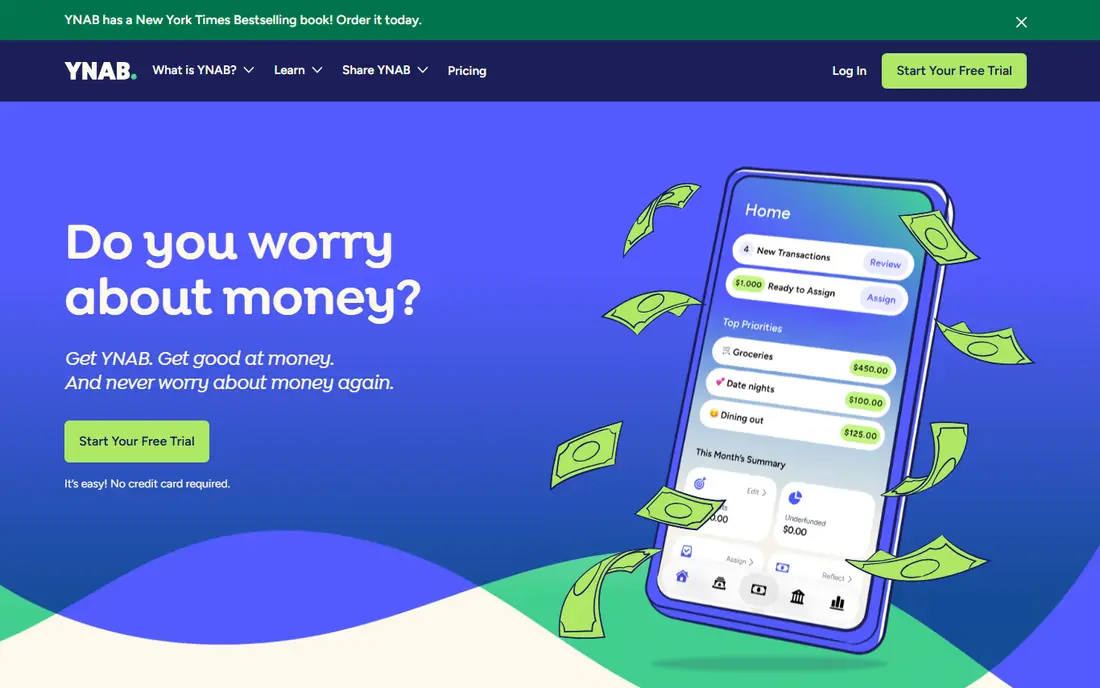
Here is the short version. YNAB is the app for people whose problem is overspending rather than disorganisation, because its method forces you to decide what each dollar does before you spend it. It fits readers who want zero-based budgeting and habit change, and its published feature set matches that promise rather than trying to cover every possible use case at once. When we weighed it against the rest of this list, the balance of price, scope and support stood out for that group. The price picture is $14.99 per month, with a free plan status of free trial (34 days). The method takes work, and the subscription stings if you stop opening the app, so trial it properly for a month before you commit for a year. Before you sign up, check the current plan limits on the official site, because caps on users, usage or features are where most buyers get surprised after the first month.
- Zero-based method that assigns every dollar a job
- Goal and debt tools
- Strong education
- No free plan
- Real learning curve
- Price is high for a tracker
Monarch Money
Ideal for: All-in-one tracking for couples and households
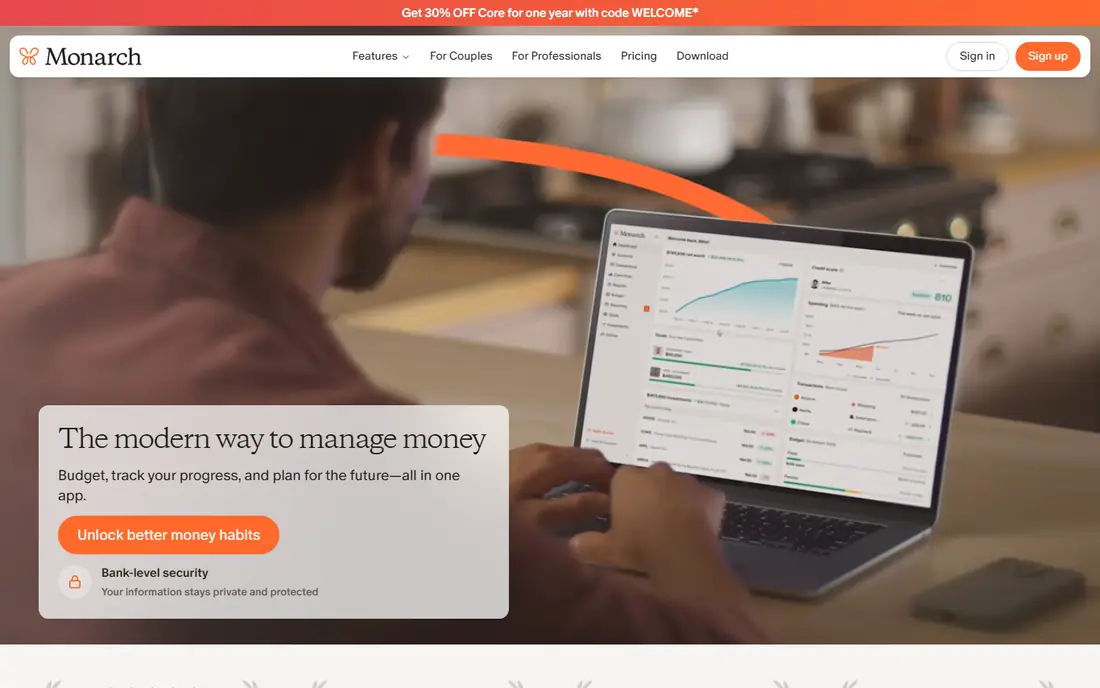
Start here if you want the safe default. Monarch Money is the closest thing to a modern Mint replacement, with every account in one dashboard and budgeting that couples can share. It fits readers who want all-in-one tracking for couples and households, and its published feature set matches that promise rather than trying to cover every possible use case at once. When we weighed it against the rest of this list, the balance of price, scope and support stood out for that group. The price picture is $14.99 per month, with a free plan status of free trial. The price is the objection, since there is no free tier, but households that use the shared features usually find it easier to justify. Before you sign up, check the current plan limits on the official site, because caps on users, usage or features are where most buyers get surprised after the first month.
- Account syncing
- Net worth and investment tracking
- Shared access for households
- Paid only
- Reporting is shallower than some rivals for power users
Rocket Money
Ideal for: Finding and cancelling subscriptions

This one suits a specific kind of reader. Rocket Money earns its place by finding forgotten subscriptions and showing where recurring charges quietly eat a budget. It fits readers who want finding and cancelling subscriptions, and its published feature set matches that promise rather than trying to cover every possible use case at once. When we weighed it against the rest of this list, the balance of price, scope and support stood out for that group. The price picture is free, with a free plan status of yes. The budgeting side is thinner than YNAB or Monarch, so treat it as a subscription hunter first and a full budget second. Before you sign up, check the current plan limits on the official site, because caps on users, usage or features are where most buyers get surprised after the first month.
- Free tier
- Subscription detection
- Bill negotiation offers
- Budgeting tools are limited on the free plan
- Premium price varies by chosen amount
PocketSmith
Ideal for: Forecasting cash flow months ahead
Consider this if the top picks do not fit. PocketSmith suits planners who want to see next month, not just last month, with forecasts and a calendar that shows when bills land. It fits readers who want forecasting cash flow months ahead, and its published feature set matches that promise rather than trying to cover every possible use case at once. When we weighed it against the rest of this list, the balance of price, scope and support stood out for that group. The price picture is $9.99 per month, with a free plan status of yes. The plan tiers gate bank connections and forecast horizons, so check which tier covers your accounts before you subscribe. Before you sign up, check the current plan limits on the official site, because caps on users, usage or features are where most buyers get surprised after the first month.
- Cash flow forecasts
- Calendar view of bills
- What-if scenarios
- Bank connection limits vary by plan
- Interface takes learning
Goodbudget
Ideal for: Envelope budgeting without bank sync
A strong option for a narrower need. Goodbudget is the honest free option, using the envelope method to split money into categories without asking for bank credentials. It fits readers who want envelope budgeting without bank sync, and its published feature set matches that promise rather than trying to cover every possible use case at once. When we weighed it against the rest of this list, the balance of price, scope and support stood out for that group. The price picture is free, with a free plan status of yes. Manual entry is the price of that privacy, so it suits people who prefer control over automation and do not mind typing in spending. Before you sign up, check the current plan limits on the official site, because caps on users, usage or features are where most buyers get surprised after the first month.
- Envelope method
- Genuinely free tier
- Works without linking bank accounts
- Manual entry takes time
- Free tier limits envelopes and accounts
Copilot Money
Ideal for: Apple-first tracking with clean design
Worth a close look before you decide. Copilot Money is the app people describe as enjoyable to open, with categorisation and cash-flow views that make tracking feel less like admin. It fits readers who want apple-first tracking with clean design, and its published feature set matches that promise rather than trying to cover every possible use case at once. When we weighed it against the rest of this list, the balance of price, scope and support stood out for that group. The price picture is $13 per month, with a free plan status of free trial. Households split across Apple and other platforms should verify current platform support before paying, since that has been its historic limit. Before you sign up, check the current plan limits on the official site, because caps on users, usage or features are where most buyers get surprised after the first month.
- Machine-learning categorisation
- Clean cash-flow views
- Strong design
- Historically strongest on Apple devices
- Check current Android and Windows support
Quicken Simplifi
Ideal for: Simple spending plan and savings goals
This belongs on the shortlist for a reason. Simplifi suits readers who want a clear spending plan and savings goals without learning a new budgeting method. It fits readers who want simple spending plan and savings goals, and its published feature set matches that promise rather than trying to cover every possible use case at once. When we weighed it against the rest of this list, the balance of price, scope and support stood out for that group. The price picture is $6.99 per month, with a free plan status of free trial. Watch the renewal price, because introductory annual offers are lower than the regular rate, and confirm the total before you commit. Before you sign up, check the current plan limits on the official site, because caps on users, usage or features are where most buyers get surprised after the first month.
- Spending Plan view
- Savings goals
- Account syncing
- Introductory pricing differs from renewal pricing
- Check the checkout total
Tiller
Ideal for: Spreadsheet lovers who want control
Do not overlook this one. Tiller is for people who think in spreadsheets, feeding bank transactions into a sheet you can shape however you like. It fits readers who want spreadsheet lovers who want control, and its published feature set matches that promise rather than trying to cover every possible use case at once. When we weighed it against the rest of this list, the balance of price, scope and support stood out for that group. The price picture is $99 per year, with a free plan status of free trial. If you dislike spreadsheets, the freedom becomes a chore, so choose a ready-made app instead and save the setup time. Before you sign up, check the current plan limits on the official site, because caps on users, usage or features are where most buyers get surprised after the first month.
- Automated bank feeds into Google Sheets and Excel
- Fully customisable
- Requires spreadsheet comfort
- No native mobile app experience to match rivals
How we picked these
We started from official feature pages and pricing pages, then checked app store listings, privacy policies and public reviews to confirm each product still works and still fits the topic. Products that could not be verified, or that only partly matched the topic, were left out, even when they were well known. We favoured a mix of established leaders and strong smaller options, and we weighted price transparency, a usable free tier or trial, and honest limits more heavily than marketing claims. No product on this list paid for its place, and our pick for most people is the one we would suggest to a friend with ordinary needs and an ordinary budget.
How to choose an expense tracker you will actually keep using
Start with how much work you will do, because the best tracker is the one you open. An automated app suits people who want spending recorded without effort, while a manual envelope app suits people who want to feel each purchase. Next, check bank syncing for your accounts, because a tracker that cannot connect to your bank becomes a chore within weeks. Then look at price honestly: a free tier that covers your needs beats a paid app you resent paying for, and a paid app only earns its fee if its method changes your habits. This is not financial advice, and a tracker does not fix debt on its own, but seeing spending clearly is the first step to changing it. Also check household sharing if you share money with a partner, and check whether the app covers investments and net worth or only daily spending. Trial two apps for two weeks each with real accounts, and keep the one whose weekly review you actually do. A tracker you abandon in month two is worse than a simple spreadsheet you maintain.
Frequently asked questions
What is the best expense tracker app?
YNAB leads for habit change, Monarch Money leads for all-in-one household tracking, and Rocket Money leads for subscription cleanup. Goodbudget is the best genuinely free option for manual envelope budgeting.
What is the best free expense tracker app?
Goodbudget offers a genuinely free tier, Rocket Money offers a useful free tier, and PocketSmith offers a free plan with limits. Mint shut down in 2024, so former Mint users usually land on Monarch Money or Simplifi.
Is YNAB worth the price?
YNAB costs 14.99 dollars a month or 109 dollars a year, with a 34-day trial, and it earns that price only if you follow its zero-based method. If you want passive tracking, a cheaper app fits better.
Do expense tracker apps need my bank password?
Most automated trackers connect through a secure aggregator rather than storing your password directly, but you should still read the privacy policy. Manual apps such as Goodbudget avoid bank connections entirely.
Can an expense tracker help me save money?
Yes, when it shows recurring charges, category overspending and upcoming bills clearly enough to act on. The app alone does not save money; the weekly review and the decisions that follow do.