Best Face Swap Software for PC

- 1
 RefaceFast template video swapsVisit
- 2
 FaceSwapFree open source controlVisit
- 3
 DeepFaceLabFilm grade deepfake workVisit
- 4
 Faceswapper.aiQuick free web photo swapsVisit
- 5
 PicsartPhoto editing with face swapVisit
- Reface leads for fast template based video swaps, with web plans from $7.58 per user per month on annual billing.
- FaceSwap and DeepFaceLab cost nothing and run on your own PC, but both need a strong graphics card and time to learn.
- Akool is the strongest choice for marketing teams that need video face swap with a business licence, from $12 per seat per month on annual billing.
- Every swap needs consent from the person shown, and free plans often add a watermark or cap resolution.
Quick comparison
| Product | Ideal for | Price from | Free version | |
|---|---|---|---|---|
| Reface | Fast template video swaps | $7.58 per user/month (billed annually) | Yes | Visit |
| FaceSwap | Free open source control | $0 per user/month | Yes | Visit |
| DeepFaceLab | Film grade deepfake work | $0 per user/month | Yes | Visit |
| Faceswapper.ai | Quick free web photo swaps | $0 per user/month | Yes | Visit |
| Picsart | Photo editing with face swap | $10.50 per user/month (billed annually) | Yes | Visit |
 Fotor | Photo editing with AI extras | quote only | Yes | Visit |
 Akool | Marketing video face swap | $12 per seat/month (billed annually) | Yes | Visit |
 Vidnoz AI Face Swap | Free video face swap online | quote only | Yes | Visit |
The best face swap software for PC
Reface
Ideal for: Fast template video swaps
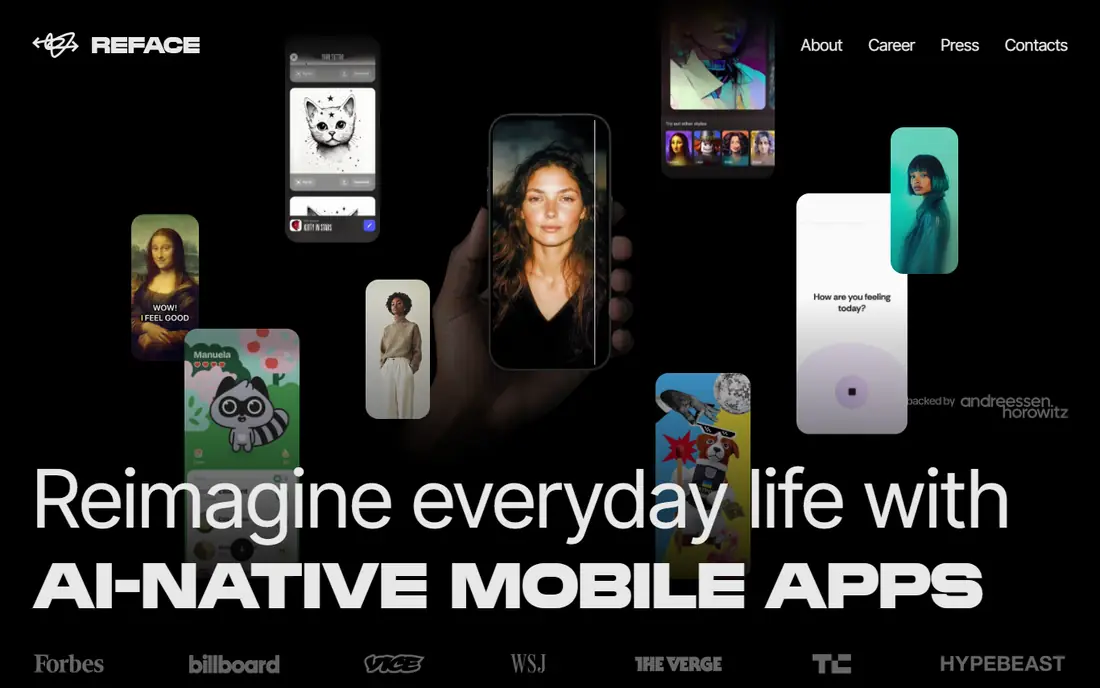
Reface started as a mobile app and now runs on the web through its Unboring platform, which works in a desktop browser on a PC. You pick a template or upload your own photo or video, add a selfie, and the tool builds the swap. The catalogue covers movie scenes, memes, vintage photos, and short clips, so it suits creators who want a quick result without editing skills. The web Basic plan costs $7.58 per user per month on annual billing, or $90.99 for the year, and adds unlimited photo swaps with no ads and no watermark.
The main limit is length. Face swap videos are capped at 15 seconds, and Reface states that processing can take up to two minutes for each second of video, so a 5 second clip may take around 10 minutes. Restyle videos run to 60 seconds. The free tier gives limited daily swaps with watermarks and ads, which is fine for a test but not for client work. Reface also states a firm policy against sexual, violent, political, or criminal scenes. For quick social clips and memes on a PC, Reface is the fastest option in this list.
- Large template library for video and photos
- No watermark on subscription plans
- Video face swaps are capped at 15 seconds, and processing can take up to two minutes per second of video
FaceSwap
Ideal for: Free open source control
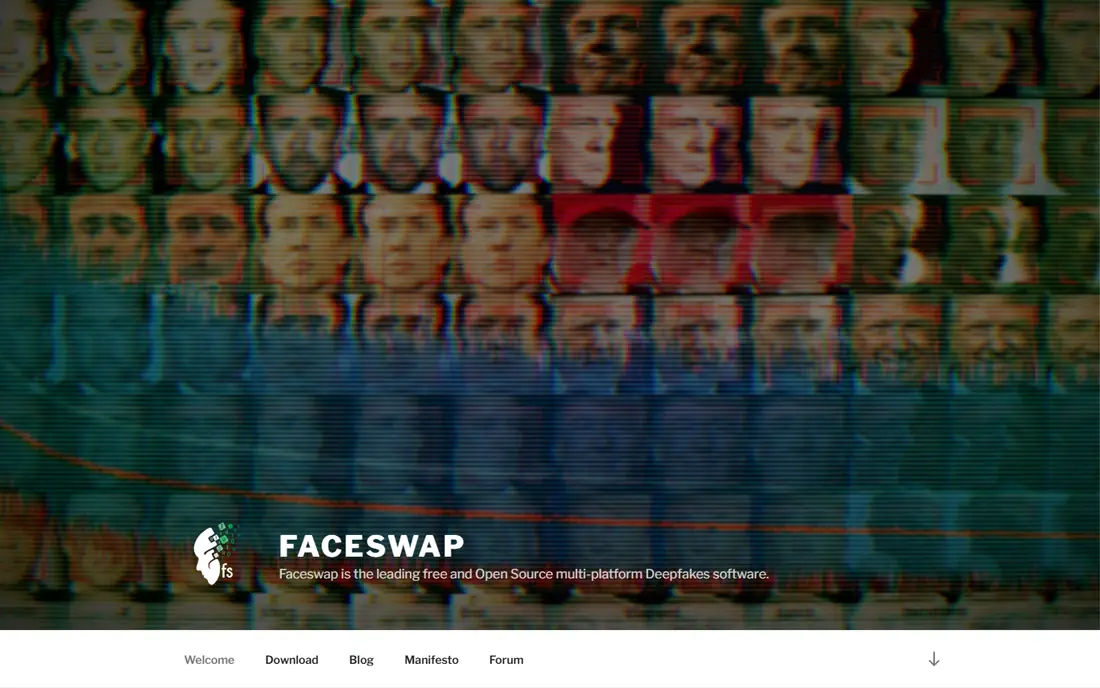
FaceSwap is the leading free and open source deepfake tool, built on TensorFlow, Keras, and Python. It runs on Windows, macOS, and Linux, and it gives you the full pipeline: extract faces from source video, train a model on those faces, then convert the target video. That control is the reason film makers and hobbyists pick it. You own the model, you choose the training data, and there is no monthly fee or credit meter. The project site links to written guides for installation, extraction, training, and conversion, and an active forum answers questions.
The trade off is effort. You need a capable graphics card, plenty of disk space, and patience, because training a good model takes hours and results depend on the quality and number of training images. The interface is a desktop app with many settings, not a one click web tool. FaceSwap suits a PC owner who wants full control, works with their own footage, and accepts a learning curve in exchange for zero cost.
- Free and open source with no subscription
- Runs on Windows, macOS, and Linux
- Needs a capable graphics card and hours of model training, and setup follows long forum guides
DeepFaceLab
Ideal for: Film grade deepfake work
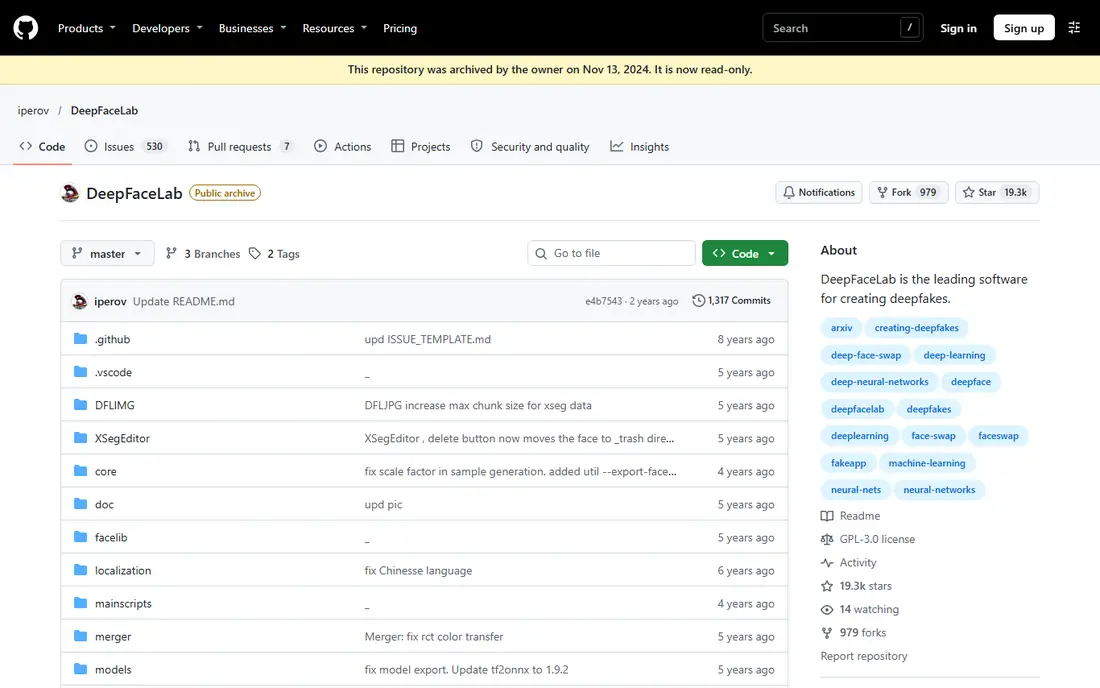
DeepFaceLab is the best known open source software for creating deepfakes, and its own readme lists face replacement, de-aging, and head replacement as its core jobs. It is aimed at video work rather than quick photo fun, and it has been used in well known YouTube projects. The tool gives fine control over training, masks, and merging, which is why creators who want a polished result keep coming back to it. It costs nothing, and the code is published under the GPL-3.0 licence.
The GitHub repository is archived, so the project receives no new releases. The readme states plainly that there is no button that makes everything work, and that skill in After Effects or DaVinci Resolve is also desirable. DeepFaceLab fits a PC user with a strong graphics card, time to study the workflow, and a clear creative project, not someone who wants a swap in five minutes.
- Free and open source under GPL-3.0
- Used for face replacement, de-aging, and head replacement
- The repository is archived, so no new releases arrive, and the workflow needs study plus a separate editor for polish
Faceswapper.ai
Ideal for: Quick free web photo swaps
Faceswapper.ai is a browser tool that swaps faces in photos, videos, GIFs, and group shots, with a batch mode that replaces the same face across many photos. You upload an original image and a face image, click swap, and download the result in seconds. There is no software to install, which makes it a good fit for a PC user who only needs an occasional swap and does not want to set up a local app. The site states that uploaded images are only visible to you and are deleted after the result is generated and downloaded.
The tool is simple by design, and that simplicity is also its limit. There are few controls for fixing lighting, skin tone, or edge blending when a swap looks off, so results depend on the two source photos. The pricing page was unavailable when checked on 12 November 2026, though the site states its functions can still be used for free. Faceswapper.ai works best for fast, casual photo swaps.
- Free photo, video, GIF, and batch swaps in the browser
- Uploaded files are deleted after the result is generated
- The pricing page was unavailable when checked, and the tool offers few controls for fine tuning a swap
Picsart
Ideal for: Photo editing with face swap
Picsart is an all in one creative platform, and face swap sits inside a much wider photo and video editor. That matters for PC creators who want one subscription for many jobs: you can swap a face, then retouch the photo, remove the background, add text, and export a finished design without opening another app. The Pro plan costs $10.50 per user per month on annual billing, down from $15, and includes full photo and video editing, background and object removal, premium templates, brand kits, and 100 GB of cloud storage.
The free plan covers basic editing, but the fuller AI features sit on Pro, so regular face swap work means a subscription. Because Picsart serves many kinds of creators, its face swap controls are simpler than those in a dedicated swap studio, and video swap is not its main focus. Picsart fits a creator or small business that already edits photos daily and wants face swap as one more tool in the same workspace, rather than a standalone swap app.
- Full photo and video editor around the swap tool
- Large stock library and templates included
- Face swap is one feature inside a large editor, so dedicated swap controls are thinner than in specialist tools
Fotor
Ideal for: Photo editing with AI extras
Fotor is a long running online photo editor for PC and mobile, with AI tools for generation, background removal, retouching, headshots, and face swap style edits. The free Basic plan covers everyday edits, and the Pro, Pro Plus, and Max plans add more credits, concurrent generations, cloud storage, and brand kits. Pro includes 10 concurrent generations, 2,000 chats with its AI agent, and batch background removal. Unused credits roll over while subscribed, up to five months of accumulation.
The catch is the credit model. Every AI generation spends credits, so heavy use can run through a monthly allowance faster than expected, and the entry Pro plan includes only 100 credits a month. The pricing page did not display dollar figures when checked on 12 November 2026, so the starting price is listed as quote only here, and you should open the pricing page to confirm the current figure before you buy. Fotor fits a photo editor who wants face swap plus a full editing suite, and who can live inside a monthly credit allowance.
- Broad photo editor with AI generation and batch editing
- Free Basic plan for everyday edits
- AI work runs on monthly credits, and the entry Pro plan includes only 100 credits a month
Akool
Ideal for: Marketing video face swap
Akool is a generative AI video suite, and its Face Swap tool handles photos and video at studio quality. The Starter plan costs $12 per seat per month on annual billing, or $144 for the year, and includes 200 credits a month, access to all face swap models, video up to 1080p, and no watermark. Higher plans raise resolution to 4K, add more credits and face swap models, and include a business licence, which matters for agencies and marketing teams. The free plan costs $0 and gives a small credit allowance with uploads capped at 720p and 150 MB.
Akool also offers character swap, motion swap, head swap, and talking photos, so a team can build varied video content in one place. A face swap costs 4 or more credits, so a 200 credit Starter plan covers a limited number of swaps each month, and extra seats are charged at the same rate as the workspace owner. Akool fits a marketing team or agency that needs reliable video face swap with clear licensing, and that can plan its monthly credit use.
- Studio quality face swap for photos and video up to 4K
- Business licence and API access on higher plans
- Each face swap consumes credits, and the free plan caps uploads at 720p and 150 MB
Vidnoz AI Face Swap
Ideal for: Free video face swap online
Vidnoz AI Face Swap is a free online tool inside the wider Vidnoz AI video platform, which also offers avatars, voice cloning, text to speech, and video translation in more than 140 languages. The face swap tool runs in the browser, so a PC user can swap a face in a photo or video without installing software or setting up a local model. The wider platform includes more than 2,800 video templates and 1,900 avatars on subscription plans, which helps creators who also make training videos and explainers.
The limits are the usual ones for a free browser tool. Free exports carry a Vidnoz watermark and download at 720p, while 1080p downloads sit on subscription plans. The pricing page is credit based and did not show a simple monthly starting figure when checked on 12 November 2026, so the starting price is listed as quote only here. Vidnoz fits a creator who wants a quick free video face swap and may also use the avatar and translation tools in the same account.
- Free face swap tool with no install
- Part of a large AI video suite with avatars and translation
- Pricing is credit based with no simple monthly figure on the pricing page, and free exports carry a watermark at 720p
How we chose
We compared vendor pricing pages, product pages, documentation, and feature lists, and we opened each official homepage on 12 November 2026 to confirm it loads and shows that product's own branding. Prices in this guide come from the vendor pricing pages we opened that day: Reface at $7.58 per user per month on annual billing, Picsart Pro at $10.50 per user per month on annual billing, and Akool Starter at $12 per seat per month on annual billing. FaceSwap and DeepFaceLab are free open source projects, and Faceswapper.ai states its functions can be used for free. Fotor and Vidnoz are listed as quote only because their pricing pages did not show a clear dollar starting price when checked. We did not test any tool hands on. We ranked tools on PC fit, photo and video support, licence terms, free plan value, and honest limits.
What to check before you buy
Consent and lawful use come first. Only swap faces with clear permission from every person in the source photo or video, and only use your own footage or footage you have a licence to edit. Never use face swap to impersonate a real person, mislead viewers, or create content that harms someone. Many vendors, including Reface, state that sexual, violent, political, or criminal scenes are removed, and some platforms can close an account for misuse. Keep a written record of consent for client work, and label altered video as altered when you publish it.
Next, check the licence, the export limits, and the cost model. A free plan may allow personal use only, add a watermark, or cap resolution at 720p, while commercial use may need a business licence, as on Akool. Credit based tools charge per swap, so a 200 credit plan covers far fewer video swaps than photo swaps. Local tools such as FaceSwap and DeepFaceLab need a strong graphics card and hours of training, while browser tools need good source photos instead. Read the privacy terms, and confirm whether uploads are deleted after processing.
| Budget or team | Best pick | Why it fits | | Solo creator, $0 budget | FaceSwap or DeepFaceLab | No fee, full control, runs on your own PC | | Solo creator, under $15 a month | Reface Basic | $7.58 per user per month on annual billing, fast templates | | Small team, marketing video | Akool Starter | $12 per seat per month on annual billing, business licence on higher plans | | Photo editor who also swaps faces | Picsart Pro or Fotor | One editor for retouching, templates, and swaps | | Quick free web swap | Faceswapper.ai or Vidnoz free plan | No install, free photo and video swaps |
Frequently asked questions
Is face swap software legal to use on a PC?
Yes, when you use it lawfully. Face swap software is legal for creative work with your own photos, licensed footage, or images of people who gave consent. It becomes a problem when you impersonate a real person, mislead viewers, or create harmful or explicit content without consent. Laws differ by country, so check local rules before you publish, and keep a record of consent for any client project.
Which face swap software for PC is free?
FaceSwap and DeepFaceLab are free and open source, and they run on your own PC with no subscription. Faceswapper.ai is free to use in the browser for photos, video, and GIFs. Reface, Picsart, Fotor, Akool, and Vidnoz all offer free plans, but those plans add watermarks, cap resolution, or limit monthly use, so check the free plan limits before you rely on one.
Do I need a powerful graphics card for face swap software?
It depends on the tool. Local tools such as FaceSwap and DeepFaceLab need a capable graphics card and train models on your PC, so a weak card means slow results or failed training. Browser tools such as Reface, Faceswapper.ai, Akool, and Vidnoz run the work on vendor servers, so your PC only needs a modern browser and a stable connection. Check the system requirements before you commit.
Can I use face swap videos in commercial work?
Sometimes, but it depends on the licence. Akool offers a business licence on its higher plans, and Picsart Pro covers commercial use of its editing features. Free plans often allow personal use only, and some tools restrict commercial use to higher tiers. Read the licence terms on the vendor site, confirm that you have consent from the people shown, and keep proof of both before you use a swap in an advert or client video.
What is the best face swap software for PC for beginners?
Reface is the easiest starting point, because you pick a template or upload a photo and the tool does the rest. Faceswapper.ai is the simplest free option, since it runs in the browser with no install. FaceSwap and DeepFaceLab give more control, but both need a graphics card, training time, and patience, so they suit a beginner only when learning the craft is part of the goal.