Best family calendar app free in 2026: 8 Compared

- 1
 CoziMost familiesVisit
- 2
 TimeTreeSimple shared calendarsVisit
- 3
 Google CalendarGmail and Android familiesVisit
- 4
 Apple CalendarApple householdsVisit
- 5
 FamCalFamily calendars with choresVisit
- Cozi is our pick for most families, since it combines a shared calendar with lists, meals and chores in one free app.
- TimeTree suits families and groups that want a simple shared calendar with chat beside each event.
- Google Calendar is best when a family already uses Gmail and Android, since sharing is built in.
- Apple Calendar suits families on iPhones, iPads and Macs, with family sharing built into the system.
Quick comparison
| Product | Ideal for | Price from | Free version | |
|---|---|---|---|---|
| Cozi | Most families | Free | Yes | Visit |
| TimeTree | Simple shared calendars | Free | Yes | Visit |
| Google Calendar | Gmail and Android families | Free | Yes | Visit |
| Apple Calendar | Apple households | Free | Yes | Visit |
| FamCal | Family calendars with chores | Free | Yes | Visit |
 Picniic | Family organiser | Free | Yes | Visit |
 OurHome | Chores and rewards | Free | Yes | Visit |
 Skylight Calendar | Kitchen display calendars | See website | No | Visit |
The best family calendar app free
We compared official feature pages, pricing pages, app store listings, privacy policies and public reviews to build this list, focusing on products that fit the topic closely and are still available in October 2026.
Cozi
Ideal for: Most families
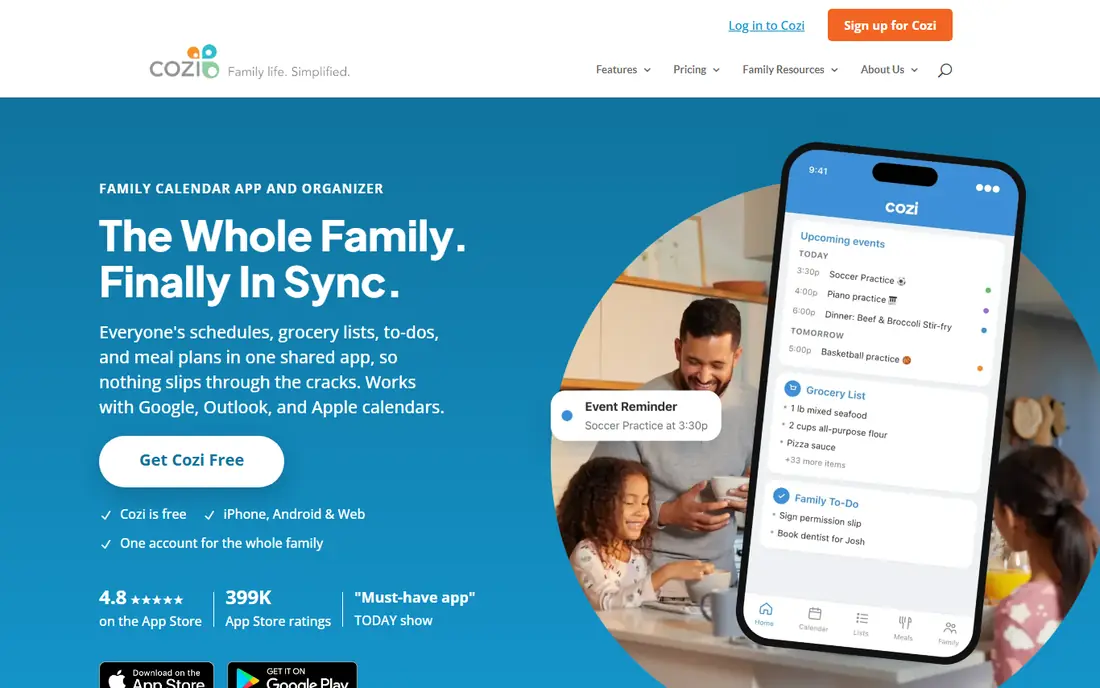
For buyers who want a clear fit, Cozi is aimed at busy families. Cozi combines a shared family calendar with shopping lists, meals, chores and a journal. Busy families can manage the week, meals and tasks in one free app. In practice, that means the product earns its place by doing one job well for that audience, rather than trying to cover every possible use case at once. We compared its official feature page, pricing and public reviews against the other options here, and its best-for label reflects where it looked strongest, not where its marketing claims are loudest.
The trade-off is worth naming plainly. The free plan shows ads, and Gold is needed for extra features. On price, the starting point listed above is free, and the free plan entry is Yes. If that combination fits your budget and your main use case, Cozi is a sensible shortlist choice. If the catch above is a deal breaker, move to another entry in this list whose strength matches your priority instead.
- Shared calendar
- Lists, meals and chores
- Family journal
- Ads on free plan
- Gold needed for extra features
TimeTree
Ideal for: Simple shared calendars
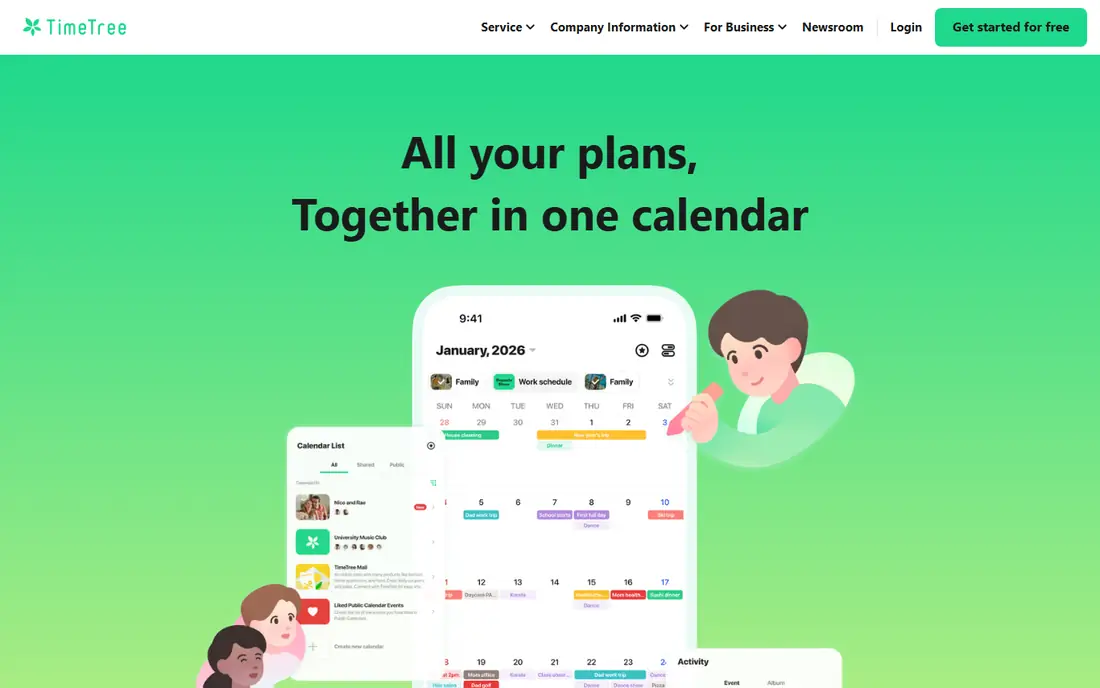
If that use case sounds familiar, TimeTree is aimed at families and groups. TimeTree offers simple shared calendars with chat beside each event. Families and groups can discuss an event inside the calendar itself. In practice, that means the product earns its place by doing one job well for that audience, rather than trying to cover every possible use case at once. We compared its official feature page, pricing and public reviews against the other options here, and its best-for label reflects where it looked strongest, not where its marketing claims are loudest.
On the other side of that strength, It has fewer household features than Cozi, and the free version shows ads. On price, the starting point listed above is free, and the free plan entry is Yes. If that combination fits your budget and your main use case, TimeTree is a sensible shortlist choice. If the catch above is a deal breaker, move to another entry in this list whose strength matches your priority instead.
- Simple shared calendars
- Chat per event
- Colour coding
- Fewer household features than Cozi
- Ads
Google Calendar
Ideal for: Gmail and Android families
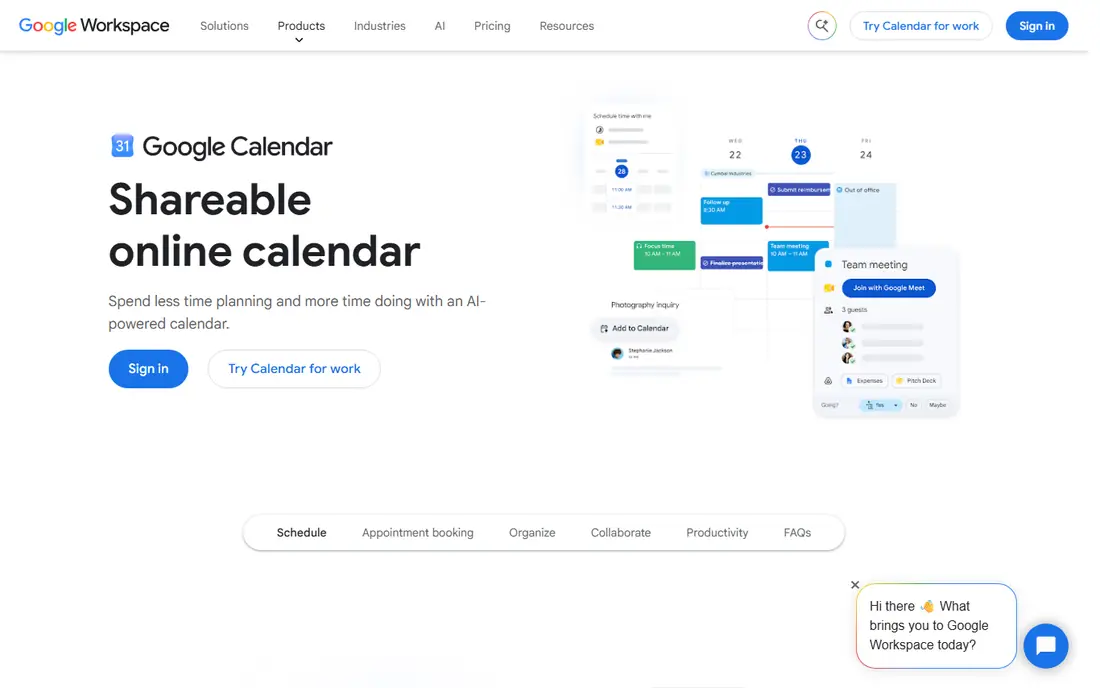
Among the options here, Google Calendar is aimed at Gmail families. Google Calendar offers built-in sharing, reminders and Gmail integration. Families already on Gmail and Android can share calendars without a new app. In practice, that means the product earns its place by doing one job well for that audience, rather than trying to cover every possible use case at once. We compared its official feature page, pricing and public reviews against the other options here, and its best-for label reflects where it looked strongest, not where its marketing claims are loudest.
Before you commit, weigh this part. It has no built-in chores or meal planning, and everyone needs a Google account. On price, the starting point listed above is free, and the free plan entry is Yes. If that combination fits your budget and your main use case, Google Calendar is a sensible shortlist choice. If the catch above is a deal breaker, move to another entry in this list whose strength matches your priority instead.
- Built-in sharing
- Reminders
- Gmail integration
- No built-in chores or meals
- Google account needed
Apple Calendar
Ideal for: Apple households
For a team or household weighing this choice, Apple Calendar is aimed at Apple households. Apple Calendar offers family sharing built into iOS, iPadOS and macOS. Apple households can share calendars with Siri and reminders support. In practice, that means the product earns its place by doing one job well for that audience, rather than trying to cover every possible use case at once. We compared its official feature page, pricing and public reviews against the other options here, and its best-for label reflects where it looked strongest, not where its marketing claims are loudest.
The honest catch comes next. It is best on Apple devices, and household features are fewer than Cozi. On price, the starting point listed above is free, and the free plan entry is Yes. If that combination fits your budget and your main use case, Apple Calendar is a sensible shortlist choice. If the catch above is a deal breaker, move to another entry in this list whose strength matches your priority instead.
- Family sharing built in
- Siri and reminders
- ICloud sync
- Best on Apple devices
- Fewer household features
FamCal
Ideal for: Family calendars with chores
When the main need is the one above, FamCal is aimed at families with kids. FamCal combines a shared family calendar with chores, lists and family chat. Families with kids can assign chores and track them beside events. In practice, that means the product earns its place by doing one job well for that audience, rather than trying to cover every possible use case at once. We compared its official feature page, pricing and public reviews against the other options here, and its best-for label reflects where it looked strongest, not where its marketing claims are loudest.
Pricing and limits deserve a second look. The free plan shows ads, and its community is smaller than Cozi. On price, the starting point listed above is free, and the free plan entry is Yes. If that combination fits your budget and your main use case, FamCal is a sensible shortlist choice. If the catch above is a deal breaker, move to another entry in this list whose strength matches your priority instead.
- Shared calendar
- Chores and lists
- Family chat
- Ads on free plan
- Smaller community
Picniic
Ideal for: Family organiser
For readers who put this factor first, Picniic is aimed at families wanting an organiser. Picniic is a family organiser with calendar, lists, meals and a family locator. Families can manage the household and see where members are. In practice, that means the product earns its place by doing one job well for that audience, rather than trying to cover every possible use case at once. We compared its official feature page, pricing and public reviews against the other options here, and its best-for label reflects where it looked strongest, not where its marketing claims are loudest.
A smaller drawback can still matter. The free plan limits some features, and app updates vary. On price, the starting point listed above is free, and the free plan entry is Yes. If that combination fits your budget and your main use case, Picniic is a sensible shortlist choice. If the catch above is a deal breaker, move to another entry in this list whose strength matches your priority instead.
- Calendar, lists and meals
- Family locator
- Chores
- Free plan limits
- App updates vary
OurHome
Ideal for: Chores and rewards
In a crowded field, OurHome is aimed at families motivating kids. OurHome focuses on chores and rewards, with a shared calendar and grocery lists. Families can motivate kids with points for completed chores. In practice, that means the product earns its place by doing one job well for that audience, rather than trying to cover every possible use case at once. We compared its official feature page, pricing and public reviews against the other options here, and its best-for label reflects where it looked strongest, not where its marketing claims are loudest.
What to check before paying is simple. Its calendar is simpler than Cozi, and its design is basic. On price, the starting point listed above is free, and the free plan entry is Yes. If that combination fits your budget and your main use case, OurHome is a sensible shortlist choice. If the catch above is a deal breaker, move to another entry in this list whose strength matches your priority instead.
- Chores and rewards
- Shared calendar
- Grocery lists
- Calendar is simpler than Cozi
- Design is basic
Skylight Calendar
Ideal for: Kitchen display calendars
For a first purchase in this category, Skylight Calendar is aimed at families wanting a wall display. Skylight Calendar is a touchscreen display for the kitchen, syncing family calendars. Families can see the week at a glance without opening a phone. In practice, that means the product earns its place by doing one job well for that audience, rather than trying to cover every possible use case at once. We compared its official feature page, pricing and public reviews against the other options here, and its best-for label reflects where it looked strongest, not where its marketing claims are loudest.
The limit to keep in mind is this. Hardware costs extra, and some app features need a subscription. On price, the starting point listed above is not published clearly, so check the vendor site, and the free plan entry is No. If that combination fits your budget and your main use case, Skylight Calendar is a sensible shortlist choice. If the catch above is a deal breaker, move to another entry in this list whose strength matches your priority instead.
- Touchscreen family display
- Calendar sync
- Chores
- Hardware cost
- App features need subscription in some plans
How we picked these
We compared official feature pages, pricing pages, app store listings, privacy policies and public reviews for each product, and we kept only products that are still available in October 2026 and that fit the topic closely. Where a vendor did not publish a clear starting price on its own site, we wrote See website rather than guessing. Prices can change, so check the vendor page linked in each product block before you buy.
Running a family calendar everyone actually checks
Pick one shared calendar as the source of truth, rather than letting each person keep a separate one. Colour-code by person or activity, so a glance shows who needs to be where. Add locations, notes and reminders to events, especially for school, sport and appointments. Review the week together on Sunday, since a calendar nobody reviews will drift. Finally, keep lists and chores in the same app when possible, so shopping and tasks do not live in a separate place nobody opens.
Frequently asked questions
What is the best free family calendar app?
Cozi is best for most families, TimeTree suits simple shared calendars, and Google Calendar suits Gmail families. Apple Calendar suits Apple households.
Can I share a calendar with my whole family for free?
Yes, Cozi, TimeTree, Google Calendar and Apple Calendar all offer free sharing. Paid plans add extra features, but core sharing is free.
Is Cozi really free?
Cozi offers a free plan with calendar, lists and meals, plus a paid Gold plan that removes ads and adds features. The free plan covers most family needs.
What is the best shared calendar for families with kids?
Cozi and FamCal suit families with kids, since they add chores, lists and meal planning beside the calendar.
Can grandparents see a family calendar?
Yes, if you share the calendar or invite them to the app. Choose an app they can use on their phone, and keep event details clear.