Best Family Calendar Apps in 2026: 8 Options Compared

- 1
 CoziCalendar plus lists and mealsVisit
- 2
 TimeTreeShared calendars with chatVisit
- 3
 Google CalendarFamilies already on GoogleVisit
- 4
 Apple CalendarApple householdsVisit
- 5
 FamCalSimple family calendar and listsVisit
- Cozi suits families that want calendar plus lists and meals in one app.
- TimeTree suits shared calendars with chat built in.
- Google Calendar suits families already using Google accounts.
- Pick one family calendar and stick with it, since two calendars guarantee missed events.
Quick comparison
| Product | Ideal for | Price from | Free version | |
|---|---|---|---|---|
| Cozi | Calendar plus lists and meals | Free | Yes | Visit |
| TimeTree | Shared calendars with chat | Free | Yes | Visit |
| Google Calendar | Families already on Google | Free | Yes | Visit |
| Apple Calendar | Apple households | Free | Yes | Visit |
| FamCal | Simple family calendar and lists | Free | Yes | Visit |
 OurHome | Calendar plus chores and rewards | Free | Yes | Visit |
 Microsoft Outlook Calendar | Microsoft households | Free | Yes | Visit |
 Skylight Calendar | Wall display plus app sync | See website | No | Visit |
The best best family calendar app
Family calendar apps should show school, work, sports and chores in one view that everyone can actually read. We compared shared calendars, color coding, reminders, lists, meal planning and ease of use for non-technical family members, and we favored apps that work across iPhone and Android rather than one platform only.
In this guide, we list eight best family calendar app options and explain who each one suits best, what it costs to start, and where it falls short. We kept the list focused on products that are widely available in the United States and that a reader can actually sign up for today, rather than filling the list with niche tools that are hard to buy or that have stopped updating their product. Prices and free tiers are shown as we found them in October 2026, and we note where a price needs a check on the vendor site because it varies by plan, team size or region.
Cozi
Ideal for: Calendar plus lists and meals
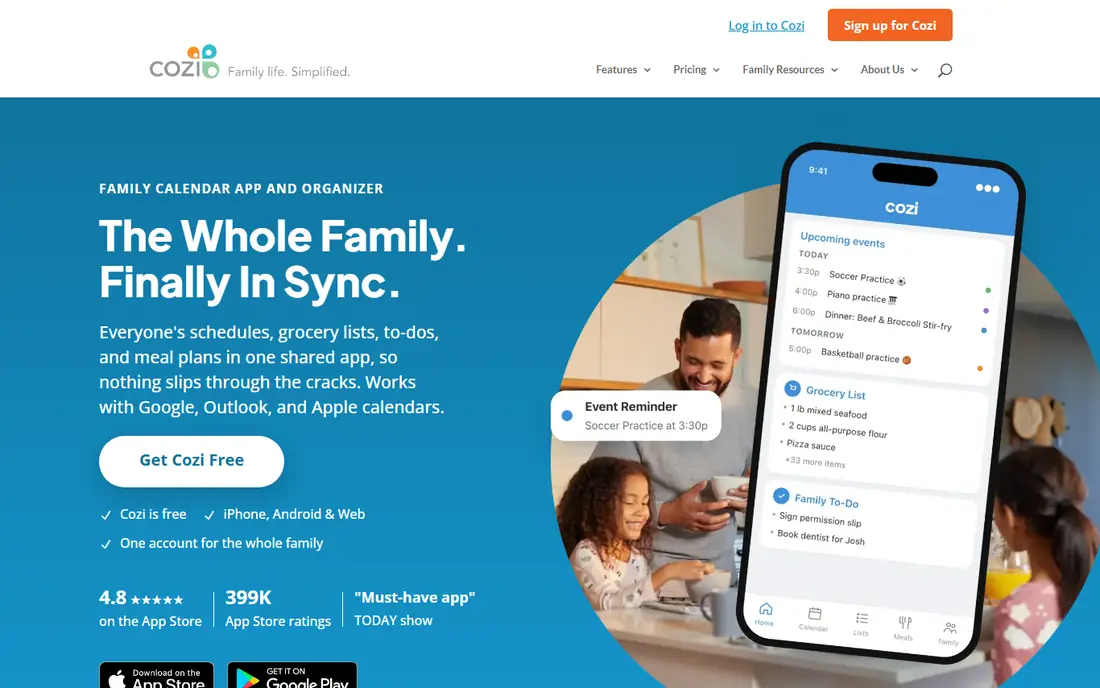
Cozi combines a shared family calendar with shopping lists, to-do lists, meal planning and a family journal, all color-coded by person. It suits families that want one app for schedules, lists and meals rather than several separate tools.
The free tier includes ads, and premium removes ads and adds features like birthday tracking and extra reminders. For busy families that live by lists as well as calendars, Cozi remains the most complete family app.
- Shared calendar
- Lists and meals
- Color-coded family members
- Free tier has ads
- Premium needed for full features
TimeTree
Ideal for: Shared calendars with chat
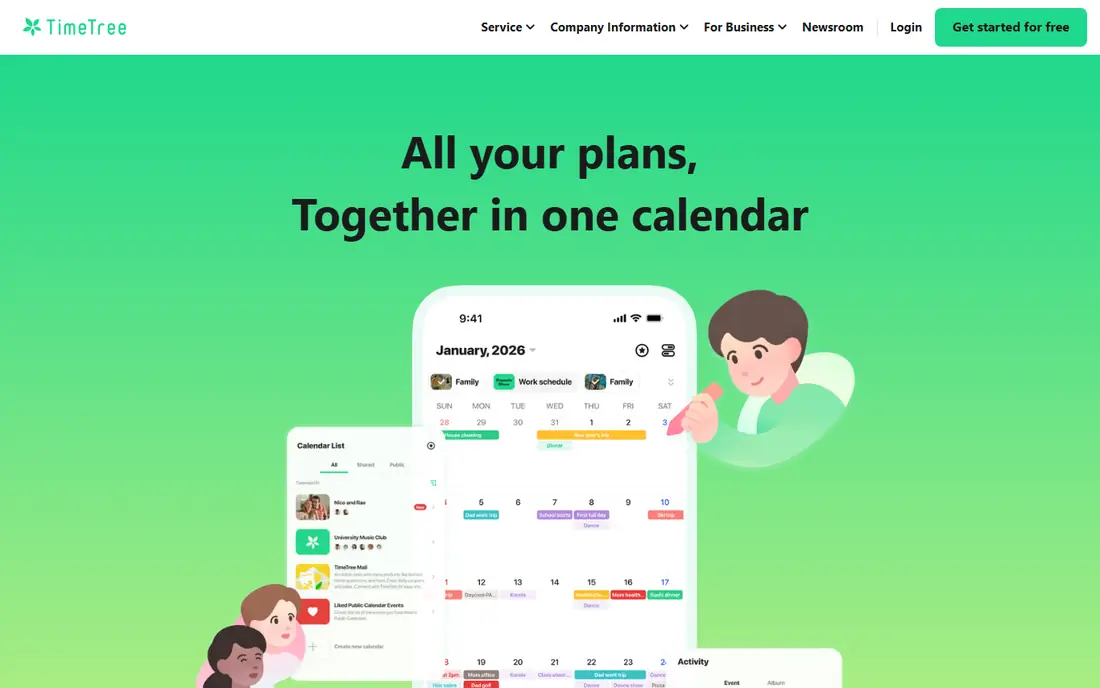
TimeTree offers shared calendars with memos and chat inside each event, so family members can discuss a soccer game or school event where the date lives. It works across iPhone, Android and web, which helps mixed-device families.
The design is simpler than Cozi, and the free tier includes ads. For families that mainly need a shared calendar with light discussion, TimeTree is easy to adopt and hard to break.
- Shared calendars
- In-calendar chat
- Cross-platform
- Free tier has ads
- Design is simpler than Cozi
Google Calendar
Ideal for: Families already on Google
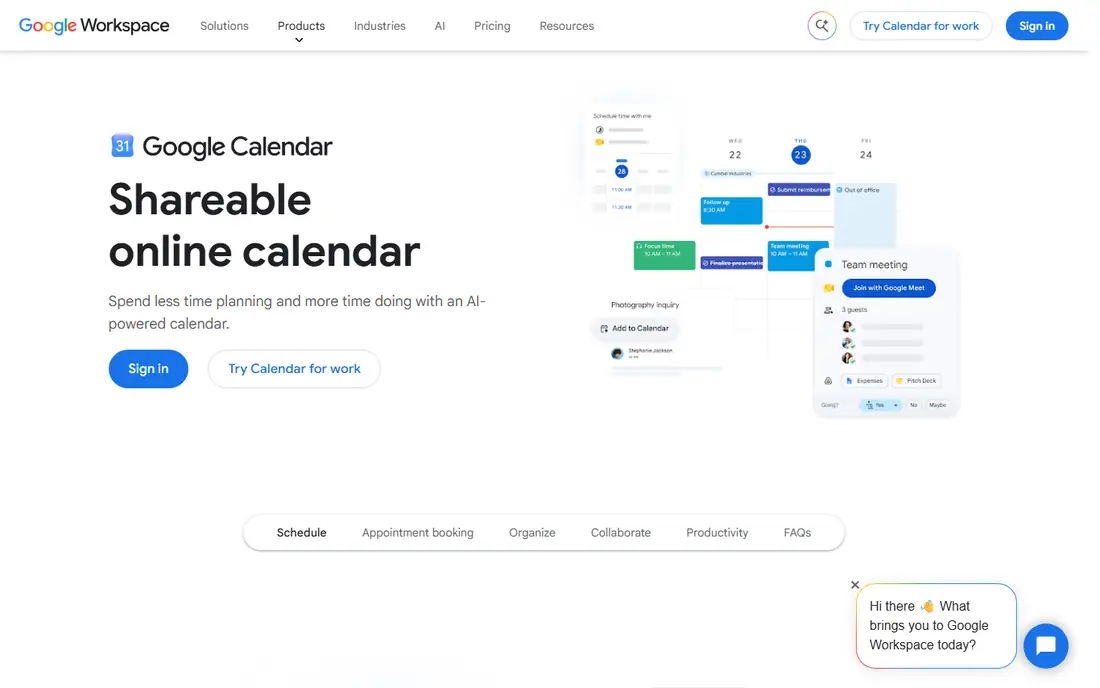
Google Calendar offers free shared calendars, reminders, event colors and integration with Gmail, Google Assistant and Android. It suits families already using Google accounts who want a reliable, free calendar without another app.
Google Calendar lacks built-in family lists, meal planning and chore tracking, so families that want those features should pair it with a lists app or choose Cozi. For pure calendar sharing, it is dependable and free.
- Free shared calendars
- Reminders
- Google integration
- No family lists or meals
- Setup needs care for sharing
Apple Calendar
Ideal for: Apple households
Apple Calendar offers Family Sharing calendars, Siri integration and a clean design across iPhone, iPad, Mac and Apple Watch. It suits households that all use Apple devices and want calendar sharing built into the system.
Apple Calendar works best inside Apple, so mixed Android and iPhone families should choose a cross-platform app like Cozi or TimeTree. For Apple-only families, it is simple, free and reliable.
- Free Family Sharing calendars
- Siri integration
- Clean design
- Apple-only for full value
- Fewer family features than Cozi
FamCal
Ideal for: Simple family calendar and lists
FamCal offers a shared family calendar with lists, notes, memos and color coding in a simple interface. It suits families that want Cozi-style features with a lighter app and a straightforward setup.
FamCal has a smaller user base than Cozi, and premium adds full features. For families that find Cozi busy, FamCal offers a simpler alternative worth trying.
- Shared calendar
- Lists and notes
- Color coding
- Smaller user base
- Premium needed for full features
OurHome
Ideal for: Calendar plus chores and rewards
OurHome combines a shared calendar with chores, rewards, grocery lists and to-do lists, which helps families motivate children to complete tasks. It suits families that want chores and schedules in one place.
The chore and rewards focus may be more than calendar-only families need, and the design is casual. For families with children who respond to points and rewards, OurHome adds motivation that plain calendars lack.
- Shared calendar
- Chores and rewards
- Grocery lists
- Chore focus may exceed calendar needs
- Design is family-casual
Microsoft Outlook Calendar
Ideal for: Microsoft households
Microsoft Outlook Calendar offers shared calendars, email integration and cross-platform access through Outlook and Microsoft accounts. It suits families and small teams already using Microsoft 365 or Outlook email.
Family-specific features like meal planning and chore lists are thinner than Cozi or OurHome, so Outlook suits calendar-first families. For Microsoft households, it is a reliable free option.
- Shared calendars
- Email integration
- Cross-platform
- Family features are thinner than Cozi
- Setup for sharing takes care
Skylight Calendar
Ideal for: Wall display plus app sync
Skylight Calendar pairs a wall touchscreen display with an app, showing the family calendar where everyone can see it in the kitchen or hallway. It syncs with Google, Apple, Outlook and Cozi calendars.
The display is a hardware purchase, so Skylight costs more than app-only options, and the app alone is less useful without the screen. For families that miss events because the calendar lives only on phones, a wall display can change the routine.
- Wall touchscreen display
- App sync
- Family calendar view
- Hardware cost
- App alone is less useful without display
How we picked these
We compared official feature pages, pricing pages, app store listings, privacy policies and public reviews for each option, and we checked that each product is still available and working in October 2026. We favored products that fit the topic directly, publish clear pricing or a clear free tier, and explain how they handle data and support. We left out products that looked discontinued, that did not match the topic, or whose official homepage we could not verify. Prices change often, so check the vendor page linked in each block before you pay.
We also paid attention to the details that decide daily satisfaction, not just headline features. That meant checking how a free plan actually limits use, whether a paid plan is priced per user, per device or per account, and what happens when you add team members or exceed a limit. Where a vendor only publishes quote-based pricing, we say so rather than guessing a number, and where a first-year discount differs from a renewal price, we flag that difference in the product write-up so the second year does not come as a surprise.
How to make a family calendar stick
Choose one calendar and delete the others. A family that splits events across Cozi, Google and paper will miss events no matter how good each tool is. Migrate all recurring events, school dates and activities into the chosen app in one session.
Color-code by person and set reminders wisely. Give each family member a color, set reminders for the night before and the morning of important events, and avoid reminder overload that teaches everyone to ignore alerts.
Hold a short weekly review. Spend ten minutes each Sunday checking the week ahead, confirming transport, meals and activities, and adding missing events. A calendar only works when the whole family trusts it, and a weekly review builds that trust.
Before you commit, run a short trial with the work you actually do, not with demo data. Set up one real project, booking, routine or workflow, invite the people who will use the tool every day, and check support response time when you hit a question. A product that feels good in a sales demo can still fail on a busy day, so a trial that mirrors real use is the most reliable test. If two options feel close after that trial, choose the one with clearer pricing, simpler cancellation and better support, since those factors matter long after the novelty of a new tool fades. Keep a note of the trial end date, the renewal price and the cancellation steps, so a decision made in a hurry does not turn into a subscription you forgot to review. That small record, kept in the same place as your other subscription dates, makes the yearly renewal check a five-minute job rather than a surprise bill.
Frequently asked questions
What is the best family calendar app?
Cozi is the best all-round family calendar app for calendar plus lists and meals, while TimeTree suits shared calendars with chat and Google Calendar suits Google households.
What is the best calendar app for families with iPhone and Android?
Cozi, TimeTree, Google Calendar and FamCal all work across iPhone and Android, which matters for mixed-device families. Apple Calendar suits Apple-only households.
Is Cozi free?
Yes, Cozi offers a free plan with ads, covering the shared calendar, lists and meal planning. Premium removes ads and adds features like birthday tracking and extra reminders.
Can family calendars sync with Google Calendar?
Yes, many family apps sync with Google Calendar, including Skylight Calendar, and Google Calendar itself can be shared directly. Check sync direction and update timing before relying on a synced view.
How do I share a calendar with family?
In most apps, you create a shared calendar and invite family members by email or link, then assign colors per person. Confirm that everyone can add and edit events, not just view them.