Best Family Tracking App Free in 2026: 7 Apps Compared

- 1
 Life360Mixed-device familiesVisit
- 2
 Apple Find MyAll-iPhone householdsVisit
- 3
 Google Family LinkSupervised Android kidsVisit
- 4
 GlympseTemporary trip sharingVisit
- 5
 iSharingSimple family locationVisit
- Life360 is our pick for mixed iPhone and Android families, with a useful free tier and strong paid safety features.
- Apple Find My is the best free option for all-iPhone households, with no subscription and very low battery use.
- Google Family Link suits supervised Android devices for younger children, with location and screen-time controls.
- Glympse suits temporary sharing, since it stops automatically when a trip timer ends.
- Location tracking is sensitive, so agree who can see whom, review permissions regularly, and remove access when circumstances change.
Quick comparison
| Product | Ideal for | Price from | Free version | |
|---|---|---|---|---|
| Life360 | Mixed-device families | Free | Yes | Visit |
| Apple Find My | All-iPhone households | Free | Yes | Visit |
| Google Family Link | Supervised Android kids | Free | Yes | Visit |
| Glympse | Temporary trip sharing | Free | Yes | Visit |
| iSharing | Simple family location | Free | Yes | Visit |
 GeoZilla | Budget family tracking | Free | Yes | Visit |
 Findmykids | Young kids and GPS watches | Free | Yes | Visit |
The best family tracking app free
Free family tracking works best when you match the app to your devices and your rules. Some apps track always, some share only for a trip, and some add parental controls for younger children. The list below covers each style, with the limits of every free tier stated plainly, so you can choose without a surprise paywall.
Life360
Ideal for: Mixed-device families
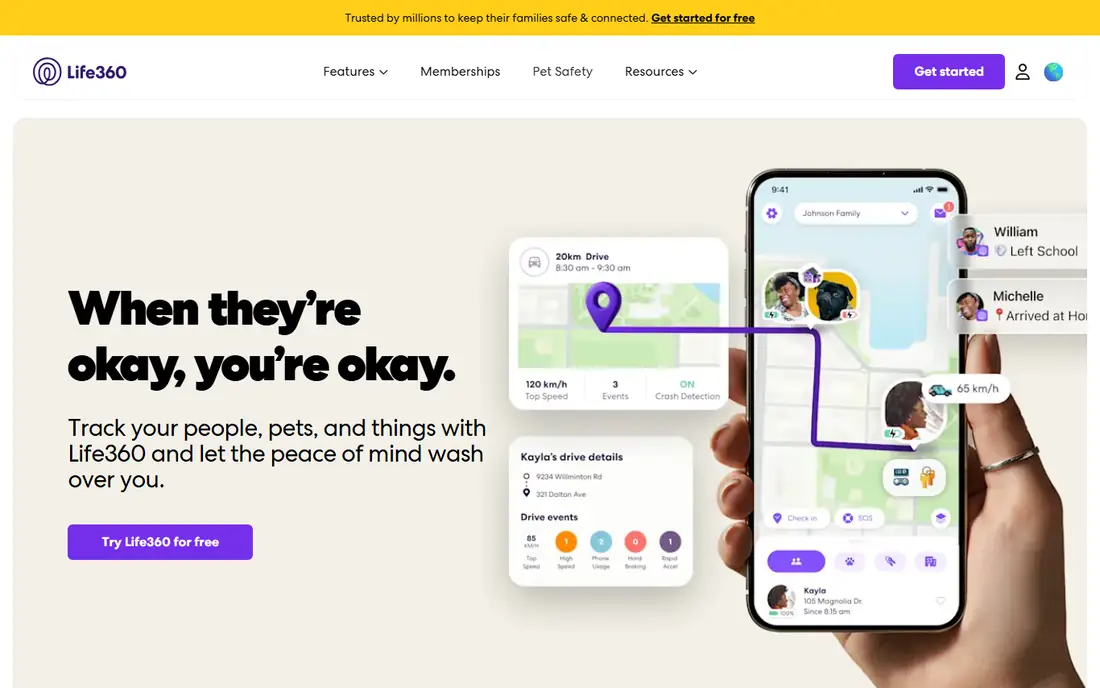
Life360 is our pick for families with both iPhones and Android phones, since it works the same on both. The free tier shows a real-time map, offers two place alerts for arrivals and departures, and includes driving summaries, which covers daily coordination for many families. Paid plans add longer location history, more place alerts, crash detection and emergency dispatch.
Privacy deserves a family conversation before you switch it on. Always-on location is powerful, and teens in particular should understand who can see them and when sharing pauses. For mixed-device households that want one shared map, Life360 free is the best starting point, with paid upgrades only if you need the safety extras.
- Real-time map across iPhone and Android
- Two place alerts on the free tier
- Driving summaries included
- Longer history and crash detection need paid plans
- Always-on tracking raises privacy questions
Apple Find My
Ideal for: All-iPhone households

Apple Find My is the best free option when everyone in the family uses Apple devices. It is built into iOS, iPadOS and macOS, costs nothing, uses very little battery, and lets family members share locations with each other through Family Sharing. There are no subscriptions, no ads and no third-party tracking company in the middle.
The limits are platform and depth. Android family members cannot join, and there is no location history, driving report or crash alert. For an all-Apple household that mainly wants to know where everyone is right now, Find My is simple, private and free, and it is hard to argue with that combination.
- Completely free with no subscription
- Very low battery use
- Location sharing built into iOS with strong privacy controls
- IPhone, iPad and Mac only
- No location history or driving reports
Google Family Link
Ideal for: Supervised Android kids
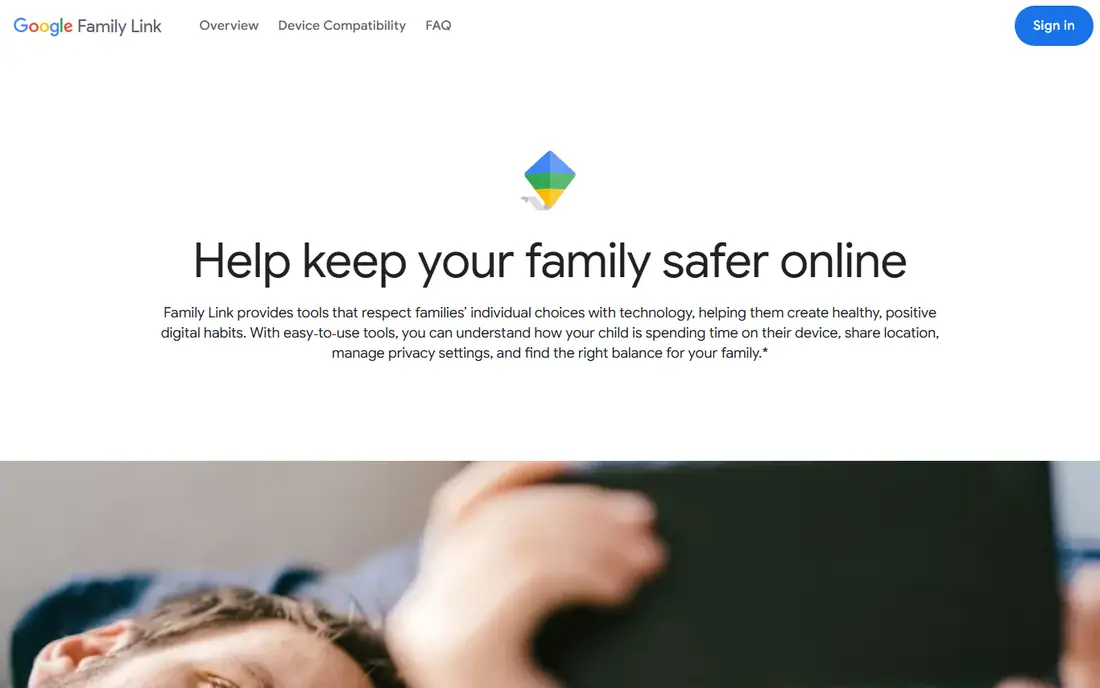
Google Family Link suits parents of younger children on Android. It creates a supervised account for a child, lets parents see device location, approve app downloads, set screen-time limits and manage content filters, all for free. The parent app runs on iOS too, so an iPhone parent can supervise an Android child device.
It is not a general family tracker for adults, and its location features are simpler than Life360. For families with young Android users, though, Family Link combines location with broader parental controls in one free tool, which makes it the natural first choice.
- Free supervision for children under 13
- Location, app approval and screen-time controls
- Works on Android with a parent app on iOS
- Designed for supervised child accounts, not adult family tracking
- Location features are basic compared with Life360
Glympse
Ideal for: Temporary trip sharing
Glympse is the privacy-friendly answer to a specific question: can someone see where I am until I get there, and then stop? Send a trip share with a timer, and the recipient watches your progress without creating an account. When the timer ends, sharing ends too, with no ongoing tracking to manage or forget about.
It does not replace a family tracker, since there is no permanent map, history or safety alert. For pickups, road trips, meetups and late walks home, Glympse gives reassurance without the always-on trade-off, and it is completely free.
- Share location for a set time with no account needed for viewers
- Sharing stops automatically
- Privacy-friendly by design
- No ongoing family map or history
- No safety dispatch features
iSharing
Ideal for: Simple family location
iSharing suits families who want a simple location app without a complex feature set. Setup is straightforward, which helps when older relatives join the circle, and real-time sharing covers the everyday question of where everyone is. Paid plans add more place alerts, history and safety features for families that need them.
The free tier is limited compared with Life360, and the app is less well known, so check current store availability in your region. For a straightforward, easy-to-explain family locator, iSharing is a solid free start.
- Simple real-time location sharing for families and friends
- Place alerts on paid plans
- Easy setup for older relatives
- Free tier is limited
- Safety and driving features sit on paid plans
GeoZilla
Ideal for: Budget family tracking
GeoZilla offers family location sharing with a free tier and an affordable annual plan for the full feature set. Location sharing, place alerts and safety tools cover the core family needs, and the paid plan costs less than some rivals on an annual basis. For budget-conscious families, that pricing is attractive.
The user base is smaller than Life360, which can matter for support and long-term development. Check the current free tier limits, since they shape whether the free version covers your family. For a low-cost family tracker with a clear upgrade path, GeoZilla is worth trying.
- Free tier with location sharing and alerts
- Affordable annual plan for full features
- Driving and safety tools on paid tiers
- Smaller user base than Life360
- Free tier limits history and alerts
Findmykids
Ideal for: Young kids and GPS watches
Findmykids is built for younger children, including those who carry a GPS watch instead of a phone. Parents see real-time location, set safe-zone alerts for home and school, and children can press an SOS button to alert parents. That watch support matters, since many young children do not have phones yet.
Paid plans open the full feature set, and the app suits younger kids more than independent teens, who may prefer a general family app. For parents of primary-age children, especially with a GPS watch, Findmykids is a focused and practical choice.
- Real-time GPS tracking for children
- Supports GPS watches as well as phones
- SOS button and geofencing alerts
- Full features need a paid plan
- Best suited to younger children rather than teens
How we picked these
We compared official feature pages, pricing pages and app store listings for family tracking apps available to US families in October 2026. We kept apps with a genuinely usable free tier, not just a short trial, and we checked free limits as vendors describe them. We favored apps with clear privacy controls and honest limits, and we did not claim hands-on testing.
How to set up family tracking with trust
Start with a conversation, not an install. Agree who is in the circle, when location sharing is on, and when it pauses, such as during school or work hours if your family prefers that. For teens, tracking without agreement damages trust, while agreed sharing with clear rules supports safety without constant conflict.
Then check the practical settings. Confirm location permissions are set correctly, test place alerts with a real arrival and departure, and review who has access every few months. Remove people when circumstances change, and teach children how to ask for help directly as well as through an app. Tracking is a tool for coordination and safety, not a substitute for communication.
Location sharing works best when it is mutual and agreed, rather than one-way surveillance, especially with teenagers who value privacy. Talk through what each person can see, when alerts are appropriate, and how to pause sharing temporarily for good reasons, such as a surprise gift or a private appointment. That conversation builds trust and makes the app a safety tool the family actually keeps using, instead of one that gets deleted at the first disagreement.
Frequently asked questions
What is the best free family tracking app?
Life360 offers the best free tier for mixed iPhone and Android families, while Apple Find My is best for all-iPhone households. Google Family Link suits supervised Android devices for younger children. The best free app depends on your devices and on whether you need ongoing tracking or temporary sharing.
Is Life360 free?
Yes, Life360 has a free tier with real-time location sharing, two place alerts and driving summaries. Paid plans add longer history, more place alerts, crash detection, emergency dispatch and roadside help. Start free and upgrade only if you need those safety features.
Can I track my family without them knowing?
No, and you should not try. Legitimate tracking apps require consent and visible permissions on each device, and secret tracking can break trust and, in some cases, the law. Always agree tracking openly within your family, especially with teens.
Does family tracking drain battery?
Always-on GPS tracking uses more battery than occasional sharing, and Life360 in particular is known for higher battery use. Apple Find My uses very little battery since it works at the operating system level. If battery life matters, prefer system-level sharing or time-limited sharing with Glympse.
What is the best family tracking app for kids with a GPS watch?
Findmykids is the best fit, since it supports GPS watches as well as phones, with real-time tracking, safe-zone alerts and an SOS button. Check that the specific watch model you own is supported before buying a subscription.