Best Fashion Design Software in 2026: 8 Tools Compared

- CLO 3D is our pick for most fashion designers because true 3D garment simulation shortens the sampling cycle.
- Adobe Illustrator remains the standard for fashion flats and technical sketches, while Browzwear suits larger brands with complex production needs.
- Procreate is the best low cost sketching option for illustrators, and Valentina is the strongest free choice for pattern drafting.
- Prices range from free open source tools to enterprise subscriptions, so match the tool to your stage, not just your wishlist.
- Check file compatibility before you commit, since patterns and tech packs must move cleanly between design and production.
Quick comparison
| Product | Ideal for | Price from | Free version | |
|---|---|---|---|---|
 CLO 3D | 3D garment design and simulation | See website | Free trial | Visit |
 Adobe Illustrator | Fashion flats and technical sketches | See website | Free trial | Visit |
 Browzwear | Enterprise 3D fashion design | See website | No | Visit |
 Optitex | Pattern making and production | See website | No | Visit |
 Tukatech | Pattern and marker making | See website | No | Visit |
 CorelDRAW | Vector fashion illustration | See website | Free trial | Visit |
 Procreate | Fashion illustration on iPad | See website | No | Visit |
 Valentina | Free open source pattern drafting | Free | Yes | Visit |
The best fashion design software
Fashion design software spans sketching, pattern drafting, 3D simulation and production. No single tool covers every stage perfectly, so most designers use a sketching tool plus a pattern or 3D tool. This list covers that full range.
CLO 3D
Ideal for: 3D garment design and simulation
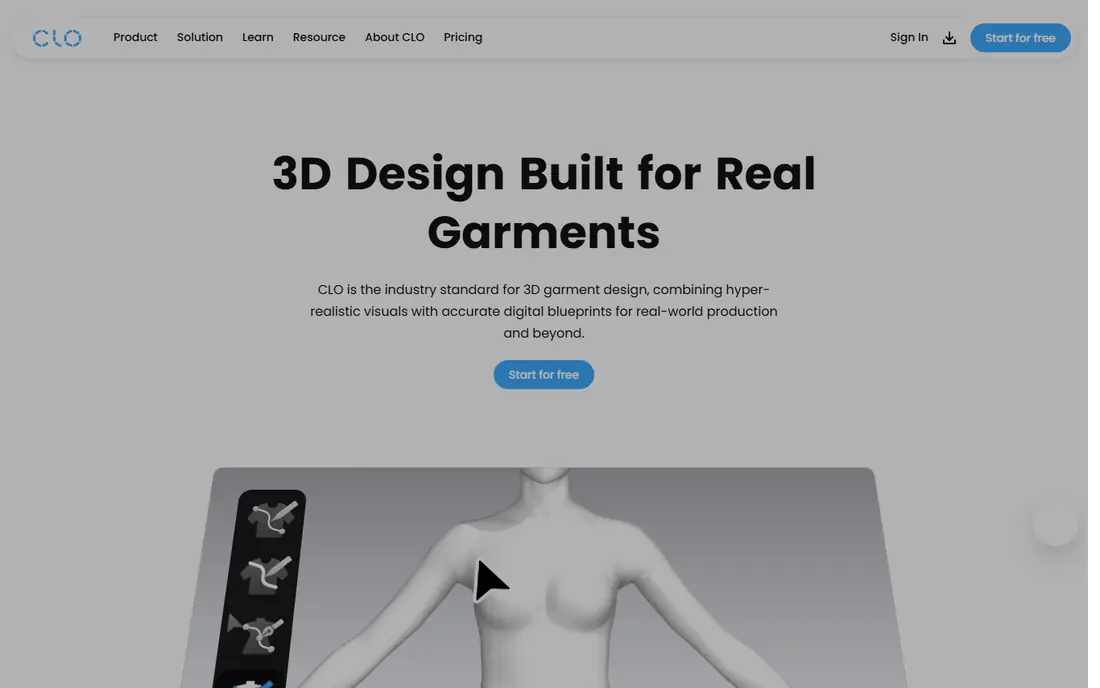
CLO 3D lets you draft a pattern, sew it virtually, and see how the garment drapes on a 3D avatar. That simulation is the reason it leads this list, because it lets designers test fit, fabric behavior and design changes without sewing a physical sample for every idea. For brands, fewer samples mean lower cost and faster timelines.
The learning curve is real, especially if you have no pattern making background. You will need time to learn pattern drafting, fabric properties and avatar setup. A free trial lets you test the workflow before subscribing. For designers and brands ready to work in 3D, CLO 3D is the most capable tool available.
- Realistic cloth simulation
- Reduces physical samples
- Strong pattern to 3D workflow
- Learning curve for pattern skills
- Subscription cost adds up
Adobe Illustrator
Ideal for: Fashion flats and technical sketches
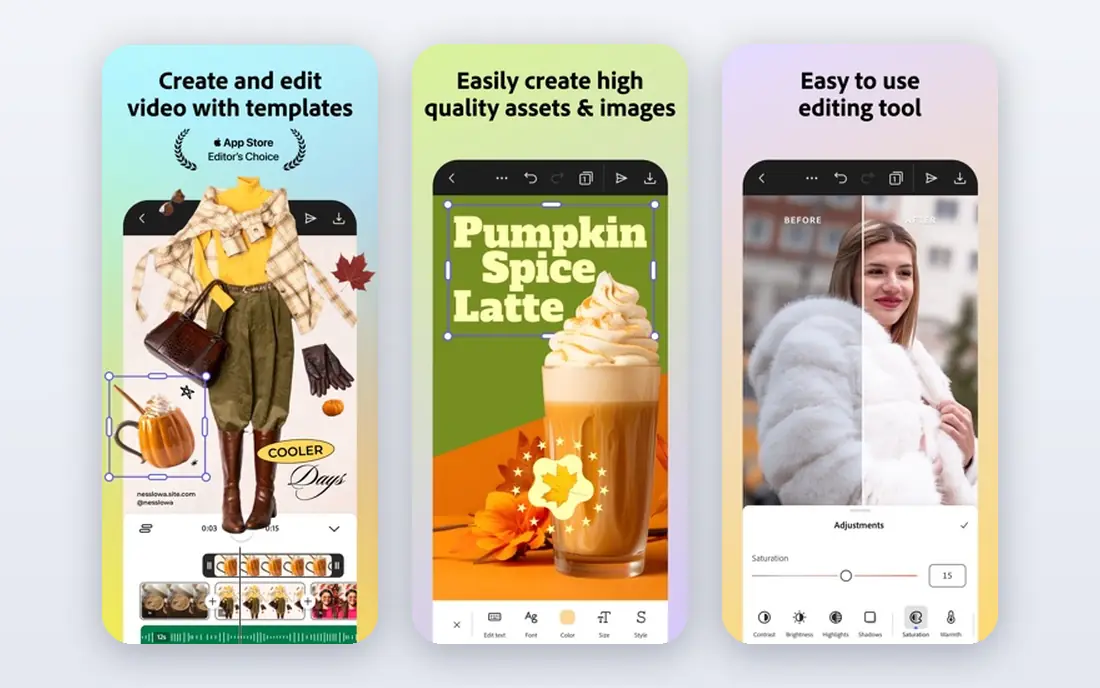
Adobe Illustrator remains the standard for fashion flats, technical sketches and presentation boards. Designers use it to draw clean garment flats, add stitching and construction details, and build tech packs that factories can follow. The vector format keeps lines sharp at any size, which matters for print and production documents.
Illustrator is a subscription product, and it does not draft patterns or simulate cloth on its own. Most designers pair it with a pattern tool or a 3D tool. If your main job is sketching, flats and presentation, Illustrator is still the safest choice, because factories and collaborators already know its files.
- Industry standard for flats
- Huge brush and template resources
- Integrates with Photoshop
- Subscription pricing
- Not a pattern or 3D tool on its own
Browzwear
Ideal for: Enterprise 3D fashion design
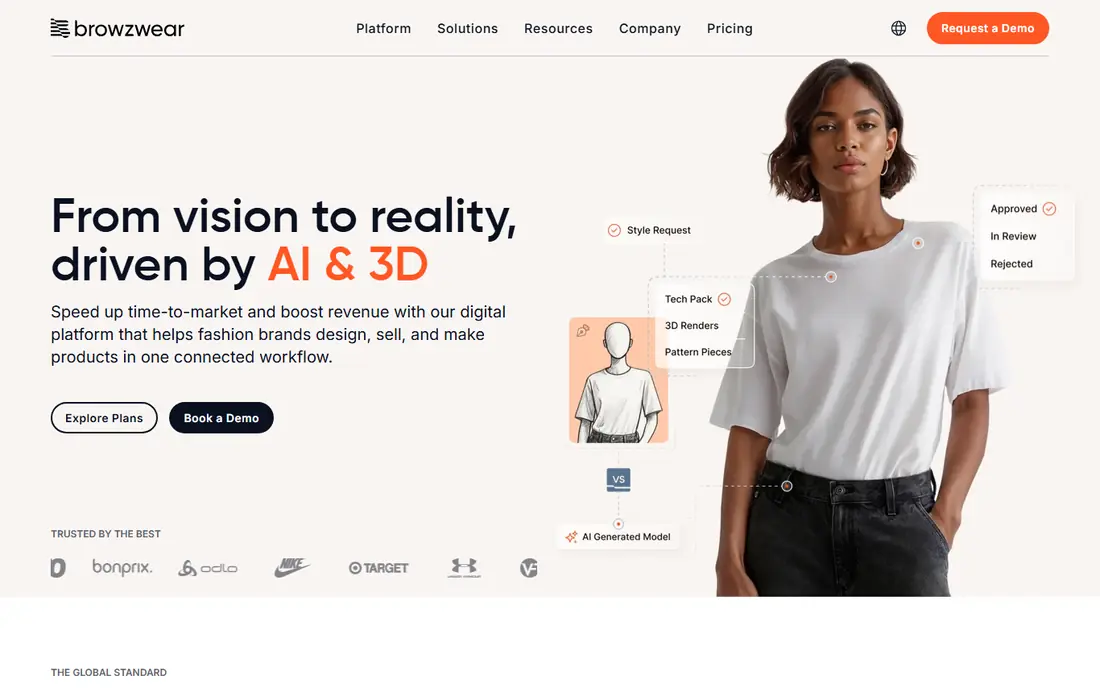
Browzwear serves larger fashion brands that need 3D design tied to production. Its tools cover garment design, fabric simulation and digital sampling, with workflows built for teams rather than solo designers. Brands use it to approve designs digitally and cut down on physical samples across a collection.
Pricing is enterprise level, and the tool is more than an independent designer needs. If you work for a brand with a production pipeline, Browzwear is worth evaluating alongside CLO 3D. If you are a solo designer, start with CLO 3D or Illustrator instead.
- Strong 3D design for large brands
- Good for digital sampling
- Integrates with production systems
- Enterprise pricing
- Overkill for independent designers
Optitex
Ideal for: Pattern making and production
Optitex focuses on the production side of fashion: pattern drafting, grading across sizes, and marker making to lay out pieces efficiently on fabric. Its 3D viewer lets you check a garment before cutting, but the core strength is accurate patterns that factories can use.
The interface takes training, and pricing is aimed at businesses rather than hobbyists. For a production team, Optitex is a serious tool that pays for itself in fewer errors and better fabric use. For a student or independent designer, the free options in this list are a better starting point.
- Strong pattern drafting and grading
- Marker making for production
- 3D viewing
- Enterprise pricing
- Interface takes training
Tukatech
Ideal for: Pattern and marker making
Tukatech offers pattern design, grading and marker making in a system used by designers and small factories. Its automated markers help cut fabric efficiently, which saves material and money in production. The system also supports 3D visualization for checking fit before cutting.
Pricing varies by module, so request a quote for the pieces you actually need. The learning curve is real, but Tukatech suits a small production operation that wants professional pattern tools without enterprise cost. Students should start with Valentina and move up when production demands it.
- Pattern design and grading
- Automated marker making
- Good for small factories
- Pricing varies by module
- Learning curve for new users
CorelDRAW
Ideal for: Vector fashion illustration
CorelDRAW is a capable vector illustration tool that many designers use for fashion sketches and flats. It offers strong drawing tools, color management and layout features, with purchase options that include a one time license in some plans. That pricing model appeals to designers who dislike subscriptions.
The drawback is industry habit. Fashion studios standardize on Illustrator, so sharing files with collaborators may need conversion. If you work alone or with a small team, CorelDRAW is a fine and often cheaper alternative. If you work with large brands, Illustrator compatibility matters more.
- One time purchase options
- Strong vector tools
- Good for illustration and flats
- Less common in fashion studios than Illustrator
- Fewer fashion templates
Procreate
Ideal for: Fashion illustration on iPad
Procreate is the best sketching tool for fashion illustrators who work on an iPad. The drawing feel is natural, the brush library is huge, and the one time purchase cost is low compared with subscriptions. Fashion illustrators use it for croquis, color studies and presentation art that looks hand drawn but stays digital.
It is iPad only, and it does not draft patterns or build tech packs. Treat Procreate as an illustration tool that pairs with Illustrator or a pattern tool, not as a full production system. For a student or illustrator on a budget, it is the most enjoyable way to sketch fashion.
- Natural drawing feel on iPad
- Large brush library
- Low one time cost
- IPad only
- Not a pattern or tech pack tool
Valentina
Ideal for: Free open source pattern drafting
Valentina is a free, open source pattern drafting tool built around parametric patterns. You define measurements once, and the pattern adjusts when measurements change, which is a powerful way to learn how patterns work. For students, hobbyists and independent designers, it removes the cost barrier to real pattern drafting.
The interface is less polished than commercial tools, and tutorials are fewer, so expect a learning curve. Still, Valentina proves that serious pattern work does not require an enterprise budget. Start here to learn pattern logic, then move to a commercial tool when production work demands it.
- Free and open source
- Parametric patterns that resize
- Good for learning pattern drafting
- Interface is less polished
- Smaller community and fewer tutorials
How we picked these
We compared official feature pages, pricing pages and public reviews for each tool, focusing on software that is still maintained and works in October 2026. We favored tools with a clear job in the fashion pipeline, from sketching to pattern to 3D, and a track record with real designers or brands. We left out abandoned tools, generic drawing apps with no fashion workflow, and tools that required enterprise contracts to try. Prices change, so check the vendor site before you buy.
How to build your fashion design toolkit
Start with the stage you actually work in. If you sketch, begin with Procreate or Illustrator. If you draft patterns, begin with Valentina or a trial of CLO 3D. If you run production, evaluate Optitex or Tukatech with your real patterns, not just a demo file.
Check file compatibility early. Patterns must move between design and production, flats must open in your collaborators tools, and tech packs must print cleanly. A tool that cannot share files with your factory or your team will cost you time no matter how good its drawing feels.
Finally, budget for learning, not just licenses. 3D and pattern tools take weeks to learn well, so plan practice projects before client work. A free tool you master beats an expensive tool you barely use, and a small set of tools you know deeply beats a large set you only skim.
Sample accuracy is another reason to test software with your real work before buying. Import one of your own patterns or flats, run it through the full workflow, and check whether measurements, seam allowances, and grading survive the round trip to your factory or collaborator. A tool that looks impressive in a demo with vendor files can still struggle with your files, and that gap only appears when you test with real work. A two week trial with real projects tells you more than any feature comparison.
Frequently asked questions
What is the best fashion design software for beginners?
For sketching, Procreate on iPad or Illustrator on desktop are the easiest starts. For pattern drafting, Valentina is free and teaches real pattern logic. For 3D, CLO 3D offers a trial that lets you test garment simulation before subscribing.
Do I need 3D software to design fashion?
No, many designers still work with sketches and physical samples. 3D tools such as CLO 3D and Browzwear help by reducing samples and showing drape early, but they are an advantage, not a requirement, especially for small collections.
What software do fashion brands use for tech packs?
Adobe Illustrator is the most common tool for flats and tech packs, often paired with a spreadsheet or product lifecycle system. The key is clean, labeled flats with construction notes that a factory can follow without guesswork.
Is there free fashion design software?
Yes, Valentina is free and open source for pattern drafting, and several tools offer free trials. Procreate is a low one time cost for illustration. Free tools cover learning and small projects well, though production teams usually need commercial tools.
Can fashion design software replace physical samples?
It reduces them, but rarely removes them entirely. 3D simulation catches many fit and drape issues early, yet fabric hand feel, stitching quality and final fit still need a physical check before bulk production.