Best File Security Software for Businesses

- 1
 TresoritRegulated teams that need certified end-to-end encryptionVisit
- 2
 NordLockerSmall teams that want zero-knowledge storage at a low priceVisit
- 3
 ShareFileClient file sharing with e-signatures and branded portalsVisit
- 4
 pCloud BusinessTeams that want encrypted storage with Crypto includedVisit
- 5
 KiteworksGoverned sharing and managed file transfer for regulated industriesVisit
- Sync.com Teams at $6 a user a month billed annually is the cheapest end-to-end encrypted storage, with 1 TB per user and a 3-user minimum.
- NordLocker Business at $8.99 a user a month billed annually adds zero-knowledge encryption, a 3 GB free plan and a 14-day business trial.
- Tresorit Business at $19 a user a month billed annually is the pick for regulated industries, with ISO 27001, HIPAA and FINRA compliance.
- pCloud Business at $7.99 a user a month billed annually includes pCloud Crypto, and ShareFile Standard starts at $50 a month for five employee users.
- Kiteworks, Virtru and AxCrypt cover the specialist jobs: governed sharing, email encryption and file-level encryption. Virtru Starter costs $119 a month for five users.
Quick comparison
| Product | Ideal for | Price from | Free version | |
|---|---|---|---|---|
| Tresorit | Regulated teams that need certified end-to-end encryption | $19 per user/month (Business, billed annually) | Free trial (14 days) | Visit |
| NordLocker | Small teams that want zero-knowledge storage at a low price | $8.99 per user/month (Business, billed annually) | Yes | Visit |
| ShareFile | Client file sharing with e-signatures and branded portals | $50 per month (Standard, 5 employee users) | Free trial (14 days) | Visit |
| pCloud Business | Teams that want encrypted storage with Crypto included | $7.99 per user/month (Business, billed annually) | Free trial (30 days) | Visit |
| Kiteworks | Governed sharing and managed file transfer for regulated industries | quote only | No | Visit |
 Virtru | Email and file encryption inside Gmail and Outlook | $119 per month (Starter, up to 5 users) | No | Visit |
 AxCrypt Business | File-level encryption for Windows and Mac teams | $11.49 per user/month (Business, billed annually) | Yes | Visit |
 Sync.com Teams | Budget end-to-end encrypted storage for small teams | $6 per user/month (Teams 1TB, billed annually) | Yes | Visit |
The best file security software for businesses
These eight tools cover the main ways a business protects files: end-to-end encrypted storage, governed sharing, email encryption and file-level encryption. Some are built for regulated industries with certifications to show, and some are built for small teams that want strong encryption at a low price. Prices below come from each vendor pricing page and documentation, checked 11 November 2026.
Tresorit
Ideal for: Regulated teams that need certified end-to-end encryption
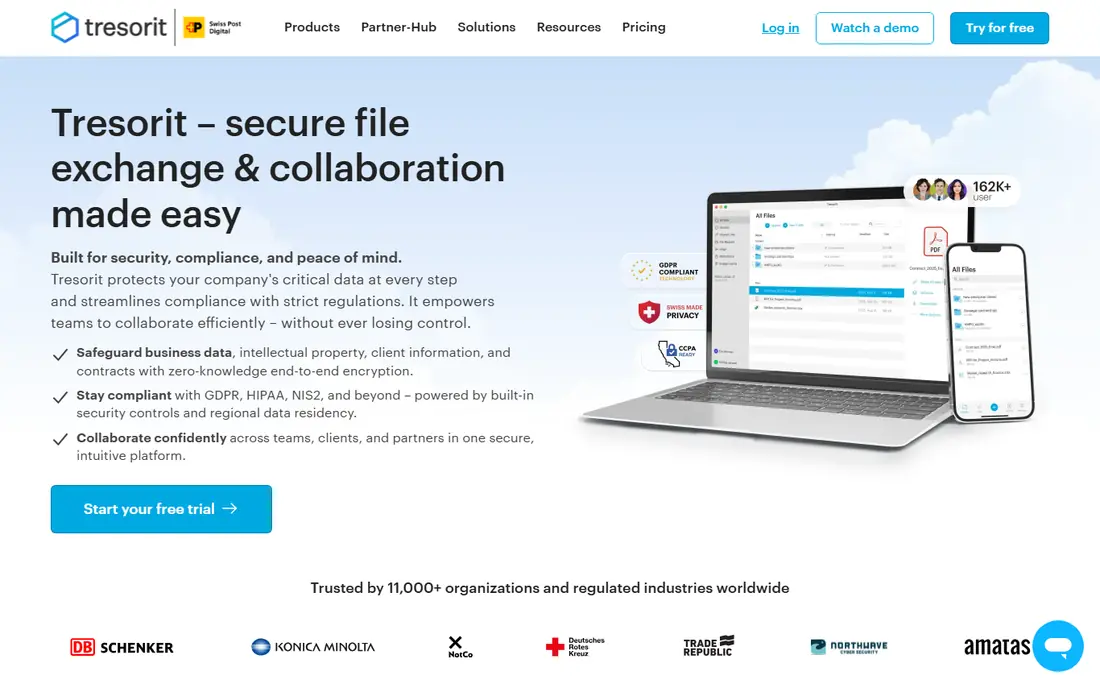
Tresorit is a Swiss end-to-end encrypted cloud storage platform, and its Business plan costs $19 a user a month billed annually, with Business Pro at $24 a user a month. Every file is encrypted on the device before upload, so Tresorit cannot read customer data, and the platform holds ISO 27001 certification, HIPAA compliance for US healthcare, FINRA compliance for finance, and GDPR coverage. Business plans add admin controls, data residency options, eSign, and Outlook and Gmail plugins for sending encrypted attachments from an existing email client.
The limits are price and minimums. There is no free plan, only a 14-day trial, and Business needs at least three users while Business Pro needs at least five. Older listings show $14.50 a user a month for Business Standard, but the current pricing page lists Business at $19 and Business Pro at $24. A team in healthcare, legal, finance or consulting that must show certifications should shortlist Tresorit first, and a team that only needs encryption without the paperwork can save money elsewhere.
- Zero-knowledge encryption with ISO 27001, HIPAA and FINRA compliance
- ESign and admin controls
- No free plan
- Business needs at least 3 users and Business Pro at least 5
NordLocker
Ideal for: Small teams that want zero-knowledge storage at a low price
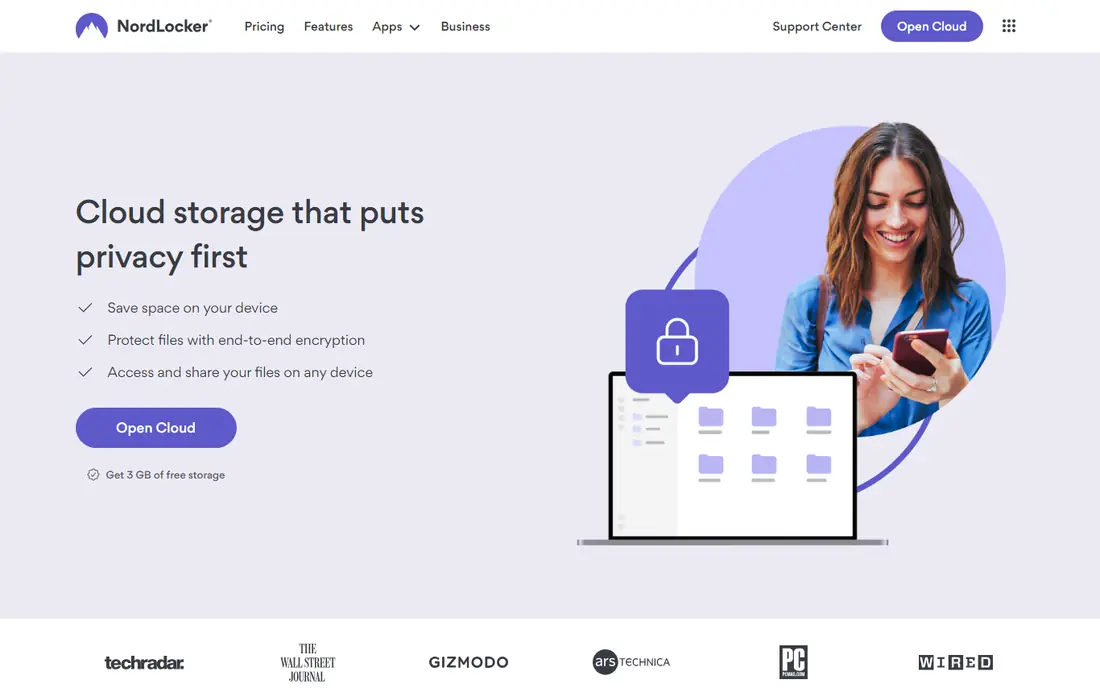
NordLocker is an end-to-end encrypted cloud storage service from Nord Security, the company behind NordVPN, and its Business plan costs $8.99 a user a month billed annually for 500 GB per user, while Business Plus costs $14.99 for 2 TB. The free plan gives 3 GB, and business customers get a 14-day free trial plus a 30-day money-back guarantee on priced plans. Business plans include an admin panel with access controls, secure file sharing, and access from Windows, macOS, Android, iOS and the web.
The limits are storage and governance. The Business plan gives 500 GB per user, which is less than the 1 TB that Sync.com and pCloud Business offer at similar or lower prices, and NordLocker has no data loss prevention, eDiscovery or advanced classification. A team that shares large media files should price Business Plus at $14.99 a user a month. For a small team that wants zero-knowledge encryption, a simple admin panel and a low price, NordLocker is the easiest start here.
- Zero-knowledge encryption from the makers of NordVPN
- 3 GB free plan and 14-day business trial
- Business plan gives only 500 GB per user
- No advanced governance controls
ShareFile
Ideal for: Client file sharing with e-signatures and branded portals

ShareFile is a business file sharing and storage service from Progress Software, and its Standard plan starts at $50 a month billed yearly for five employee users, with each extra employee user at $9.90 a month billed annually, or $11 billed monthly. The plan includes unlimited client users, custom branding, secure file sharing and storage, basic workflow automation and mobile access, plus a free trial. Advanced costs $15.30 per extra user billed annually and adds Office 365 co-editing, while Premium at $24.30 per extra user billed annually adds unlimited storage.
The $50 base covers five employee users, so a team of three still pays for five, and the 100 GB of storage on Standard is shared across the account. Client users are unlimited and free, which is the real value: a law firm or accounting practice can give every client a branded portal without adding seats. A team that needs more storage or Office co-editing should price Advanced and check the storage limit before signing.
- Unlimited client users and custom branding
- Secure client portals with e-signatures
- Priced per employee user with a 5-user base
- Storage is limited to 100 GB on Standard
pCloud Business
Ideal for: Teams that want encrypted storage with Crypto included
pCloud Business costs $7.99 a user a month billed annually, or $9.99 billed monthly, with 1 TB of storage per user and a three-user minimum. Business Pro costs $15.98 a user a month billed annually with 2 TB per user and priority support. Both business plans include pCloud Crypto, which is the zero-knowledge encryption folder, while individual users must pay extra for it. A 30-day free trial covers up to 10 users, and the plans include admin controls, file versioning and branded sharing links.
The limits are the trial-only entry and the Pro jump. There is no permanent free plan for business use, so the cost starts when the trial ends, and Business Pro costs about twice the Business rate for double the storage and priority support. pCloud is a Swiss company operating since 2013, and its lifetime plans for individuals are a separate product. For a small team that wants encrypted storage with Crypto included at a low price, pCloud Business is the best value here after Sync.com.
- PCloud Crypto included on Business plans
- 1 TB per user with a 3-user minimum
- No permanent free plan for business
- Business Pro costs twice as much for 2 TB
Kiteworks
Ideal for: Governed sharing and managed file transfer for regulated industries
Kiteworks is a private data network that unifies secure email, file sharing, web forms, managed file transfer and SFTP in one platform, built for healthcare, finance, government and legal teams. The Business tier covers 5 to 100 users with files up to 2 GB and 1 TB of storage, while Enterprise is custom quoted by user count and hosting location. The Enterprise package supports most CMMC 2.0 Level 2 practice requirements, plus FIPS 140-2 validation, next-generation DRM and bring-your-own-key encryption.
The buying process is the barrier. Kiteworks does not publish pricing on its own page, so every buyer needs a custom quote, and there is no free trial. Third-party listings suggest Business from around $25.50 a user a month, but that figure is not on the vendor pricing page, so treat it as a guide. The Business tier caps files at 2 GB, which is low for media or engineering files, and enterprise pricing can carry onboarding fees. Kiteworks fits teams in heavily regulated industries that need governance baked into every send, share and receive.
- Private data network with secure email, file sharing, MFT and SFTP
- CMMC and FedRAMP alignment
- No public pricing and no free trial
- Business tier caps files at 2 GB
Virtru
Ideal for: Email and file encryption inside Gmail and Outlook
Virtru adds end-to-end encryption, data loss prevention and access controls to the email and file tools a team already uses, and its Starter Data Protection package costs $119 a month for up to five users, billed annually. Business costs $219 a month for up to five users, and Enterprise is custom priced. Virtru works inside Gmail and Microsoft Outlook, encrypts message content and attachments, and gives senders controls such as expiry dates and revoking access after a message is sent. It also offers a HIPAA business associate agreement on the Starter package.
The limits are the flat rate and the lack of a trial. There is no free plan and no free trial, so a team must commit before testing, and the $119 flat rate covers only five users, which is about $23.80 per user a month for a full five-seat team but much more per user for a team of two. Larger deployments negotiate per-user rates in the $5 to $15 a month range. Virtru suits healthcare, legal and finance teams that need to encrypt email without changing their mail platform.
- End-to-end encryption inside Gmail and Outlook
- Sender controls for expiry and revoking access
- No free plan or free trial
- Starter covers only five users, so larger teams pay more
AxCrypt Business
Ideal for: File-level encryption for Windows and Mac teams
AxCrypt is a file encryption tool for Windows and Mac that encrypts individual files and folders with AES-256, and its Business plan costs $11.49 a user a month billed annually. The free plan includes AES-128 encryption on PC, a viewer for Mac and PC, and account key backup on PC, while Premium at $5.20 a month adds AES-256, secure file sharing, password management and cloud storage awareness. Business adds professional use, business priority support, a business admin console, a master key, mobile encryption and secure sharing with up to 20 users at once.
AxCrypt encrypts files, it does not store them. A team still needs cloud storage or a file server, and AxCrypt adds the encryption layer on top, with Windows Explorer integration and cloud storage awareness for Google Drive, Dropbox and OneDrive. There is no data loss prevention or eDiscovery, and the business plan is the priciest tier for a tool that does one job. For a team that already has storage and needs strong file-level encryption with key sharing, AxCrypt is the specialist pick.
- AES-256 file encryption with key sharing
- Free plan with AES-128 encryption
- No cloud storage included
- No data loss prevention or eDiscovery
Sync.com Teams
Ideal for: Budget end-to-end encrypted storage for small teams
Sync.com Teams 1TB costs $6 a user a month billed annually, or $8 billed monthly, with a three-user minimum and 1 TB of storage per user. Teams 2TB costs $9 a user a month billed annually, and Teams 10TB costs $15, with a free starter plan for individuals and a 30-day money-back guarantee. Every file is end-to-end encrypted, the admin account controls users and permissions, and the service includes file versioning, sharing links and remote device wipe, with no knowledge of customer data on the server side.
The limits are storage and governance. The entry plan gives 1 TB per user, less than the unlimited storage on Box Business, and there are no data loss prevention, eDiscovery or classification tools for regulated teams. Sync.com also ran a 25 percent discount on the first year at the time of checking, so new customers may pay less at checkout. For a small team that wants end-to-end encrypted storage at the lowest per-user price here, Sync.com Teams is the best value.
- End-to-end encryption at the lowest price here
- Free starter plan and 30-day money-back guarantee
- 3-user minimum and 1 TB per user on the entry plan
- No advanced governance tools
How we chose
We compared vendor pricing pages and documentation for each tool on 11 November 2026, and checked the encryption model, storage limits, compliance certifications, and the limits that raise the real bill, such as seat minimums, flat base prices and per-user add-ons. We looked at whether the tool stores files, encrypts email, or encrypts files on top of storage a team already owns. We did not run hands-on tests or count review scores. Prices are US list prices before tax, so check the vendor pricing page on the day you buy.
What to check before you buy
Check the encryption model first. Zero-knowledge encryption means the vendor cannot read your files, which matters for regulated work, while ordinary encrypted storage lets the vendor hold the keys. Check the storage limit per user, since NordLocker Business gives 500 GB, Sync.com Teams gives 1 TB, and ShareFile Standard gives 100 GB shared across the account. Check the seat rules too: Tresorit, pCloud and Sync.com all need at least three users, ShareFile charges a five-user base, and Virtru charges a flat rate for five users. Check whether external collaborators cost extra, and whether the plan includes the compliance certificates your clients or auditors ask for.
| Team size | Cheapest pick | Balanced pick | Regulated pick | | 5 people | Sync.com Teams, $30 a month | pCloud Business, $40 a month | Tresorit Business, $95 a month | | 10 people | Sync.com Teams, $60 a month | pCloud Business, $80 a month | Tresorit Business, $190 a month | | 25 people | Sync.com Teams, $150 a month | pCloud Business, $200 a month | Tresorit Business, $475 a month |
Monthly totals use annual billing list prices before tax. Sync.com Teams stays cheapest at every size at $6 a user a month, while pCloud Business adds Crypto and branded sharing for $2 more per user. Tresorit Business costs the most per seat and covers the most compliance ground, with ISO 27001, HIPAA and FINRA, which is why it wins the regulated column at every team size.
Frequently asked questions
What is file security software for businesses?
File security software protects business files from unauthorised access, leaks and ransomware. It covers end-to-end encrypted storage, governed file sharing, email encryption and file-level encryption, with admin controls for permissions, audit logs and retention. The right pick depends on whether the risk is storage, sharing, email or individual files.
Which file security software is best for a small business?
Sync.com Teams is the best pick for most small businesses at $6 a user a month billed annually for end-to-end encrypted storage with 1 TB per user. NordLocker Business at $8.99 a user a month is the next best value, and pCloud Business at $7.99 adds Crypto and branded sharing. A team in a regulated industry should take Tresorit Business at $19 a user a month for its certifications.
What is zero-knowledge encryption?
Zero-knowledge encryption means files are encrypted on the device before upload, and only the customer holds the keys, so the vendor cannot read them. Tresorit, NordLocker, pCloud Crypto and Sync.com all use this model. It matters most for healthcare, legal and finance teams, because it limits what the vendor can see or hand over, and it is a requirement in many client contracts.
How much encrypted storage does a team of 10 need?
A team of 10 on Sync.com Teams 1TB gets 10 TB in total, or 1 TB per user, for $60 a month billed annually. A team with large media files should take Teams 2TB at $90 a month, or pCloud Business Pro at about $160 a month for 2 TB per user. Check current usage first: a team that already stores 8 TB needs the 2 TB tier, not the 1 TB tier.
Does file security software replace a backup?
No. Encrypted storage protects files from unauthorised access, but it does not replace a backup under the 3-2-1 rule: three copies, two media types, one offsite. Sync.com, Tresorit and pCloud keep version history and deleted files for a limited time, but ransomware or an accidental delete can still destroy the only copy. Keep a separate backup alongside any file security tool.