Best Film Production Management Software in 2026: 7 Options Compared

- 1
 StudioBinderProductions that want scheduling, breakdowns and call sheetsVisit
- 2
 CeltxWriters and small productions that want script plus planningVisit
- 3
 YamduProductions that want full pre-production and shoot managementVisit
- 4
 Movie Magic SchedulingProfessional productions using industry-standard schedulingVisit
- 5
 ShotGridStudios that want VFX and production trackingVisit
- StudioBinder is our pick for most buyers, thanks to its broad coverage and clear workflow for best film production management software.
- Celtx is the strongest alternative if you want a different balance of price and features.
- Free plans exist from Movie Magic Scheduling and others, but paid tiers add reporting, controls and support that matter at scale.
- Pricing is mostly quote-based in this category, so shortlist two or three tools and ask each vendor for a written quote.
- Check integrations, data export and support hours before you commit, because switching later costs more time than a careful trial now.
Quick comparison
| Product | Ideal for | Price from | Free version | |
|---|---|---|---|---|
| StudioBinder | Productions that want scheduling, breakdowns and call sheets | See website | Free trial | Visit |
| Celtx | Writers and small productions that want script plus planning | See website | Free trial | Visit |
| Yamdu | Productions that want full pre-production and shoot management | See website | Free trial | Visit |
| Movie Magic Scheduling | Professional productions using industry-standard scheduling | See website | No | Visit |
| ShotGrid | Studios that want VFX and production tracking | See website | Free trial | Visit |
 SetKeeper | Productions that want call sheets and crew management | See website | Free trial | Visit |
 Assemble | Productions that want script and production documents together | See website | Free trial | Visit |
The best film production management software
We looked at official feature pages, pricing pages, app store listings, privacy policies and public reviews to compare best film production management software. The tools below stood out for different reasons, so the right pick depends on your budget, team size and how much setup you want to handle. Our overall pick for most buyers is StudioBinder, because it covers the core job well and is easy to explain to a team, but the other six options each win in a specific situation. Read the short profiles, check the comparison table, and use the buying guide at the end to narrow the list to two or three finalists before you start a trial.
StudioBinder
Ideal for: Productions that want scheduling, breakdowns and call sheets
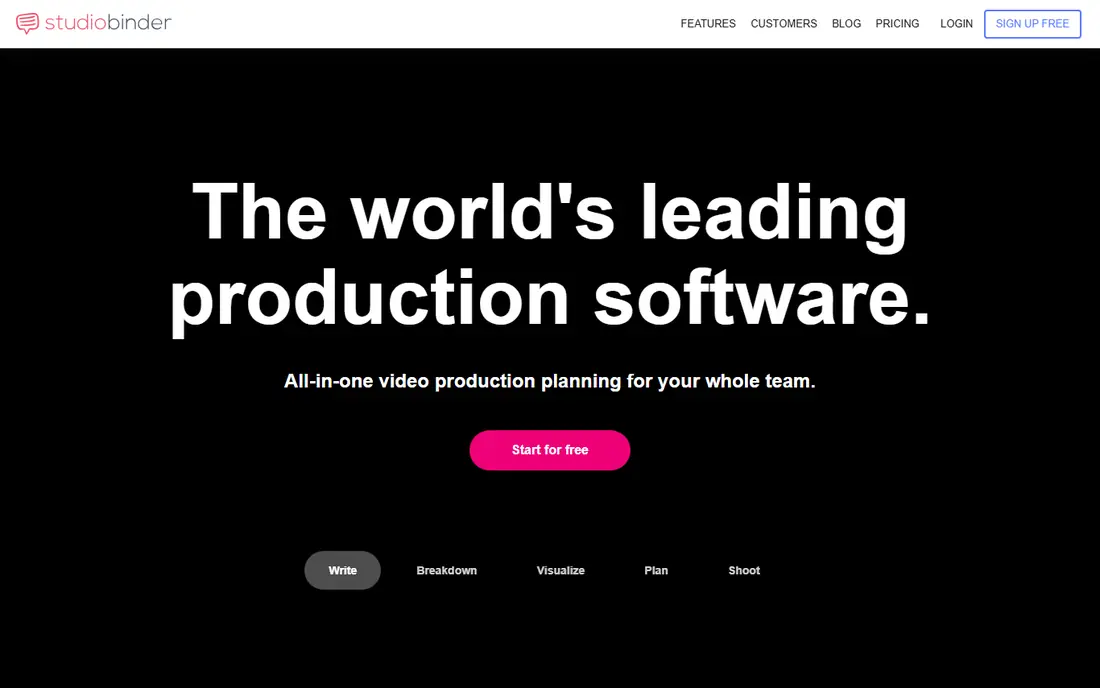
StudioBinder is a strong choice for productions that want scheduling, breakdowns and call sheets. Script breakdowns, schedules and call sheets. That matters in daily use, because a tool that fits the job from the start needs less workaround and less training. Beyond that first strength, StudioBinder also offers shot lists and collaboration. Pricing is listed as see website, with a free plan status of free trial, so check the current pricing page before you budget, since tiers change and some features sit behind higher plans. The honest catch is that pricing is per project, and advanced features need higher tiers. That does not rule it out, but it does mean you should test those weak spots during a trial with your own data and your own workflow. If those limits do not affect your team, StudioBinder is an easy shortlist pick. If they do, one of the other options below will probably fit better.
- Script breakdowns, schedules and call sheets
- Shot lists
- Collaboration
- Pricing is per project
- Advanced features need higher tiers
Celtx
Ideal for: Writers and small productions that want script plus planning
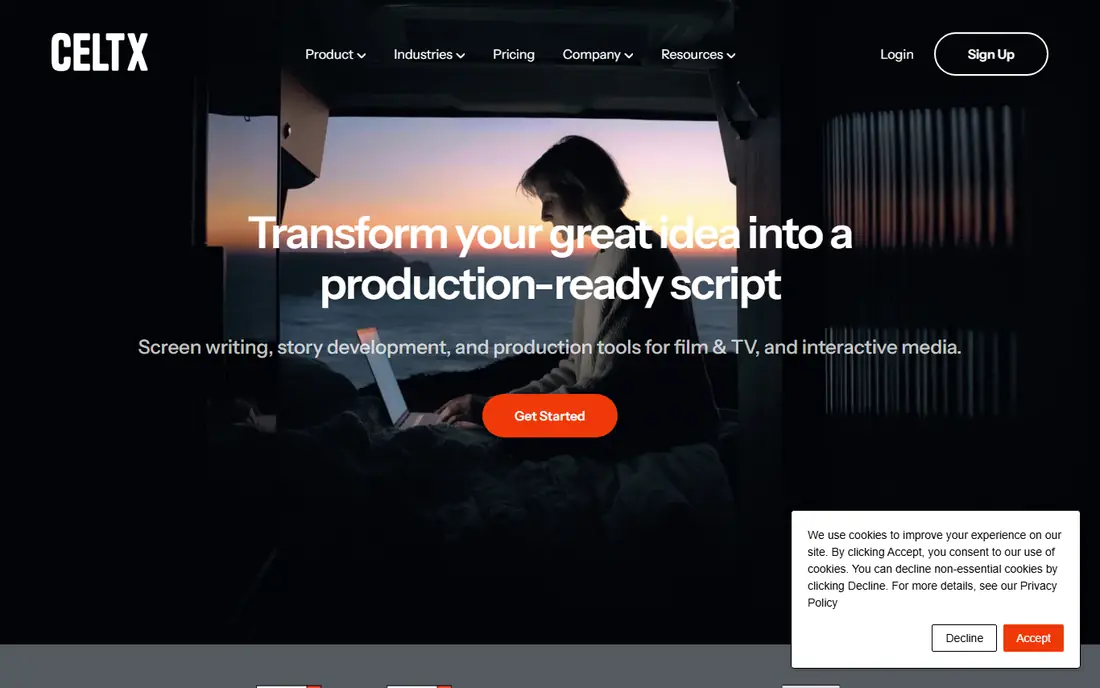
Celtx is a strong choice for writers and small productions that want script plus planning. Scriptwriting, breakdowns and scheduling. That matters in daily use, because a tool that fits the job from the start needs less workaround and less training. Beyond that first strength, Celtx also offers collaboration and affordable tiers. Pricing is listed as see website, with a free plan status of free trial, so check the current pricing page before you budget, since tiers change and some features sit behind higher plans. The honest catch is that depth is lighter than studiobinder for large productions, and some features need paid tiers. That does not rule it out, but it does mean you should test those weak spots during a trial with your own data and your own workflow. If those limits do not affect your team, Celtx is an easy shortlist pick. If they do, one of the other options below will probably fit better.
- Scriptwriting, breakdowns and scheduling
- Collaboration
- Affordable tiers
- Depth is lighter than StudioBinder for large productions
- Some features need paid tiers
Yamdu
Ideal for: Productions that want full pre-production and shoot management
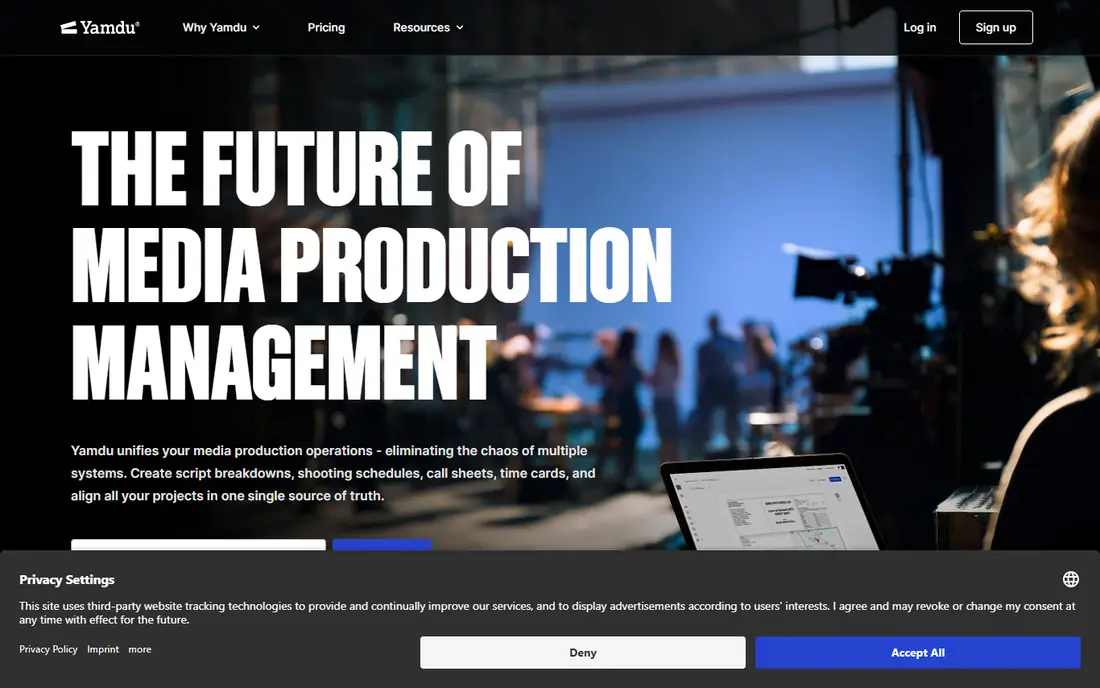
Yamdu is a strong choice for productions that want full pre-production and shoot management. Scheduling, breakdowns, casting and call sheets. That matters in daily use, because a tool that fits the job from the start needs less workaround and less training. Beyond that first strength, Yamdu also offers crew collaboration and cloud based. Pricing is listed as see website, with a free plan status of free trial, so check the current pricing page before you budget, since tiers change and some features sit behind higher plans. The honest catch is that pricing is per production, and learning curve for full setup. That does not rule it out, but it does mean you should test those weak spots during a trial with your own data and your own workflow. If those limits do not affect your team, Yamdu is an easy shortlist pick. If they do, one of the other options below will probably fit better.
- Scheduling, breakdowns, casting and call sheets
- Crew collaboration
- Cloud based
- Pricing is per production
- Learning curve for full setup
Movie Magic Scheduling
Ideal for: Professional productions using industry-standard scheduling
Movie Magic Scheduling is a strong choice for professional productions using industry-standard scheduling. Industry-standard scheduling and budgeting tools. That matters in daily use, because a tool that fits the job from the start needs less workaround and less training. Beyond that first strength, Movie Magic Scheduling also offers long professional track record and ep ecosystem. Pricing is listed as see website, with a free plan status of no, so check the current pricing page before you budget, since tiers change and some features sit behind higher plans. The honest catch is that desktop heritage and pricing, and setup needs production experience. That does not rule it out, but it does mean you should test those weak spots during a trial with your own data and your own workflow. If those limits do not affect your team, Movie Magic Scheduling is an easy shortlist pick. If they do, one of the other options below will probably fit better.
- Industry-standard scheduling and budgeting tools
- Long professional track record
- EP ecosystem
- Desktop heritage and pricing
- Setup needs production experience
ShotGrid
Ideal for: Studios that want VFX and production tracking
ShotGrid is a strong choice for studios that want vfx and production tracking. Shot tracking, review and pipeline tools. That matters in daily use, because a tool that fits the job from the start needs less workaround and less training. Beyond that first strength, ShotGrid also offers autodesk ecosystem and studio workflows. Pricing is listed as see website, with a free plan status of free trial, so check the current pricing page before you budget, since tiers change and some features sit behind higher plans. The honest catch is that studio focus, and smaller productions may find it heavy. That does not rule it out, but it does mean you should test those weak spots during a trial with your own data and your own workflow. If those limits do not affect your team, ShotGrid is an easy shortlist pick. If they do, one of the other options below will probably fit better.
- Shot tracking, review and pipeline tools
- Autodesk ecosystem
- Studio workflows
- Studio focus
- Smaller productions may find it heavy
SetKeeper
Ideal for: Productions that want call sheets and crew management
SetKeeper is a strong choice for productions that want call sheets and crew management. Call sheets, crew contacts and scheduling. That matters in daily use, because a tool that fits the job from the start needs less workaround and less training. Beyond that first strength, SetKeeper also offers simple production tools and mobile access. Pricing is listed as see website, with a free plan status of free trial, so check the current pricing page before you budget, since tiers change and some features sit behind higher plans. The honest catch is that feature depth is lighter than studiobinder, and smaller vendor footprint. That does not rule it out, but it does mean you should test those weak spots during a trial with your own data and your own workflow. If those limits do not affect your team, SetKeeper is an easy shortlist pick. If they do, one of the other options below will probably fit better.
- Call sheets, crew contacts and scheduling
- Simple production tools
- Mobile access
- Feature depth is lighter than StudioBinder
- Smaller vendor footprint
Assemble
Ideal for: Productions that want script and production documents together
Assemble is a strong choice for productions that want script and production documents together. Script breakdowns, schedules and document sharing. That matters in daily use, because a tool that fits the job from the start needs less workaround and less training. Beyond that first strength, Assemble also offers collaboration and cloud based. Pricing is listed as see website, with a free plan status of free trial, so check the current pricing page before you budget, since tiers change and some features sit behind higher plans. The honest catch is that smaller catalog of features than larger rivals, and pricing is per project. That does not rule it out, but it does mean you should test those weak spots during a trial with your own data and your own workflow. If those limits do not affect your team, Assemble is an easy shortlist pick. If they do, one of the other options below will probably fit better.
- Script breakdowns, schedules and document sharing
- Collaboration
- Cloud based
- Smaller catalog of features than larger rivals
- Pricing is per project
How we picked these
We compared official feature pages, pricing pages, app store listings, privacy policies and public reviews for best film production management software. We favoured products that are available and supported in October 2026, that clearly fit the topic, and that publish enough pricing or plan detail for a buyer to judge value. We did not claim hands-on testing, and we did not invent ratings, user counts or awards. Where a price could not be verified on the vendor site, we wrote See website rather than guessing. We also weighed who each product is really for, not just how long its feature list is. A tool built for a large enterprise can be a poor pick for a small team, and a simple tool can be a poor pick for a regulated workflow. That is why the list mixes well-known leaders with smaller specialists, and why each profile names an honest weakness alongside its strengths.
How to choose the right option for your team
Start by writing down the one job you need best film production management software to do in the next three months. If a tool cannot do that job well, its extra features do not matter. Then list the systems it must connect to, such as your accounting, CRM, calendar or data warehouse, and confirm each integration on the vendor site rather than assuming it works. A short integration check now prevents a painful migration later. Next, run a trial with real work, not demo data. Invite the people who will use the tool every day, give them a realistic task, and watch where they get stuck. Ask about data export, user permissions, support hours and contract terms during the trial, because those details decide whether a tool stays useful after the first month. Price the full setup, including seats, add-ons and training, before you compare quotes. Finally, pick the tool your team will actually use. The best choice is rarely the one with the longest feature list. It is the one that fits your workflow, your budget and your support needs, and that your team can adopt without a long project. Shortlist two finalists, compare them side by side on your own tasks, and then commit.
Frequently asked questions
What is best film production management software?
Best Film Production Management Software covers tools that help with the job described by that keyword, from planning and tracking to reporting and collaboration. The products above differ in scope, price and target buyer, so compare them on the specific tasks you need rather than on marketing claims.
How much does best film production management software cost?
Pricing varies widely, and many vendors in this list use quote-based pricing, so we list See website where a public price could not be verified. Free plans and trials are available from several options, including Movie Magic Scheduling, but paid tiers usually add reporting, controls and support. Ask each vendor for a written quote for your team size.
Is there a free option for best film production management software?
Yes, several products offer a free plan or a free trial, including Movie Magic Scheduling and StudioBinder where noted in the table. Free plans usually limit users, volume or features, so they work best for testing or for very small teams. Check the limits on the vendor pricing page before you rely on a free tier.
Which option is best for a small team?
For most small teams, StudioBinder is a sensible starting point because it covers the core job without a heavy setup. If budget is tight, start with a free plan from Movie Magic Scheduling and upgrade only when you hit a limit. Larger or regulated teams should look at the enterprise-leaning options in the list.
How do I switch to a new tool?
Export your existing data first, map your current workflow to the new tool, and run both systems in parallel for a short period. Check import tools and support help on the vendor site, train the team on the new workflow, and confirm that reports and integrations still work before you cancel the old tool.