Best Financial Presentation Software for Teams

- Gamma and Slidebean are the cheapest routes to a clean investor deck, starting at $7 to $9 per month on annual billing, with AI drafting built in.
- Beautiful.ai and Pitch suit teams that present often, because both add brand controls, analytics and live collaboration to the same deck.
- Prezi and Powtoon work best when a finance story needs motion, while Canva and Visme cover charts, infographics and one page summaries in the same subscription.
- Every tool here exports to PDF or PowerPoint on a subscription plan, but free plans limit downloads, branding removal and viewer tracking.
- Test the chart tools with your own spreadsheet first, because a tool that cannot handle your data will cost more in rework than the subscription saves.
Quick comparison
| Product | Ideal for | Price from | Free version | |
|---|---|---|---|---|
 Beautiful.ai | Polished decks with smart layouts | $14.50 per month (billed annually) | Free trial (14 days) | Visit |
 Pitch | Team decks with live collaboration | $25 per user/month | Yes | Visit |
 Gamma | Fast AI drafted investor decks | $9 per seat/month (billed annually) | Yes | Visit |
 Visme | Charts, infographics and reports | $12.25 per month (billed annually) | Yes | Visit |
 Prezi | Motion led investor stories | $7 per month (billed annually) | Yes | Visit |
 Canva | All round design plus presentations | $12 per month (billed annually) | Yes | Visit |
 Slidebean | Startup pitch decks with templates | $7 per month (billed annually) | Yes | Visit |
 Powtoon | Animated financial explainers | $15 per month (billed annually) | Yes | Visit |
The best financial presentation software
Beautiful.ai
Ideal for: Polished decks with smart layouts
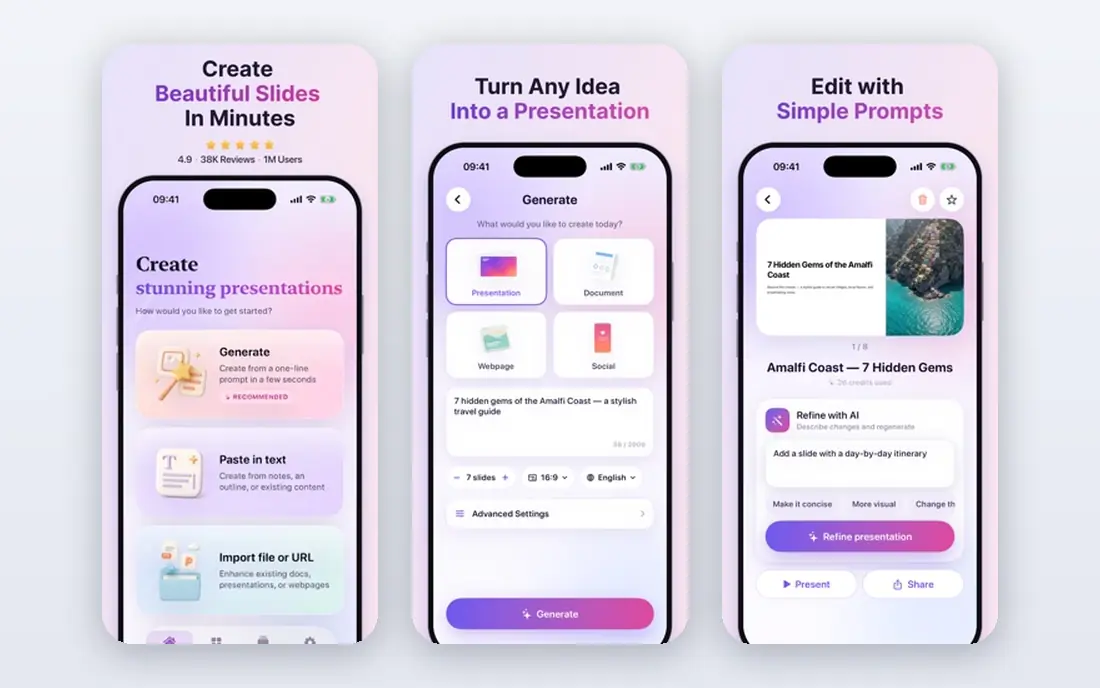
Beautiful.ai builds decks around Smart Slides, which are layout templates that adjust themselves as you add text, charts and images. For a finance team, that means a quarterly results deck keeps its alignment when a revenue figure changes, and a CFO can drop in a new chart without rebuilding the slide. Pro costs $14.50 per month billed annually and includes unlimited slides, AI content generation, custom branding, PowerPoint import and export, and viewer analytics that show who opened the deck and which slides held attention.
The main limit is the lack of a free plan. You get a 14 day trial that needs a card, and the monthly option costs $45, which is more than three times the annual rate. The guided layouts also trade creative freedom for speed, so a team that wants a fully custom design will feel boxed in. For a finance team that ships a board deck every month and values consistency over art direction, Beautiful.ai is one of the fastest options in this list.
- Smart Slides keep charts and text aligned as content changes
- PowerPoint import and export with viewer analytics
- No permanent free plan
- Monthly billing costs $45, far above the annual rate
Pitch
Ideal for: Team decks with live collaboration
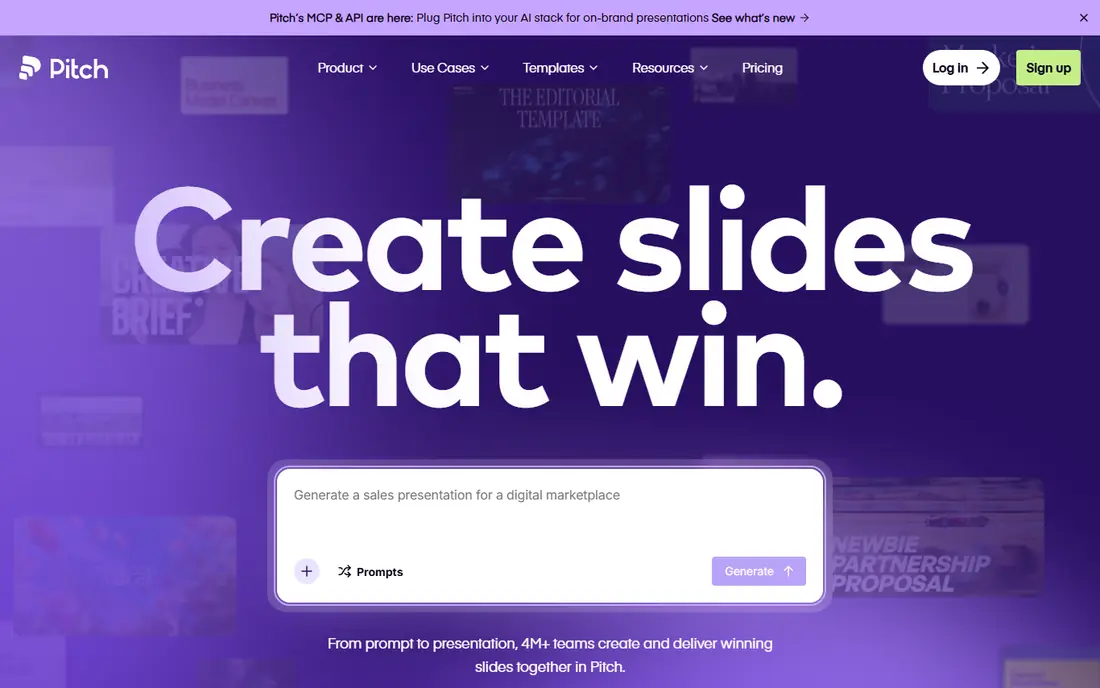
Pitch is a presentation platform built for teams that edit the same deck together, and it fits a finance team that prepares investor updates with input from sales, product and legal. Several people can edit at once, brand assets stay in a shared library, and analytics show which slides an investor viewed and for how long. The free plan covers up to five members with core features, while Pro costs $25 per user per month and adds real time collaboration, unbranded exports, video uploads and advanced links.
Pitch went through layoffs and a change of chief executive in 2024, and the pace of new features has slowed since, which is worth weighing before a long commitment. The Business plan at $100 per user per month is also steep for a small team. Even so, for a finance team that needs one shared deck, tracked links and a clean brand lock, Pitch remains a strong pick, and the free plan is generous enough to test the workflow with a real earnings deck.
- Real time editing with shared brand libraries
- Slide analytics and pitch rooms for investor follow up
- Pro plan price rose in late 2026
- Business plan at $100 per user per month is costly
Gamma
Ideal for: Fast AI drafted investor decks
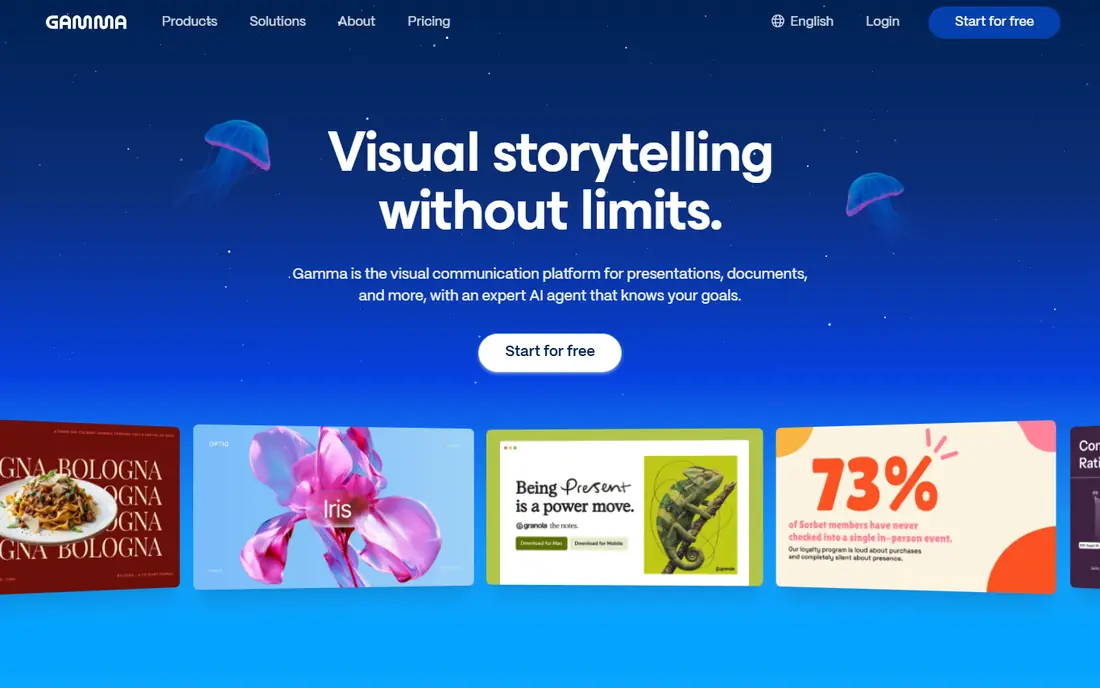
Gamma turns a short prompt or an outline into a full deck, document or web page in minutes, which suits a finance team that needs a first draft of an investor update before a meeting. Plus costs $9 per seat per month billed annually and includes 1,000 AI credits a month, removal of Gamma branding, advanced image models and up to 100 slides per prompt. The free plan gives 400 credits once, which is enough for about ten short decks, and exports go to PowerPoint, PDF and Google Slides.
The credit system is the catch. Every AI action spends credits, so a team that regenerates slides often will hit the cap and need a higher plan or a top up. Design control is also lighter than in a full design tool, so a brand team with strict templates may find the layouts too plain. For speed and cost, though, Gamma is hard to beat, and it is the cheapest way in this list to turn a spreadsheet of results into a readable deck.
- AI drafts a full deck from a short prompt
- Credit based pricing keeps light use cheap
- Credit limits cap heavy AI use
- Design control is thinner than in Canva or Visme
Visme
Ideal for: Charts, infographics and reports
Visme is a design platform with a strong chart and data widget library, which makes it a natural pick for finance teams that present numbers as infographics, dashboards and one page summaries. Starter costs $12.25 per month billed annually and includes premium templates, charts, data widgets and JPG, PNG and PDF downloads. The free Basic plan covers simple projects, while Pro at $24.75 per month billed annually adds PowerPoint export, brand kit, analytics and more storage.
Two limits matter for finance work. Starter is licensed for personal use under Visme terms, so client or commercial work needs Pro, and PowerPoint export is locked behind Pro as well. That pushes the real cost for a finance team to $24.75 per month. Even so, Visme covers the full range from a chart heavy board report to an interactive annual review, and its data widgets connect to live sources, which keeps figures current without manual edits.
- Strong chart and data widgets for financial visuals
- Brand kit and interactivity on higher plans
- Starter plan limits use to personal projects
- PowerPoint export needs the Pro plan
Prezi
Ideal for: Motion led investor stories
Prezi presents on a zooming canvas instead of linear slides, which suits an investor pitch or an earnings call where the story moves from market context to revenue to outlook in one flowing view. Standard costs $7 per month billed annually and adds privacy controls, unlimited projects and 500 AI credits, while the free Basic plan covers public presentations. Prezi also imports PowerPoint files, records video presentations, and offers education pricing from $4 per month.
The zooming style is a double edged tool. It makes a narrative memorable, but it can distract from dense tables and footnotes, so a finance team should keep data slides simple and put detail in an appendix or a handout. The 500 credit cap on Standard also limits heavy AI use, with unlimited AI starting on Plus at $19 per month. For a team that presents live and wants the room to remember the story, Prezi earns its place at a low price.
- Zooming canvas makes a financial story feel live
- Cheapest entry plan in this list alongside Slidebean
- AI generation is capped at 500 credits on Standard
- Zooming style can distract from dense data
Canva
Ideal for: All round design plus presentations
Canva is the all rounder in this list, and it suits a finance team that also needs social graphics, one pagers and reports from the same subscription. Pro costs $12 per month billed annually, or $144 a year, and adds premium templates, brand kits, background remover, Magic Resize and 100 GB of storage. The free plan covers a wide set of templates and charts, and the Business plan at $25 per person per month adds team collaboration and admin controls.
The limit for finance work is chart depth. Canva charts handle bars, lines and pies well, but they lack the linked data widgets and live updates of Visme or a spreadsheet tool. Pro is also a single person license, so a second seat means moving to Business. For a small finance team that values speed, templates and brand consistency across many formats, Canva is a practical pick, and its presentation mode with presenter notes covers live earnings calls well.
- Huge template library with charts and brand kits
- Magic Resize adapts a deck to other formats
- Pro is limited to one person
- Charts are basic next to a dedicated data tool
Slidebean
Ideal for: Startup pitch decks with templates
Slidebean is built for founders raising money, and it fits a finance team that needs an investor deck with a cap table and a financial model behind it. Starter costs $7 per month billed annually and includes unlimited AI pitch deck builder access, more than 100 startup templates, view tracking, a cap table tool and a financial modelling bootcamp. The free account lets you create decks, but sharing and downloading need a subscription plan, and the Accelerate plan at $99 per month adds investor finder tools and expert sessions.
The templates are a strength and a limit. They keep a deck structured and investor ready, but a team with a distinct brand will find the layouts hard to bend. Slidebean also focuses on startups, so a public company reporting quarterly results will find less that fits. For a seed or Series A raise, or for a finance team that wants a deck plus a cap table in one place, Slidebean is the cheapest specialist pick in this list.
- More than 100 startup pitch deck templates
- Cap table tool and financial modelling bootcamp included
- Sharing and downloading need a subscription plan
- Design freedom is limited by templates
Powtoon
Ideal for: Animated financial explainers
Powtoon turns financial results into short animated videos, which suits an earnings summary, a product pricing explainer or a training video for new finance staff. Lite costs $15 per month billed annually and includes 300 AI credits a year, HD 1080p MP4 downloads, up to 10 minute videos and removal of the watermark on five exports per month. The free plan covers 720p video up to three minutes with a watermark, and Professional at $40 per month billed annually adds more credits and unlimited premium exports.
Powtoon is not a board deck tool. A 40 slide results pack with dense tables belongs in PowerPoint or Gamma, while Powtoon handles the two minute video that explains the same numbers to staff or customers. The five export limit on Lite is also tight for a team that publishes weekly. Used for its real job, a short animated explainer, Powtoon is a useful extra in a finance team toolkit, and the education plan at $8 per month is a fair route for training use.
- Animated templates explain numbers in plain language
- Commercial rights included on subscription plans
- Lite plan limits watermark free exports to five per month
- Video work suits explainers, not dense board decks
How we chose
We compared vendor pricing pages, product documentation and feature lists for presentation tools that handle financial content, and we checked each homepage to confirm the vendor is still selling the product. Prices shown are the entry subscription plan list prices found on vendor pages or in pricing reviews checked in October and November 2026, and we note where sources disagree, as with Pitch Pro. We did not run hands on tests, and we did not count review scores as evidence. We favoured tools with chart support, PowerPoint or PDF export, brand control and a clear price, and we kept the range from $7 to $25 per month so teams of different sizes can compare.
What to check before you buy
Check that your charts survive export, because a deck that looks fine on screen can break in PowerPoint or PDF. Confirm who owns the deck if you cancel, and whether shared links keep working after the subscription ends. Ask how many AI credits each plan includes and what happens when they run out, since credit limits are the most common surprise bill. Check the license terms for commercial use, because some entry plans limit use to personal projects. Finally, test the tool with your own spreadsheet and your own brand colours before you commit to a year.
| Team size | Best starting pick | Why it fits | Budget guide | | Solo founder | Gamma or Slidebean | Fast first draft, low cost | $7 to $9 per month | | Small finance team | Canva Pro or Visme Starter | Templates, charts, brand kit | $12 per month | | Investor facing team | Pitch Pro or Beautiful.ai Pro | Tracking, brand control, analytics | $14.50 to $25 per user per month | | Live presenters | Prezi Standard | Motion led story, low price | $7 per month | | Video explainers | Powtoon Lite | Animated summaries, commercial rights | $15 per month |
Frequently asked questions
Which presentation tool is best for financial data?
The best pick depends on the job. Visme leads for chart heavy reports because its data widgets handle live figures well, while Gamma is fastest for turning a results outline into a deck. Canva covers the widest range of formats, and Beautiful.ai keeps long decks consistent. Test each one with your own spreadsheet before you commit, since chart handling is where most tools differ.
Can I make an investor deck for free?
Yes, several tools in this list have free plans, including Gamma, Pitch, Prezi, Canva, Visme and Slidebean. Free plans usually limit downloads, add branding, cap AI credits or keep decks public, so a deck for real investors will often need a subscription plan. Gamma free credits cover about ten short decks, which is enough to test the format before you buy.
What does a financial presentation tool cost per month?
Entry subscription plans in this list run from $7 per month for Prezi Standard and Slidebean Starter to $25 per user per month for Pitch Pro, all on annual billing. Monthly billing costs more, sometimes far more, as with Beautiful.ai at $45 a month. Budget $12 to $15 per month for a solo user, and $25 per user per month for a team that needs collaboration and tracking.
How do I keep financial charts accurate in a presentation?
Use a tool that links charts to a live data source or a spreadsheet, and re check every figure against the source file before you present. Avoid retyping numbers into slides, since that is where most errors start. Keep a single source of truth for each figure, add a date to every chart, and have a second person review the deck before it goes to investors or the board.
Is Prezi a good choice for a board meeting?
Prezi works well for the narrative part of a board meeting, such as strategy, market context and outlook, because the zooming canvas keeps the story in view. Dense financial tables and footnotes suit a linear deck better, so many teams use Prezi for the story and hand out a PDF appendix for the detail. Keep data slides simple and put the full tables in the appendix.