Best Financial Software in 2026: 8 Tools Compared

- 1
 QuickenComplete desktop financeVisit
- 2
 YNABHands-on budgeting methodVisit
- 3
 Monarch MoneyModern Mint replacementVisit
- 4
 Rocket MoneySubscription tracking and budgetingVisit
- 5
 PocketSmithCash flow forecastingVisit
- Quicken remains the most complete desktop finance tool, with budgeting, bills, investments and reports in one place.
- YNAB is the best budgeting method for users who want every dollar assigned a job and are willing to learn it.
- Monarch Money and Simplifi are the best modern Mint replacements, with clean dashboards and goal tracking.
- Rocket Money is the best tool for finding subscriptions to cancel, while PocketSmith and Tiller suit forecasters and spreadsheet lovers.
Quick comparison
| Product | Ideal for | Price from | Free version | |
|---|---|---|---|---|
| Quicken | Complete desktop finance | See website | No | Visit |
| YNAB | Hands-on budgeting method | See website | Free trial | Visit |
| Monarch Money | Modern Mint replacement | See website | Free trial | Visit |
| Rocket Money | Subscription tracking and budgeting | Free | Yes | Visit |
| PocketSmith | Cash flow forecasting | See website | Yes | Visit |
 Tiller | Spreadsheet finance lovers | See website | Free trial | Visit |
 Copilot Money | Beautiful Mac and iOS finance | See website | Free trial | Visit |
 Simplifi | Simple modern budgeting | See website | Free trial | Visit |
The best financial software
This is not financial advice. Financial software helps you track spending, budgets, bills and investments, but it does not replace professional advice for major decisions. The eight tools below are established personal finance options in 2026, compared from official product pages and pricing pages. Mint closed in 2024, so former Mint users will find the closest replacements here.
Quicken
Ideal for: Complete desktop finance
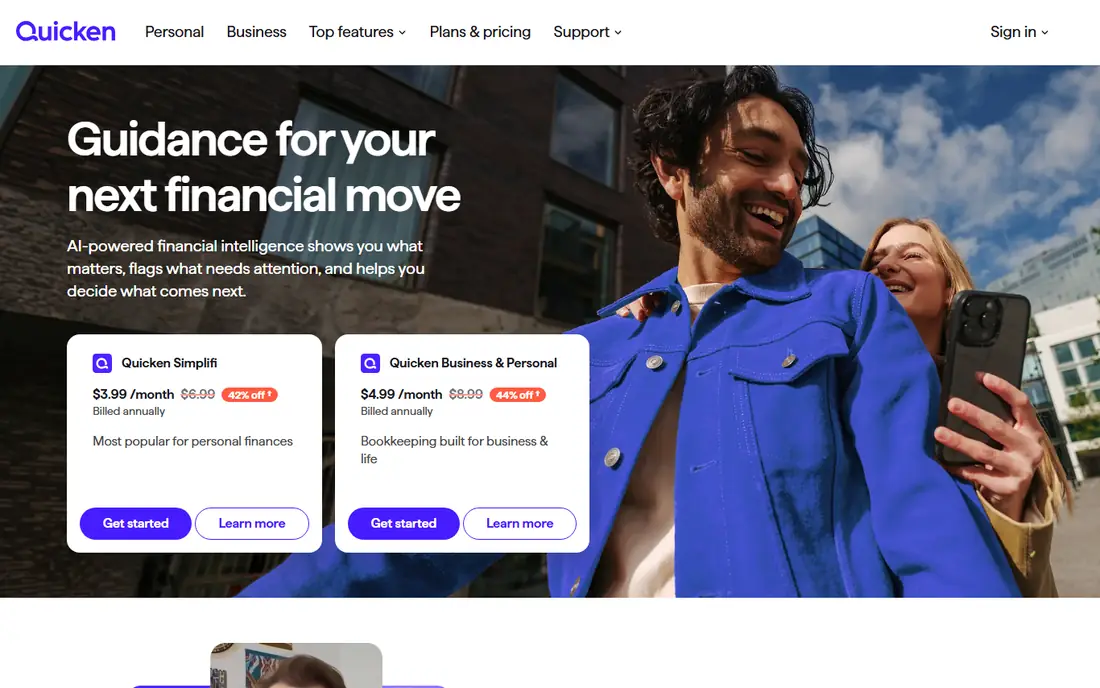
Quicken is the long-running desktop finance standard, covering budgeting, bill tracking, investments, property and detailed reports in one application. Users who want to see every account, transaction and investment in depth still find it the most complete tool available.
It is subscription based, and the mobile experience is lighter than the desktop app. For a household that wants thorough, desktop-first finance management, Quicken remains the benchmark.
- Budgeting, bills, investments and reports in one desktop app
- Long track record
- Good for detailed tracking
- Subscription based
- Desktop focus with lighter mobile experience
YNAB
Ideal for: Hands-on budgeting method

YNAB, short for You Need A Budget, is both software and a method: give every dollar a job, embrace true expenses, roll with punches and age your money. That discipline helps users break paycheck-to-paycheck cycles, and its education and community support the habit.
It needs regular hands-on use and a subscription, with a trial to learn the method. For a user willing to engage weekly, YNAB changes budgeting behavior more than any passive tracker here.
- Teaches a proven budgeting method
- Every dollar gets a job
- Good education and community
- Learning curve and subscription cost
- Requires regular hands-on use
Monarch Money
Ideal for: Modern Mint replacement

Monarch Money is the most popular modern replacement for Mint, with clean dashboards for spending, budgets, net worth, investments and goals, plus collaboration for couples and households. Its interface is calm, its reports are clear, and it carries no ads.
It is subscription only with a trial, which is the price of an ad-free model. For a former Mint user who wants a polished, private dashboard, Monarch is the first tool to try.
- Clean dashboards for spending, net worth and goals
- Good for couples and households
- No ads
- Subscription only
- No permanent free plan
Rocket Money
Ideal for: Subscription tracking and budgeting
Rocket Money connects bank and card accounts to find subscriptions, track spending and set budgets, with a clear view of recurring charges that many users forget. Its subscription cancellation help and bill negotiation service target the money leaks that budgets alone miss.
The free plan covers core tracking, while premium adds bill negotiation, concierge cancellation and more detailed budgeting. For a user whose main money leak is forgotten subscriptions, Rocket Money is the most useful tool here.
- Finds subscriptions and recurring charges
- Budgeting and spending insights
- Bill negotiation help on paid plans
- Bill negotiation takes a fee on savings
- Investment tracking is lighter than Quicken
PocketSmith
Ideal for: Cash flow forecasting
PocketSmith stands out for forecasting: its calendar shows projected balances weeks and months ahead, based on bills, income and budgets, so users can see a future shortfall before it happens. Scenario planning lets you test a job change, a move or a large purchase.
The interface is denser than Monarch, and forecasting takes setup. For a planner who wants to know not just where money went, but where it is going, PocketSmith is uniquely useful.
- Excellent forecast calendar for future balances
- Budgeting and scenario planning
- Good for planners
- Learning curve for forecasts
- Interface is denser than Monarch
Tiller
Ideal for: Spreadsheet finance lovers
Tiller feeds bank transactions into Google Sheets or Excel automatically, giving spreadsheet lovers full control over budgets, reports and custom analysis without manual imports. Its templates cover budgeting, net worth and debt payoff, and users can build anything else themselves.
It needs spreadsheet comfort, and it is subscription based after a trial. For a user who thinks in spreadsheets, Tiller is the most flexible finance tool here.
- Bank feeds into Google Sheets or Excel
- Full control over custom reports
- Good for spreadsheet users
- Needs spreadsheet comfort
- Subscription after trial
Copilot Money
Ideal for: Beautiful Mac and iOS finance
Copilot Money is a beautifully designed finance app for Mac and iOS, with smart transaction categorization, budgeting, net worth tracking and investment views in a fast, native interface. Its design makes checking finances pleasant rather than a chore.
It is Apple only and subscription based, so Windows and Android users need another tool. For an Apple user who wants finance software that feels as good as it works, Copilot is a top choice.
- Beautiful, fast Mac and iOS app
- Smart categorization
- Good budgeting and net worth views
- Apple only
- Subscription based
Simplifi
Ideal for: Simple modern budgeting
Simplifi, from the makers of Quicken, offers modern, simple budgeting with spending insights, watchlists for bills and subscriptions, and savings goals in a clean web and mobile app. It suits users who found Quicken desktop too deep and Mint too basic.
It is subscription based after a trial, and depth trails Quicken desktop. For a user who wants simple, modern budgeting with Quicken's reliability behind it, Simplifi is a strong pick.
A further habit is a monthly money review. Once a month, check spending by category, progress toward goals, subscription costs and account balances in your finance app, and cancel anything unused. That review takes twenty minutes and catches drift, fraud and forgotten subscriptions before they cost real money over a year.
- Simple, modern budgeting and spending insights
- From the makers of Quicken
- Good watchlists and reports
- Subscription based
- Less depth than Quicken desktop
How we picked these
We compared official product pages and pricing pages, focusing on account aggregation, budgeting method, bill tracking, investment views, forecasting and price. We favored tools that are actively maintained today and work with US banks and brokerages.
We also note the Mint gap: since Mint closed in 2024, many users need a replacement, and we weighted clean migration, dashboard clarity and ad-free models accordingly.
How to choose financial software you will actually use
Start with your habit, not the feature list. A hands-on budgeter suits YNAB. A dashboard checker suits Monarch, Simplifi or Rocket Money. A forecaster suits PocketSmith. A spreadsheet user suits Tiller. A detailed tracker suits Quicken. The tool that matches your habit gets used, and the one that fights it gets abandoned.
Connect accounts carefully and review weekly
Link bank, card and investment accounts, then review transactions weekly for errors, fraud and miscategorization. Automatic feeds save time, but they also import mistakes silently, so a short weekly review protects both accuracy and security.
Set one money goal at a time
A tool with ten goals and no progress feels worse than a tool with one goal moving forward. Pick one priority, like an emergency fund, debt payoff or a trip, fund it visibly in the app, and add the next goal only when the first is on track.
Keep security tight
Use a unique password and two-factor authentication for finance apps, review connected accounts quarterly, and disconnect tools you no longer use. Finance apps hold sensitive data, so treat their security as seriously as your bank's. Also keep a simple backup of key financial documents outside any single app, so a subscription lapse or service closure never locks you out of your own records.
Frequently asked questions
What is the best financial software?
Quicken is most complete for desktop tracking, YNAB is best for hands-on budgeting, Monarch Money and Simplifi are best modern Mint replacements, and Rocket Money is best for subscription tracking. The right pick depends on your habit.
What replaced Mint?
Mint closed in 2024, and its users largely moved to Monarch Money, Simplifi, Rocket Money, YNAB or Copilot Money. Monarch and Simplifi are the closest modern dashboard replacements, while YNAB suits active budgeters.
Is YNAB worth the price?
For users who engage weekly and want to break paycheck-to-paycheck cycles, YNAB's method often pays for itself in reduced overspending. Passive trackers who rarely open the app will get less value from it.
Is financial software safe to connect to my bank?
Reputable tools use secure aggregation with encryption and read-only connections, but no connection is risk-free. Use strong passwords, two-factor authentication, and review connected accounts regularly.
Do I need financial software if I use my bank app?
Bank apps show one bank's accounts, while finance software aggregates all accounts, budgets, bills and investments in one view. If you have several accounts or want budgeting and forecasting, dedicated software adds real value.
How do I start budgeting if I never have?
Track spending for one month without changing anything, then set simple category limits based on real spending, not guesses. Start with one goal, like an emergency fund, and review weekly until the habit feels normal.