Best Flashcard Apps in 2026: 8 Apps Compared

- Anki offers the strongest spaced repetition for long-term retention, and it is free on desktop and Android.
- Quizlet suits casual learners who want ready-made sets, while Brainscape suits exam prep with confidence-based review.
- Knowt and RemNote suit students who want AI-generated cards from notes, PDFs or lectures.
- Card quality matters more than the algorithm: test understanding, not surface recall, and review daily in short sessions.
Quick comparison
| Product | Ideal for | Price from | Free version | |
|---|---|---|---|---|
 Anki | Long-term retention with powerful spaced repetition | Free | Yes | Visit |
 Quizlet | Ready-made sets and easy casual study | $35.99 per year | Yes | Visit |
 Brainscape | Confidence-based review for exam prep | $95.88 per year | Yes | Visit |
 Knowt | AI-generated cards from notes and lectures | See website | Yes | Visit |
 RemNote | Notes and flashcards in one place | $8 per month | Yes | Visit |
 Mochi | Minimalist Markdown flashcards with offline use | $5 per month | Yes | Visit |
 Cram.com | Basic free flashcards without a subscription | Free | Yes | Visit |
 StudySmarter | Study plans plus flashcards for students | See website | Yes | Visit |
The best flashcard apps
We compared official feature pages, pricing pages, app store listings, privacy policies and public reviews to build this list of 8 options for best flashcard app. Prices were checked in October 2026 and can change, so confirm the current price on the vendor site before you buy. Our pick for most people is the first option that fits your budget and workflow, not necessarily the most expensive tool on the list. Read the quick comparison first to narrow the field, then read the full write-ups for the two or three options that fit your needs best.
Anki
Ideal for: Long-term retention with powerful spaced repetition

Anki is the gold standard for long-term memory, with FSRS scheduling that adapts review timing to how well you remember each card. Shared decks cover medicine, languages and professional exams, and add-ons extend it further. For serious, months-long study, no rival matches it.
The interface feels dated, and the iPhone app costs $24.99, which surprises users expecting a free app. Setup also takes learning, especially for custom card types. For committed learners, Anki is worth the effort.
- Best-in-class FSRS scheduling
- Huge shared deck library
- Free on desktop and Android
- Dated interface
- IPhone app costs $24.99 one-time
- Steep learning curve
Quizlet
Ideal for: Ready-made sets and easy casual study
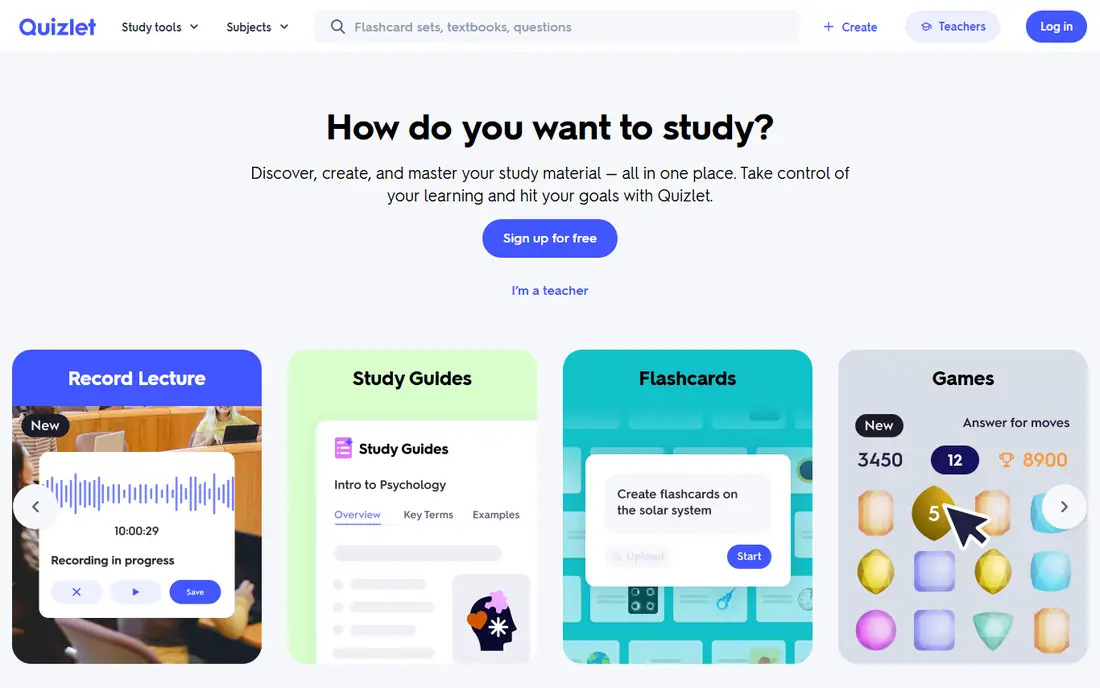
Quizlet is the easiest flashcard app to start with, thanks to a huge library of ready-made sets and a clean interface. Study modes, games and practice tests suit school and casual revision. For quick study without setup, Quizlet is the friendliest pick.
Spaced repetition is basic compared with Anki, and AI features such as Magic Notes need Plus. The free tier also includes ads. For casual and classroom study, Quizlet is excellent; for exam-grade retention, Anki wins.
- Huge ready-made set library
- Easy interface
- Games and study modes
- Spaced repetition is basic
- AI features need Plus
- Ads on the free tier
Brainscape
Ideal for: Confidence-based review for exam prep
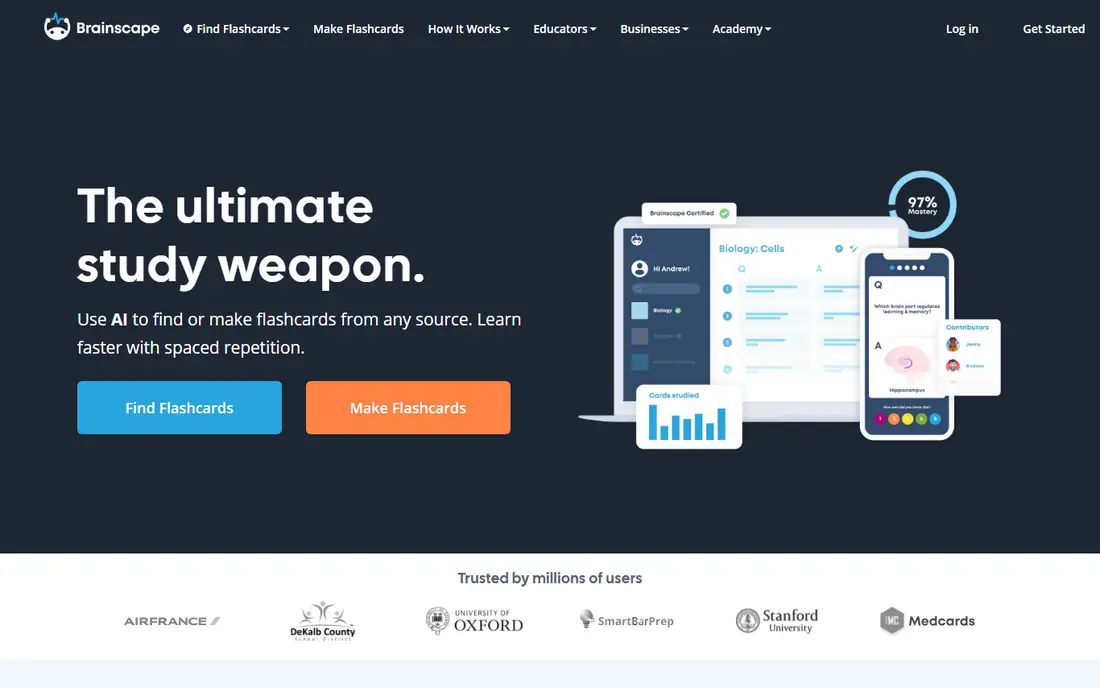
Brainscape uses confidence ratings: users rate each card from one to five, and the algorithm schedules weaker cards sooner. Certified decks for exams such as MCAT and bar review justify the price for some students. The interface is clean and focused on review, not setup.
Annual pricing is the highest on this list, and the free tier is limited. AI card generation is also limited on free plans. For exam prep where a certified deck exists, Brainscape is a strong pick.
- Confidence ratings drive scheduling
- Certified decks for exams
- Clean interface
- Most expensive here on annual billing
- Free tier is limited
- No AI card generation on free tier
Knowt
Ideal for: AI-generated cards from notes and lectures
Knowt suits students who want cards made for them: upload notes, a PDF or a lecture and get study sets, practice tests and spaced repetition. The free tier covers unlimited sets, which is generous, and the workflow saves hours of manual card writing. For budget AI study, Knowt leads.
The free tier includes ads, and spaced repetition is simpler than Anki. The shared deck library is also smaller than Quizlet. For AI generation on a budget, Knowt is a good pick, with card checking still needed.
- AI generation from PDFs, video and lectures
- Unlimited sets on free tier
- Practice tests
- Free tier has ads
- Spaced repetition is basic
- Deck library is smaller than Quizlet
RemNote
Ideal for: Notes and flashcards in one place
RemNote combines note-taking with flashcards, so cards grow from highlighted text in your own documents. That suits students whose notes are the study material, because there is no separate import step. Scheduling uses FSRS and SM-2, which are solid for retention.
Pro is needed for serious use, and the interface takes time to learn. The mobile app is also less polished than Quizlet. For students who live in their notes, RemNote is a smart pick.
- Cards generated from your own notes
- FSRS and SM-2 scheduling
- Knowledge base features
- Pro needed for serious use
- Interface takes learning
- Mobile app is less polished
Mochi
Ideal for: Minimalist Markdown flashcards with offline use
Mochi is a minimalist flashcard app with Markdown support and offline use, which suits writers, developers and students who like plain text. Cards sync across devices on Pro, and scheduling follows SM-2. The calm interface helps focus on review rather than features.
There is no AI card generation, and the shared deck library is small. Mobile use also needs Pro for full sync. For minimalist, offline-friendly study, Mochi is a calm and capable pick.
- Markdown support
- Offline use
- SM-2 scheduling
- No mobile app on free tier limits
- Smaller deck library
- AI generation is absent
Cram.com
Ideal for: Basic free flashcards without a subscription
Cram.com offers basic flashcards for free, with simple creation and a large library of shared sets. That suits casual learners who need a quick set without paying or learning a complex app. There is no subscription pressure, which is refreshing.
Spaced repetition is shallow, the interface is dated, and there is no AI generation. Serious exam students should pick Anki or Brainscape. For free, simple flashcards, Cram.com does the job.
- Completely free
- Simple card creation
- Large shared set library
- No spaced repetition depth
- Dated interface
- No AI generation
StudySmarter
Ideal for: Study plans plus flashcards for students
StudySmarter combines flashcards with study plans, shared notes and exam preparation tools, which suits students who want one study hub. The planner helps structure revision around exam dates, not just card review. For organized students, that combination is useful.
Full features need a premium plan, and pricing varies by region. Spaced repetition is also basic compared with Anki. For students who want planning plus cards in one app, StudySmarter is worth a trial.
- Study plans and flashcards together
- Shared notes
- Exam-focused features
- Premium needed for full features
- Pricing varies by region
- Spaced repetition is basic
How we picked these
We started from the topic and shortlisted products that exist and work today, then checked each vendor homepage, pricing page and free tier. We compared feature pages, app store listings, privacy policies and public reviews, and we dropped any product whose homepage could not be verified or whose price could not be checked. Where a price was unclear or varied by region, we wrote See website rather than guessing a number. That rule kept the list honest, even where a neat price would have made the comparison table look tidier.
We also weighed fit over fame. A well-known product stayed on the list only if it truly fits the topic, and smaller tools earned a place when they served a clear use case better. No product here was tested hands-on for this article, and no vendor paid for placement.
Price and free-tier details matter most when plans change often, so we favoured products with clear published pricing and a trial or free tier where one exists. If a vendor changed a plan after our check, the vendor site is the correct source, and the ranking here still reflects fit, not just price. That check takes extra time, but it prevents a shortlist built on outdated pricing or a product that no longer exists.
Choosing a flashcard app by subject and study habit
Start with the deck, not the app. If a ready-made deck for your exam exists in Anki or Quizlet, that app wins regardless of features. Then check the review method: spaced repetition suits long-term retention, while confidence ratings suit exam cramming. Finally, test mobile review, because most revision happens on a phone.
Before you pay, run a trial on a real task from your own work, not a demo file. Check export formats, mobile access and support hours, because those details decide whether a tool survives daily use. Also check renewal terms and cancellation steps, since a cheap first year can become an expensive second year if renewal jumps. Finally, ask who will own setup and training, because a tool nobody is responsible for tends to fall out of use within a few months. Keep a short note on why you picked the winner, so a future review can judge it against the same criteria instead of starting from scratch.
A useful final test is to imagine the tool in six months, when the first excitement has faded and the work is routine. If the daily steps are still quick, the cost is still clear, and the support route is still obvious, the choice is likely sound. If any of those three answers is unclear, use the trial period to get a clear answer before committing to an annual plan.
Frequently asked questions
What is the best free flashcard app?
Anki is free on desktop, Android and the web, with a one-time iPhone app cost. Knowt offers a free tier with AI generation, and Cram.com is free for basic flashcards.
Is Anki or Quizlet better?
Anki is better for long-term retention and large decks, thanks to its spaced repetition system. Quizlet is easier and better for ready-made sets and casual study.
Do flashcard apps use spaced repetition?
Most serious apps do, but quality varies. Anki uses the FSRS algorithm, Brainscape uses confidence ratings, and Quizlet uses a simpler adaptive system.
Can AI generate flashcards for me?
Yes. Knowt, RemNote and Quizlet Plus can generate cards from notes, PDFs or lectures. Check the cards for errors, because AI generation can miss nuance.