Best Flowchart Software in 2026: 8 Options Compared

- 1
 LucidchartTeam flowchartingVisit
- 2
 MiroWhiteboard plus diagramsVisit
- 3
 diagrams.netFree flowchart toolVisit
- 4
 Microsoft VisioProfessional diagrammingVisit
- 5
 WhimsicalFast simple flowchartsVisit
- Our pick for most people is Lucidchart, because it covers the core needs of this category well without the highest price or the steepest learning curve.
- The cheapest way to start is often Miro or a free tier, but check what the free plan actually allows before you rely on it for daily work.
- Prices and free tiers change often, so confirm the current plan on the official site before you pay, especially for per-user and per-seat pricing.
- The best choice depends on your main use case, not on the longest feature list, so shortlist two options and trial them with a real task.
Quick comparison
| Product | Ideal for | Price from | Free version | |
|---|---|---|---|---|
| Lucidchart | Team flowcharting | Free | Yes | Visit |
| Miro | Whiteboard plus diagrams | Free | Yes | Visit |
| diagrams.net | Free flowchart tool | Free | Yes | Visit |
| Microsoft Visio | Professional diagramming | See website | Free trial | Visit |
| Whimsical | Fast simple flowcharts | Free | Yes | Visit |
 Creately | Diagrams plus data | Free | Yes | Visit |
 SmartDraw | Template-rich diagramming | See website | Free trial | Visit |
 EdrawMax | All-in-one diagram tool | See website | Free trial | Visit |
The best best flowchart software
We compared official feature pages, pricing pages, app store listings, privacy policies, and public reviews to build this list. Each option below is a real product that works today, with a clear strength and an honest trade-off, so you can match the choice to your budget and your main task. Use the comparison table to shortlist, then read the full entries for the options that fit your situation.
Lucidchart
Ideal for: Team flowcharting
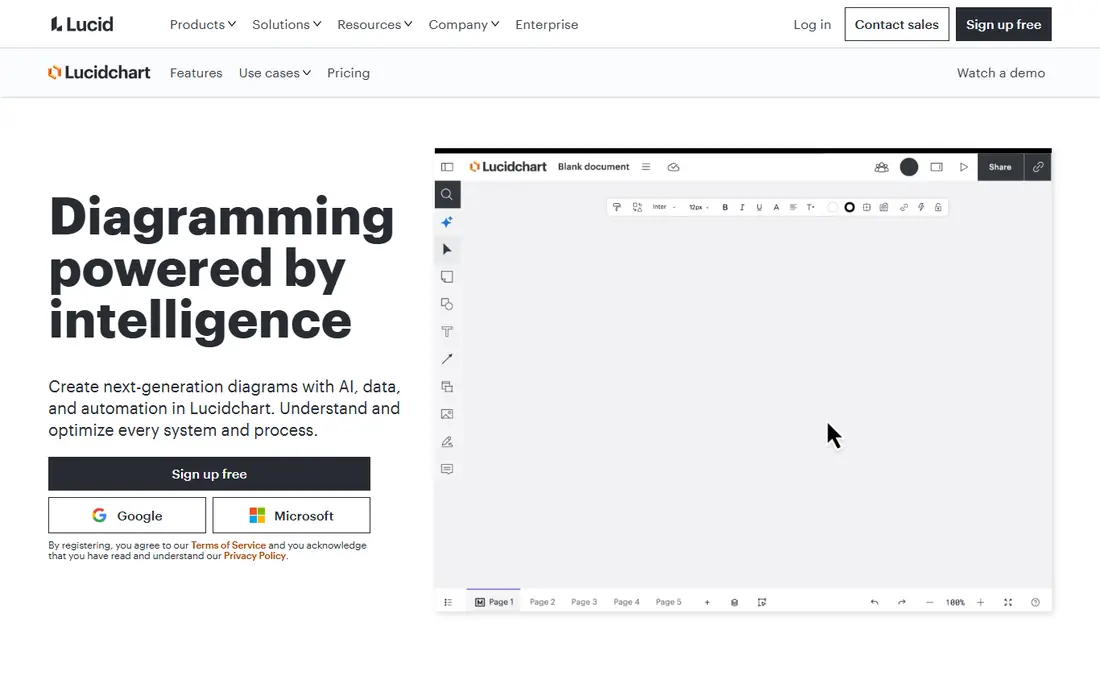
Lucidchart is a widely used diagram tool with real-time collaboration and many flowchart templates. It suits teams that need to map processes together. For someone whose main need is team flowcharting, that focus matters because it shapes the daily experience, from setup to the features you will actually use each week. On pricing, the starting point is Free, with a free option listed as Yes. That makes it worth checking the full pricing page before you commit, since the plan that looks cheapest can miss a feature you need, while a higher plan may include tools you would otherwise buy separately. The trade-off to weigh is this: free tier limits documents; advanced features need a subscription. If that trade-off does not block your main task, this option deserves a place on your shortlist, and a short trial with a real project will tell you more than any feature list.
- Real-time collaboration
- Many templates
- Integrations
- Free tier limits documents
- Advanced features need a subscription
Miro
Ideal for: Whiteboard plus diagrams

Miro is a whiteboard platform where teams can build flowcharts alongside workshops and brainstorming. It suits teams that want diagrams as part of wider collaboration. For someone whose main need is whiteboard plus diagrams, that focus matters because it shapes the daily experience, from setup to the features you will actually use each week. On pricing, the starting point is Free, with a free option listed as Yes. That makes it worth checking the full pricing page before you commit, since the plan that looks cheapest can miss a feature you need, while a higher plan may include tools you would otherwise buy separately. The trade-off to weigh is this: free tier limits boards; diagram tools are broader than specialist tools. If that trade-off does not block your main task, this option deserves a place on your shortlist, and a short trial with a real project will tell you more than any feature list.
- Infinite whiteboard
- Flowcharts and workshops
- Collaboration
- Free tier limits boards
- Diagram tools are broader than specialist tools
diagrams.net
Ideal for: Free flowchart tool
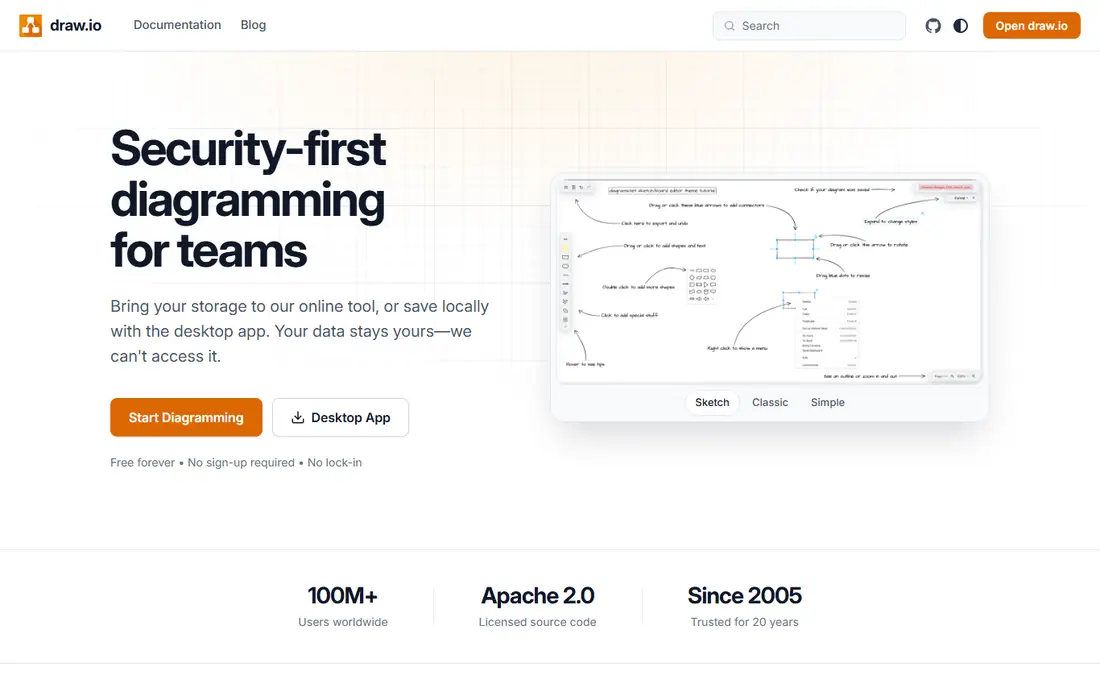
diagrams.net, formerly draw.io, is a free flowchart and diagram tool with offline use and cloud saving. It suits users who want full diagramming at no cost. For someone whose main need is free flowchart tool, that focus matters because it shapes the daily experience, from setup to the features you will actually use each week. On pricing, the starting point is Free, with a free option listed as Yes. That makes it worth checking the full pricing page before you commit, since the plan that looks cheapest can miss a feature you need, while a higher plan may include tools you would otherwise buy separately. The trade-off to weigh is this: interface is functional; collaboration is basic. If that trade-off does not block your main task, this option deserves a place on your shortlist, and a short trial with a real project will tell you more than any feature list.
- Completely free
- Offline use
- Google Drive and OneDrive saving
- Interface is functional
- Collaboration is basic
Microsoft Visio
Ideal for: Professional diagramming
Microsoft Visio is the professional diagram standard, with detailed stencils and Office integration. It suits organisations that need formal process and engineering diagrams. For someone whose main need is professional diagramming, that focus matters because it shapes the daily experience, from setup to the features you will actually use each week. On pricing, the starting point is See website, with a free option listed as Free trial. That makes it worth checking the full pricing page before you commit, since the plan that looks cheapest can miss a feature you need, while a higher plan may include tools you would otherwise buy separately. The trade-off to weigh is this: windows-focused; subscription cost; learning curve. If that trade-off does not block your main task, this option deserves a place on your shortlist, and a short trial with a real project will tell you more than any feature list.
- Professional stencils
- Office integration
- Detailed diagrams
- Windows-focused
- Subscription cost
- Learning curve
Whimsical
Ideal for: Fast simple flowcharts
Whimsical offers fast, simple flowcharts with wireframes and mind maps. It suits teams that want to sketch a process quickly without learning a complex tool. For someone whose main need is fast simple flowcharts, that focus matters because it shapes the daily experience, from setup to the features you will actually use each week. On pricing, the starting point is Free, with a free option listed as Yes. That makes it worth checking the full pricing page before you commit, since the plan that looks cheapest can miss a feature you need, while a higher plan may include tools you would otherwise buy separately. The trade-off to weigh is this: free tier limits boards; advanced styling is limited. If that trade-off does not block your main task, this option deserves a place on your shortlist, and a short trial with a real project will tell you more than any feature list.
- Very fast and simple
- Flowcharts, wireframes, and mind maps
- Collaboration
- Free tier limits boards
- Advanced styling is limited
Creately
Ideal for: Diagrams plus data
Creately offers many diagram types with data-linked shapes and collaboration. It suits teams that want flowcharts linked to live data and documents. For someone whose main need is diagrams plus data, that focus matters because it shapes the daily experience, from setup to the features you will actually use each week. On pricing, the starting point is Free, with a free option listed as Yes. That makes it worth checking the full pricing page before you commit, since the plan that looks cheapest can miss a feature you need, while a higher plan may include tools you would otherwise buy separately. The trade-off to weigh is this: free tier limits; interface can feel busy. If that trade-off does not block your main task, this option deserves a place on your shortlist, and a short trial with a real project will tell you more than any feature list.
- Many diagram types
- Data-linked shapes
- Collaboration
- Free tier limits
- Interface can feel busy
SmartDraw
Ideal for: Template-rich diagramming
SmartDraw offers a huge template library with automatic formatting for flowcharts and diagrams. It suits users who want a polished diagram from a template quickly. For someone whose main need is template-rich diagramming, that focus matters because it shapes the daily experience, from setup to the features you will actually use each week. On pricing, the starting point is See website, with a free option listed as Free trial. That makes it worth checking the full pricing page before you commit, since the plan that looks cheapest can miss a feature you need, while a higher plan may include tools you would otherwise buy separately. The trade-off to weigh is this: subscription cost; interface feels dated. If that trade-off does not block your main task, this option deserves a place on your shortlist, and a short trial with a real project will tell you more than any feature list.
- Huge template library
- Automatic formatting
- Office integration
- Subscription cost
- Interface feels dated
EdrawMax
Ideal for: All-in-one diagram tool
EdrawMax is an all-in-one diagram tool covering flowcharts, mind maps, org charts, and more. It suits users who need many diagram types in one app. For someone whose main need is all-in-one diagram tool, that focus matters because it shapes the daily experience, from setup to the features you will actually use each week. On pricing, the starting point is See website, with a free option listed as Free trial. That makes it worth checking the full pricing page before you commit, since the plan that looks cheapest can miss a feature you need, while a higher plan may include tools you would otherwise buy separately. The trade-off to weigh is this: free tier has watermarks; interface has many features. If that trade-off does not block your main task, this option deserves a place on your shortlist, and a short trial with a real project will tell you more than any feature list.
- Many diagram types
- Templates
- Offline desktop app
- Free tier has watermarks
- Interface has many features
How we picked these
We compared official feature pages and pricing pages, app store listings where relevant, privacy policies, and public reviews, and we only listed products that exist and work today and truly fit the topic. We mixed well-known leaders with strong smaller options, and we favoured products with clear pricing, clear free-tier terms, and a clear audience, rather than tools that try to cover every use case at once. We did not claim hands-on testing that did not happen. Instead, we weighed what each product is built for, who it fits best, what it costs to start, and where it falls short, so the pros and cons reflect real trade-offs you will meet in daily use. If a price could not be verified from an official source, we listed it as See website rather than guessing.
What to check before you choose
Start with how you will share diagrams: a free tool suits personal use, while collaboration and integrations matter for teams. Check export formats, since a diagram locked in one app is hard to reuse. For formal process documentation, use standard flowchart symbols and keep diagrams simple enough to read at a glance. Also check support options, since help quality matters when something goes wrong at a busy moment. Look for clear documentation, a responsive support channel, and a way to export your data if you later switch. A tool that is easy to leave is often easier to trust, because you are not locked in by your own files. Finally, trial with a real task, not just a demo. Set up the exact workflow you will use, invite the people who will use it, and test on the devices you own. A week of real use reveals friction that a feature list hides, and it gives you a fair basis to compare your top two options before you pay.
Frequently asked questions
What is the best flowchart software?
Lucidchart suits team flowcharting, diagrams.net suits free diagramming, and Microsoft Visio suits professional diagrams. Miro suits teams that want diagrams inside a whiteboard.
Is there free flowchart software?
Yes, diagrams.net is completely free, while Lucidchart, Miro, and Whimsical offer free tiers with limits. Check document and export limits before committing.
Can I collaborate on flowcharts?
Lucidchart, Miro, Whimsical, and Creately all offer real-time collaboration. Diagrams.net collaboration is more basic, relying on shared cloud files.
Which flowchart tool is best for beginners?
Whimsical and diagrams.net are the easiest starting points, with simple interfaces and templates. Lucidchart adds more power once you need team features.