Best Form Software in 2026: 8 Options Compared

- 1
 Typeformconversational forms and surveysVisit
- 2
 Google Formsfree simple forms for anyoneVisit
- 3
 Jotformforms with payments and approvalsVisit
- 4
 Wufoosimple forms with easy setupVisit
- 5
 Microsoft Formsforms inside Microsoft 365Visit
- Typeform and Paperform suit forms where design and completion matter most.
- Google Forms and Microsoft Forms suit free, simple forms inside existing suites.
- Jotform suits payment and application forms with templates.
- SurveyMonkey suits research surveys, while Formstack suits business workflow forms.
Quick comparison
| Product | Ideal for | Price from | Free version | |
|---|---|---|---|---|
| Typeform | conversational forms and surveys | Free | Free | Visit |
| Google Forms | free simple forms for anyone | Free | Free | Visit |
| Jotform | forms with payments and approvals | Free | Free | Visit |
| Wufoo | simple forms with easy setup | Free | Free | Visit |
| Microsoft Forms | forms inside Microsoft 365 | Free | Free | Visit |
 SurveyMonkey | surveys with strong analysis | Free | Free | Visit |
 Paperform | beautiful forms that feel like pages | Free | Free trial | Visit |
 Formstack | business forms with workflows | See website | Free trial | Visit |
The best form software
We compared official feature pages, pricing, app store listings, privacy policies and public reviews for this list. The options below cover different budgets and needs, so read the best for line first and then the full write up for the products that match your situation.
Typeform
Ideal for: conversational forms and surveys
Typeform fits conversational forms and surveys. Its conversational design lifts completion for surveys and lead forms. The strengths we noted were one question at a time forms; attractive design; logic and integrations. For many readers, that mix makes it worth a close look before deciding.
The honest catch is that high volume users should check response limits on the plan they choose. Pricing is listed as Free, with a free plan status of Free. Before you commit, try the free tier or trial with your real work, and check the limits that matter for your use. That short test will tell you more than any feature list.
- One question at a time forms
- Attractive design
- Logic and integrations
- Free plan limits responses
- Costs rise for high volume
Google Forms
Ideal for: free simple forms for anyone
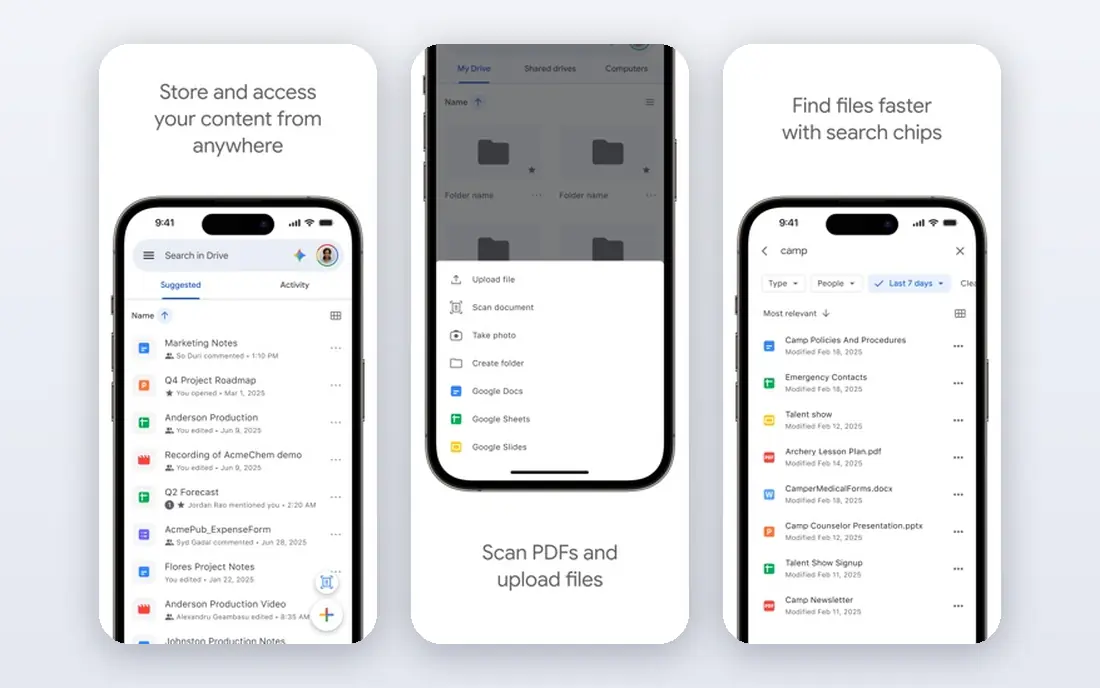
For free simple forms for anyone, Google Forms is a natural first candidate. Its free forms suit quick surveys, sign ups and internal requests at no cost. In practice, that means free forms with sheets links; easy sharing; no cost for basic use. It is not perfect for everyone, but the fit is clear for this use.
On the downside, teams needing polished branding or complex logic should look at paid tools. The starting price is Free, and the free plan status is Free. We suggest testing it with a real task, checking support and export options, and confirming that the plan you need covers your team or household size.
- Free forms with Sheets links
- Easy sharing
- No cost for basic use
- Design and logic options are basic
- Branding control is limited
Jotform
Ideal for: forms with payments and approvals
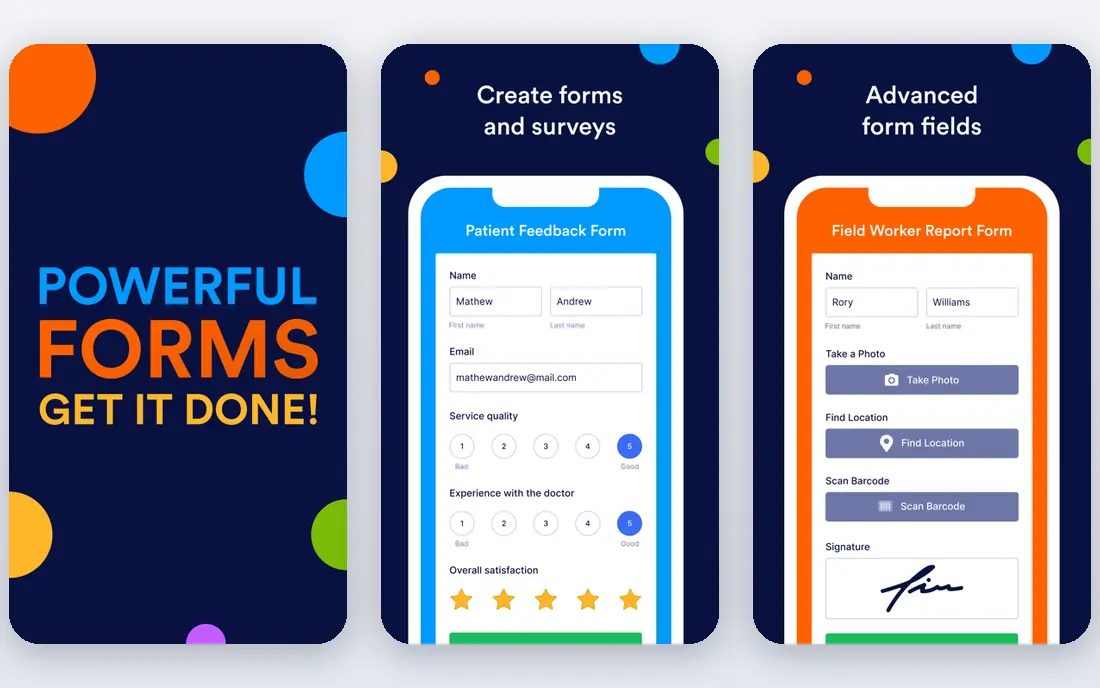
Jotform is aimed at forms with payments and approvals, and the fit shows in daily use. Its templates and payment forms cover orders, registrations and applications well. Readers who value large template library; payment forms; approvals and workflow tools will see the appeal quickly.
The trade off is that high submission users should compare paid plan limits early. Starting price is Free, with free plan status Free. A trial with your own data is the best next step, since it reveals setup time, limits and everyday friction that a sales page hides.
- Large template library
- Payment forms
- Approvals and workflow tools
- Free plan limits submissions
- Advanced features need higher plans
Wufoo
Ideal for: simple forms with easy setup
If you need a tool for simple forms with easy setup, start with Wufoo. Its simple builder suits teams that want a form live quickly without learning a large platform. The result is a product that covers simple form builder; templates; payment and reporting basics without forcing a complex setup.
Keep in mind that design focused teams may prefer Typeform or Paperform. It lists a starting price of Free and a free plan status of Free. Compare the total cost for your real use, including any add ons, before you settle on it.
- Simple form builder
- Templates
- Payment and reporting basics
- Design feels dated next to newer tools
- Free plan limits entries
Microsoft Forms
Ideal for: forms inside Microsoft 365
Microsoft Forms fits forms inside Microsoft 365. Its Microsoft 365 links suit workplaces already using Teams and Excel. The strengths we noted were forms included with microsoft 365; teams and excel links; simple sharing. For many readers, that mix makes it worth a close look before deciding.
The honest catch is that teams needing payments or complex logic should choose a dedicated form tool. Pricing is listed as Free, with a free plan status of Free. Before you commit, try the free tier or trial with your real work, and check the limits that matter for your use. That short test will tell you more than any feature list.
- Forms included with Microsoft 365
- Teams and Excel links
- Simple sharing
- Features are basic compared with dedicated form tools
- Branding is limited
SurveyMonkey
Ideal for: surveys with strong analysis
For surveys with strong analysis, SurveyMonkey is a natural first candidate. Its analysis and reporting suit research surveys and customer feedback. In practice, that means survey design and analysis tools; templates; reporting for research. It is not perfect for everyone, but the fit is clear for this use.
On the downside, simple form users may find the survey focus more than they need. The starting price is Free, and the free plan status is Free. We suggest testing it with a real task, checking support and export options, and confirming that the plan you need covers your team or household size.
- Survey design and analysis tools
- Templates
- Reporting for research
- Free plan limits questions and responses
- Paid plans cost more for teams
Paperform
Ideal for: beautiful forms that feel like pages
Paperform is aimed at beautiful forms that feel like pages, and the fit shows in daily use. Its page style design makes forms feel like part of a website rather than a questionnaire. Readers who value page style forms with rich design; payments and logic; good templates will see the appeal quickly.
The trade off is that budget users should note the trial only free access. Starting price is Free, with free plan status Free trial. A trial with your own data is the best next step, since it reveals setup time, limits and everyday friction that a sales page hides.
- Page style forms with rich design
- Payments and logic
- Good templates
- No permanent free plan beyond trial
- Costs rise for teams
Formstack
Ideal for: business forms with workflows
If you need a tool for business forms with workflows, start with Formstack. Its workflow and approval tools suit business forms that need routing and sign off. The result is a product that covers forms with workflows, approvals and documents; integrations for business teams without forcing a complex setup.
Keep in mind that simple survey users should compare price with lighter tools. It lists a starting price of See website and a free plan status of Free trial. Compare the total cost for your real use, including any add ons, before you settle on it.
- Forms with workflows, approvals and documents
- Integrations for business teams
- Pricing is higher than simple tools
- Setup suits business users
How we picked these
We compared official feature pages, pricing pages, app store listings, privacy policies and public reviews. We checked that each product exists and works today, that it truly fits the topic, and that its official homepage loads. We favoured products with clear pricing or a clear free tier, honest limits, and a distinct use case, rather than listing near duplicates.
We did not claim hands on testing that did not happen. Where pricing was quoted rather than listed, we wrote See website rather than guessing a number. Where a product had a known limit, such as a watermark on a free plan or a state limit on cover, we stated it plainly so readers can judge the trade off. Readers should also check the current plan details on the vendor site before buying, since prices and free tiers change over time.
How to choose form software
Start with the form job. A lead form, a payment form, a survey and an internal approval form need different features. List the fields, logic and follow up actions for your top three forms before comparing tools.
Next, test completion on a phone. Most respondents use a phone, so a form that looks good on desktop but feels awkward on mobile will lose responses. Try the full form, including payments if needed, before you publish.
Finally, check limits and data flow. Submission limits, file uploads and integrations decide the real cost. Confirm where responses go, how notifications work, and whether data exports are included on your plan.
Frequently asked questions
What is the best form software?
Typeform suits conversational forms, Jotform suits payment forms, and Google Forms suits free simple forms. The best pick depends on design, volume and integrations.
Can I make forms for free?
Yes. Google Forms is free, and Typeform, Jotform and SurveyMonkey offer free tiers with submission limits. Check those limits against your expected volume.
Which form tool is best for payments?
Jotform and Paperform handle payment forms well, with processor links and order fields. Confirm transaction fees for your payment provider.
Do form tools work on phones?
Most do, but mobile design varies. Test your form on a phone before publishing, especially for long surveys and payment steps.
Can forms connect to my other tools?
Yes, most tools here offer integrations with Sheets, email, CRM and workflow apps. Check the specific integration you need, since depth varies.