Best Free Accounting App for Small Business in 2026: 7 Options Compared

- 1
 WaveSmall businesses that want free invoicing and accountingVisit
- 2
 Zoho BooksSmall businesses that want a free tier in a wider suiteVisit
- 3
 ManagerOwners who want a free desktop accounting appVisit
- 4
 AkauntingOwners who want free open-source accountingVisit
- 5
 GnuCashOwners comfortable with double-entry accountingVisit
- Wave is the most complete free accounting app for small businesses in this group.
- Zoho Books offers a useful free tier for businesses with low transaction volumes.
- Manager and Akaunting suit owners who want a free desktop or open-source option.
- Invoice Ninja is a strong free choice for freelancers who invoice often.
Quick comparison
| Product | Ideal for | Price from | Free version | |
|---|---|---|---|---|
| Wave | Small businesses that want free invoicing and accounting | Free | Yes | Visit |
| Zoho Books | Small businesses that want a free tier in a wider suite | Free | Yes | Visit |
| Manager | Owners who want a free desktop accounting app | Free | Yes | Visit |
| Akaunting | Owners who want free open-source accounting | Free | Yes | Visit |
| GnuCash | Owners comfortable with double-entry accounting | Free | Yes | Visit |
 Odoo | Small businesses that may grow into a wider suite | Free | Yes | Visit |
 Invoice Ninja | Freelancers who invoice often and want a free tier | Free | Yes | Visit |
The best free accounting apps for small business
Free accounting apps for small business should handle invoicing, expenses, and basic reports well enough to run the business day to day. The best free options are clear about what stays free and what moves to a paid plan as you grow.
We compared free tiers from full accounting suites with free tools built for freelancers and very small firms. If you need payroll or inventory, check those limits early, since they are the most common reasons a free tier stops being enough. This is general information, not financial advice. Tax rules vary by state and business type, so check with a qualified professional for decisions that affect your taxes.
Wave
Ideal for: Small businesses that want free invoicing and accounting
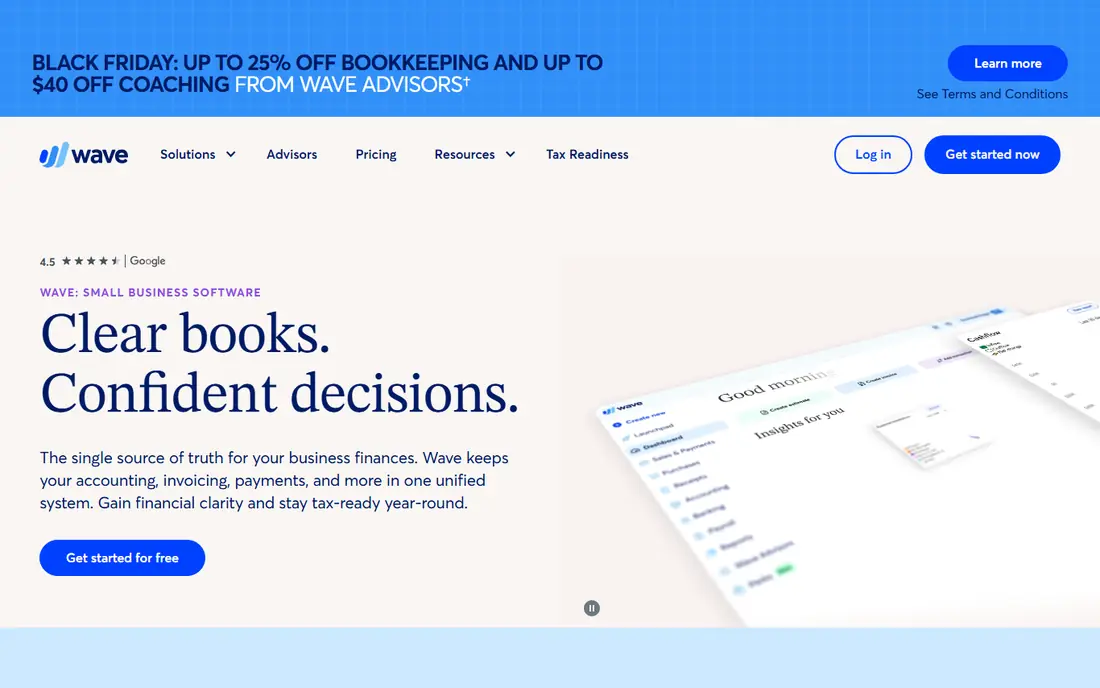
Wave is a strong fit for small businesses that want free invoicing and accounting. Its strengths include free invoicing and accounting, simple setup, and clear reports. That combination is why it earned a place on this list, and why it may suit you if those points match your priorities. When we lined up the official feature pages, this one stood out for the balance it strikes between depth and ease of use. Pricing is listed as free, and the free plan is yes, so check the vendor page for the current details that apply to your team size and region. The trade-off is worth naming plainly. Watch for payroll and payments cost extra, and for some features focus on US and Canada. If neither of those is a deal breaker for you, Wave is a sensible shortlist candidate, and a short trial with a real task will tell you more than any feature list can.
- Free invoicing and accounting
- Simple setup
- Clear reports
- Payroll and payments cost extra
- Some features focus on US and Canada
Zoho Books
Ideal for: Small businesses that want a free tier in a wider suite
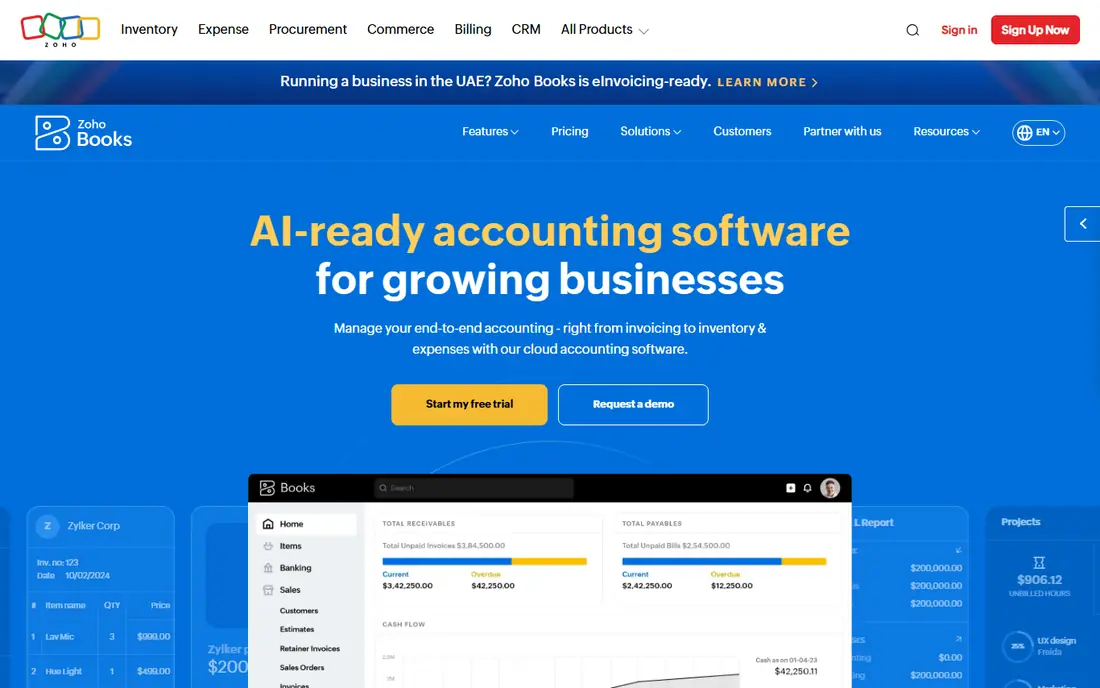
Zoho Books is a strong fit for small businesses that want a free tier in a wider suite. Its strengths include free tier for small volumes, clean invoicing, and good integrations. That combination is why it earned a place on this list, and why it may suit you if those points match your priorities. On paper, the feature set looks broad, and the pricing page is the place to confirm what sits behind each tier before you commit. Pricing is listed as free, and the free plan is yes, so check the vendor page for the current details that apply to your team size and region. The trade-off is worth naming plainly. Watch for free tier has transaction limits, and for some features need paid plans. If neither of those is a deal breaker for you, Zoho Books is a sensible shortlist candidate, and a short trial with a real task will tell you more than any feature list can.
- Free tier for small volumes
- Clean invoicing
- Good integrations
- Free tier has transaction limits
- Some features need paid plans
Manager
Ideal for: Owners who want a free desktop accounting app
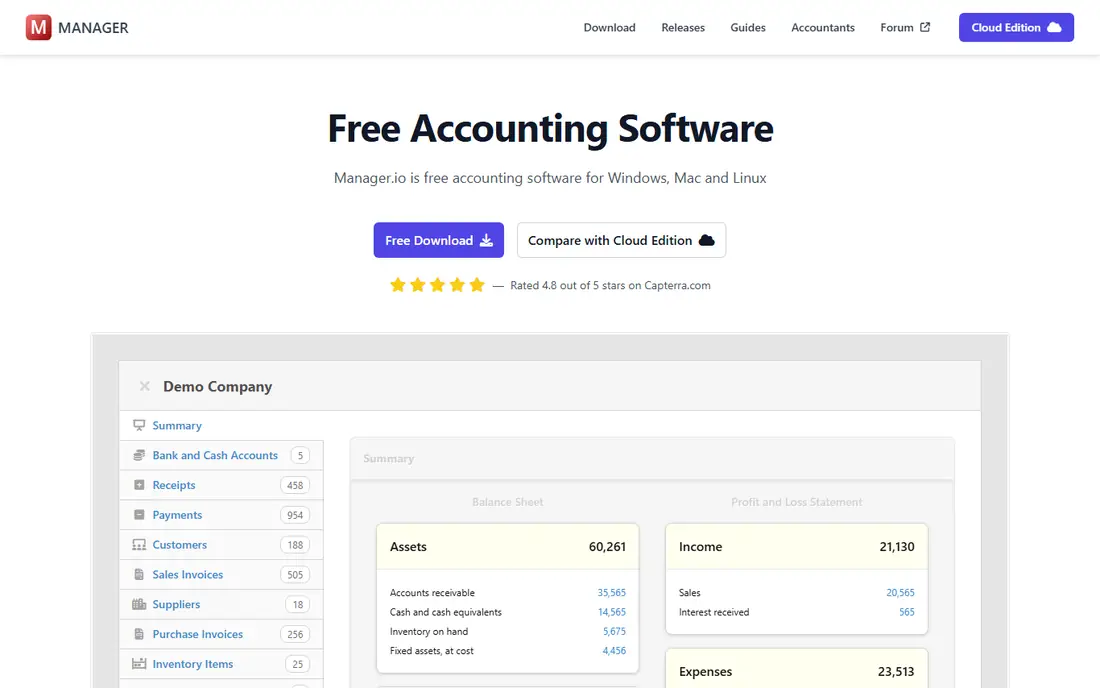
Manager is a strong fit for owners who want a free desktop accounting app. Its strengths include free desktop version, broad accounting features, and no subscription needed. That combination is why it earned a place on this list, and why it may suit you if those points match your priorities. We paid close attention to how clearly the vendor explains limits, because a tool that hides its limits tends to disappoint later. Pricing is listed as free, and the free plan is yes, so check the vendor page for the current details that apply to your team size and region. The trade-off is worth naming plainly. Watch for cloud version is paid, and for interface feels basic to some users. If neither of those is a deal breaker for you, Manager is a sensible shortlist candidate, and a short trial with a real task will tell you more than any feature list can.
- Free desktop version
- Broad accounting features
- No subscription needed
- Cloud version is paid
- Interface feels basic to some users
Akaunting
Ideal for: Owners who want free open-source accounting
Akaunting is a strong fit for owners who want free open-source accounting. Its strengths include free open-source core, invoicing and expenses, and app extensions available. That combination is why it earned a place on this list, and why it may suit you if those points match your priorities. Compared with the other options here, this one takes a narrower approach, and that focus is either a strength or a limit depending on your needs. Pricing is listed as free, and the free plan is yes, so check the vendor page for the current details that apply to your team size and region. The trade-off is worth naming plainly. Watch for self-hosting needs setup, and for some extensions are paid. If neither of those is a deal breaker for you, Akaunting is a sensible shortlist candidate, and a short trial with a real task will tell you more than any feature list can.
- Free open-source core
- Invoicing and expenses
- App extensions available
- Self-hosting needs setup
- Some extensions are paid
GnuCash
Ideal for: Owners comfortable with double-entry accounting
GnuCash is a strong fit for owners comfortable with double-entry accounting. Its strengths include free and open source, full double-entry accounting, and strong reporting. That combination is why it earned a place on this list, and why it may suit you if those points match your priorities. The public reviews we read tended to praise the core workflow while noting the same trade-offs we list below. Pricing is listed as free, and the free plan is yes, so check the vendor page for the current details that apply to your team size and region. The trade-off is worth naming plainly. Watch for learning curve is steep, and for no polished invoicing flow. If neither of those is a deal breaker for you, GnuCash is a sensible shortlist candidate, and a short trial with a real task will tell you more than any feature list can.
- Free and open source
- Full double-entry accounting
- Strong reporting
- Learning curve is steep
- No polished invoicing flow
Odoo
Ideal for: Small businesses that may grow into a wider suite
Odoo is a strong fit for small businesses that may grow into a wider suite. Its strengths include free app options, wide suite growth path, and good invoicing tools. That combination is why it earned a place on this list, and why it may suit you if those points match your priorities. For a team that wants to start small, the free tier or trial is worth testing with a real task before any wider rollout. Pricing is listed as free, and the free plan is yes, so check the vendor page for the current details that apply to your team size and region. The trade-off is worth naming plainly. Watch for full accounting setup takes time, and for some modules need paid plans. If neither of those is a deal breaker for you, Odoo is a sensible shortlist candidate, and a short trial with a real task will tell you more than any feature list can.
- Free app options
- Wide suite growth path
- Good invoicing tools
- Full accounting setup takes time
- Some modules need paid plans
Invoice Ninja
Ideal for: Freelancers who invoice often and want a free tier
Invoice Ninja is a strong fit for freelancers who invoice often and want a free tier. Its strengths include free invoicing tier, clean client portal, and good payment options. That combination is why it earned a place on this list, and why it may suit you if those points match your priorities. We looked at integrations and support options as well, since a tool rarely works alone in a real workflow. Pricing is listed as free, and the free plan is yes, so check the vendor page for the current details that apply to your team size and region. The trade-off is worth naming plainly. Watch for free tier has client limits, and for accounting depth is lighter. If neither of those is a deal breaker for you, Invoice Ninja is a sensible shortlist candidate, and a short trial with a real task will tell you more than any feature list can.
- Free invoicing tier
- Clean client portal
- Good payment options
- Free tier has client limits
- Accounting depth is lighter
How we picked these
We compared official feature pages, pricing pages, app store listings, privacy policies, and public reviews for each option. We kept only products that exist and work in October 2026 and that truly fit the topic, and we left out options whose pricing or core features we could not verify. Where a price was unclear, we wrote See website rather than guessing a number. We also weighed who each product is really for, how clear its limits are, and how it handles privacy and support. Our pick for most people is the option that balances those points best, not the one with the longest feature list. Your shortlist should still reflect your budget, your team size, and the one task you need done every week.
What to check before you choose
Start with invoicing and cash flow, since those are the daily jobs for most small firms. Send a real invoice, record a real payment, and run a profit report for last month. If those three tasks feel smooth, the tool will serve you well, even if it lacks fancier features. Check bank connections and reconciliation. A feed that imports transactions cleanly will save hours, but only if you review and categorize them regularly. Set a weekly habit of checking imports and a monthly habit of reconciling accounts, so year-end work stays manageable. Plan for growth before you need it. Ask what happens when you add a user, need payroll, or pass the free tier limit, and whether you can export your full history. A free app that makes growth painful will cost more in switching time than a modest paid plan would have.
Frequently asked questions
What is the best free accounting app for small business?
Wave is a strong free choice for invoicing and accounting, while Zoho Books offers a useful free tier for low volumes. Manager and Akaunting suit owners who prefer desktop or open-source tools.
Is there truly free small business accounting software?
Yes, with limits. Wave, Manager, Akaunting, and GnuCash offer free core accounting, while Zoho Books and Invoice Ninja offer free tiers with volume or client limits.
Can free accounting software handle taxes?
It can organize income and expenses and produce reports, but it does not replace tax advice. Check your local rules and talk to a professional for filing decisions.
When should I pay for accounting software?
Pay when you need payroll, more users, higher volumes, or inventory features. Compare the full paid cost, including add-ons, before you switch.